By Lena Brooks ·
Coding by Age
What kids can learn in coding at ages 7, 9, 11 and 13—and how parents can tell readiness matters more than racing tools.
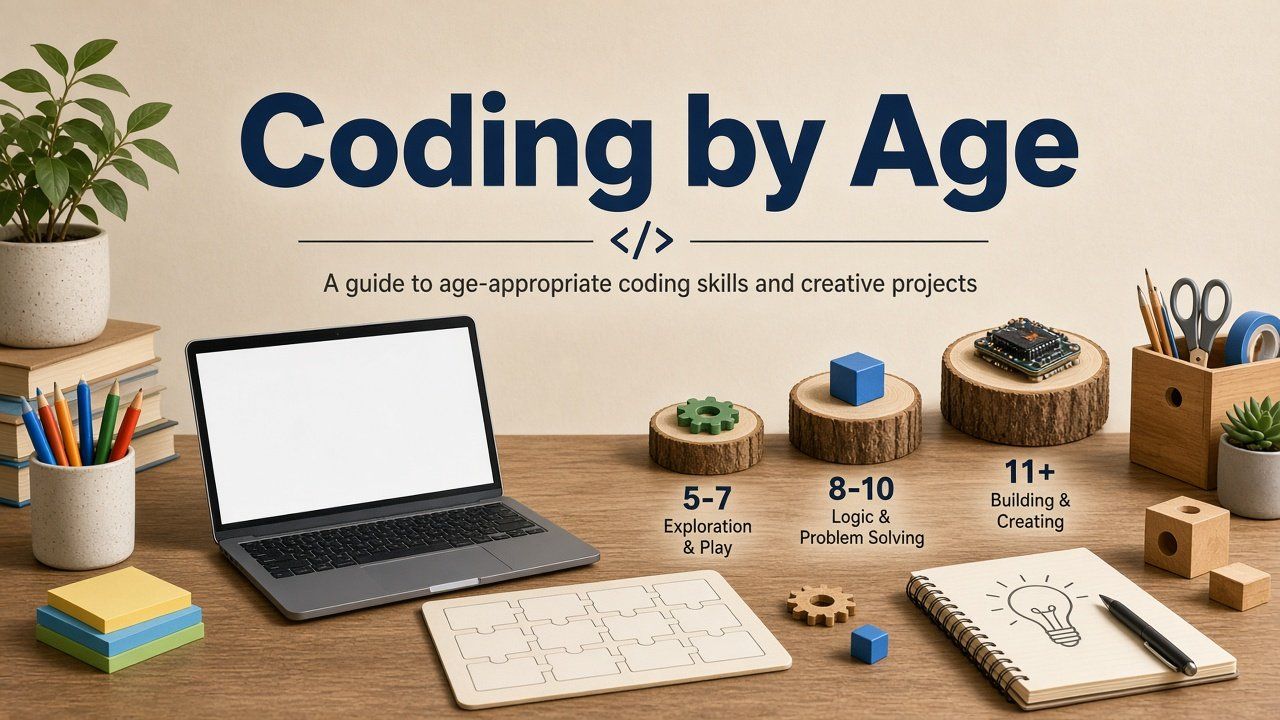
Coding by Age
Children do not need to race from colorful blocks to Python. They need projects that match their reading, reasoning, motor skills and growing independence—and parents who can tell play from programming.
Search results often promise a linear roadmap: blocks at seven, Python at nine, résumé at eleven. Real learning looks more like spirals—same ideas in harder projects— with long productive stays in visual tools when text syntax would steal attention from logic. Use the ages below as anchors for what to prioritize and what to postpone.
Age seven: sequence, cause and effect
At seven, most children benefit from screen-light or highly guided screen activities: ordering steps, predicting outcomes, fixing a wrong sequence and describing what should happen next. Programming ideas matter more than programming languages.
Strong experiences include programmable toys, simple puzzle paths, early block environments designed for pre-readers and unplugged games where one child “programs” another with precise instructions. A worthwhile project has a beginning, action and ending—an interactive story, a robot path or a mini-game with one clear rule.
Watch reading load. If a tool requires lots of text navigation, the child may be practicing decoding instead of logic. That is not harmful, but it is not the same as coding readiness. Keep sessions short and celebratory; the goal is confidence that computers follow explicit instructions.
Age nine: build with blocks
Many nine-year-olds can sustain projects in block-based environments that expose events, loops, conditionals, coordinates and variables. They should modify examples—not only complete tutorials—and produce short games or animations they can explain to you without the screen.
Ask for planning habits: sketch the goal, name one sprite or character behavior, test, then add complexity. After a session, one question beats ten: “What broke and how did you fix it?” If the answer is always “the teacher fixed it,” independence is not growing yet.
Peer sharing helps at this age when comments stay kind and specific. Publishing is optional; explaining aloud in the kitchen is enough evidence of understanding.
Age eleven: deepen logic and sample text
Eleven is a common window to stretch block projects and—only when ready—sample text-based languages. Functions, nested conditionals, lists, systematic testing and version control ideas start to matter. Game platforms tied to real scripting can motivate, but only if the child edits logic rather than following a click path.
Text coding becomes productive when typing, punctuation tolerance and frustration management are in place. If syntax errors consume every session, return to blocks without shame; professional developers still sketch logic before writing code.
Encourage projects with users: a sibling tests a level, a friend tries a quiz game, a parent gives feedback on clarity. User reaction teaches iteration better than abstract perfectionism.
Age thirteen: build for users
Early teens can pursue websites, data projects, physical computing, richer games or tools that solve a real annoyance for someone else. The bar rises from “it runs once” to “someone else can use it,” with documentation, testing and respectful online collaboration when applicable.
Concepts worth emphasizing: breaking problems into parts, naming variables clearly, reading error messages, saving versions before big changes and citing sources when borrowing assets or code. Ethics and privacy belong here—not as lectures, but as design constraints on what data a project collects.
Balance breadth and depth. One substantial portfolio piece teaches more than six half-finished tutorials. Depth also protects against burnout from constant platform switching.
Readiness matters more than age
Move forward when a child can explain current concepts in plain language, debug with a strategy other than random changes, navigate tools with minimal hand-holding and finish a small original project. Stay longer when tutorials are copied mechanically or every error ends the session.
Blocks are not “baby tools.” They make logic visible and are used in professional education. Text languages reward children who enjoy precision and long-form typing; they punish premature jumps with unnecessary failure labels.
| Signal | Often ready to advance | Often wait |
|---|---|---|
| Project origin | Designs own idea from a blank or remix | Only finishes step-by-step copies |
| Debugging | Tests one change at a time; reads messages | Quits or asks for full solution immediately |
| Explanation | Describes rules without showing screen | Cannot say what a script block does |
| Tooling | Types or navigates menus independently | Syntax or UI friction dominates every minute |
A progression parents can remember
A child who cycles through those stages is learning to create software, not merely to recognize answers in a lesson app. Levels and badges can motivate, but they are weak proof of design ability. Ask to see one project evolve across three versions; that history tells you more than a certificate.
Your role is not to become an engineer. Ask process questions, protect uninterrupted build time and treat stuck moments as normal. Jumping in to fix every bug steals the learning your child would earn from a guided hint.
Frequently asked questions
Children can explore sequencing and logic in early elementary school. Formal text-based programming can wait until reading, typing and interest make it productive rather than punishing.
Some can, but it is rarely necessary. Visual and unplugged tools often let younger children focus on ideas instead of punctuation and keyboard friction.
When they design and debug block projects independently and want projects that benefit from text—longer data, text input or tools outside a single game canvas.
Sources and review note
Platform features, curricula and policies change. Review current information on official provider websites before enrolling. Homeschool and graduation requirements vary by location; verify with authoritative local sources. This article is educational and does not replace individualized educational advice.