Coding, AI & game designAges 7–164 min read

By Olivia ·

Tinkercad vs SketchUp vs Blender for Kids: Which 3D Tool Fits?

Tinkercad, SketchUp or Blender? How the three 3D design tools compare for kids aged 7 to 16, by age, device and what your child wants to make.
Tinkercad vs SketchUp vs Blender for Kids: Which 3D Tool Fits?

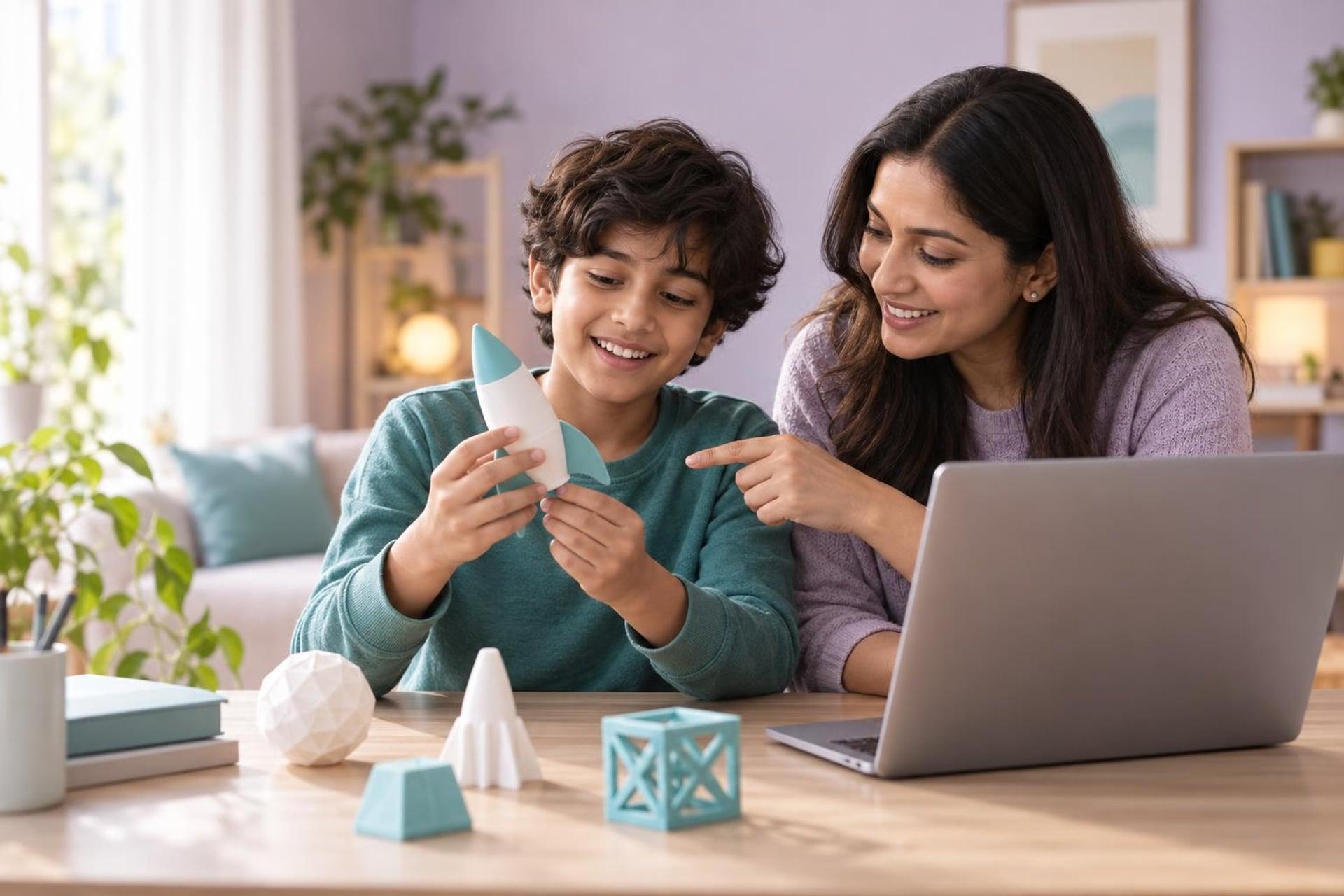
Your child wants to design something in 3D: a keychain, a dream bedroom or a dragon. Each of those points to a different tool.

Quick takeaway

Tinkercad is the easiest start and suits ages 7 to 12. SketchUp is strongest for buildings and rooms from about 10. Blender is powerful and free, and best for teens who want characters, animation or game art.

The quick comparison

TinkercadSketchUpBlender
Good starting age7 to 1210 and up12 and up
Best forSimple objects, 3D printingHouses, rooms, furnitureCharacters, animation, game assets
Runs onWeb browser, including ChromebooksWeb browser (free version) or desktopWindows, Mac or Linux
Learning curveGentleModerateSteep
CostFreeFree web version; paid plans existFree and open source

Plans and features change, so check each website for current terms.

Tinkercad: shapes that snap together

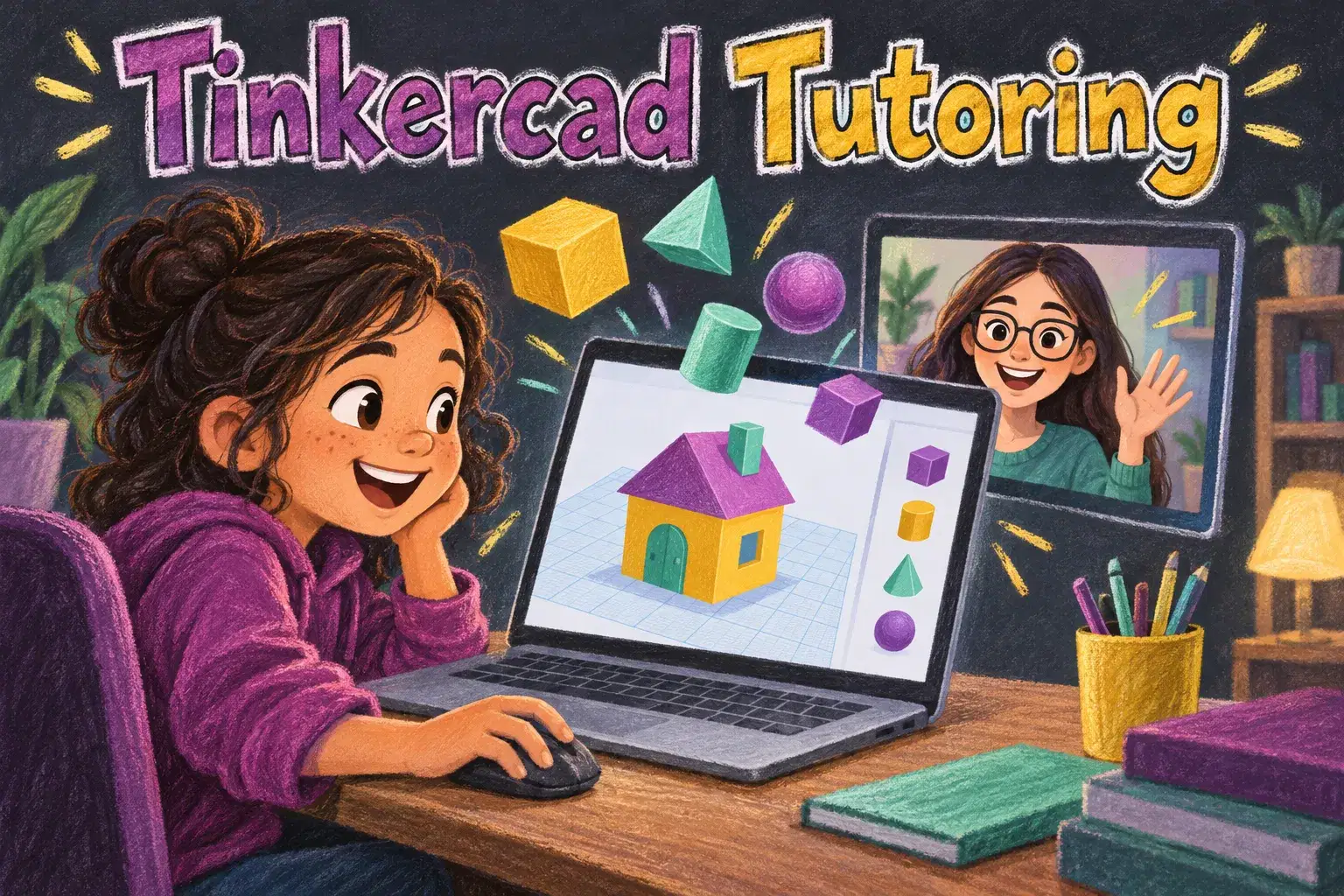
Children drag cubes, cylinders and cones onto a workplane, resize them and group them. Holes are just shapes that cut. Within an hour most children have made something recognisable, and files export ready for 3D printing.

It needs a free account, and children under 13 need a parent to approve it.
1-on-1 3D Printing Design Coaching: Advanced Parts That Print First TimeA live class on this1-on-1 3D Printing Design Coaching: Advanced Parts That Print First TimeAges 12–17

SketchUp: draw it, then pull it up

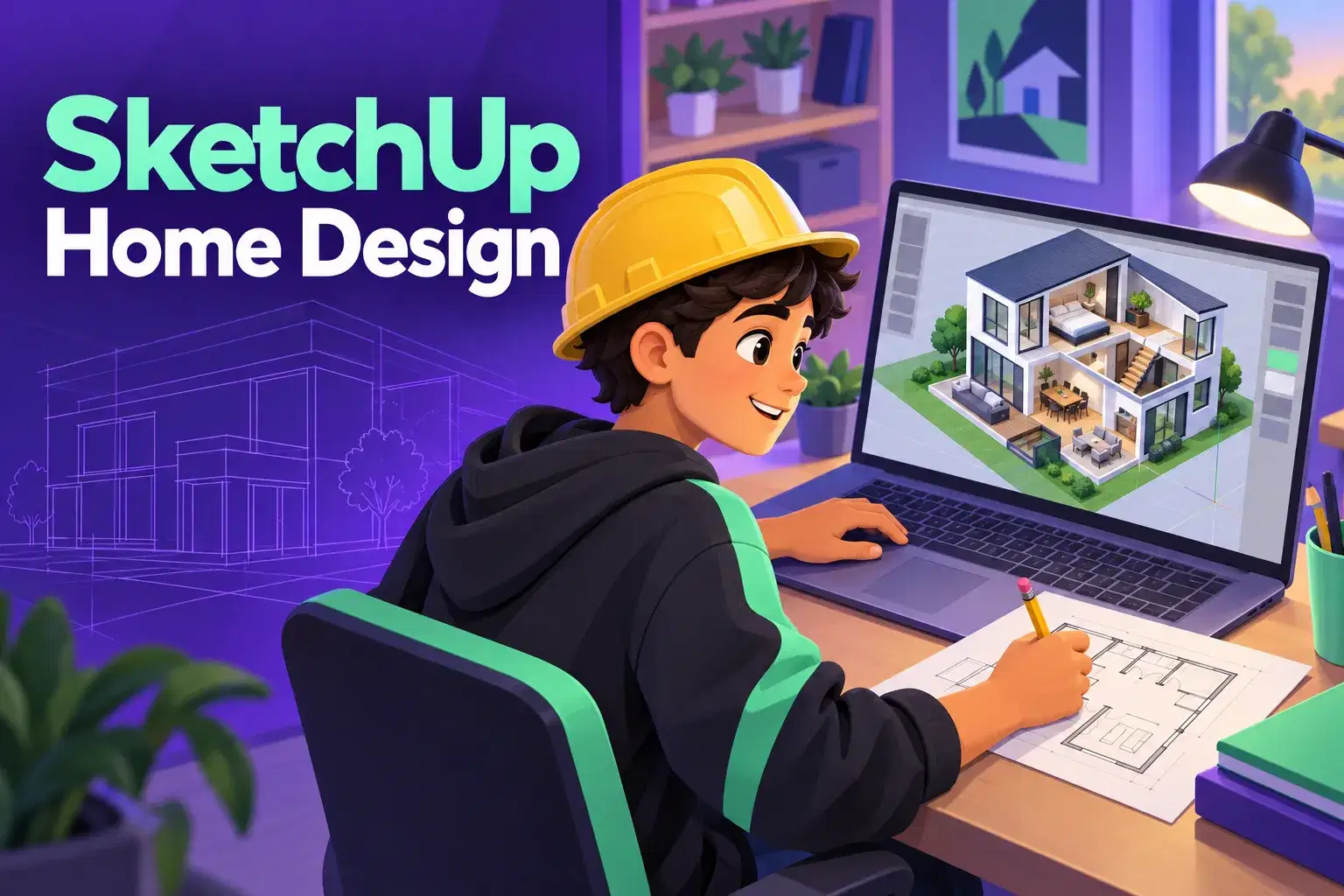
SketchUp works like drawing on paper and then pushing surfaces into 3D. That suits buildings: draw a floor plan, pull up the walls, cut windows. A large library of ready-made furniture makes room design satisfying.

A useful approach:

A dream-bedroom project works well for ages 10 to 14. It has a clear goal and uses real measurements.

Blender: everything, with patience

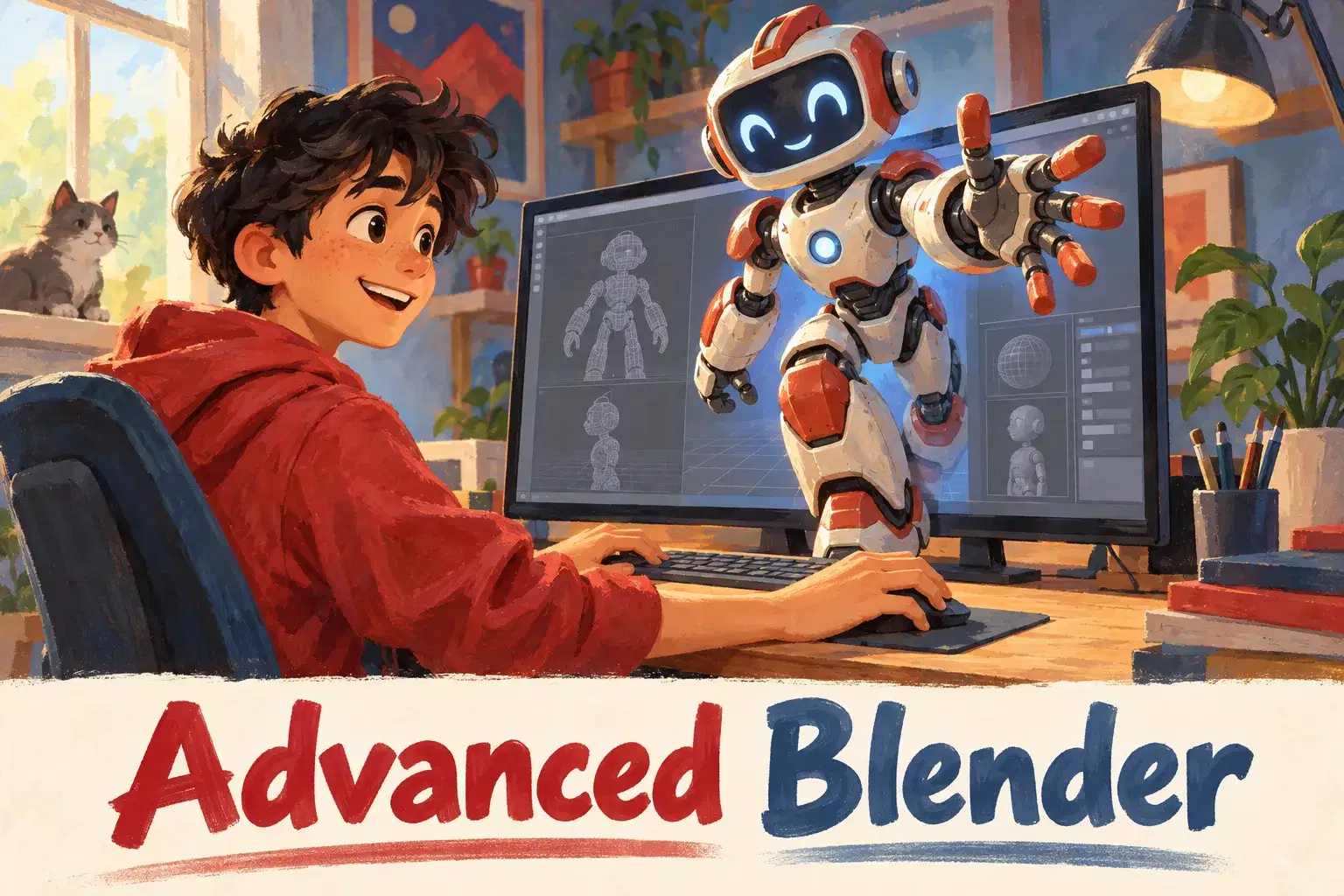
Blender does modelling, sculpting, animation and rendering at a professional level, and it is free. The interface is dense and relies on keyboard shortcuts. A motivated teen can learn it, ideally with a structured course and a three-button mouse.

Watch for:

Giving Blender to a child who has never used a 3D tool. Starting there often ends in frustration. A term of Tinkercad or SketchUp first makes Blender far easier.

A path through all three

Many children end up using more than one tool. A common route is a term of Tinkercad at 8 to 10 to learn how 3D space works, SketchUp at 10 to 13 for larger builds with real measurements, then Blender from 13 for characters and animation. Nothing learned is wasted: moving around a 3D view, thinking in three axes and breaking an object into simple forms are the same in every program.

Tinkercad teaches
Shapes, grouping and holes.
SketchUp teaches
Measurements, plans and scale.
Blender teaches
Meshes, sculpting, materials and light.
All three teach
Patience, planning and spatial thinking.

Choose by what your child wants to make

  • A keychain, toy or anything to 3D print: Tinkercad.
  • A house, bedroom or treehouse: SketchUp.
  • A creature, character or animated scene: Blender.
  • Parts that must fit together precisely, for a teen: a CAD tool such as Fusion, which offers free access for personal and student use at the time of writing.
  • Not sure: Tinkercad, then move on.

No 3D printer is needed for any of these. Designs can be viewed and shared on screen, and libraries or print services can print a file if you want the object.

What parents can do next

  1. Ask your child what they want to make first.
  2. Match it to a tool in the list above.
  3. Set up accounts yourself where one is needed.
  4. Agree a first project small enough for a weekend.

Frequently asked questions

Do we need a 3D printer?

No. Children can design, view and share models on screen. Printing is optional and can be done by a library or a print service.

Will these run on a Chromebook?

Tinkercad and the web version of SketchUp run in a browser. Blender needs a Windows, Mac or Linux computer.

Is Blender too hard for a twelve-year-old?

It is demanding. A twelve-year-old with previous 3D experience and a good course can manage it; a complete beginner usually cannot.

Is 3D design useful at school?

Yes. It builds measurement, geometry and spatial reasoning, and it leads naturally to engineering and design subjects.

Explore next

Find a 3D design class

Live classes help children finish a first model and learn how to design things that can actually be printed.


Explore 3D Design & Printing Classes

Next in Coding, AI & game design

Related courses

1-on-1 Python Game Coaching: Build Your Own Pygame Project

1-on-1 Python Game Coaching: Build Your Own Pygame Project

Ms. M.
Tutoring · Ages 11–16 · 45 min · 1 / Week

$23.00per classSee schedule

Python Data Detectives Club: Explore Real Data Every Week

Python Data Detectives Club: Explore Real Data Every Week

Aditya M.

Club · Ages 11–15 · 50 min · 1 / Week

$18.00per classSee schedule

Blender Creature Sculpting: Model Your Own Animal Character

Blender Creature Sculpting: Model Your Own Animal Character

Alok A.

Ages 12–17 · 55 min · 1 / Week

$20.00per classSee schedule

3D Print a Creature: Design a Printable Monster in Tinkercad (One Class)

3D Print a Creature: Design a Printable Monster in Tinkercad (One Class)

Ankur M.

Ages 8–12 · 50 min · 1 / Week

$19.00per classSee schedule

1-on-1 Python Game Coaching: Build Your Own Pygame Project
Tutoring
MM

Ms. M.

1-on-1 Python Game Coaching: Build Your Own Pygame Project

Private coaching for ages 11 to 16 who know Python basics and want to build a game of their own design with Pygame.

Intermediate

Level

11–16

Ages

45 min

Duration

1 / Week

Classes

Flexible

Weeks

$23.00per class
See schedule
Python Data Detectives Club: Explore Real Data Every Week
Club
AM

Aditya M.

Python Data Detectives Club: Explore Real Data Every Week

A weekly club for ages 11 to 15 who know Python basics. Each week members load a small real-world dataset and use code to answer a question about it.

Intermediate

Level

11–15

Ages

50 min

Duration

1 / Week

Classes

Ongoing

Weeks

$18.00per class
See schedule
Blender Creature Sculpting: Model Your Own Animal Character
AA

Alok A.

Blender Creature Sculpting: Model Your Own Animal Character

A six-week course for ages 12 to 17 who know the Blender basics. Learners sculpt an original animal character, add colour and render a finished image.

Intermediate

Level

12–17

Ages

55 min

Duration

1 / Week

Classes

6

Weeks

$20.00per class
See schedule
3D Print a Creature: Design a Printable Monster in Tinkercad (One Class)
AM

Ankur M.

3D Print a Creature: Design a Printable Monster in Tinkercad (One Class)

A single class for ages 8 to 12. Learners design a small monster in Tinkercad and learn three rules that help a model print cleanly.

Beginner

Level

8–12

Ages

50 min

Duration

1 / Week

Classes

1

Weeks

$19.00per class
See schedule
Game Art and C# Scripting Camp: Animate a Character in Unity
MU

Maya U.

Game Art and C# Scripting Camp: Animate a Character in Unity

A four-day camp for ages 11 to 15. Learners draw a simple 2D character, animate it and write short C# scripts to make it walk, jump and react in Unity.

Beginner

Level

11–15

Ages

55 min

Duration

4 / Week

Classes

1

Weeks

$20.00per class
See schedule
Level Design Workshop: Build Better Game Levels in Unity
MB

Mary B.

Level Design Workshop: Build Better Game Levels in Unity

A six-week course for ages 11 to 16 who have made a simple Unity game. Learners study what makes a level fun and build three polished levels for a platformer.

Intermediate

Level

11–16

Ages

55 min

Duration

1 / Week

Classes

6

Weeks

$20.00per class
See schedule
Indie Game Studio Club for Teens: Advanced Team Projects
Club
MG

Miss G.

Indie Game Studio Club for Teens: Advanced Team Projects

A weekly club for teens ages 13 to 17 that runs like a small game studio. Members work in teams with roles such as programmer, level designer and artist to ship…

Advanced

Level

13–17

Ages

55 min

Duration

1 / Week

Classes

Ongoing

Weeks

$18.00per class
See schedule
Mobile Game Makers Club: Advanced Touch Games for Teens
Club
ME

Meera E.

Mobile Game Makers Club: Advanced Touch Games for Teens

A weekly club for teens ages 13 to 17 who build games in Unity and want to make them for phones. Members develop touch-based games and learn the craft of mobile…

Advanced

Level

13–17

Ages

55 min

Duration

1 / Week

Classes

Ongoing

Weeks

$18.00per class
See schedule
Multiplayer Game Dev Club for Teens: Advanced Networking Projects
Club
HS

Harini S.

Multiplayer Game Dev Club for Teens: Advanced Networking Projects

A weekly club for teens ages 13 to 17 with solid Unity and C# skills who want to make games for more than one player. Members build local and networked multipla…

Advanced

Level

13–17

Ages

55 min

Duration

1 / Week

Classes

Ongoing

Weeks

$18.00per class
See schedule
Unity Game Jam Club: Build a 2D Game to a Theme
Club
TS

Taramati S.

Unity Game Jam Club: Build a 2D Game to a Theme

A weekly club for ages 12 to 17 who know Unity basics. Members take part in friendly game jams: a theme is announced and everyone builds a small 2D game around…

Intermediate

Level

12–17

Ages

55 min

Duration

1 / Week

Classes

Ongoing

Weeks

$18.00per class
See schedule
Godot Game Makers Club: Build a New Mini-Game Every Month
Club
MD

Mrs. D.

Godot Game Makers Club: Build a New Mini-Game Every Month

A weekly club for ages 10 to 15 learning the free Godot engine. Members build a small game together over a few weeks, then start a new one.

Beginner

Level

10–15

Ages

45 min

Duration

1 / Week

Classes

Ongoing

Weeks

$16.00per class
See schedule
Intro to VR Game Design: Build a Virtual Room in One Class
MU

Maya U.

Intro to VR Game Design: Build a Virtual Room in One Class

A single class for ages 12 to 17 curious about virtual reality. Teens learn how VR games are designed and build a simple 3D room in Unity that can be explored i…

Beginner

Level

12–17

Ages

55 min

Duration

1 / Week

Classes

1

Weeks

$19.00per class
See schedule

100% refund if the first class is not right

Cancel before the second class starts and everything comes back.

Refund policy