

AA
Alok A.
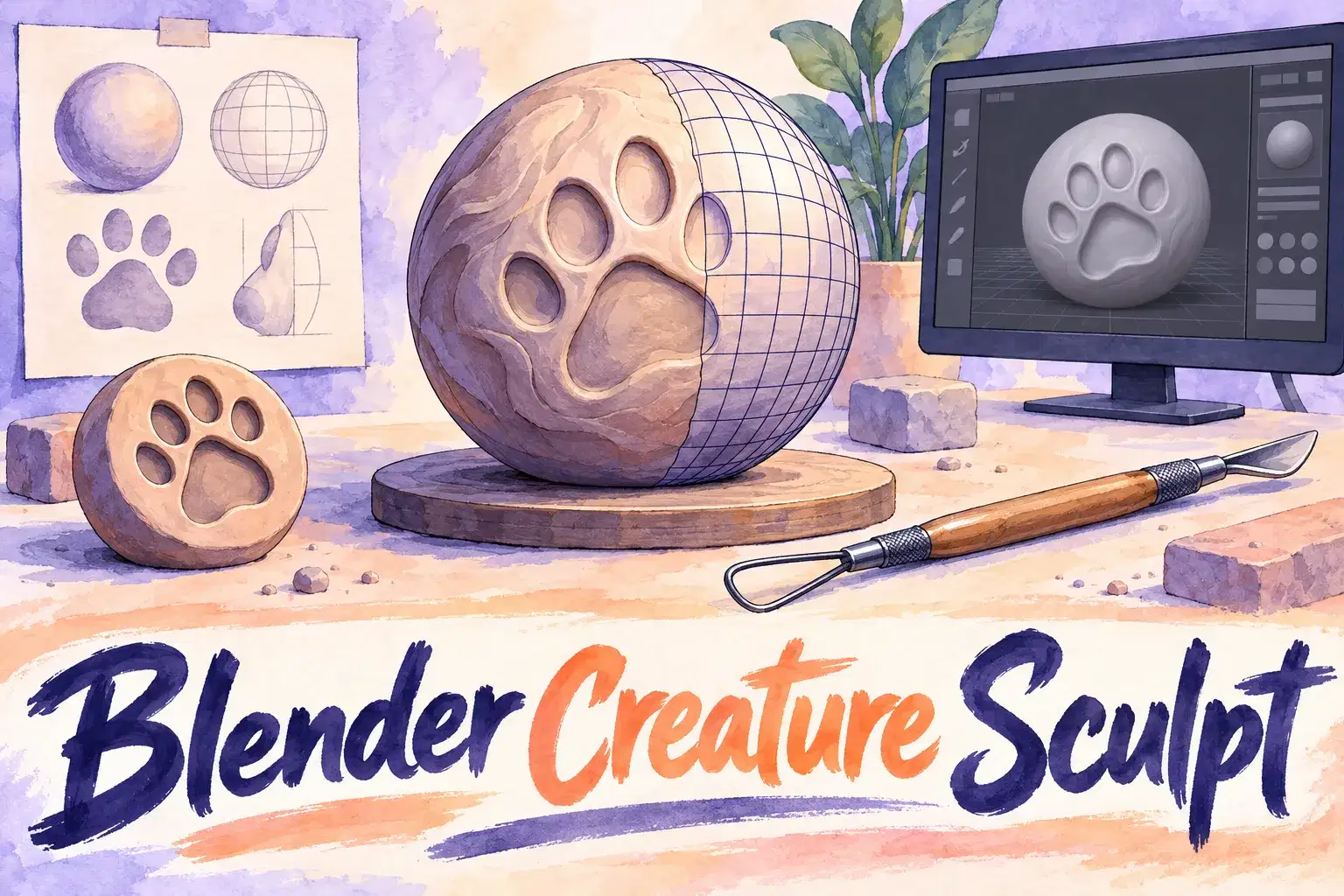
Blender Creature Sculpting: Model Your Own Animal Character
Intermediate
Level
12–17
Ages
55 min
Duration
1 / Week
Classes
6
Weeks
$20.00per class
See schedule
Private lessons for teens ages 13 to 18 ready to move from block-based 3D tools to real CAD. Learners design a multi-part product in Fusion 360 using sketches, constraints and assemblies.
The tutor introduces parametric design: draw a sketch, constrain it, extrude it, then change one number and watch the model update. The learner applies each idea to their own product, such as a phone stand or a drone frame. Later sessions cover assemblies, joints and technical drawings.
Each 55-minute session is one learner with one teacher. There is no fixed lesson plan or set number of sessions: families book as many as they want, and the teacher sets the pace and focus around the learner's goals and gives feedback as they work.
From Tinkercad to CAD – Tour the interface and make a first constrained sketch.
Sketches and Constraints – Fully define a sketch with dimensions.
Extrude, Revolve and Cut – Turn sketches into solid parts.
Fillets, Chamfers and Patterns – Add finishing features.
Parameters – Drive a design with named values.
Assemblies and Joints – Fit parts together and make them move.
Technical Drawings – Create a dimensioned drawing.
Product Review – Present the finished design and next steps.

Create fully constrained 2D sketches
Build solid models with extrude, revolve and fillet
Assemble parts with joints and check for clashes
Produce a dimensioned drawing
Ages 13-18. Experience with Tinkercad or another 3D tool. Fusion 360 installed with a free personal or education license; Autodesk accounts are for ages 13 and up.
Next 7 days, US Eastern Time
Autodesk offers free personal and education licenses. Please check the current terms when you sign up.
It is a step up, which is why it is taught 1-on-1 at the learner's pace.
Yes. Parametric CAD is the standard in engineering and product design.
The price shown is for one session. There is no fixed number of sessions: book as many as you want, and move a session to another time if a week does not work.
Yes. The first session checks what your child already knows, and the plan is adjusted from there.
New class, no reviews yet
Be one of the first families to join. Parents can leave a review after their first class.
Not satisfied after the first class? Full refund.
Alok A.
Intermediate
Level
12–17
Ages
55 min
Duration
1 / Week
Classes
6
Weeks
Ankur M.
Beginner
Level
8–12
Ages
50 min
Duration
1 / Week
Classes
1
Weeks
H. G.
Intermediate
Level
10–14
Ages
55 min
Duration
1 / Week
Classes
6
Weeks

Anjali J.
Beginner
Level
9–13
Ages
45 min
Duration
1 / Week
Classes
Ongoing
Weeks
Abhay K.
Beginner
Level
10–14
Ages
55 min
Duration
1 / Week
Classes
1
Weeks

Amit M.
Beginner
Level
7–11
Ages
55 min
Duration
1 / Week
Classes
1
Weeks
Alisha V.
Beginner
Level
8–12
Ages
55 min
Duration
1 / Week
Classes
1
Weeks
Miss K.
Advanced
Level
12–17
Ages
55 min
Duration
1 / Week
Classes
Flexible
Weeks