Live 3D Design & Printing classes for kids

Online 3D Design & Printing classes your child will love

Illustration of kids exploring 3D Design & Printing

Tinkercad, SketchUp, Blender, Fusion

Tell us their age, then browse classes by what matters most to you.

  • Live & interactive
  • Ages 3–18
  • 52 live classes

Find their class

Their age shapes every class on this page.

1Is it right for my child's age?

Pick an age to see the classes that fit

100% refund if the first class is not right

Cancel before the second class starts and everything comes back.

Refund policy

8 ways to narrow it down

Browse by what matters to you

One row per question. Tap an option and the classes underneath change.

Topic

Which part of this subject?

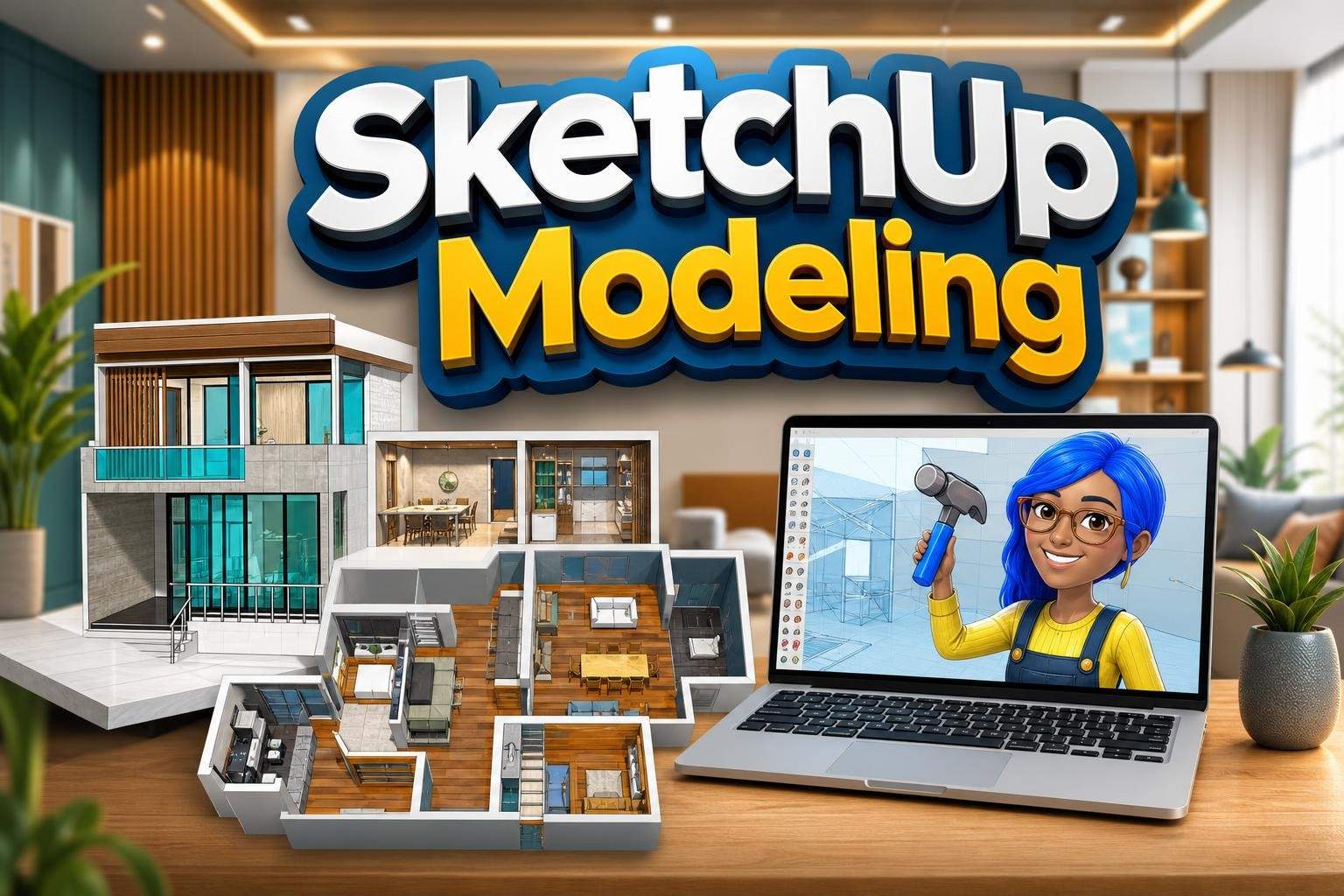
Advanced SketchUp: Design and Build a 3D Apartment
SM

Shivam M.

4.7(12)

Advanced SketchUp: Design and Build a 3D Apartment

Project-based course teaching precision 2D drafting, extruding plans to 3D, custom components, material application, and presentation of a furnished apartment m…

Advanced

Level

13–18

Ages

50 min

Duration

1 / Week

Classes

4

Weeks

$19.00per class
See schedule
Roblox 3D Modeling and Terrain Design: Build Your World
SK

Simran K.

4.7(20)

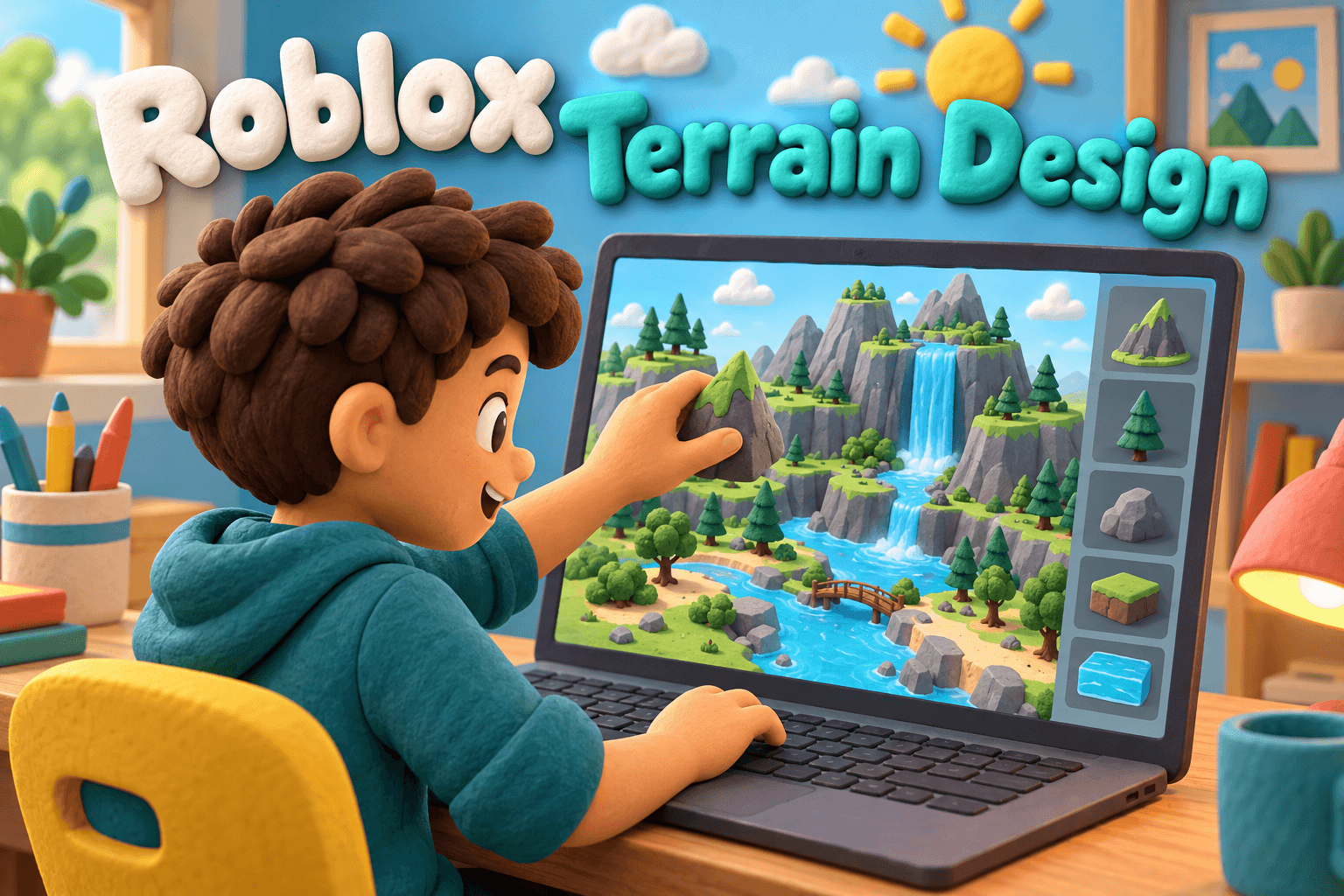
Roblox 3D Modeling and Terrain Design: Build Your World

In this 8-class course, learners use Roblox Studio to learn 3D modeling and terrain design and build their own playable Roblox environment. The course focuses o…

Beginner

Level

8–12

Ages

55 min

Duration

1 / Week

Classes

8

Weeks

$21.50per class
See schedule
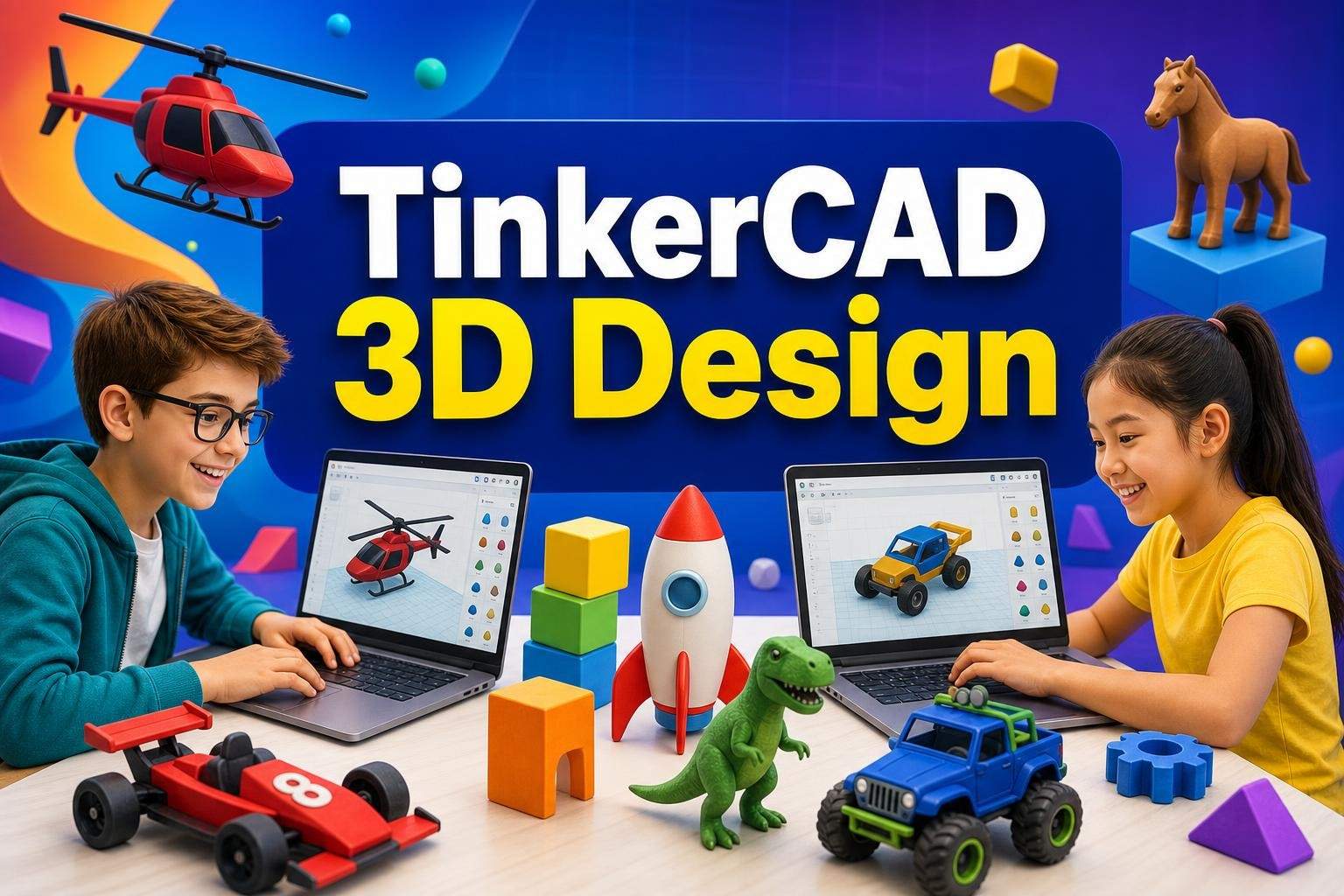
TinkerCAD 3D Vehicle Design: Jets, Rockets, Submarines, Bikes
RY

Rupwati Y.

5.0(22)

TinkerCAD 3D Vehicle Design: Jets, Rockets, Submarines, Bikes

Intermediate TinkerCAD course where students build detailed 3D vehicles using grouping, alignment, hollowing, and advanced shape tools through project-based pra…

Intermediate

Level

9–13

Ages

50 min

Duration

5 / Week

Classes

1

Weeks

$20.50per class
See schedule
Blender 3D Modeling: Spring Break Club
Club
RM

Rahul M.

4.5(8)

Blender 3D Modeling: Spring Break Club

This guided creation club introduces beginners to 3D solid modeling using Blender, the professional tool used in games, films, and product design. Rather than a…

Beginner

Level

9–14

Ages

55 min

Duration

1 / Week

Classes

Ongoing

Weeks

$18.00per class
See schedule

What they'll make

What will my child have at the end?

SketchUp: Design Your Dream Bedroom in One Class
AK

Abhay K.

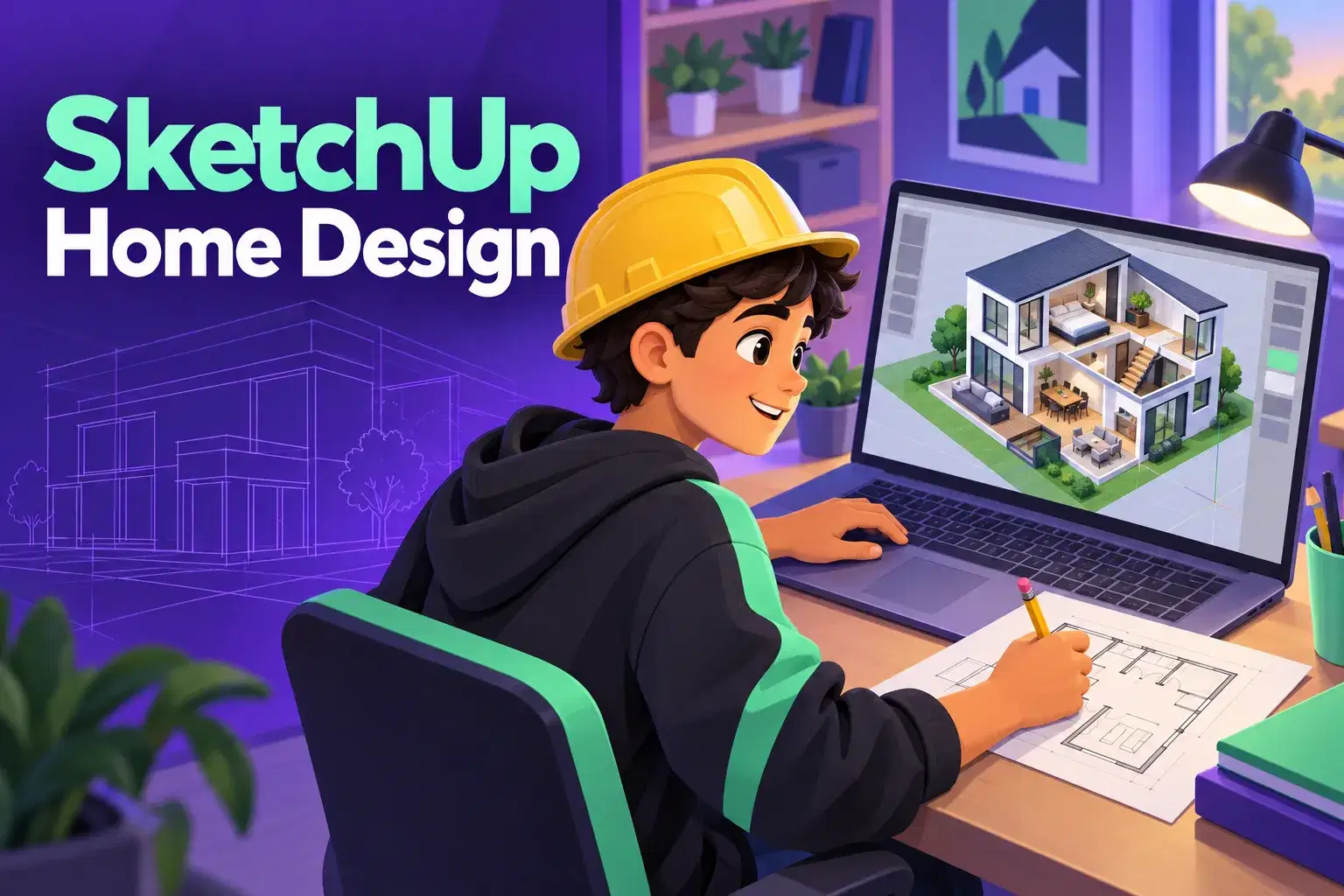
SketchUp: Design Your Dream Bedroom in One Class

A single class for ages 10 to 14. Children model a bedroom in SketchUp with walls, a window, a bed and a desk, and choose the colors.

Beginner

Level

10–14

Ages

55 min

Duration

1 / Week

Classes

1

Weeks

$19.00per class
See schedule

Blender 3D Animation Bootcamp: Modeling to Final Render
GJ

Gaurav J.

Blender 3D Animation Bootcamp: Modeling to Final Render

Learn Blender basics, modeling, core animation principles, lighting, camera work, and render a short 3D animated scene.

Beginner

Level

11–16

Ages

55 min

Duration

1 / Week

Classes

8

Weeks

$22.50per class
See schedule
3D Modeling in SketchUp: Build a Mustang
AR

Archana R.

4.5(38)

3D Modeling in SketchUp: Build a Mustang

Students learn SketchUp tools and step-by-step modeling techniques to design and complete a detailed 3D Mustang model.

Intermediate

Level

11–18

Ages

55 min

Duration

1 / Week

Classes

6

Weeks

$22.50per class
See schedule
Robotics and Arduino Club: Build Weekly Tinkercad Projects
Club
SG

Sonali G.

5.0(4)

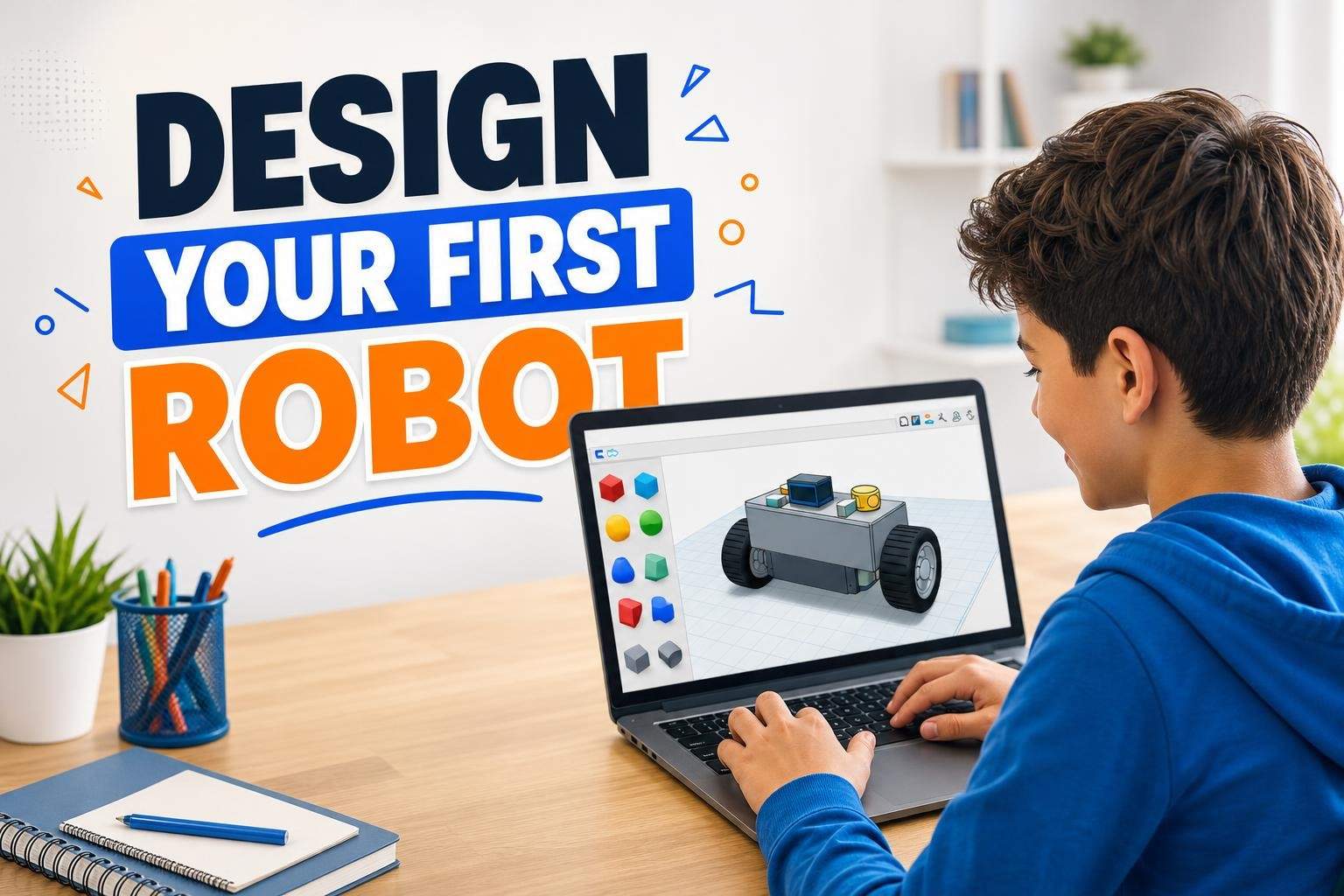
Robotics and Arduino Club: Build Weekly Tinkercad Projects

This ongoing Robotics and Arduino Club is designed for curious learners in grades 5–8 who enjoy hands-on building and coding. Each session introduces a new mini…

Beginner

Level

11–14

Ages

55 min

Duration

1 / Week

Classes

Ongoing

Weeks

$18.00per class
See schedule

Total length

How big a commitment is it?

3D Print a Creature: Design a Printable Monster in Tinkercad (One Class)
AM

Ankur M.

3D Print a Creature: Design a Printable Monster in Tinkercad (One Class)

A single class for ages 8 to 12. Learners design a small monster in Tinkercad and learn three rules that help a model print cleanly.

Beginner

Level

8–12

Ages

50 min

Duration

1 / Week

Classes

1

Weeks

$19.00per class
See schedule
Tinkercad Maker Lab: 3D Design & 3D Printing Basics
SJ

S. J.

4.4(56)

Tinkercad Maker Lab: 3D Design & 3D Printing Basics

This hands-on course teaches 3D modelling and CAD fundamentals using Tinkercad, focusing on shape manipulation, prototyping, and preparing models for 3D printin…

Beginner

Level

11–14

Ages

55 min

Duration

1 / Week

Classes

5

Weeks

$22.50per class
See schedule
Coordinate Geometry and 3D Modeling
RR

Ramesh R.

4.5(4)

Coordinate Geometry and 3D Modeling

Study three-dimensional coordinates, vectors, CFrames, rotation, and numerical techniques used in 3D modeling, illustrated with Luau programming examples.

Beginner

Level

13–18

Ages

55 min

Duration

1 / Week

Classes

12

Weeks

$21.00per class
See schedule
Introduction to 2D Animation in Blender (Grease Pencil)
AK

Abhay K.

5.0(6)

Introduction to 2D Animation in Blender (Grease Pencil)

Students learn Blender's Grease Pencil tools to create 2D animations, covering timing, walk/run cycles, and a short final action sequence.

Beginner

Level

10–15

Ages

60 min

Duration

1 / Week

Classes

5

Weeks

$22.00per class
See schedule

Class length

Can my child sit through it?

Blender 3D Modeling: Spring Break Club
Club
RM

Rahul M.

4.5(8)

Blender 3D Modeling: Spring Break Club

This guided creation club introduces beginners to 3D solid modeling using Blender, the professional tool used in games, films, and product design. Rather than a…

Beginner

Level

9–14

Ages

55 min

Duration

1 / Week

Classes

Ongoing

Weeks

$18.00per class
See schedule
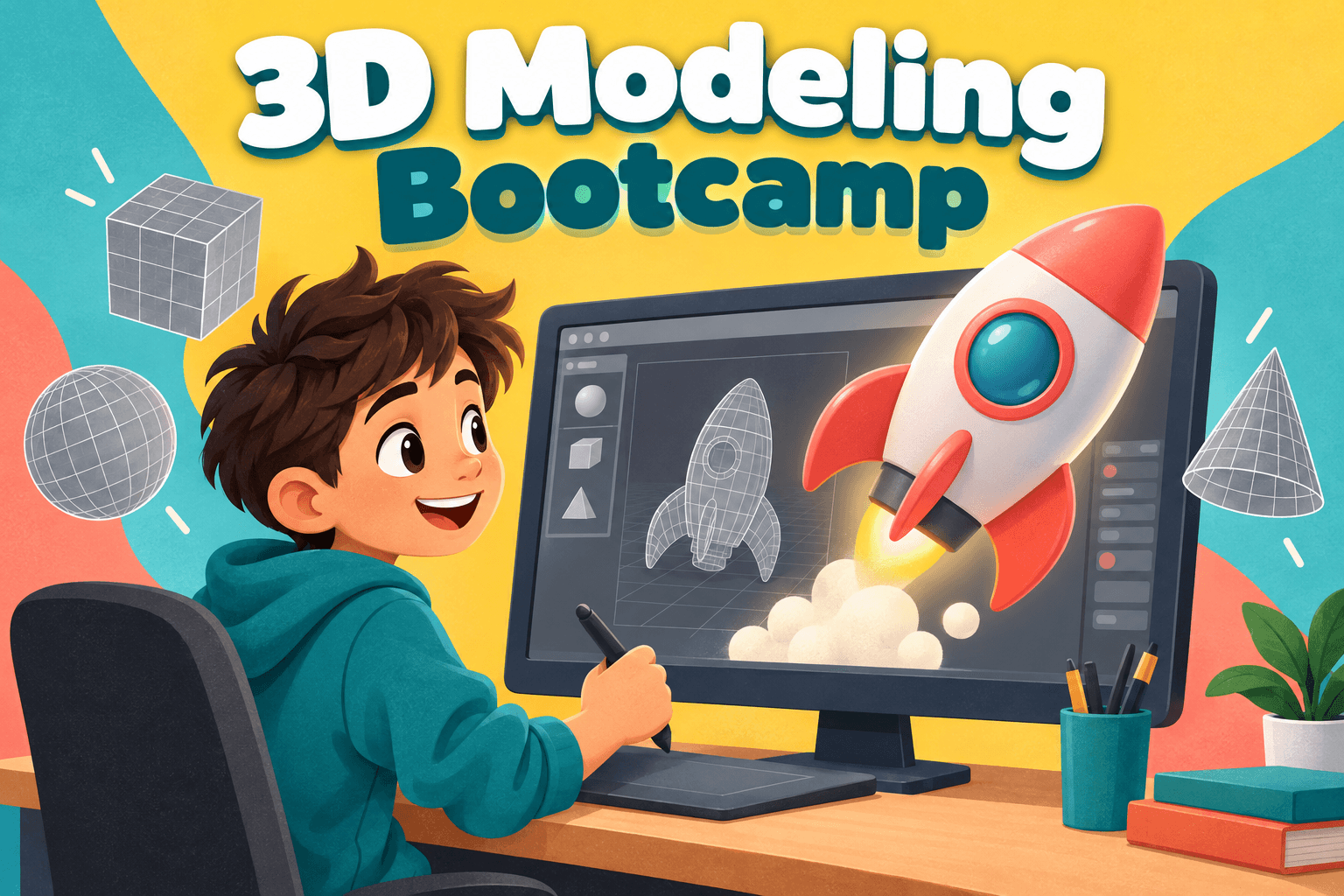
3D Print Design Club: A New Printable Project Every Week
Club
AJ

Anjali J.

3D Print Design Club: A New Printable Project Every Week

A weekly club for ages 9 to 13 who like making things. Each week members design a small printable object, such as a phone stand, a puzzle or a desk tidy, and le…

Beginner

Level

9–13

Ages

45 min

Duration

1 / Week

Classes

Ongoing

Weeks

$16.00per class
See schedule
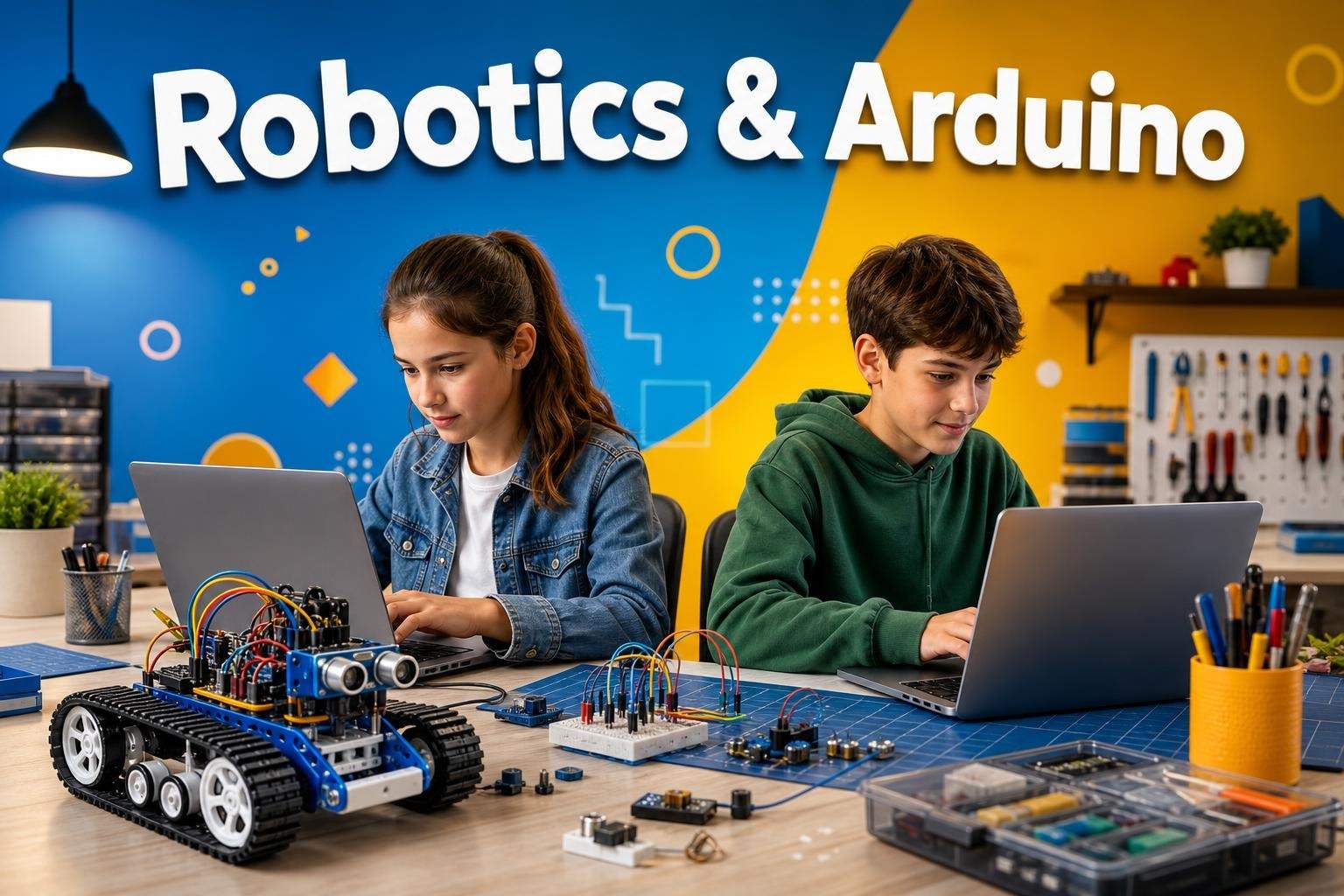
Robotics & Electronics with Arduino, Micro:bit, and Tinkercad
SP

S. P.

4.2(26)

Robotics & Electronics with Arduino, Micro:bit, and Tinkercad

Learn electronics and coding through Tinkercad simulations and microcontroller projects, building LEDs, sensors, motors, and simple robots with hands-on demonst…

Beginner

Level

8–12

Ages

55 min

Duration

5 / Week

Classes

2

Weeks

$23.00per class
See schedule
Blender 3D Animation Bootcamp: Modeling to Final Render
GJ

Gaurav J.

Blender 3D Animation Bootcamp: Modeling to Final Render

Learn Blender basics, modeling, core animation principles, lighting, camera work, and render a short 3D animated scene.

Beginner

Level

11–16

Ages

55 min

Duration

1 / Week

Classes

8

Weeks

$22.50per class
See schedule
Still not sure?Answer a few quick questions and we'll pick for you.Help me choose

Explore other interests

Same page, new classes. Tap one to switch.

Browse by Category

Frequently Asked Questions

Everything parents ask before their child's first live class — answered clearly, no fine print.

No. Children design on screen, and most classes finish with a model they can view, share or render. If you want a physical object, libraries, schools and online print services can print the file.

Tinkercad suits ages 7 to 12: it is free, runs in a web browser and uses simple shapes. SketchUp suits house and room design, and Blender and Fusion suit teens who want more power.

Tinkercad and Blender are free. SketchUp has a free web version, and Fusion offers free access for students and personal use; check each website for current terms.

Tinkercad and the web version of SketchUp run in a browser, so a Chromebook works. Blender and Fusion need a Windows or Mac computer. A mouse makes every program easier.

Tinkercad needs a free account, and children under 13 need a parent to approve it. The class page explains how to set it up before the first class.

Depending on the class: keychains and toys, a dream bedroom or house, a robot, a game character or a part designed to print correctly first time.

Yes. It uses measurement, geometry and spatial reasoning, and it is a common first step toward engineering, architecture and product design.

SketchUp for buildings, Blender for characters and animation, or Fusion for precise parts. Classes marked 'some experience' are the bridge.

Parents create every learner account, messages stay on Undoschool, and every class is recorded for safety. Recordings are seen only by the learner, the teacher and the Undoschool team, and each course is reviewed before it goes live.

Yes. Your first class is on us, so your child can meet the teacher and see the class style first. If it is not right, cancel before the second class starts for a full refund.

Both are marketplaces of live small-group classes run by independent teachers. On Undoschool every course is reviewed before it is listed, every class is recorded for safety, and your first class is on us. Compare the teacher and schedule for the specific class you want.


Message the teacher from your dashboard. Because sessions are recorded, the teacher can usually help your child catch up on what was covered.

A laptop, desktop or tablet with a camera and microphone, a steady internet connection, and a quiet spot. The class page lists any software or supplies the teacher needs.Read the guide: Getting Ready for Your Child's First Online Class