Live Engineering & Robotics classes for kids

Online Engineering & Robotics classes your child will love

Illustration of kids exploring Engineering & Robotics

Tell us their age, then browse classes by what matters most to you.

  • Live & interactive
  • Ages 3–18
  • 146 live classes

Find their class

Their age shapes every class on this page.

1Is it right for my child's age?

Pick an age to see the classes that fit

100% refund if the first class is not right

Cancel before the second class starts and everything comes back.

Refund policy

9 ways to narrow it down

Browse by what matters to you

One row per question. Tap an option and the classes underneath change.

Topic

Which part of this subject?

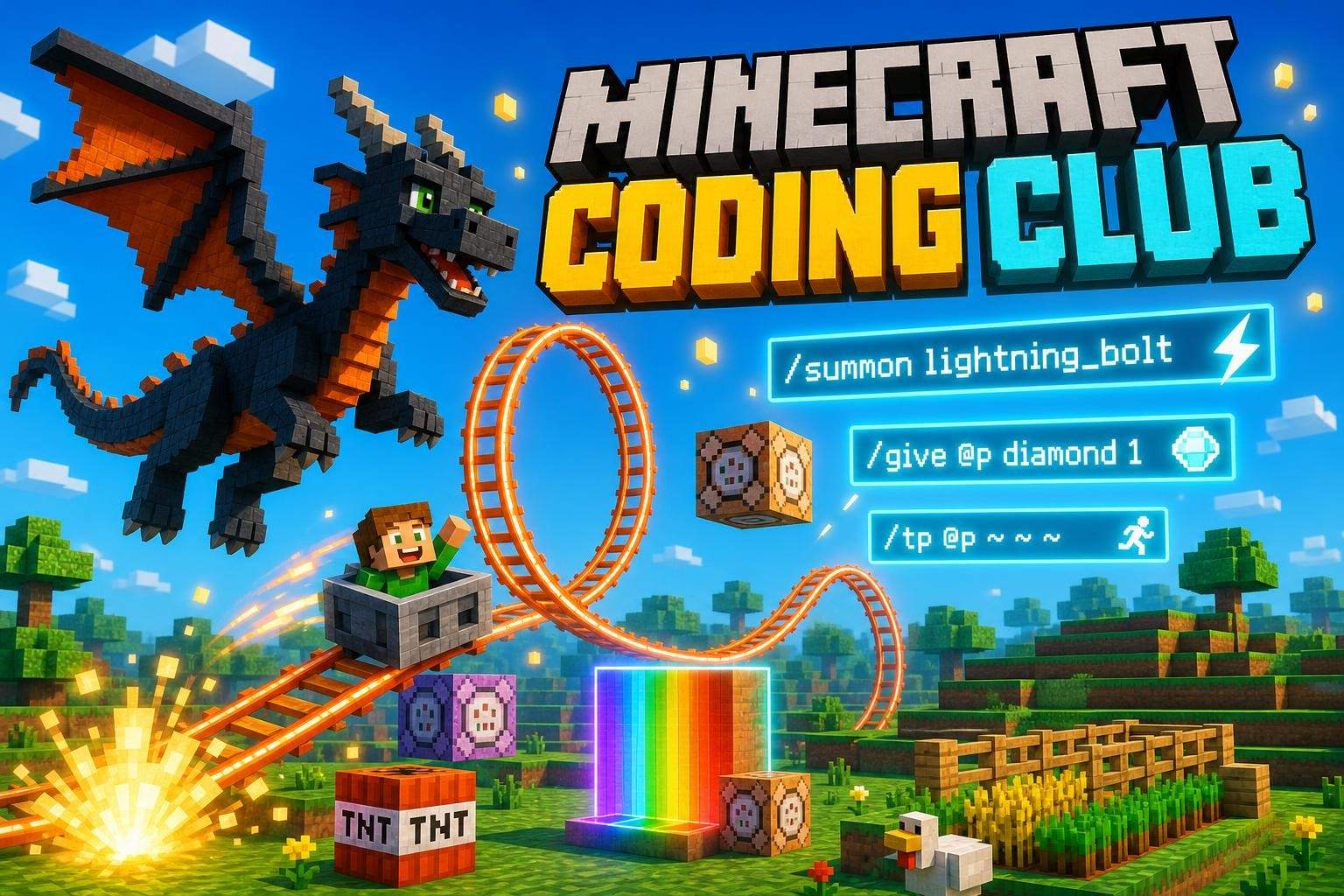
Minecraft Coding Club: Weekly Projects for Beginners
Club
TG

Tanvi G.

3.0(1)

Minecraft Coding Club: Weekly Projects for Beginners

This ongoing weekly Minecraft coding club introduces young learners to coding through hands-on projects inside Minecraft Education Edition or Code Builder. Each…

Beginner

Level

7–10

Ages

55 min

Duration

1 / Week

Classes

Ongoing

Weeks

$18.00per class
See schedule
Minecraft Build Club: Recreate Hawkins From Stranger Things for Grades 3-6
Club
UM

Urvashi M.

4.4(14)

Minecraft Build Club: Recreate Hawkins From Stranger Things for Grades 3-6

This build-first Minecraft club guides learners through recreating iconic Hawkins locations inspired by Stranger Things. Each week focuses on a focused build—la…

Beginner

Level

7–12

Ages

55 min

Duration

1 / Week

Classes

Ongoing

Weeks

$16.50per class
See schedule
Minecraft STEM Builders: Math, Science and Coding for Grades 1-2
NK

Nisha K.

4.5(20)

Minecraft STEM Builders: Math, Science and Coding for Grades 1-2

This live, project-based 16-week course invites 6–8 year olds to explore Grade 1–2 math, science, engineering and introductory coding using Minecraft Education…

Beginner

Level

6–8

Ages

55 min

Duration

1 / Week

Classes

16

Weeks

$21.50per class
See schedule
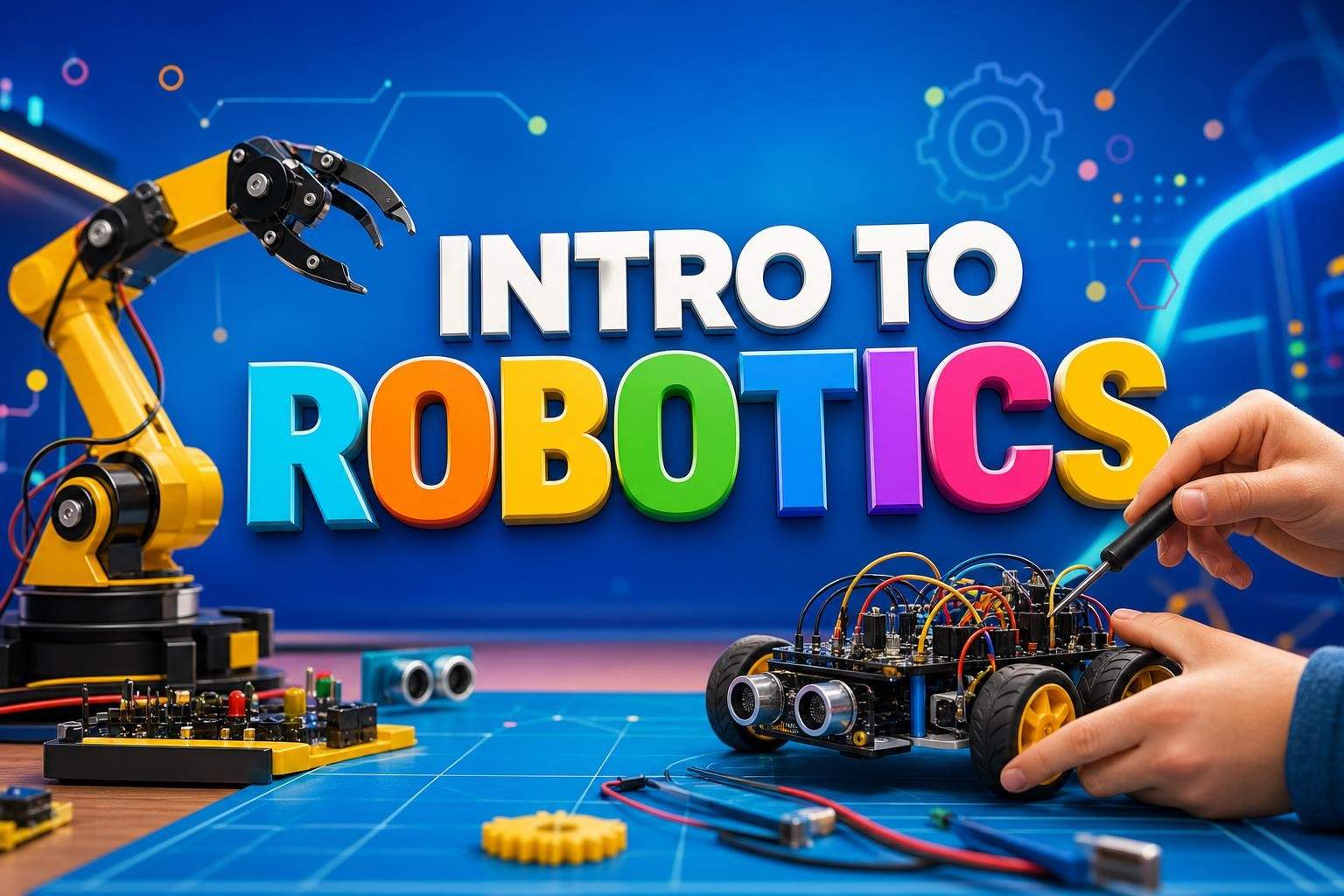
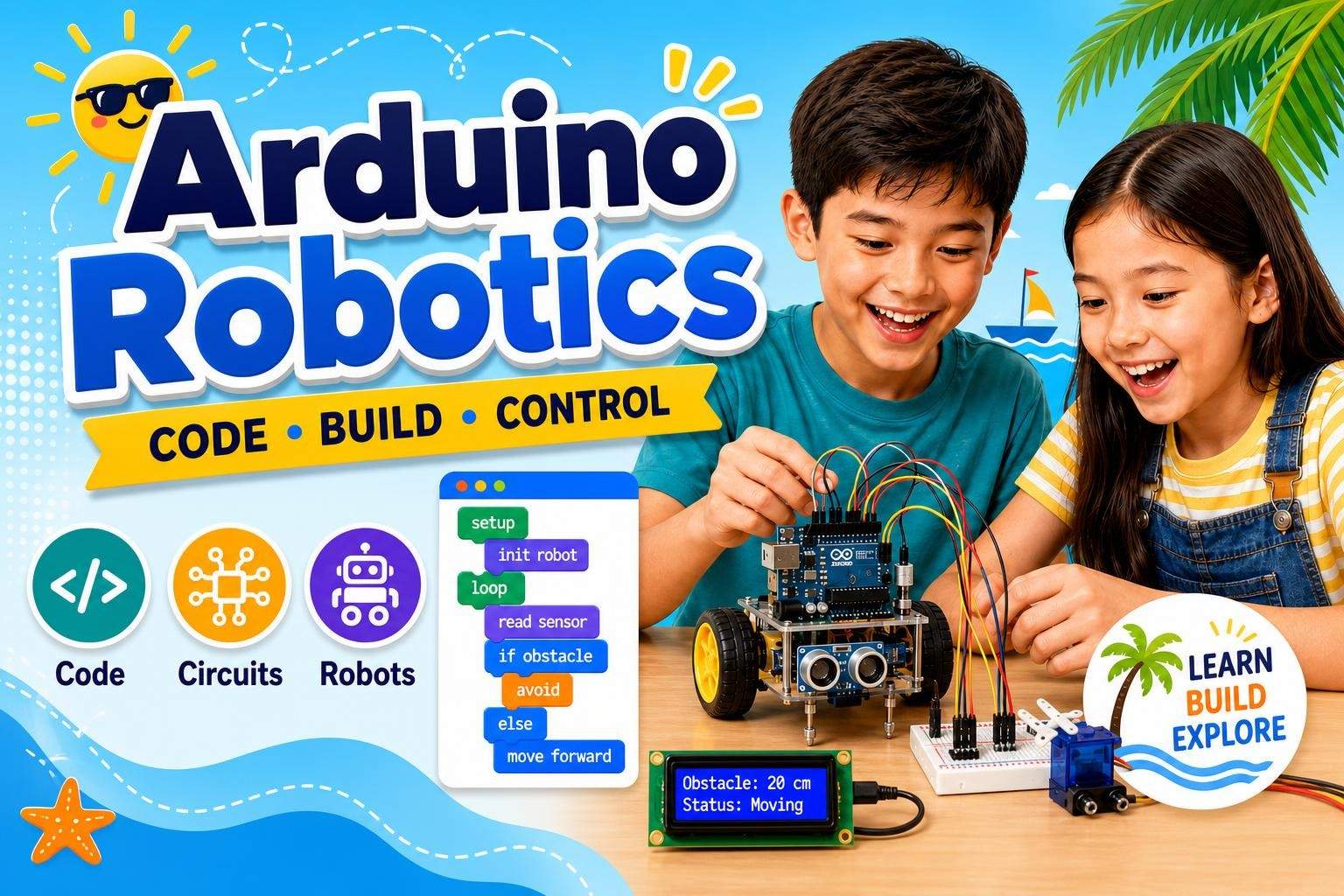
Intro to Robotics: Build and Code a Robotic Arm
BS

Bhagwanti S.

Intro to Robotics: Build and Code a Robotic Arm

This hands‑on course guides students through assembling a robotic arm kit and learning the electronics and software that make it move. Topics include the drive…

Mixed Level

Level

13–17

Ages

50 min

Duration

3 / Week

Classes

5

Weeks

$22.00per class
See schedule
What they'll make

What will my child have at the end?

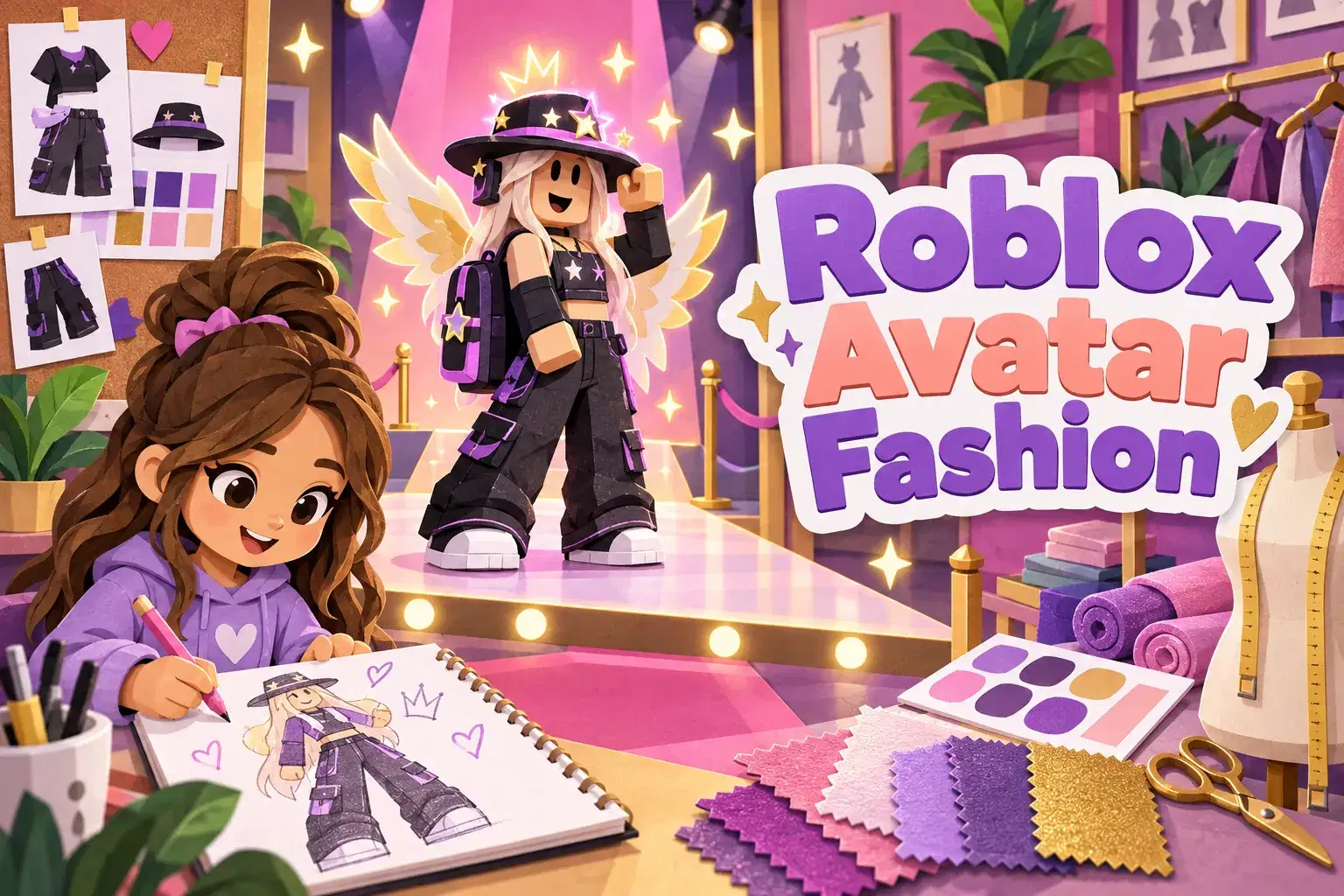
Roblox Character Design: Model Accessories and Outfits in Studio
MA

Mrs. A.

Roblox Character Design: Model Accessories and Outfits in Studio

An eight-week 3D design course where learners model hats, backpacks, wings and outfit pieces in Roblox Studio. They learn shape building, color and attaching ac…

Beginner

Level

8–13

Ages

55 min

Duration

1 / Week

Classes

8

Weeks

$20.50per class
See schedule
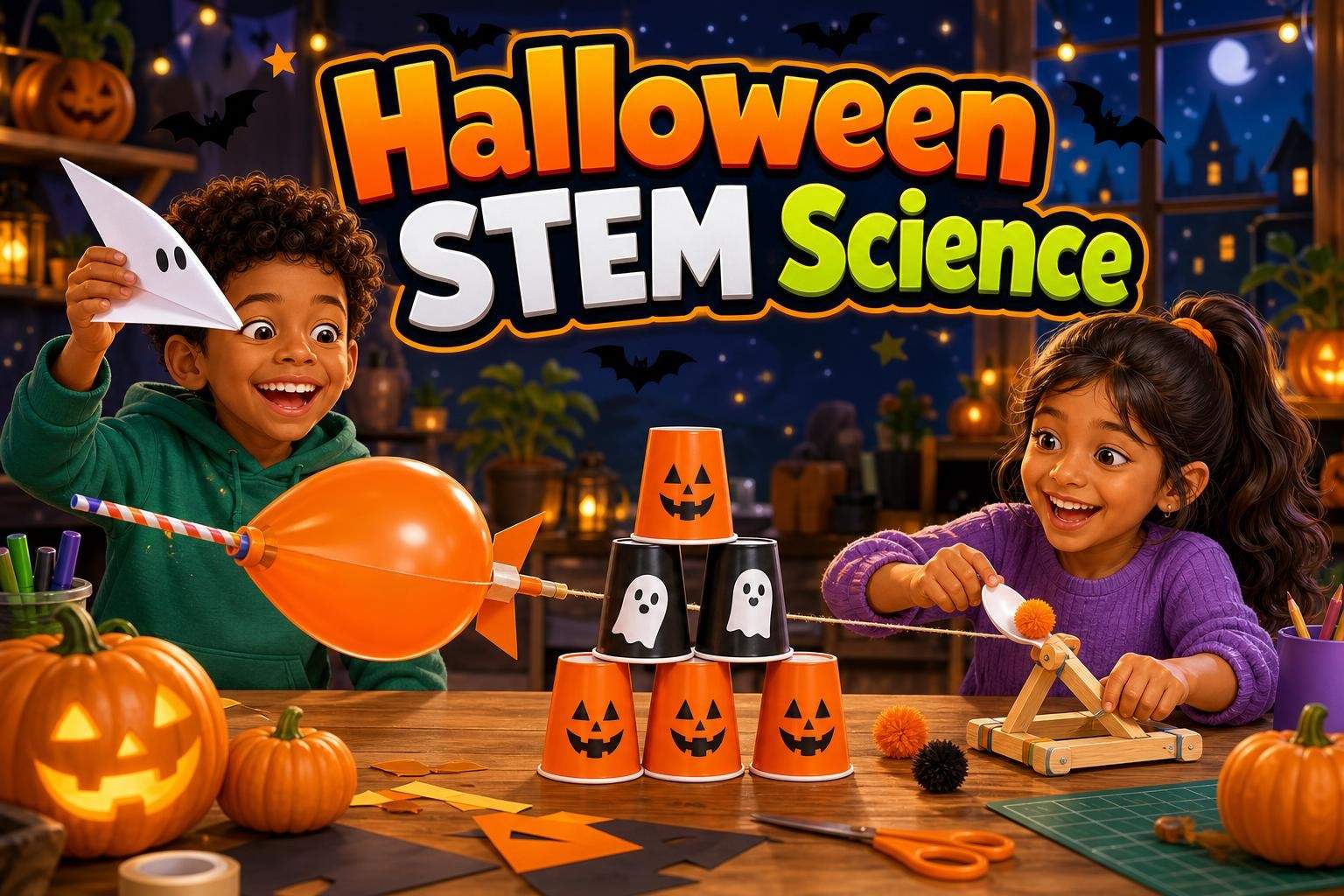
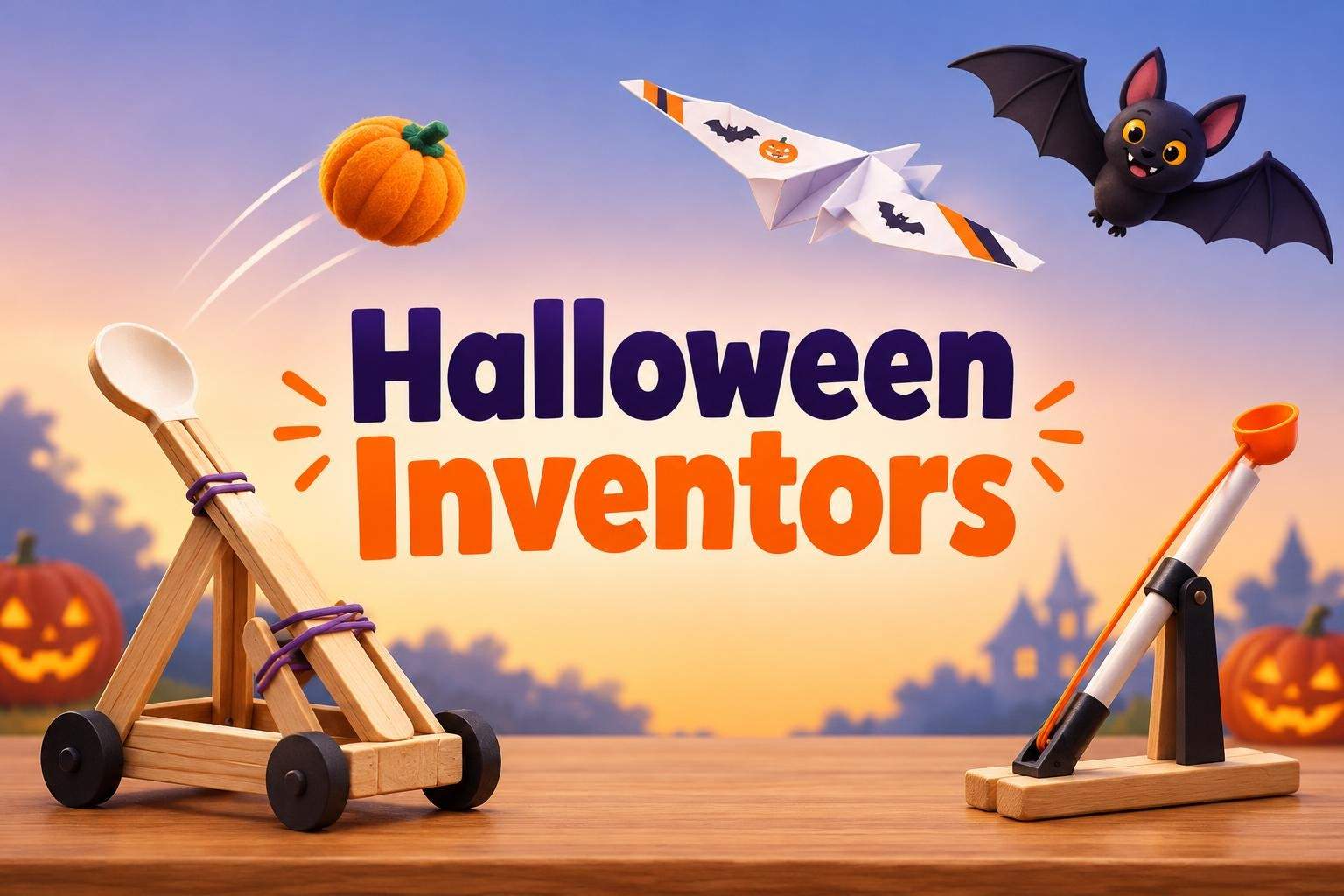
Halloween STEM: Rockets, Gliders, and Catapults (Ages 6-8)
RS

Riya S.

Halloween STEM: Rockets, Gliders, and Catapults (Ages 6-8)

This four-class Halloween STEM series uses themed, hands-on projects to teach basic ideas about forces, motion, air, and balance. Each session is a predictable,…

Beginner

Level

6–8

Ages

45 min

Duration

1 / Week

Classes

4

Weeks

$19.00per class
See schedule
Astronomy and Space Science Club: Planets, Stars, NASA Missions (Ages 7-10)
Club
TR

Tanvi R.

5.0(1)

Astronomy and Space Science Club: Planets, Stars, NASA Missions (Ages 7-10)

This Astronomy and Space Science Club is an interactive, age-appropriate program for curious learners ages 7 to 10 (grades 2–5). Over a 30-week rotating cycle,…

Beginner

Level

7–10

Ages

45 min

Duration

1 / Week

Classes

Ongoing

Weeks

$15.50per class
See schedule

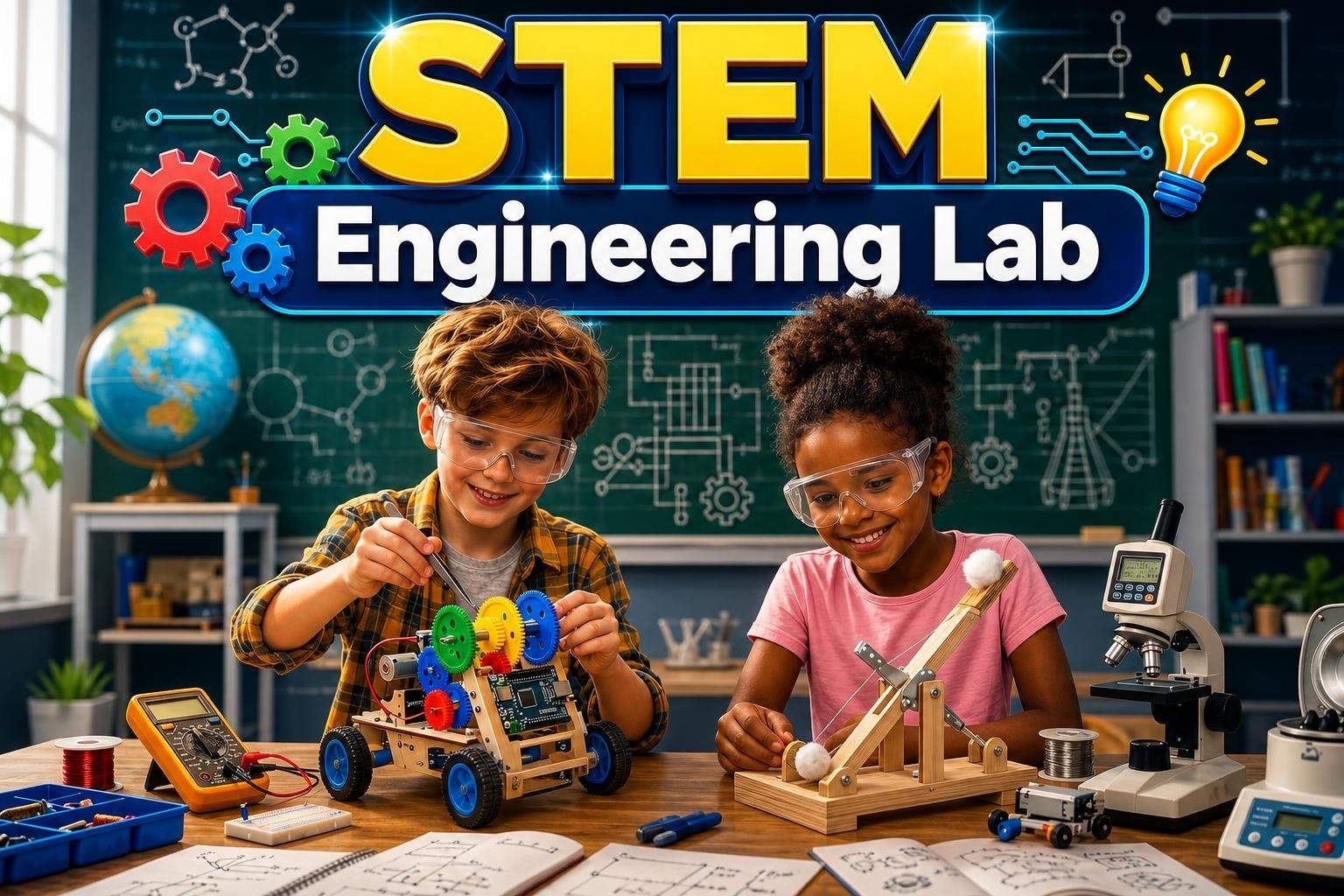
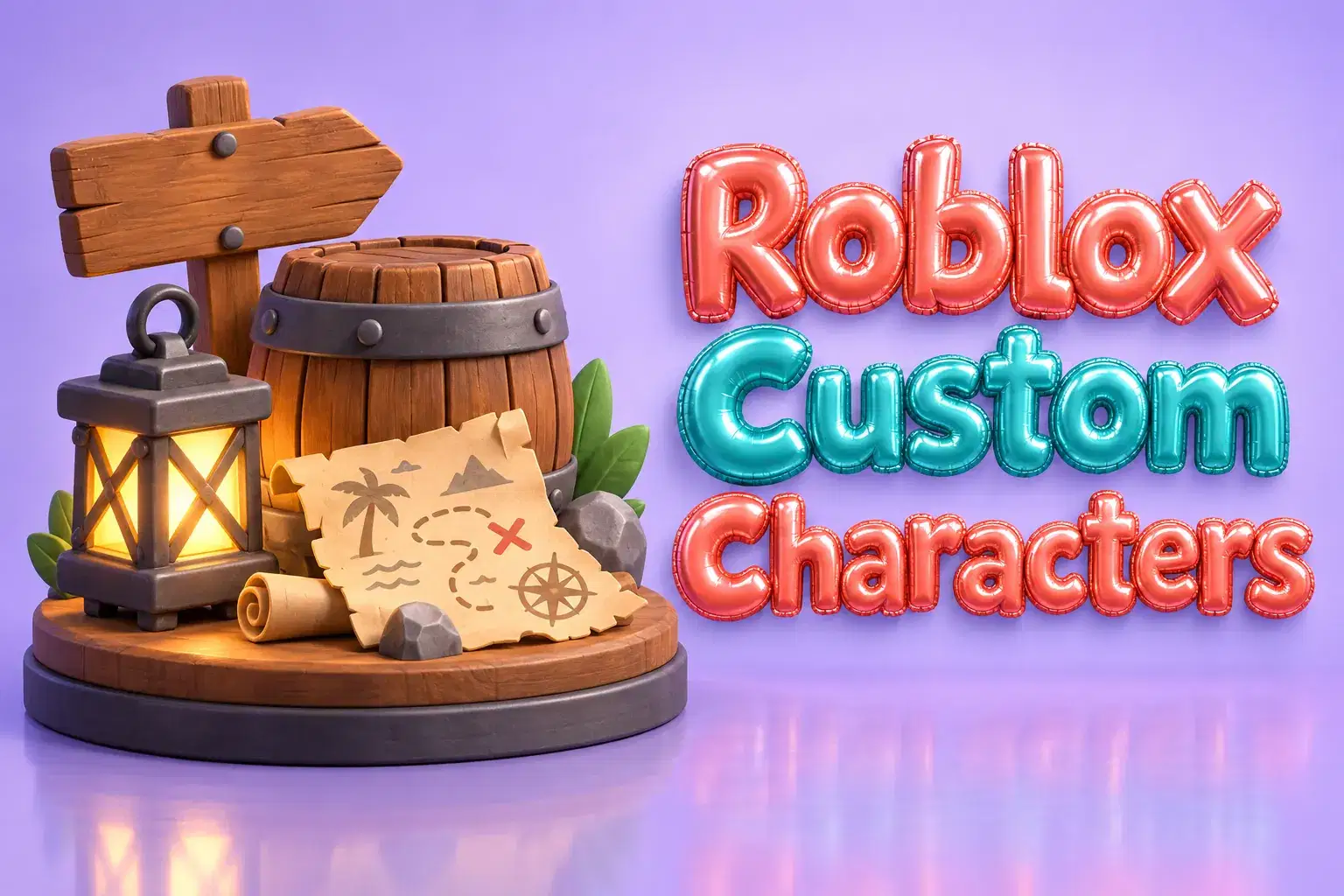
STEM Engineering Lab for Ages 7-11: Build and Test Projects
ST

Sakshi T.

4.2(12)

STEM Engineering Lab for Ages 7-11: Build and Test Projects

This STEM Engineering Lab invites learners ages 7 to 11 to think and work like engineers through eight hands-on building challenges. Each session focuses on a s…

Beginner

Level

7–11

Ages

45 min

Duration

1 / Week

Classes

8

Weeks

$19.00per class
See schedule
Total length

How big a commitment is it?

STEM Engineering Lab for Ages 7-11: Build and Test Projects
ST

Sakshi T.

4.2(12)

STEM Engineering Lab for Ages 7-11: Build and Test Projects

This STEM Engineering Lab invites learners ages 7 to 11 to think and work like engineers through eight hands-on building challenges. Each session focuses on a s…

Beginner

Level

7–11

Ages

45 min

Duration

1 / Week

Classes

8

Weeks

$19.00per class
See schedule
Little Python Coders Level 2

Komal R.

Little Python Coders Level 2

Little Python Coders – Level 2 🐍💻 Little Python Coders – Level 2 is an exciting next-step course .In this course students move beyond simple programs and lear…

Beginner

Level

8–12

Ages

55 min

Duration

3 / Week

Classes

3

Weeks

$21.50per class
See schedule
Seed Dispersal Engineering Design Challenge
MG

Miss G.

Seed Dispersal Engineering Design Challenge

Learners design and build a model 'seed' from simple household materials, test how far and how stably it travels, and iterate like engineers.

Beginner

Level

9–13

Ages

55 min

Duration

1 / Week

Classes

2

Weeks

$17.50per class
See schedule
Mythic STEM: Gods & Heroes Hero-Training Camp
KM

Kokila M.

4.7(6)

Mythic STEM: Gods & Heroes Hero-Training Camp

This interactive camp connects Greek myths to hands-on STEM and design challenges. Each day centers on a mythic “Hero Training Badge” (Athena, Hephaestus, Artem…

Beginner

Level

8–12

Ages

50 min

Duration

4 / Week

Classes

1

Weeks

$19.50per class
See schedule
Class length

Can my child sit through it?

Electricity and Magnetism for Ages 8-12: Build Circuits and Electromagnets
Club
VD

Vaishnavi D.

4.0(2)

Electricity and Magnetism for Ages 8-12: Build Circuits and Electromagnets

This four-session course introduces students ages 8 to 12 to the fundamentals of electricity and magnetism through short explanations, live demonstrations, and…

Beginner

Level

8–12

Ages

45 min

Duration

1 / Week

Classes

Ongoing

Weeks

$15.50per class
See schedule
Roblox Studio: 3D Game Design with Lua
SK

Simran K.

4.8(9)

Roblox Studio: 3D Game Design with Lua

This project-based course teaches students how to create playable 3D games in Roblox Studio using beginner-friendly Lua scripting. Over eight guided sessions, l…

Beginner

Level

11–14

Ages

55 min

Duration

1 / Week

Classes

8

Weeks

$21.50per class
See schedule
CAD with Autodesk Fusion 360: Design a Desk Lamp
MK

Miss K.

4.7(54)

CAD with Autodesk Fusion 360: Design a Desk Lamp

Learn core Fusion 360 tools and the engineering design process by modeling, assembling, and exporting a multi-part desk lamp project.

Beginner

Level

12–17

Ages

55 min

Duration

5 / Week

Classes

1

Weeks

$20.00per class
See schedule
Advanced Redstone Contraptions Lab
SG

Sonali G.

Advanced Redstone Contraptions Lab

A four-week lab where advanced players build complex redstone contraptions in short focused sessions.

Advanced

Level

11–14

Ages

30 min

Duration

1 / Week

Classes

4

Weeks

$19.00per class
See schedule
Still not sure?Answer a few quick questions and we'll pick for you.Help me choose

Explore other interests

Same page, new classes. Tap one to switch.

Browse by Category

Frequently Asked Questions

Everything parents ask before their child's first live class — answered clearly, no fine print.

Classes cover robotics with boards like Arduino and micro:bit, circuits and electricity, 3D design in tools like Tinkercad and SketchUp, hands-on design challenges, and building and engineering projects in Roblox Studio and Minecraft. Use the Topic filter to narrow it down.

It depends on the class. Some use free browser tools or simulators, some need a specific board or kit, and screen-free design classes use household materials. The class page lists exactly what to have ready before the first session.

Many classes are marked Beginner and start from the basics, such as block coding or simple circuits. Filter by Experience to find the right level, and use the first class to check the pace.

Kids build at home with their camera on while the teacher demonstrates step by step, watches progress and helps troubleshoot. Many teachers ask kids to hold their project up to the camera to share and test it.

Classes that use hot or sharp tools say so on the class page and list safety gear. Plan for an adult to be nearby during those sessions, and choose a screen-free design or simulator class for younger kids.

A multi-week course builds skills in order toward a finished project. A weekly club brings a new build each week and suits kids who want ongoing practice. The Format filter lets you compare both.

Match the kit to your child's age and coding level: picture or block coding for younger kids, and a small programmable board or breadboard kit for older ones. Also check what device it needs, how it is powered and whether it has small parts.Read the guide: How to Choose Your Child's First Robotics Kit

Try a paper cup tower, a foil boat, a parachute drop or a spaghetti and marshmallow tower. Give a clear goal and time limit, then let your child test and improve the design.Read the guide: Easy Engineering Design Challenges to Try at Home

Parents create every learner account, messages stay on Undoschool, and every class is recorded for safety. Recordings are seen only by the learner, the teacher and the Undoschool team, and each course is reviewed before it goes live.

Yes. Your first class is on us, so your child can meet the teacher and see the class style first. If it is not right, cancel before the second class starts for a full refund.

Both are marketplaces of live small-group classes run by independent teachers. On Undoschool every course is reviewed before it is listed, every class is recorded for safety, and your first class is on us. Compare the teacher and schedule for the specific class you want.
Message the teacher from your dashboard. Because sessions are recorded, the teacher can usually help your child catch up on what was covered.

A laptop, desktop or tablet with a camera and microphone, a steady internet connection, and a quiet spot. The class page lists any software or supplies the teacher needs.Read the guide: Getting Ready for Your Child's First Online Class