Live Animation, Photography & Video classes for kids

Online Animation, Photography & Video classes your child will love

Illustration of kids exploring Animation, Photography & Video

Tell us their age, then browse classes by what matters most to you.

  • Live & interactive
  • Ages 3–18
  • 154 live classes

Find their class

Their age shapes every class on this page.

1Is it right for my child's age?

Pick an age to see the classes that fit

100% refund if the first class is not right

Cancel before the second class starts and everything comes back.

Refund policy

9 ways to narrow it down

Browse by what matters to you

One row per question. Tap an option and the classes underneath change.

Topic

Which part of this subject?

Theme Park Attraction Design: Storyboards to Scale Models
HK

Harish K.

5.0(6)

Theme Park Attraction Design: Storyboards to Scale Models

Explore attraction design with a focus on dark rides, using storytelling, storyboards, ride systems, and a scale model project.

Beginner

Level

8–13

Ages

55 min

Duration

1 / Week

Classes

5

Weeks

$22.00per class
See schedule
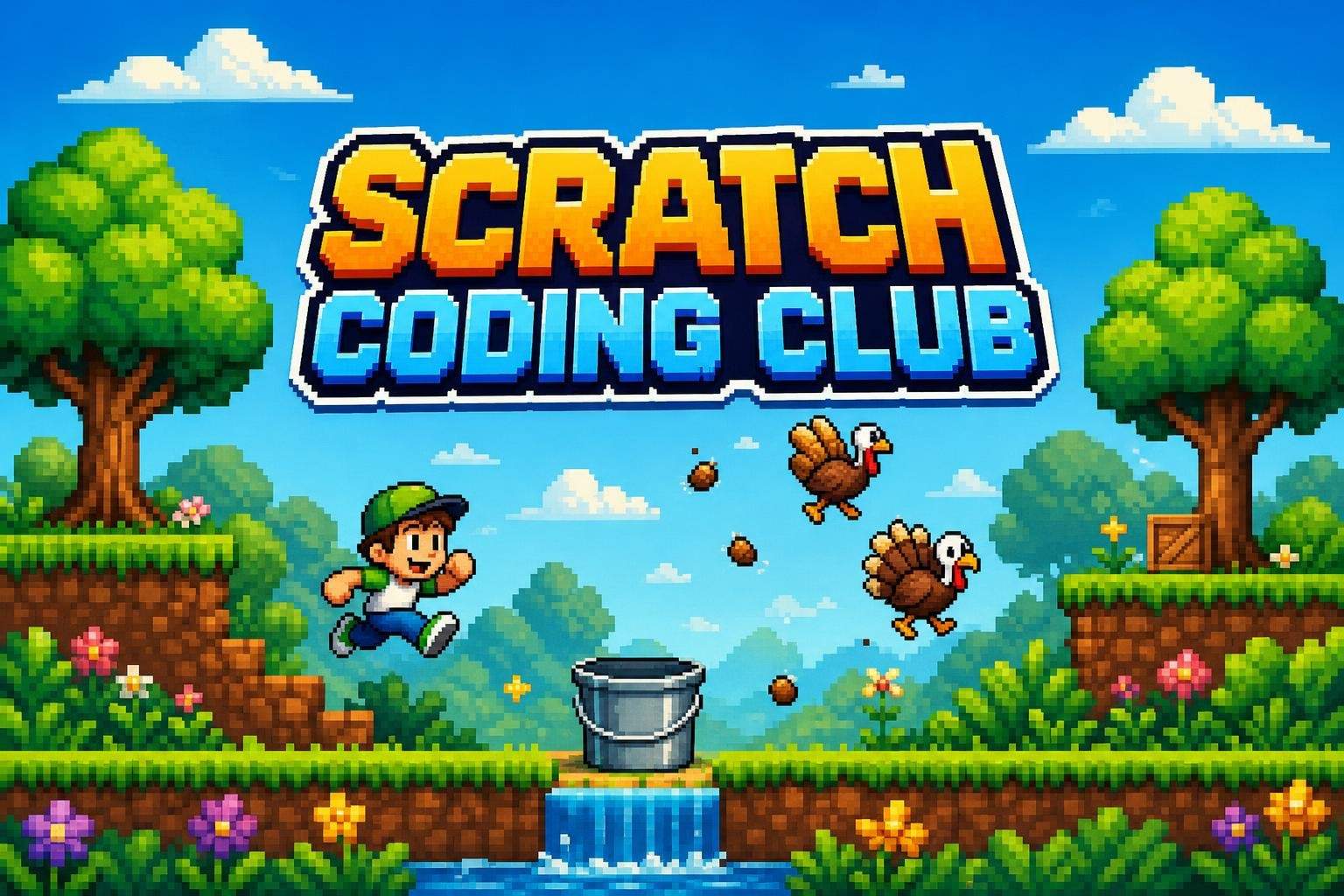

Scratch Weekly Club: Build a New Game Every Week
Club
RP

Rahul P.

4.4(11)

Scratch Weekly Club: Build a New Game Every Week

This ongoing Scratch club guides young coders through hands-on game and animation projects each week. Designed for ages 6-11 (Grades 1-4), the club introduces n…

Beginner

Level

6–11

Ages

55 min

Duration

1 / Week

Classes

Ongoing

Weeks

$18.00per class
See schedule
Faerie World Design: Mythic Art, Characters & Creative Writing
SP

Sanjay P.

4.7(60)

Faerie World Design: Mythic Art, Characters & Creative Writing

Explore faerie folklore through weekly readings, art and writing prompts to create original faeries, artifacts and a final field journal.

Beginner

Level

12–17

Ages

45 min

Duration

1 / Week

Classes

8

Weeks

$20.50per class
See schedule
ToonSquid: Snowman Animation Workshop
AA

Anjali A.

4.9(30)

ToonSquid: Snowman Animation Workshop

Beginner-friendly ToonSquid lessons on iPad to draw and animate a waving snowman with looping snowfall and export-ready polish.

Beginner

Level

10–18

Ages

55 min

Duration

1 / Week

Classes

2

Weeks

$22.00per class
See schedule
What they'll make

What will my child have at the end?

Photography 3: Documenting History and Architecture
MM

Meera M.

4.4(56)

Photography 3: Documenting History and Architecture

Advance manual-camera skills with long exposures, light painting, and night techniques while documenting architecture and community sites for a final slideshow…

Mixed Level

Level

10–13

Ages

50 min

Duration

1 / Week

Classes

6

Weeks

$18.50per class
See schedule
Creative Writing: Write an Illustrated Chapter Book (Ages 10-15)
IR

Ira R.

4.5(11)

Creative Writing: Write an Illustrated Chapter Book (Ages 10-15)

This intermediate creative writing course guides students aged 10 to 15 through the full process of turning an idea into a finished illustrated chapter book. Ov…

Intermediate

Level

10–15

Ages

50 min

Duration

1 / Week

Classes

12

Weeks

$20.50per class
See schedule
Intro to CapCut Video Editing (Desktop/Laptop) — Try Class
MB

Mrs. B.

4.1(24)

Intro to CapCut Video Editing (Desktop/Laptop) — Try Class

Get a first look at CapCut editing fundamentals—splitting, moving, trimming clips, and speed changes—through a short beginner class.

Beginner

Level

8–13

Ages

55 min

Duration

1 / Week

Classes

1

Weeks

$18.50per class
See schedule
Stop Motion Animation with Stop Motion Studio (iPhone/iPad)
AN

Aman N.

Stop Motion Animation with Stop Motion Studio (iPhone/iPad)

Create stop motion videos using the Stop Motion Studio app on iPhone or iPad, including capture, editing, animation principles and titles; some lessons focus on…

Beginner

Level

7–12

Ages

55 min

Duration

1 / Week

Classes

4

Weeks

$21.00per class
See schedule
Total length

How big a commitment is it?

Advanced Video Editing: DaVinci Resolve Fusion Techniques
MM

Mr. M.

4.0(4)

Advanced Video Editing: DaVinci Resolve Fusion Techniques

Students deepen editing skills in DaVinci Resolve’s Fusion page to create LUTs, mask and composite footage, work with 3D text and shapes, and animate effects.

Advanced

Level

12–16

Ages

55 min

Duration

1 / Week

Classes

6

Weeks

$20.00per class
See schedule
CapCut Video Editing: Storytelling, Transitions & Effects
HF

Hilda F.

4.7(12)

CapCut Video Editing: Storytelling, Transitions & Effects

Advance CapCut skills to craft polished videos using transitions, text, effects, audio timing, and storytelling across weekly hands-on projects.

Mixed Level

Level

9–14

Ages

45 min

Duration

1 / Week

Classes

6

Weeks

$19.00per class
See schedule

Numbers Doodles Art Club Ages 5-10: Turn Numbers 1-12 into Drawings
Club
AM

Aarohi M.

5.0(3)

Numbers Doodles Art Club Ages 5-10: Turn Numbers 1-12 into Drawings

This Numbers Doodles Art Club blends early math familiarity with playful drawing to help young learners explore numbers through art. Each week focuses on one nu…

Beginner

Level

5–10

Ages

40 min

Duration

1 / Week

Classes

Ongoing

Weeks

$15.00per class
See schedule
Star Wars Discussion Club: Episodes 4–6 (Original Trilogy)
Club
RD

Radha D.

4.0(2)

Star Wars Discussion Club: Episodes 4–6 (Original Trilogy)

Watch and discuss Episodes 4–6 with guided conversations about characters, themes, and memorable scenes from the original trilogy.

Mixed Level

Level

8–13

Ages

30 min

Duration

1 / Week

Classes

Ongoing

Weeks

$19.00per class
See schedule
Class length

Can my child sit through it?

Stop Motion Animation with Stop Motion Studio (iPhone/iPad)
AN

Aman N.

Stop Motion Animation with Stop Motion Studio (iPhone/iPad)

Create stop motion videos using the Stop Motion Studio app on iPhone or iPad, including capture, editing, animation principles and titles; some lessons focus on…

Beginner

Level

7–12

Ages

55 min

Duration

1 / Week

Classes

4

Weeks

$21.00per class
See schedule

DaVinci Resolve: Video Editing for YouTube and Gaming
MM

Mr. M.

4.6(18)

DaVinci Resolve: Video Editing for YouTube and Gaming

Learn DaVinci Resolve basics through interface setup, editing, audio, animated titles, color grading, Fusion effects, overlays, and exporting while completing m…

Beginner

Level

10–15

Ages

55 min

Duration

1 / Week

Classes

8

Weeks

$17.50per class
See schedule

Create Your Own Superhero: Design, Draw & Backstory
RE

Rishabh E.

Create Your Own Superhero: Design, Draw & Backstory

Imagine and sketch an original superhero—choose powers, design a costume, and develop a short origin story—then see a polished digital illustration of the chara…

Beginner

Level

6–11

Ages

50 min

Duration

1 / Week

Classes

2

Weeks

$20.00per class
See schedule

Blender Character & Creature Modeling (Intermediate)
UG

Utkarsh G.

4.0(12)

Blender Character & Creature Modeling (Intermediate)

Intermediate students develop original character and creature models using Blender workflows to build form, topology, and production-ready details.

Intermediate

Level

12–17

Ages

60 min

Duration

5 / Week

Classes

1

Weeks

$21.00per class
See schedule

Still not sure?Answer a few quick questions and we'll pick for you.Help me choose

Explore other interests

Same page, new classes. Tap one to switch.

Browse by Category

Frequently Asked Questions

Everything parents ask before their child's first live class — answered clearly, no fine print.

Stop-motion and 2D animation, phone and DSLR photography, video editing in apps like CapCut, filmmaking, YouTube creator skills, podcasting and 3D animation in Blender. Each class page shows the tool and the project.

Most beginner classes work with a phone or tablet and free or low-cost apps. DSLR photography classes and some editing classes need specific gear or software, which the class page lists.

Classes range from about age 3 to 18, but many are aimed at ages 8 and up because they involve apps and editing. Younger kids do best in stop-motion, cartooning or hands-on creative classes.

No. Classes teach planning, filming and editing, and projects are shared within the class. YouTube and content-creator classes cover how channels work, but whether your child posts anything is your decision.

The teacher demonstrates on camera, then kids build and shoot at home while the teacher checks in and gives tips. Kids share their clips or photos with the group at the end.

Some of it is, but much of the time goes into building sets, taking photos away from the computer, and planning stories on paper. Photography and stop-motion classes often send kids off screen to shoot.

Fix a phone or tablet on a steady stand, then photograph a small figure, move it slightly and repeat. A free app like Stop Motion Studio plays the frames back as a film.Read the guide: How to Make a Stop-Motion Animation at Home with Kids

Turn on the camera grid, turn off location saving, and teach three habits: get close, watch the light and hold still. Weekly photo challenges keep it fun.Read the guide: How Kids Can Start Photography with a Phone

Parents create every learner account, messages stay on Undoschool, and every class is recorded for safety. Recordings are seen only by the learner, the teacher and the Undoschool team, and each course is reviewed before it goes live.

Yes. Your first class is on us, so your child can meet the teacher and see the class style first. If it is not right, cancel before the second class starts for a full refund.

Both are marketplaces of live small-group classes run by independent teachers. On Undoschool every course is reviewed before it is listed, every class is recorded for safety, and your first class is on us. Compare the teacher and schedule for the specific class you want.


Message the teacher from your dashboard. Because sessions are recorded, the teacher can usually help your child catch up on what was covered.

A laptop, desktop or tablet with a camera and microphone, a steady internet connection, and a quiet spot. The class page lists any software or supplies the teacher needs.Read the guide: Getting Ready for Your Child's First Online Class