Live AI & Data Science classes for kids

Online AI & Data Science classes your child will love

Illustration of kids exploring AI & Data Science

Tell us their age, then browse classes by what matters most to you.

  • Live & interactive
  • Ages 6–18
  • 78 live classes

Find their class

Their age shapes every class on this page.

1Is it right for my child's age?

Pick an age to see the classes that fit

100% refund if the first class is not right

Cancel before the second class starts and everything comes back.

Refund policy

9 ways to narrow it down

Browse by what matters to you

One row per question. Tap an option and the classes underneath change.

Topic

Which part of this subject?

Intermediate AI Applications: Prompting, Creative Tools & Automation
MS

Miss S.

Intermediate AI Applications: Prompting, Creative Tools & Automation

Apply intermediate AI skills—prompt engineering, creative writing and image tools, research assistance, automation, data analysis, presentations, and ethical us…

Intermediate

Level

11–18

Ages

55 min

Duration

1 / Week

Classes

8

Weeks

$23.00per class
See schedule
AI Art & Story Lab: Create Superhero Projects with AI
ER

Esha R.

4.8(18)

AI Art & Story Lab: Create Superhero Projects with AI

This beginner course introduces young learners to foundational programming ideas and the concept of teachable machines through creative, project-based activitie…

Beginner

Level

6–9

Ages

45 min

Duration

1 / Week

Classes

4

Weeks

$18.50per class
See schedule
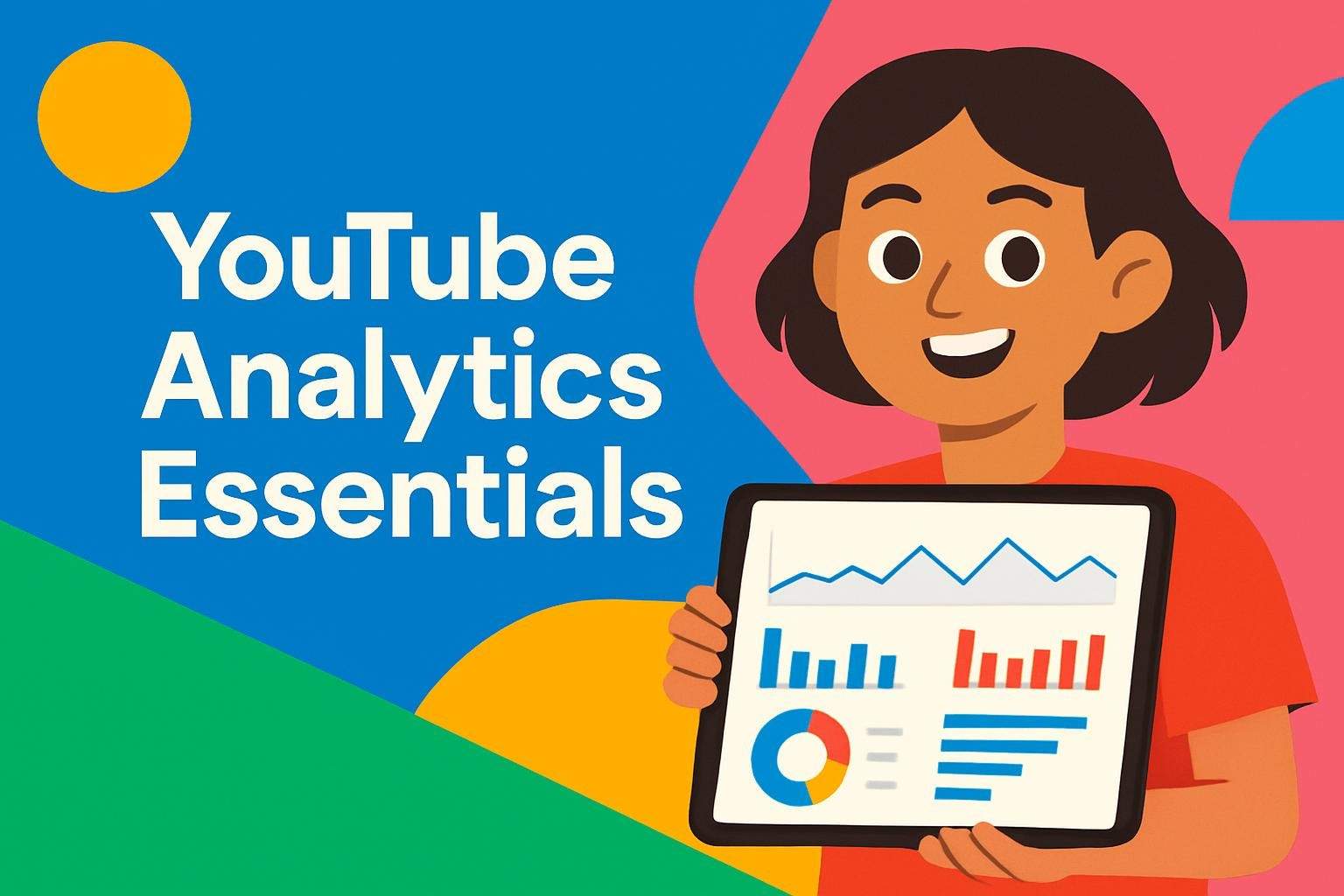
YouTube Analytics Essentials: Read Data to Improve Content
VS

Varun S.

4.4(56)

YouTube Analytics Essentials: Read Data to Improve Content

Learn to read YouTube Analytics metrics—traffic sources, audience, watch time, retention, and CTR—to make data-informed content decisions.

Beginner

Level

12–18

Ages

55 min

Duration

1 / Week

Classes

2

Weeks

$19.00per class
See schedule
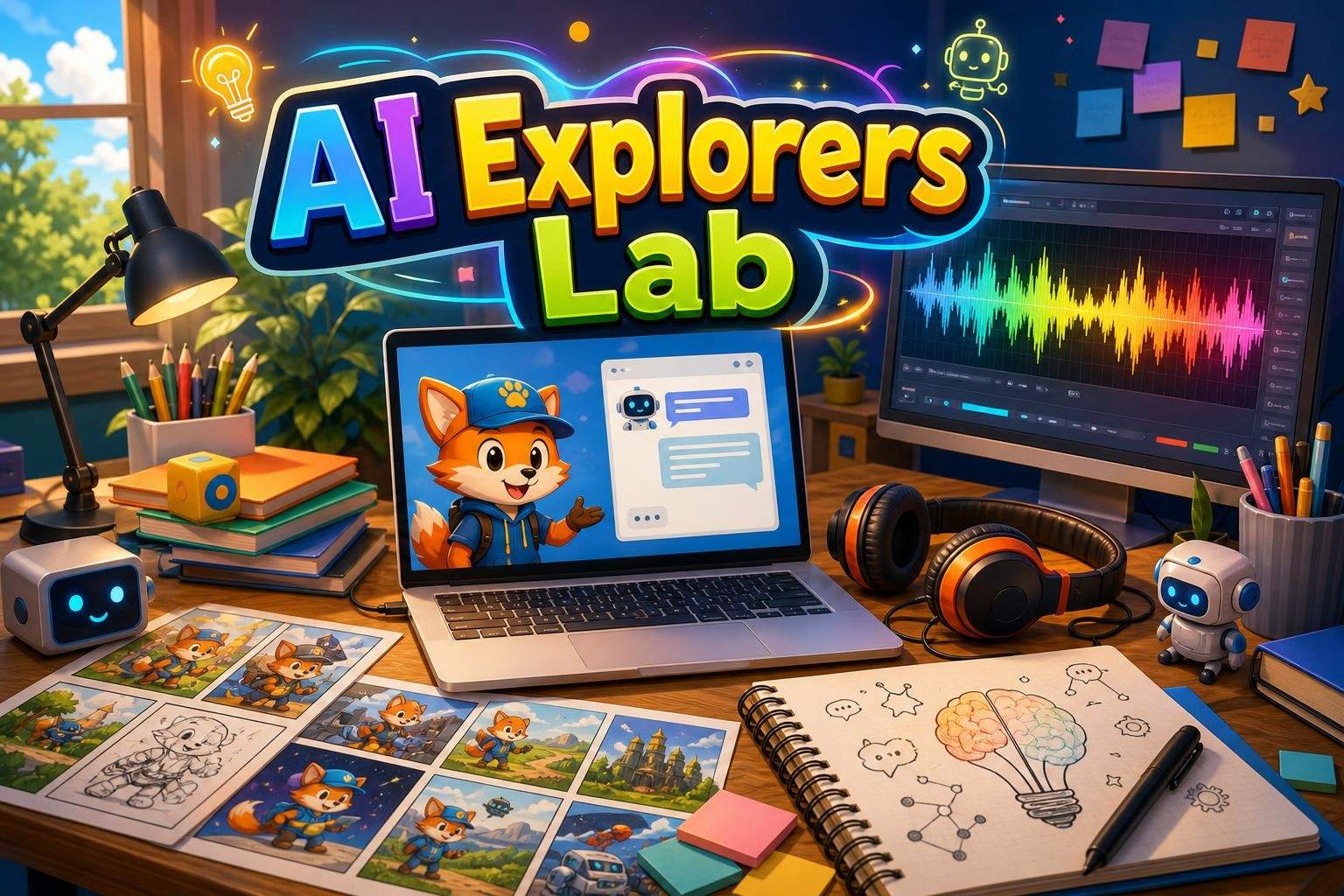
AI Explorers Lab Club: Weekly Hands-On AI Tools (Ages 7-12)
Club
SS

Sakshi S.

4.6(5)

AI Explorers Lab Club: Weekly Hands-On AI Tools (Ages 7-12)

This club is for curious learners who want to move beyond using AI and start experimenting with how it works. Each week introduces a different category of AI to…

Beginner

Level

7–12

Ages

55 min

Duration

1 / Week

Classes

Ongoing

Weeks

$18.00per class
See schedule

What they'll make

What will my child have at the end?

AI Creator Camp: Build Classifiers, Chatbots, Vision & Capstone
TO

T. O.

AI Creator Camp: Build Classifiers, Chatbots, Vision & Capstone

Project-based introduction to AI and machine learning that covers fundamentals, data practices, neural networks, image classification, NLP and prompt engineerin…

Beginner

Level

13–18

Ages

90 min

Duration

5 / Week

Classes

8

Weeks

$25.00per class
See schedule
Generative AI Projects for Teens: ChatGPT/Gemini & Canva
AP

Ananya P.

4.9(18)

Generative AI Projects for Teens: ChatGPT/Gemini & Canva

Project-based course where teens use generative AI (ChatGPT/Gemini) and Canva to create portfolio-ready digital projects while practicing responsible AI use.

Beginner

Level

13–18

Ages

45 min

Duration

1 / Week

Classes

6

Weeks

$22.00per class
See schedule
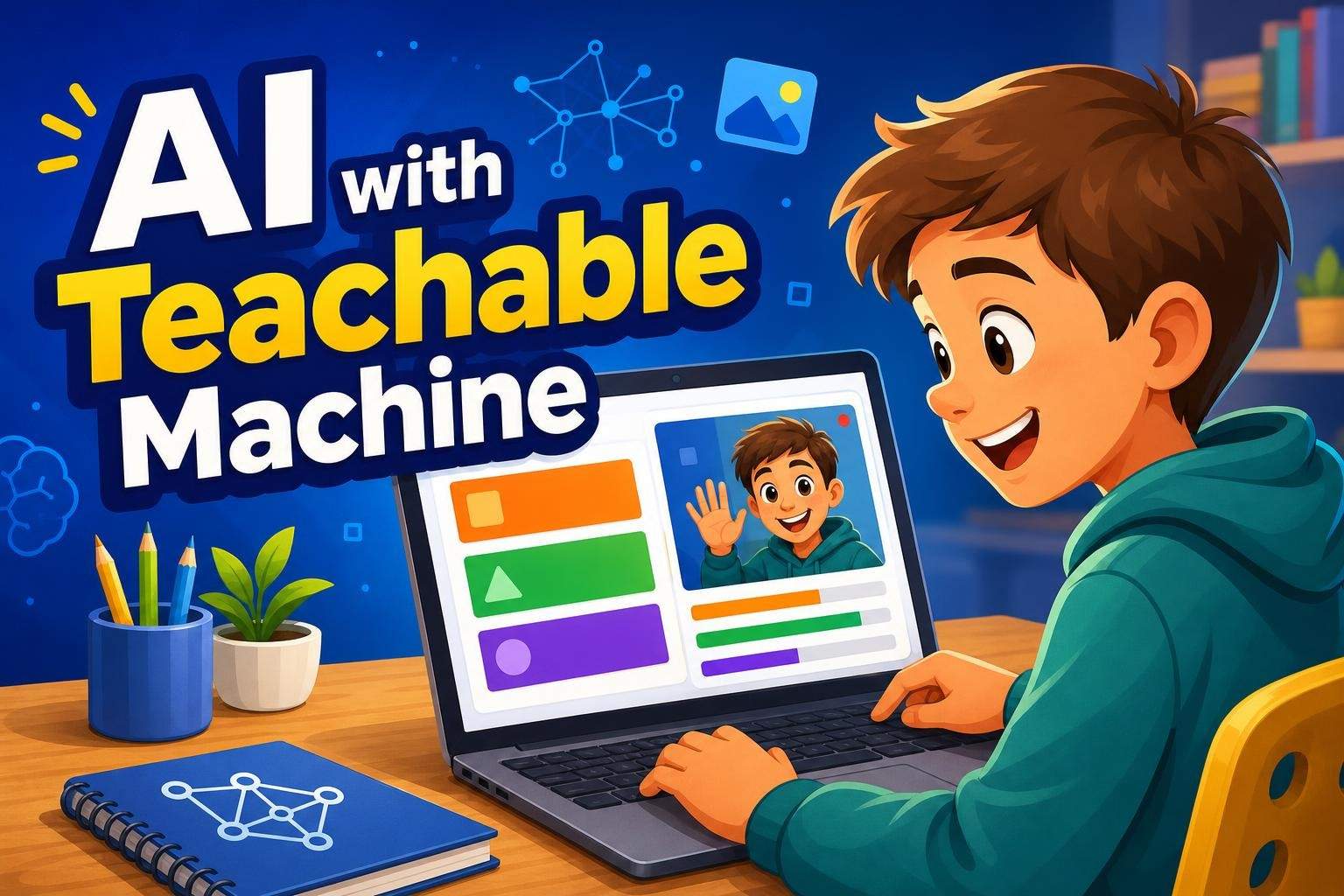
Teachable Machine: Build Image, Sound & Pose Detection Models
VK

Vivek K.

3.9(7)

Teachable Machine: Build Image, Sound & Pose Detection Models

In this interactive session, students ages 7–10 (grades 3–5) learn basic AI concepts and build their own recognition models using Google’s Teachable Machine. Th…

Beginner

Level

7–10

Ages

55 min

Duration

1 / Week

Classes

1

Weeks

$21.50per class
See schedule
Introduction to AI Safety
MJ

Mercy J.

4.6(5)

Introduction to AI Safety

This interactive class introduces basic AI concepts, differences between AI and people, and how AI powers everyday tools. Students learn to spot AI-generated im…

Beginner

Level

8–12

Ages

55 min

Duration

1 / Week

Classes

1

Weeks

$18.00per class
See schedule

Total length

How big a commitment is it?

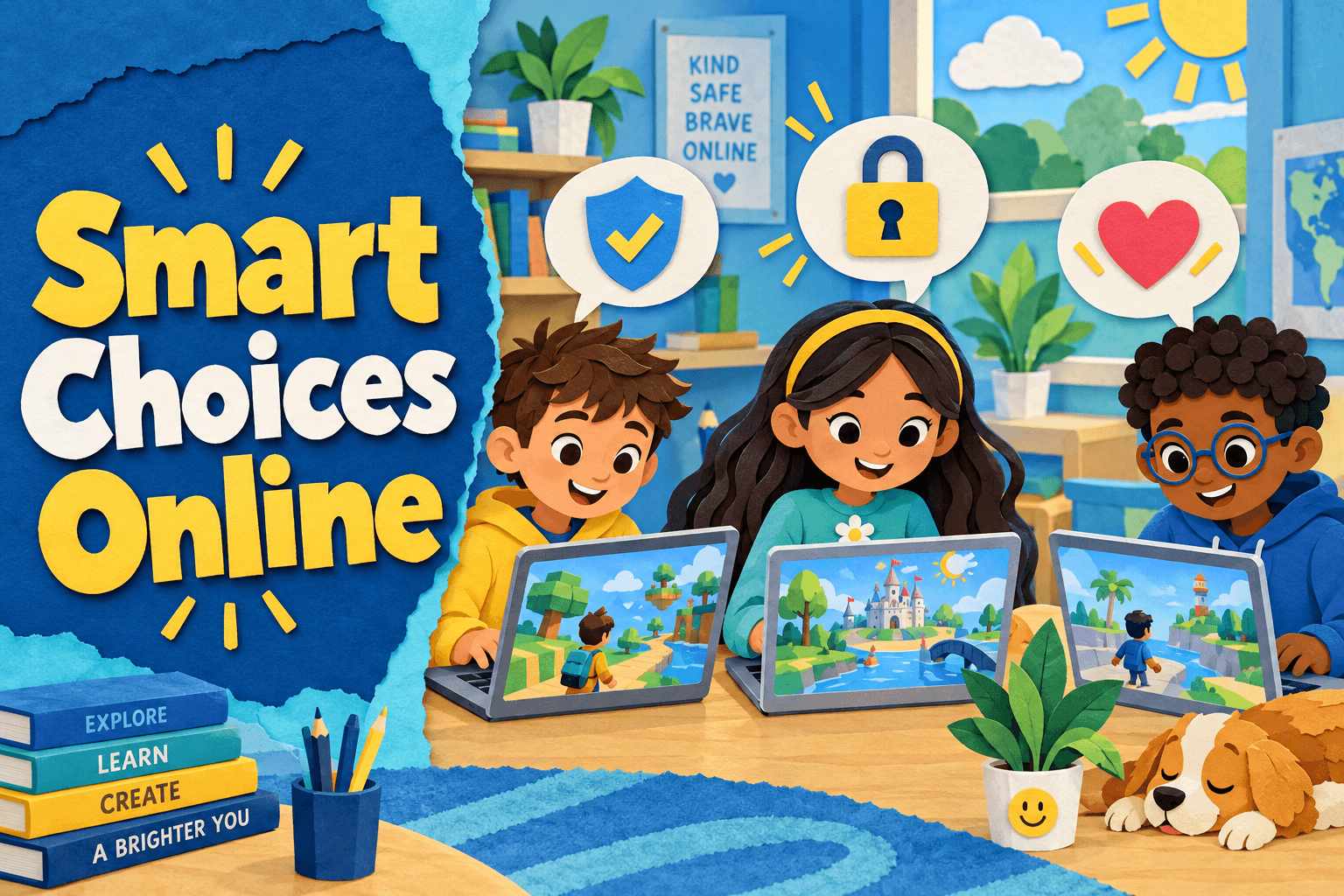
Roblox Responsible Tech: AI, Safety and Smart Choices Online
AM

Anushka M.

Roblox Responsible Tech: AI, Safety and Smart Choices Online

A four-week digital citizenship course for ages 8-12. Using Roblox examples, learners explore online safety, AI-generated content, privacy, kindness and healthy…

Beginner

Level

8–12

Ages

55 min

Duration

1 / Week

Classes

4

Weeks

$20.50per class
See schedule
AI Basics for Kids: Face & Hand Detection Games
RW

Rupa W.

4.6(32)

AI Basics for Kids: Face & Hand Detection Games

A hands-on course introducing core AI ideas through creative projects that use face and hand detection. Each session includes concept demos, step-by-step projec…

Beginner

Level

6–11

Ages

55 min

Duration

4 / Week

Classes

2

Weeks

$20.00per class
See schedule
Teachable Machine: Train an Image Classifier (Grades 3-6)
VK

Vivek K.

4.3(9)

Teachable Machine: Train an Image Classifier (Grades 3-6)

This live, hands-on workshop introduces students to the basics of artificial intelligence by guiding them to build and train an image classification model using…

Beginner

Level

8–12

Ages

55 min

Duration

1 / Week

Classes

1

Weeks

$21.50per class
See schedule
AI Coding Level 2: Face, Body, and Object Detection Projects
VN

Vaibhav N.

4.3(26)

AI Coding Level 2: Face, Body, and Object Detection Projects

This eight-week course advances AI coding skills through project-based lessons that apply face and body tracking, pose estimation, emotion detection, object rec…

Mixed Level

Level

7–12

Ages

55 min

Duration

1 / Week

Classes

8

Weeks

$23.00per class
See schedule
Class length

Can my child sit through it?

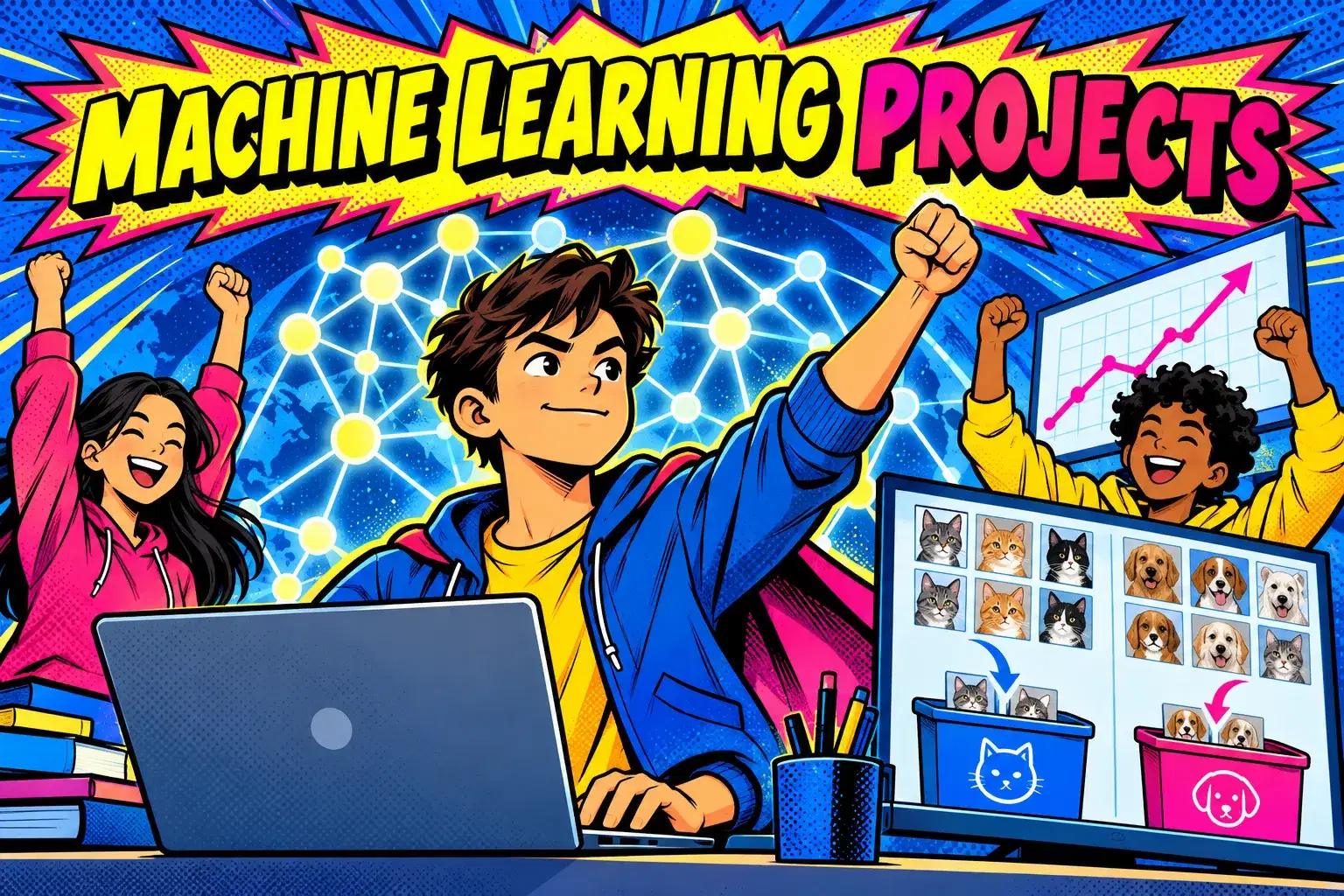
Advanced Machine Learning Projects in Python
VT

Vinita T.

Advanced Machine Learning Projects in Python

An eight-week advanced course where teens aged 14–17 build complete machine learning projects in Python, from regression and random forests to neural networks f…

Advanced

Level

14–17

Ages

75 min

Duration

1 / Week

Classes

8

Weeks

$28.00per class
See schedule
Generative AI Projects for Teens: ChatGPT/Gemini & Canva
AP

Ananya P.

4.9(18)

Generative AI Projects for Teens: ChatGPT/Gemini & Canva

Project-based course where teens use generative AI (ChatGPT/Gemini) and Canva to create portfolio-ready digital projects while practicing responsible AI use.

Beginner

Level

13–18

Ages

45 min

Duration

1 / Week

Classes

6

Weeks

$22.00per class
See schedule
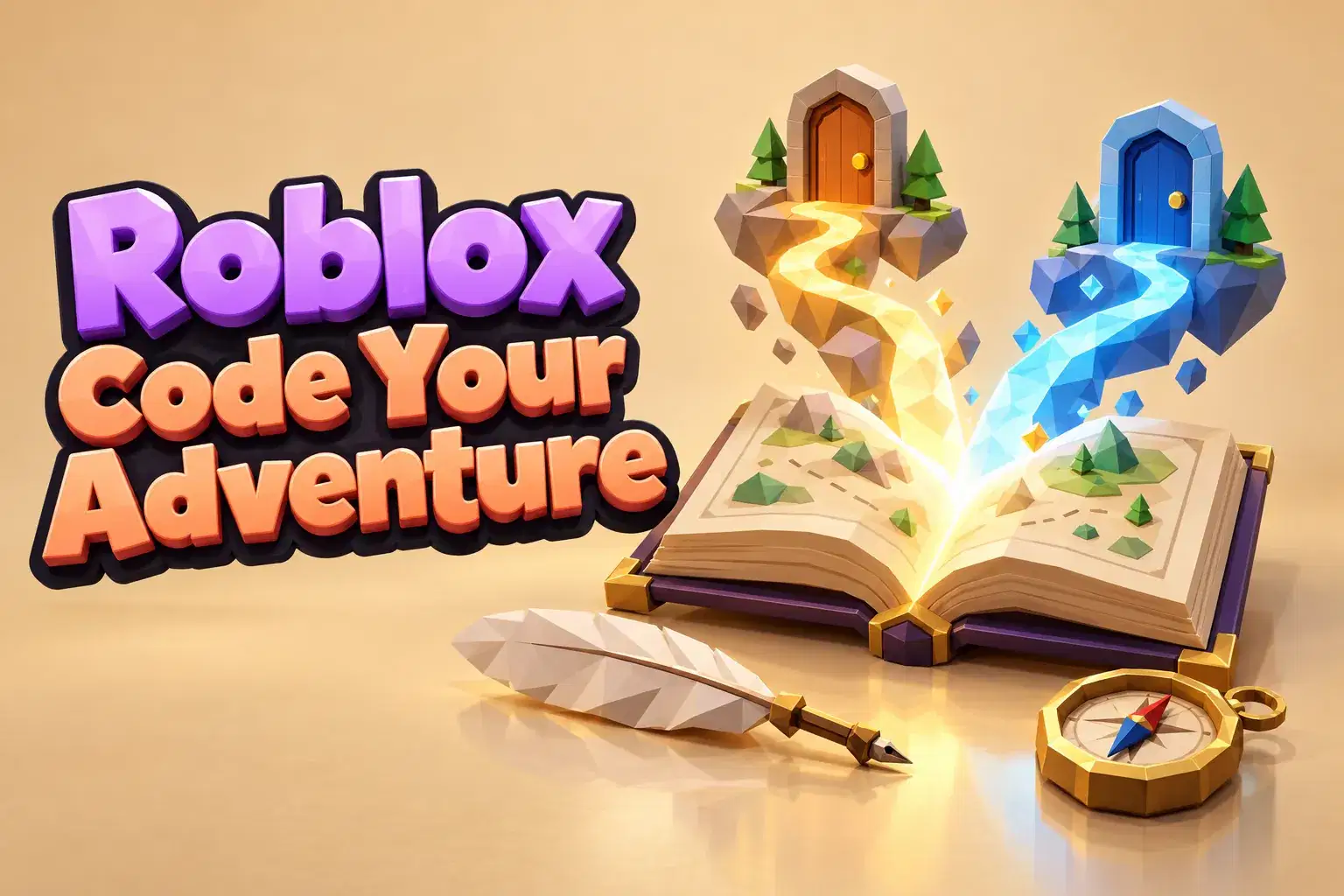
Roblox Choose-Your-Own-Adventure: Code Branching Stories
SG

Sakshi G.

Roblox Choose-Your-Own-Adventure: Code Branching Stories

Learners code a choose-your-own-adventure game in Roblox Studio over eight weeks. They design decision trees, write branching dialogue and code choices that cha…

Intermediate

Level

9–13

Ages

55 min

Duration

1 / Week

Classes

8

Weeks

$21.00per class
See schedule
Teachable Machine: Weekly AI Projects for Ages 7-12
Club
SS

Sakshi S.

5.0(3)

Teachable Machine: Weekly AI Projects for Ages 7-12

This eight-week course turns students from AI users into AI builders using Google Teachable Machine. Lessons are visual and project-based, focusing on building…

Beginner

Level

7–12

Ages

55 min

Duration

1 / Week

Classes

Ongoing

Weeks

$18.00per class
See schedule
Still not sure?Answer a few quick questions and we'll pick for you.Help me choose

Explore other interests

Same page, new classes. Tap one to switch.

Browse by Category

Frequently Asked Questions

Everything parents ask before their child's first live class — answered clearly, no fine print.

There are AI and data classes for ages 6 to 18. Younger kids usually start with no-code tools like Teachable Machine or Scratch, while teens move on to Python, machine learning and prompt writing. Check the age range on each class page.

No. Many beginner classes use no-code tools where kids train a model by showing it examples. Python and machine learning courses list any coding experience they expect on the class page.

Only some classes, and mostly for teens. OpenAI says ChatGPT is not meant for children under 13, so classes for younger kids tend to use kid-friendly or no-account tools. The class page lists the tools and any accounts needed.

No. Classes cover how machines learn, training simple models, coding games with face or hand detection, spreadsheets and data, and using AI responsibly. Pick by what your child wants to make or understand.

Several classes focus on AI ethics, spotting fake content and academic integrity. Look for words like responsible use, ethics or safety in the class title or description.

A laptop or desktop works best, since many projects run in a web browser and some use a webcam. The class page lists any free software or accounts to set up before the first session.

Check each tool's age rules first, use it on a shared device, and agree on family rules like never sharing personal details. Treat AI answers as a starting point and double-check important facts.Read the guide: How Kids Can Use AI Tools Safely: A Parent's Guide

Train a model to tell a thumbs up from a thumbs down with Google's free Teachable Machine in a web browser. It needs no code, takes about 30 minutes and shows how examples shape what a computer learns.Read the guide: A First Machine Learning Project for Kids with Teachable Machine

Parents create every learner account, messages stay on Undoschool, and every class is recorded for safety. Recordings are seen only by the learner, the teacher and the Undoschool team, and each course is reviewed before it goes live.

Yes. Your first class is on us, so your child can meet the teacher and see the class style first. If it is not right, cancel before the second class starts for a full refund.

Both are marketplaces of live small-group classes run by independent teachers. On Undoschool every course is reviewed before it is listed, every class is recorded for safety, and your first class is on us. Compare the teacher and schedule for the specific class you want.

Message the teacher from your dashboard. Because sessions are recorded, the teacher can usually help your child catch up on what was covered.

A laptop, desktop or tablet with a camera and microphone, a steady internet connection, and a quiet spot. The class page lists any software or supplies the teacher needs.Read the guide: Getting Ready for Your Child's First Online Class