




Roblox Story Game Studio: Write and Build a Narrative Adventure
Yangchen Sharma
Ages 9–13 · 55 min · 1 / Week
$19.75per classSee schedule
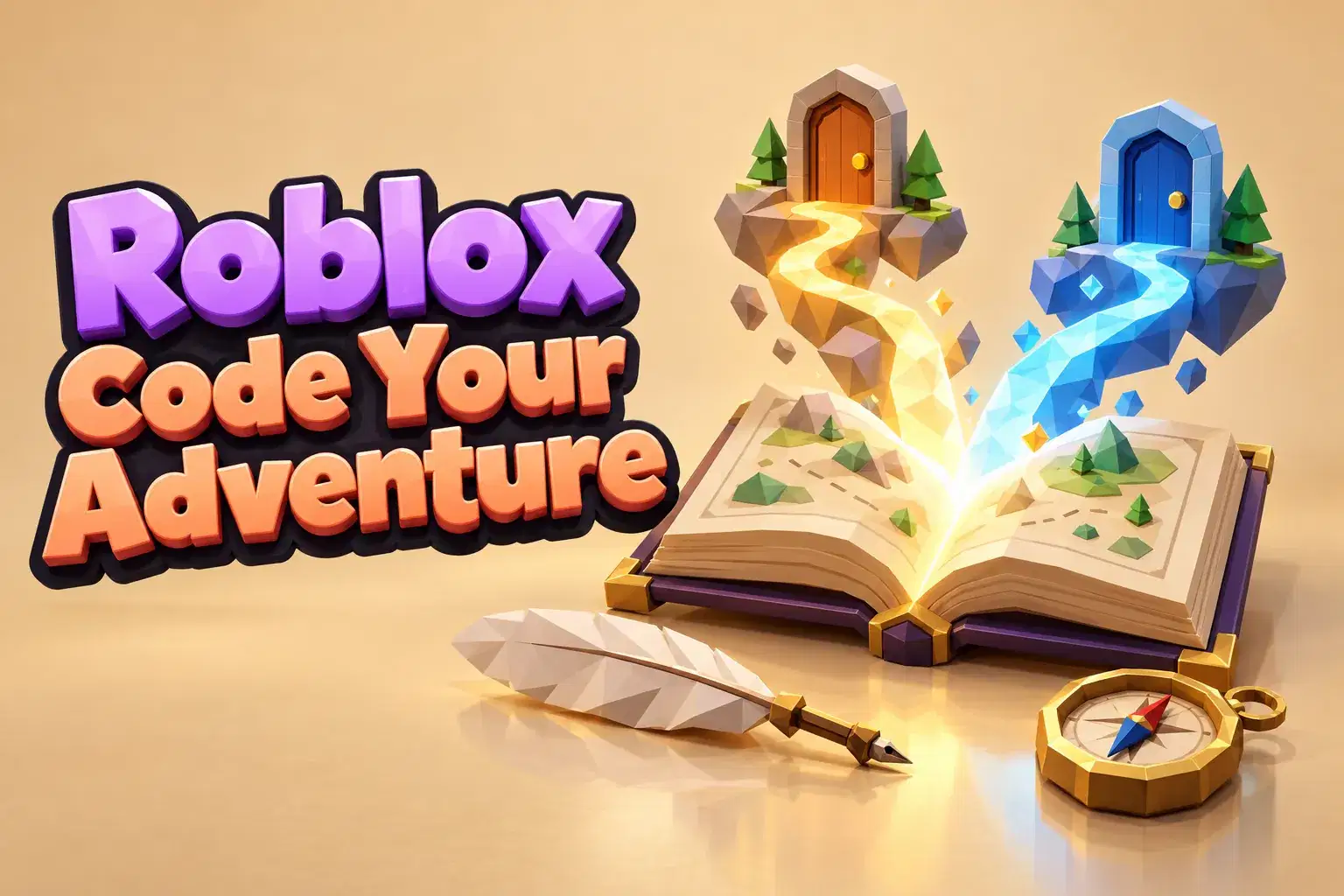
Learners code a choose-your-own-adventure game in Roblox Studio over eight weeks. They design decision trees, write branching dialogue and code choices that change the story's ending.
Paid once.
Choose-your-own-adventure games let players shape the story with every decision. In this eight-week course learners design and code a branching story game in Roblox Studio and learn about decision trees, the same structure behind many game AI systems.
Learners begin by mapping a story on paper as a decision tree, with a starting point, choices and multiple endings. They discuss how each choice should feel meaningful and how to keep branches manageable. Next they build the first scene in Roblox Studio and code an on-screen dialogue box with two or three choice buttons. Learners write code that moves the player to a new scene depending on which button they click.
In the middle weeks learners add variables that remember past choices, such as whether the player helped a character earlier, and use them to change later scenes. They create at least three endings, including a secret ending that requires a special combination of choices. Learners also add characters, music and lighting that match each branch.
In the final weeks learners playtest each other's stories, check that every path works and refine their writing. They present their decision tree alongside the game.
The teacher explains both storytelling and coding ideas step by step. By the end learners will have a playable branching story. Basic Lua knowledge is helpful.
Each class combines story planning with a coding step. Learners build scenes and choices and test every branch with classmates.
Week 1: Decision Tree Map – Plan a story with choices and endings.
Week 2: First Scene – Build the opening scene.
Week 3: Dialogue and Choices – Code a dialogue box with choice buttons.
Week 4: Moving Between Scenes – Send players to scenes based on choices.
Week 5: Remembering Choices – Use variables to track past decisions.
Week 6: Multiple Endings – Build three endings and a secret one.
Week 7: Mood and Characters – Add characters, music and lighting per branch.
Week 8: Branch Testing and Showcase – Test every path and present the tree.
Map a story as a decision tree
Code dialogue boxes and choice buttons
Use variables to remember player choices
Design multiple endings including a secret one
Test every branch for bugs
Basic Roblox Studio navigation. Some Lua experience is helpful but not required.
Joined October, 2026
Sakshi creates hands-on Roblox Studio learning experiences that guide young makers through building themed games and obstacle courses. She emphasizes clear, step-by-step instruction, hands-on practice, and iterative playtesting so students learn to test, fix, and refine their lev…
Yangchen Sharma
Ages 9–13 · 55 min · 1 / Week
$19.75per classSee schedule
Kabir Nair
Ages 6–8 · 45 min · 4 / Week
$15.00per classSee schedule
Neha Sharma
Ages 12–15 · 55 min · 4 / Week
$18.00per classSee schedule

Kabir Nair
Ages 12–15 · 55 min · 2 / Week
$17.00per classSee schedule
Kabir Nair
Ages 9–11 · 50 min · 2 / Week
$14.00per classSee schedule
Sneha Reddy
Ages 6–8 · 40 min · 2 / Week
$17.00per classSee schedule
Yangchen Sharma
Beginner
Level
9–13
Ages
55 min
Duration
1 / Week
Classes
8
Weeks
Sanya Patel
Beginner
Level
6–8
Ages
45 min
Duration
4 / Week
Classes
1
Weeks
Priya Nair
Beginner
Level
9–11
Ages
50 min
Duration
4 / Week
Classes
1
Weeks
Kabir Nair
Beginner
Level
6–8
Ages
45 min
Duration
4 / Week
Classes
1
Weeks
Neha Sharma
Beginner
Level
12–15
Ages
55 min
Duration
4 / Week
Classes
1
Weeks
Kabir Nair
Beginner
Level
12–15
Ages
55 min
Duration
2 / Week
Classes
2
Weeks
Kabir Nair
Beginner
Level
9–11
Ages
50 min
Duration
2 / Week
Classes
2
Weeks
Sneha Reddy
Beginner
Level
6–8
Ages
40 min
Duration
2 / Week
Classes
2
Weeks