By Lily Monroe ·
How to Choose Your Child's First Robotics Kit
How to pick a first robotics kit for kids by age: coding style, devices, power, small-parts safety and what to buy next.
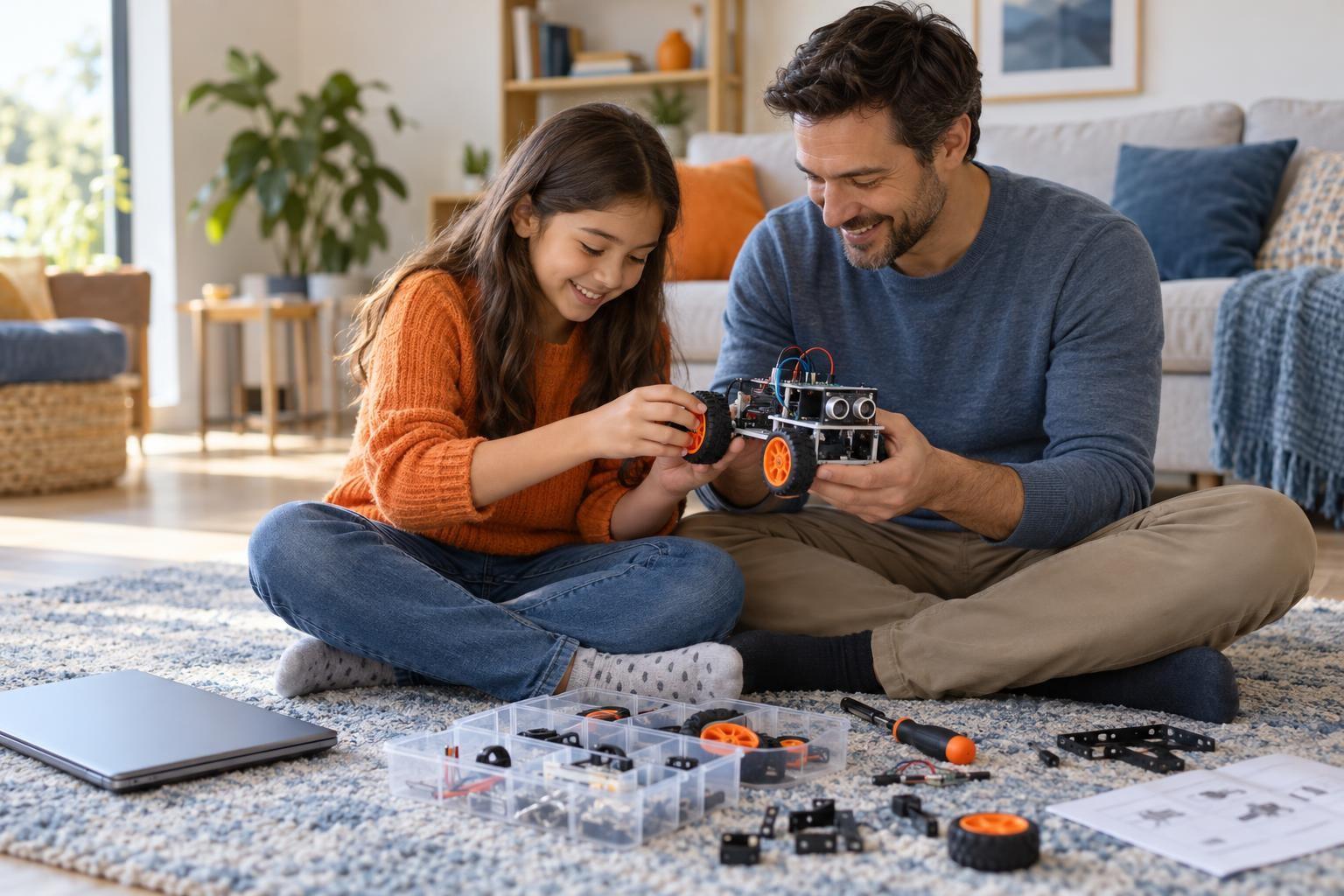
The best first robotics kit matches your child's age, reading level and patience, not the longest feature list. Choosing well means looking at how the kit is coded, what device it needs and what your child can build with it on day one.
For most kids under 8, start with a snap-together kit that uses picture or block coding. For ages 8 to 12, a small programmable board with block coding is a strong next step, and teens ready for wiring can move to breadboards and text code. Count the projects, not the parts.
Start with what your child already enjoys
Robotics mixes three things: building, coding and electronics. Most kids are pulled toward one of them first, and a kit that leans into that interest is far more likely to stick.
- The builder who loves bricks or cardboard projects will enjoy kits where the robot's shape and moving parts are the main event.
- The game player who likes making things happen on screen will enjoy kits where coding changes what the robot does right away.
- The tinkerer who takes apart old toys will enjoy kits with sensors, motors and wires they can rearrange.
Ask what they want their robot to do. "Avoid walls" and "play a song when I clap" point to different kits.
How to choose a first robotics kit, step by step
- Check the age range on the box, then be honest about your child. A strong reader who has used block coding before can often handle a kit rated a year or two older. A child who gets frustrated quickly does better a step below.
- Look at the coding method. Picture cards or drag-and-drop blocks let young kids build programs without typing. Text languages like Python or JavaScript suit older kids who already know the basics.
- Check what device it needs. Some kits run on a tablet app, others need a laptop or a browser. For example, the Microsoft MakeCode editor for the micro:bit runs in a web browser with no install, and includes an on-screen simulator so kids can test code before plugging anything in.
- Count the projects, not the parts. A kit with 300 pieces and two guided projects can stall fast. Look for clear step-by-step builds plus open-ended challenges.
- Check how it is powered. Know whether it uses AA batteries, a rechargeable pack or a USB cable, and budget for spares.
- Think about what comes next. A kit that works with add-on sensors or a second level of coding gives your child room to grow without starting over.
Kit types by age
| Age | Kit type | How kids code it | Good first goal |
|---|---|---|---|
| 4 to 6 | Screen-free coding robots and chunky snap-together sets | Buttons, arrow cards or simple picture apps | Make the robot follow a path on the floor |
| 6 to 8 | Brick-based robotics sets with a motor and one or two sensors | Icon or block coding on a tablet | Build a vehicle that stops before it hits a wall |
| 8 to 12 | Small programmable boards with built-in lights, buttons and sensors | Block coding, with an option to view text code | Make a step counter or a game that reacts to tilting |
| 12 and up | Microcontroller starter kits with breadboards, wires and separate parts | Text code such as Python or C-style languages | Wire a sensor and motor to build a simple obstacle-avoiding car |
A board like the micro:bit is a popular bridge between the middle two rows. According to the official micro:bit features page, it has a 5x5 LED display, two buttons, an accelerometer, a compass and a temperature sensor built in, so kids can make working projects before buying any extra parts.
What to watch for
A few checks before you buy can save a lot of frustration.
- Small parts and younger siblings. Many kits include tiny screws, wheels and connectors. The U.S. Consumer Product Safety Commission bans small parts in products meant for children under 3, but kits for older kids can still have them, so keep the bin out of reach of toddlers.
- Soldering and tools. Kits that need soldering are best saved for older kids with an adult nearby, good ventilation and safety glasses.
- Accounts and apps. Check whether the app needs an account, collects data or has in-app purchases before you hand it over.
- Screen time. Robotics works best when screen time is short bursts of coding between longer stretches of building and testing on the table.
Store spare button and coin batteries locked away, since they are dangerous if swallowed. Supervise younger kids when changing batteries.
Getting the most out of the kit
Unbox it together and do the first guided project side by side. After that, step back and let your child lead.
When something does not work, ask "What did you expect it to do?" and "What did it actually do?" before offering a fix. That habit of testing and adjusting is the real skill robotics builds.
If your child wants more structure, a live online robotics class can help. A teacher can walk a small group through the same board or kit, answer questions as they come up, and give kids a reason to finish each build.
Frequently asked questions
Do we need to buy an expensive kit to start?
No. A simple programmable board or an entry-level brick set covers the core ideas of input, output and logic. Many families start small and add sensors or motors once their child shows steady interest.
Should my child learn coding before robotics?
Not necessarily. Robotics is a great way to learn coding because kids see their code move something real. Block coding is built into most beginner kits, so they learn both at once.
How much adult help will my child need?
Younger kids usually need a parent for setup, charging and reading instructions. By around 9 or 10, many kids can follow the guided builds on their own and only need help when they get stuck.
What if the kit ends up sitting in a closet?
Pick it back up with a small, concrete goal, such as a robot that stops before a wall. A kit with clear guided projects, or a class that uses the same kit, gives kids a reason to finish each build.
Build, code and test with a teacher
If your child is ready for more than the guided builds, live online robotics classes walk small groups through real projects, with a teacher on hand when the code or the wiring does not cooperate.