



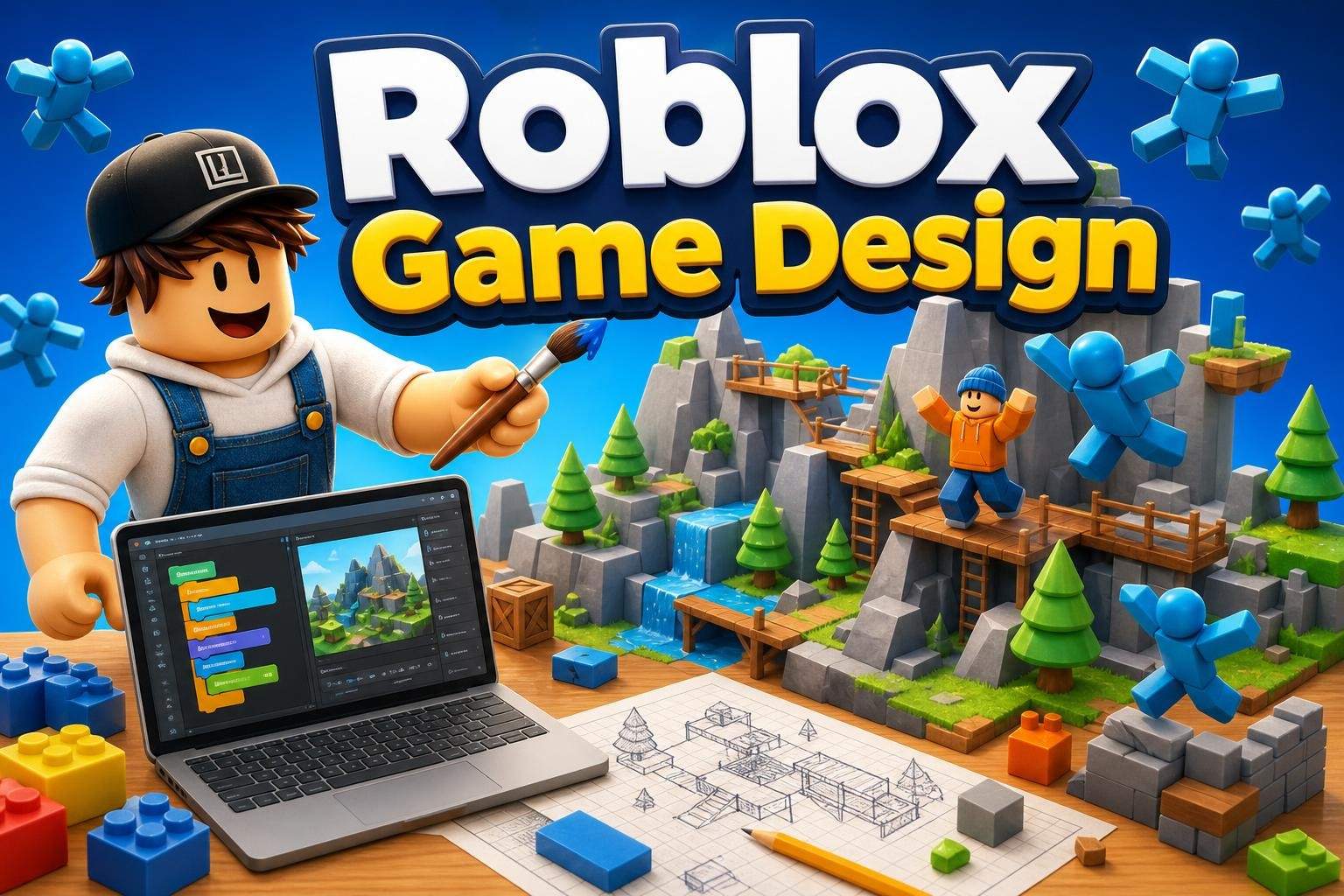
Roblox Studio: Beginner Game Design and Lua
Bhavya Sharma4.5
Ages 7–12 · 55 min · 1 / Week
$20.00per classSee schedule
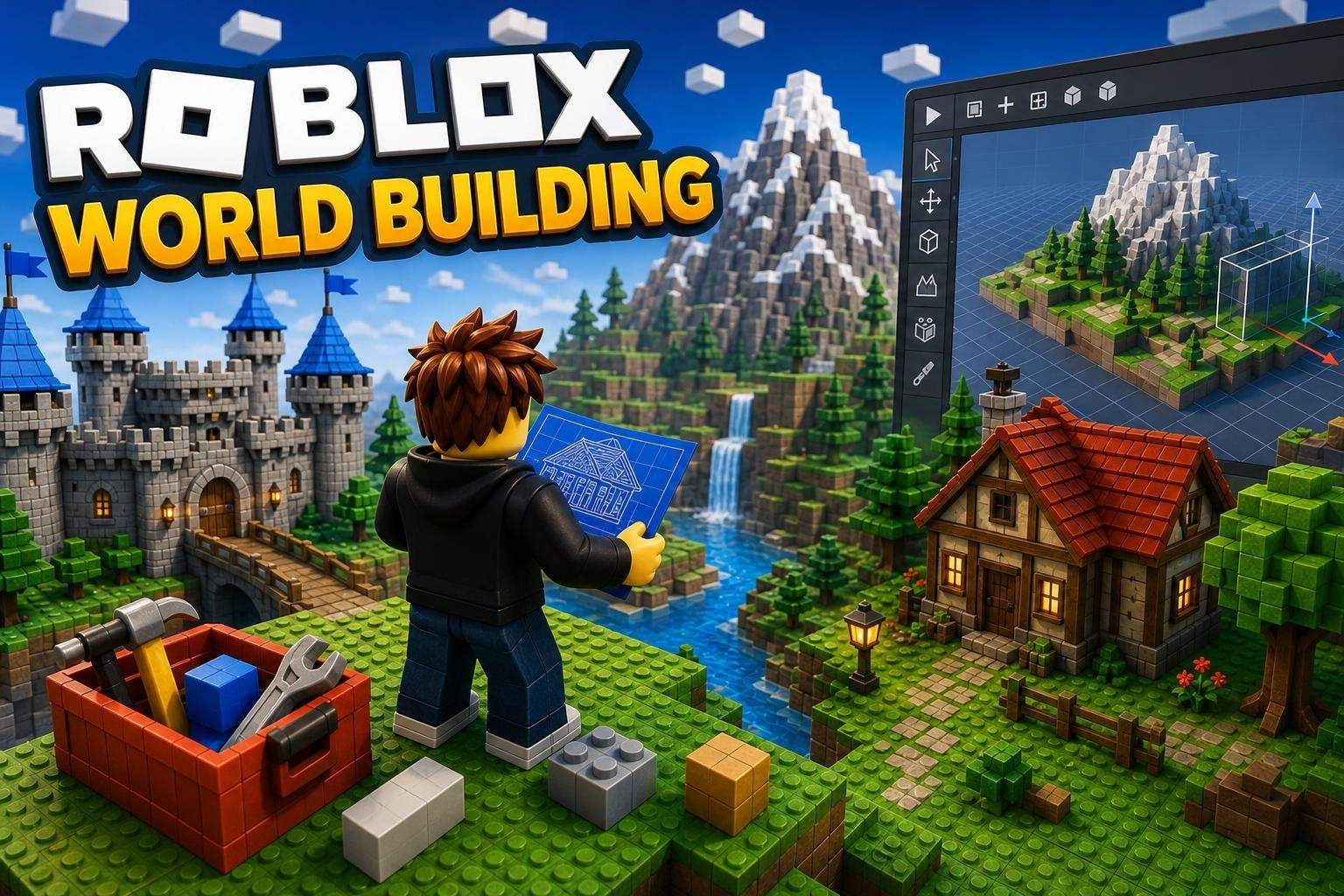
In this 8-class course, learners use Roblox Studio to learn 3D modeling and terrain design and build their own playable Roblox environment. The course focuses on hands-on projects rather than coding, guiding students from basic shapes to a finished world that combines buildings, props, and natural terrain. Students begin by creating simple structures and parts, then practice combining, resizing, and duplicating elements to make houses, vehicles, and furniture. Lessons cover turning basic shapes into detailed models using Roblox Studio's modeling tools, materials, and color choices. The course also teaches how to use the Terrain Editor to form mountains, rivers, hills, cliffs, and water features, and how terrain influences world layout. Throughout the sessions, learners build props and environmental details that fit their world, refine proportions and placements, and practice visual finishing touches so their environment looks cohesive. The final class is dedicated to completing the environment and presenting the finished world created from the learner's own models and terrain work. This course develops spatial reasoning, planning, and digital design skills while producing a tangible Roblox environment. It is suitable for learners ages 8–12 who want to focus on visual design and world-building within Roblox Studio without learning scripting or coding.
Paid once.
Eight live, instructor-led classes combine demonstrations, guided practice, and project work. Each lesson builds on the last: start with basic models, add props and vehicles, shape terrain, assemble a full environment, then refine and showcase the final world.
Understand core 3D modeling tools and workflows in Roblox Studio
Use Roblox terrain tools to shape natural landscapes
Apply materials, colors, and proportions to enhance 3D models
Combine models and terrain to design a cohesive Roblox environment
Develop spatial reasoning, creativity, and planning skills
Choose a time that works best for you. All times are shown in Coordinated Universal Time.
Simran brings a playful, project-driven approach to teaching Roblox Studio, guiding students from first ideas to published games. She designs compact, hands-on sequences—four-session builds like a Halloween Trick-or-Treat game or eight-session projects for 3D worlds and Lua-drive…
4.7
20 reviews for this class
Ratings are specific to this class, not the teacher's overall profile.
Only reviews with written feedback are shown below.
Bhavya Sharma4.5
Ages 7–12 · 55 min · 1 / Week
$20.00per classSee schedule
Tanvi Ghosh
Ages 7–12 · 55 min · 1 / Week
$15.00per classSee schedule
Ayesha Desai4.8
Ages 8–12 · 50 min · 1 / Week
$13.00per classSee schedule
Tanya Sinha5.0
Ages 8–11 · 55 min · 1 / Week
$12.38per classSee schedule
Sonali Ghosh4.9
Ages 8–11 · 55 min · 1 / Week
$10.00per classSee schedule

Tanya Sinha5.0
Ages 7–11 · 55 min · 1 / Week
$10.00per classSee schedule
Tanvi Ghosh4.4
Ages 7–12 · 55 min · 1 / Week
$13.00per classSee schedule
Rahul Malhotra4.5
Ages 9–14 · 55 min · 1 / Week
$13.00per classSee schedule
Bhavya Sharma
Beginner
Level
7–12
Ages
55 min
Duration
1 / Week
Classes
12
Weeks
Tanvi Ghosh
Beginner
Level
7–12
Ages
55 min
Duration
1 / Week
Classes
12
Weeks
Ayesha Desai
Beginner
Level
8–12
Ages
50 min
Duration
1 / Week
Classes
12
Weeks
Tanya Sinha
Beginner
Level
8–11
Ages
55 min
Duration
1 / Week
Classes
8
Weeks
Sonali Ghosh
Advanced
Level
8–11
Ages
55 min
Duration
1 / Week
Classes
8
Weeks
Tanya Sinha
Beginner
Level
7–11
Ages
55 min
Duration
1 / Week
Classes
8
Weeks
Tanvi Ghosh
Beginner
Level
7–12
Ages
55 min
Duration
1 / Week
Classes
12
Weeks
Rahul Malhotra
Beginner
Level
9–14
Ages
55 min
Duration
1 / Week
Classes
12
Weeks