




Roblox Studio: Beginner Game Design and Lua
Bhavya Sharma4.5
Ages 7–12 · 55 min · 1 / Week
$20.00per classSee schedule
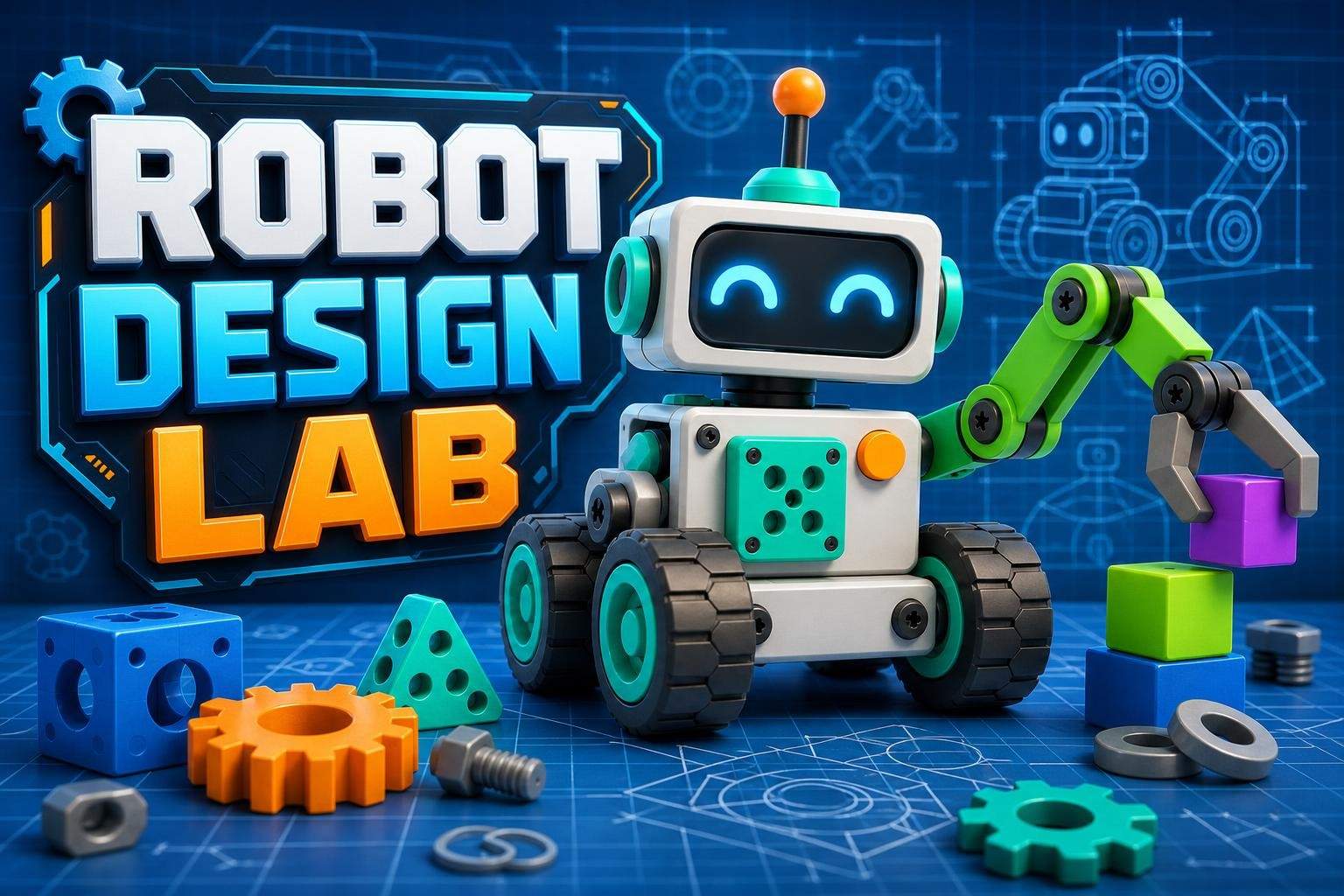
This project-based course turns students into young robotics designers using Tinkercad. Over eight meetings learners build a different robot or robot system each class, including a desk buddy, explorer rover, sensor head, grabber arm, delivery robot, rescue robot, robotic pet, and an original design challenge. Instruction moves beyond basic shape stacking to focus on design-for-function: accurate alignment, symmetry, repeated parts, wall thickness, wheel and axle spacing, mechanical joints, negative space, and parts that look and fit together. The teacher models each project live and pauses at clear checkpoints. Students follow a core build to learn essential techniques, then customize tools, colors, expressions and mission-specific details. Emphasis is on planning movable-looking parts, checking stability and intended motion, and iterating designs after review. No physical robot or 3D printer is required; learners work entirely in Tinkercad on a computer. This course is appropriate for learners in grades 4 to 7 who already know basic Tinkercad navigation. It balances hands-on practice with design thinking so students leave with a portfolio of eight distinct robot designs and the skills to plan and refine future inventions.
Paid once.
Each session is project-based: the instructor builds a robot live with step-by-step checkpoints. Learners follow the core design, then customize and iterate. Sessions cover different robot types and end with an original design challenge. Work is done in Tinkercad; no 3D printer is required.
Combine basic shapes into detailed, functional robot components
Use align, duplicate, mirror, ruler, group and hole tools accurately
Plan wheels, axles, joints and grippers with correct spacing
Evaluate and improve designs for stability, movement and purpose
Learners should know how to open Tinkercad, move the camera, drag and resize shapes, use holes, and group objects. The teacher will briefly review these tools, but this is not a first-time beginner course.
Choose a time that works best for you. All times are shown in Coordinated Universal Time.
Sonali is a robotics educator who designs hands-on electronics and coding experiences for learners ages 7–14. Over seven years she has led camps, after-school clubs, and weekly project series focused on Arduino and Micro:bit, using Tinkercad for safe simulation and advanced 3D ro…
4.9
13 reviews for this class
Ratings are specific to this class, not the teacher's overall profile.
Only reviews with written feedback are shown below.
Bhavya Sharma4.5
Ages 7–12 · 55 min · 1 / Week
$20.00per classSee schedule

Tanvi Ghosh
Ages 7–12 · 55 min · 1 / Week
$15.00per classSee schedule
Ayesha Desai4.8
Ages 8–12 · 50 min · 1 / Week
$13.00per classSee schedule
Tanya Sinha5.0
Ages 8–11 · 55 min · 1 / Week
$12.38per classSee schedule

Tanya Sinha5.0
Ages 7–11 · 55 min · 1 / Week
$10.00per classSee schedule
Tanvi Ghosh4.4
Ages 7–12 · 55 min · 1 / Week
$13.00per classSee schedule
Rahul Malhotra4.5
Ages 9–14 · 55 min · 1 / Week
$13.00per classSee schedule
Srishti Shah
Ages 7–9 · 55 min · 1 / Week
$11.88per classSee schedule
Bhavya Sharma
Beginner
Level
7–12
Ages
55 min
Duration
1 / Week
Classes
12
Weeks
Tanvi Ghosh
Beginner
Level
7–12
Ages
55 min
Duration
1 / Week
Classes
12
Weeks
Ayesha Desai
Beginner
Level
8–12
Ages
50 min
Duration
1 / Week
Classes
12
Weeks
Tanya Sinha
Beginner
Level
8–11
Ages
55 min
Duration
1 / Week
Classes
8
Weeks
Tanya Sinha
Beginner
Level
7–11
Ages
55 min
Duration
1 / Week
Classes
8
Weeks
Tanvi Ghosh
Beginner
Level
7–12
Ages
55 min
Duration
1 / Week
Classes
12
Weeks
Rahul Malhotra
Beginner
Level
9–14
Ages
55 min
Duration
1 / Week
Classes
12
Weeks
Srishti Shah
Beginner
Level
7–9
Ages
55 min
Duration
1 / Week
Classes
16
Weeks