




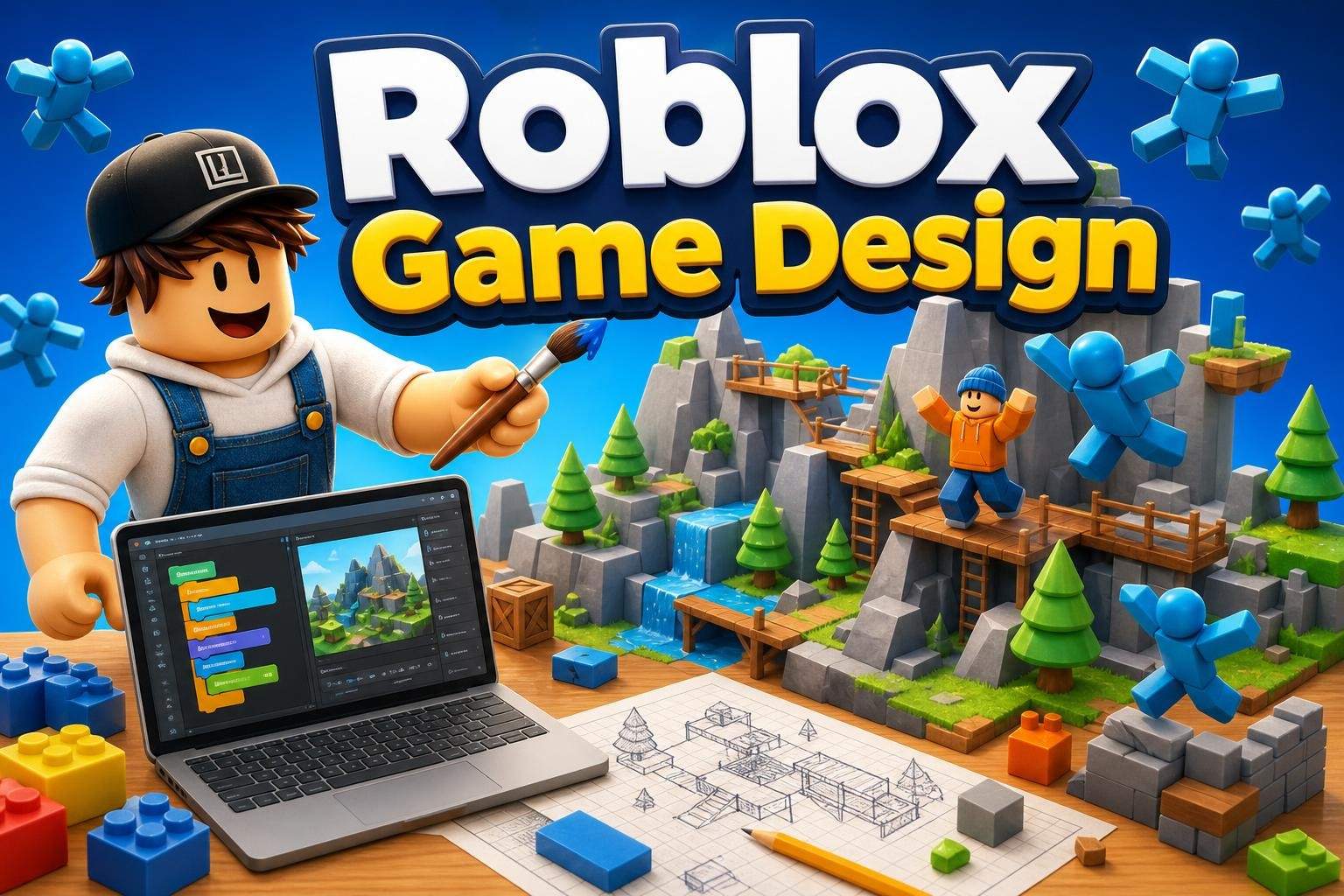
Roblox Studio: Beginner Game Design and Lua
Bhavya Sharma4.5
Ages 7–12 · 55 min · 1 / Week
$20.00per classSee schedule
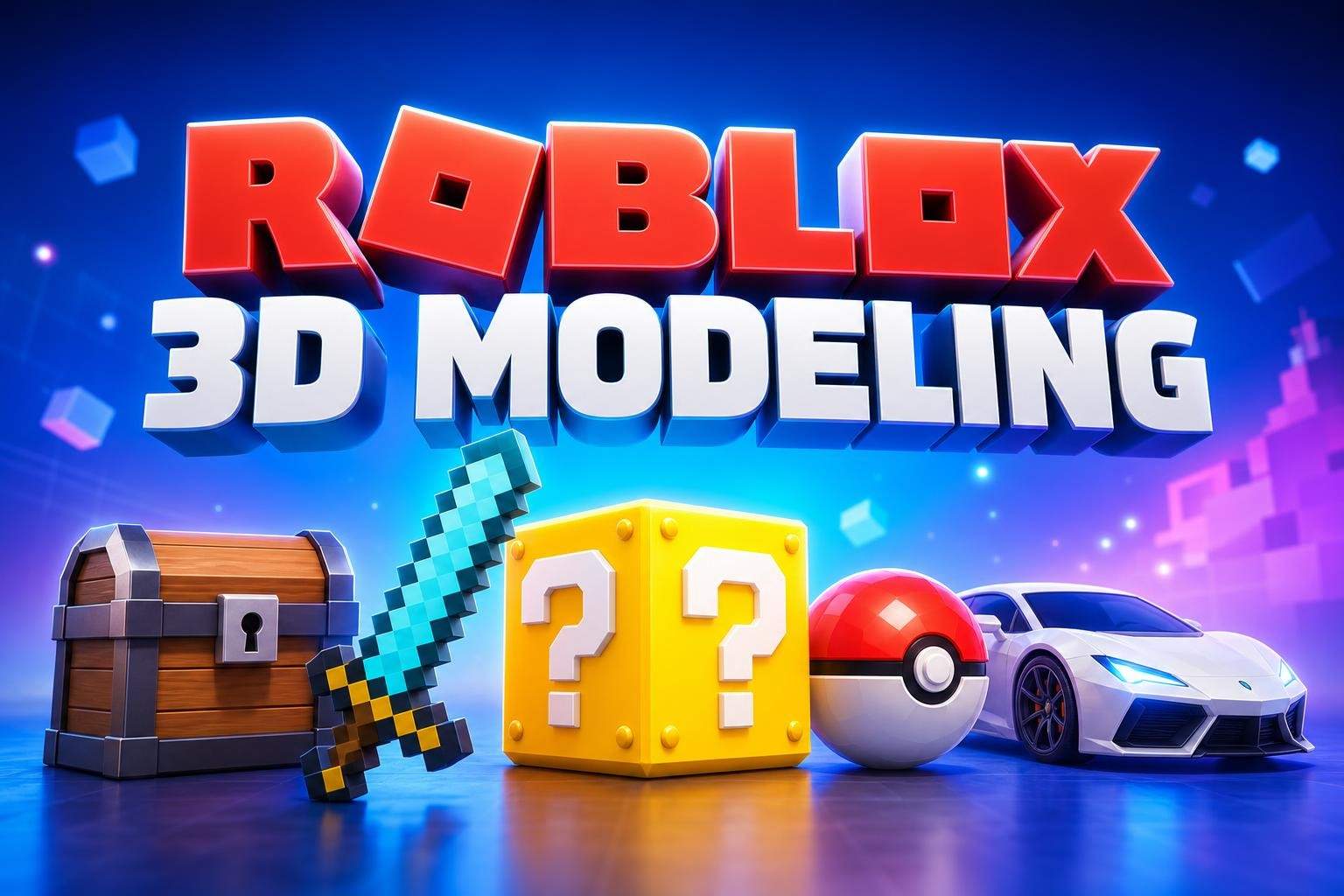
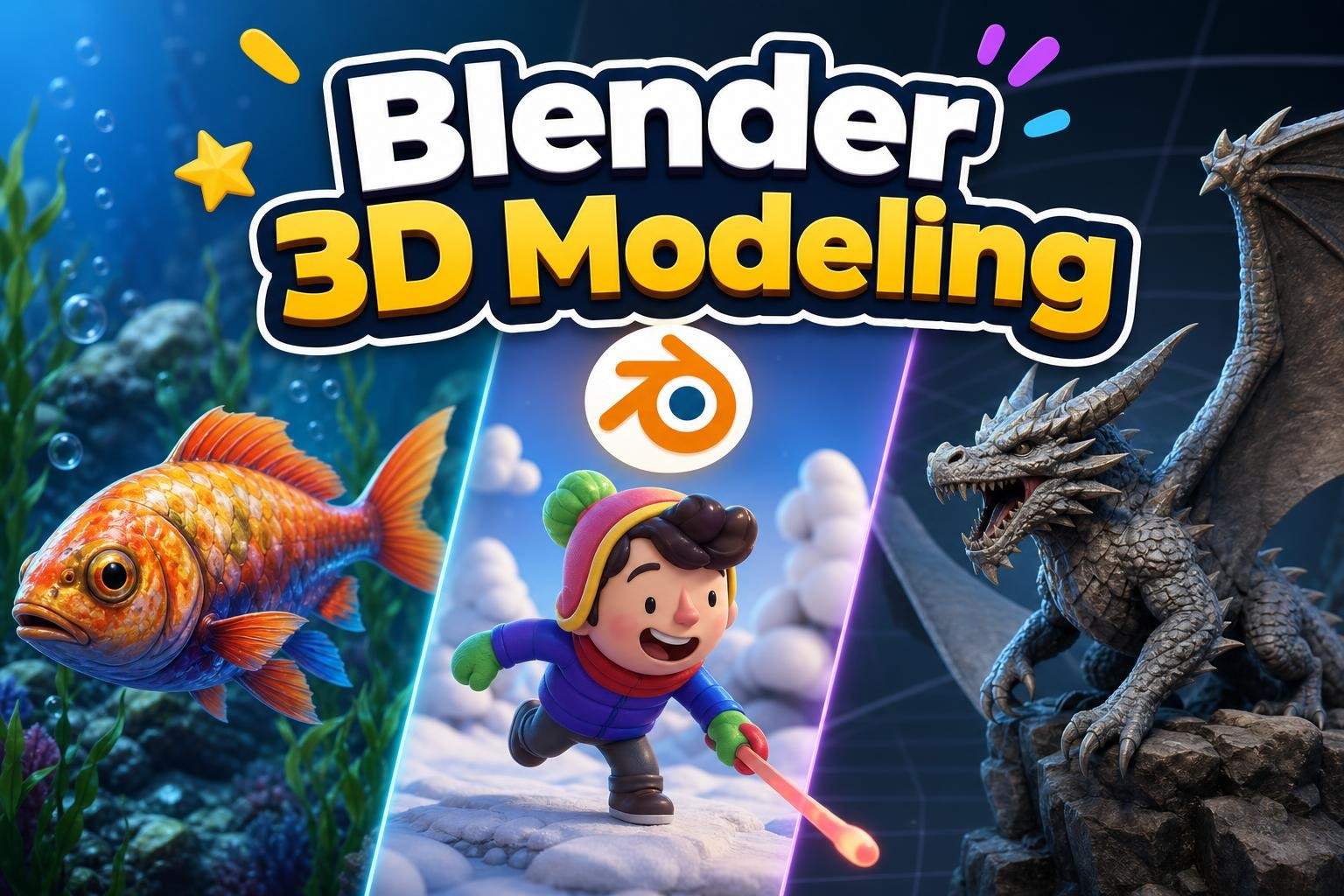
In this 8-week live course, learners use Roblox Studio to design and build recognizable game- and movie-inspired 3D assets. Each week focuses on a clear project—props, gear, vehicles, shop items, and more—so students practice real modeling skills by making finished creations they can use in their own Roblox projects. Classes emphasize hands-on building over tool drills. The teacher demonstrates the techniques step by step, then students follow along to model, combine parts, add colors and materials, and refine details. Projects draw inspiration from familiar styles such as Minecraft, Roblox, Mario, Pokémon, fantasy games, and movie adventures. The goal is to use those styles as creative inspiration while making original assets, not copying existing copyrighted designs. Learners practice shaping objects, merging parts, adding textures and materials, and applying finishing touches to make assets look polished and usable. The final class brings everything together with a capstone assignment where students design a small asset pack of 3–5 original models using the skills learned. This course focuses on 3D modeling and creative design only; no coding is taught or required. Sessions are live and interactive, with time for demonstration, guided building, customization, and final review. Course details: 8 live online classes, 55 minutes each; recommended grades 3–6 (ages 8–12); Roblox Studio required; no coding required.
Paid once.
Each 55-minute live class begins with a teacher demonstration, followed by a guided build where students model steps in Roblox Studio. Learners then customize and finish their asset. Weekly projects build toward a final class where students create a 3–5 asset pack.
Create original 3D models using Roblox Studio tools
Combine parts, shape geometry, and add details to finish assets
Apply colors, materials, and textures to make models look polished
Design themed game- and movie-inspired props, gear, and vehicles
No prior experience required. Students should be comfortable using a computer and following step-by-step instruction.
Choose a time that works best for you. All times are shown in Coordinated Universal Time.
Ananya is a dedicated Roblox educator with a decade of hands-on experience teaching kids ages 7–14. She structures classes around weekly, project-driven objectives that let beginners build confidence through visible results—students design 2–3 new 3D creations weekly, complete th…
4.6
61 reviews for this class
Ratings are specific to this class, not the teacher's overall profile.
Only reviews with written feedback are shown below.
Bhavya Sharma4.5
Ages 7–12 · 55 min · 1 / Week
$20.00per classSee schedule
Tanvi Ghosh
Ages 7–12 · 55 min · 1 / Week
$15.00per classSee schedule
Ayesha Desai4.8
Ages 8–12 · 50 min · 1 / Week
$13.00per classSee schedule
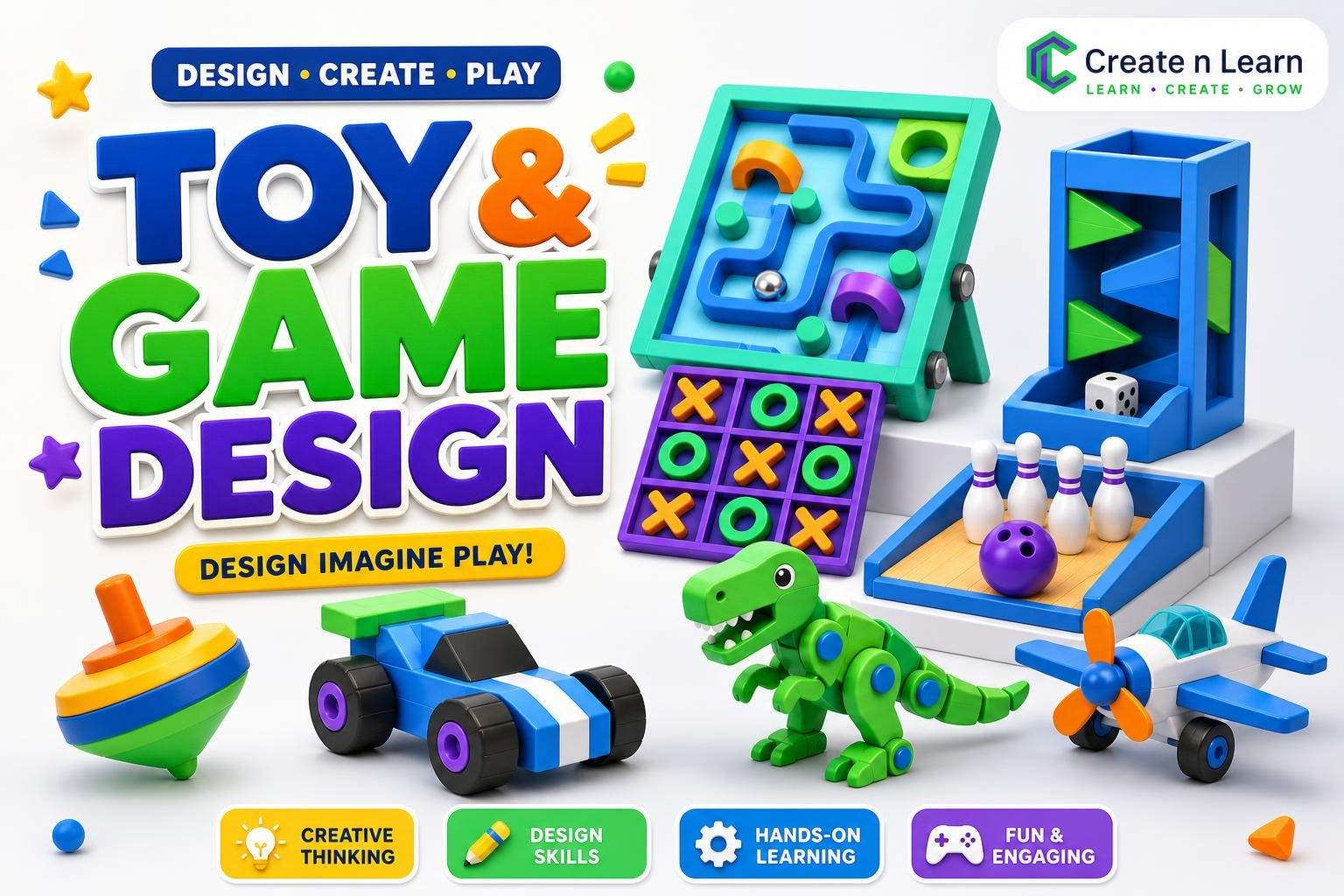
Tanya Sinha5.0
Ages 8–11 · 55 min · 1 / Week
$12.38per classSee schedule
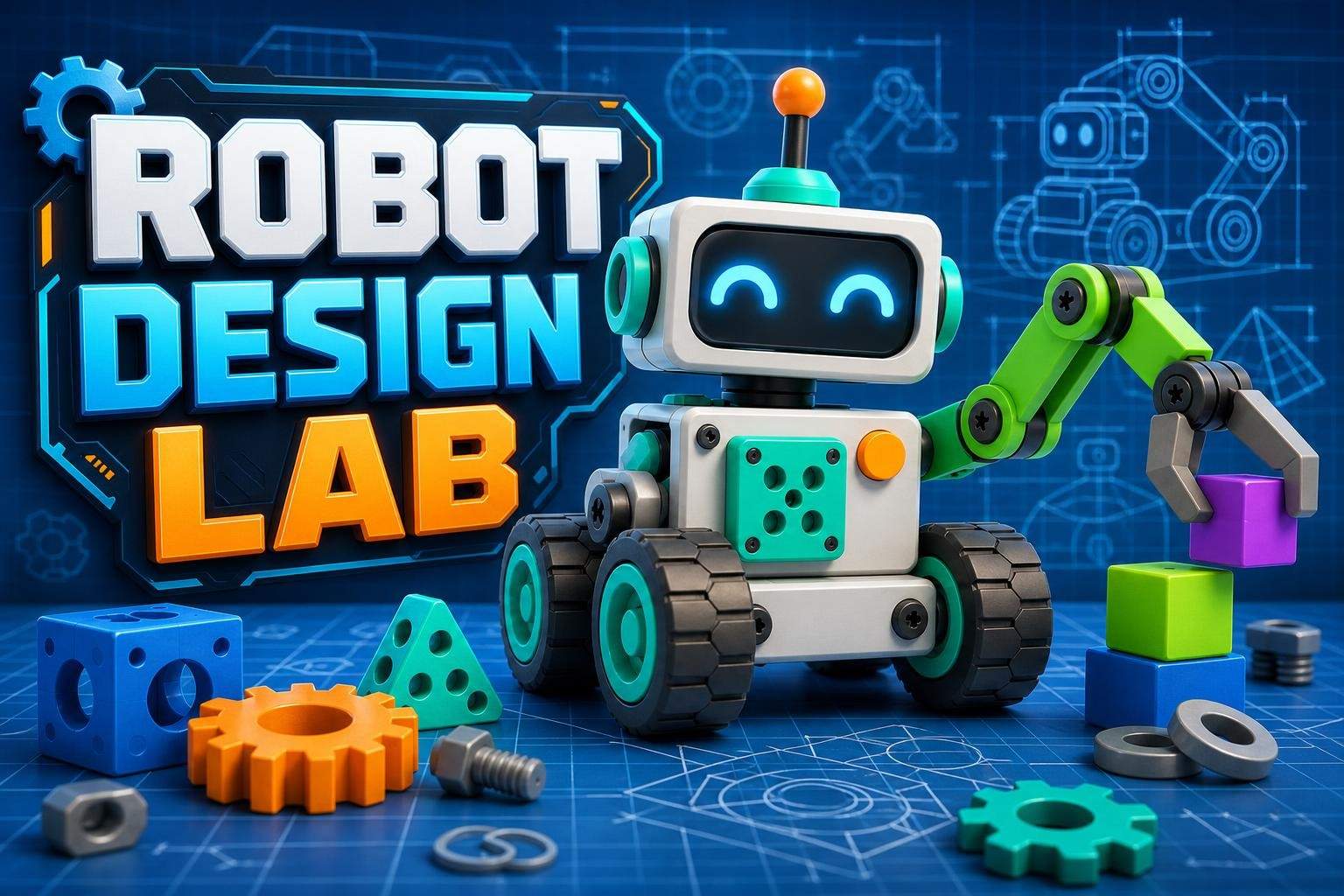
Sonali Ghosh4.9
Ages 8–11 · 55 min · 1 / Week
$10.00per classSee schedule
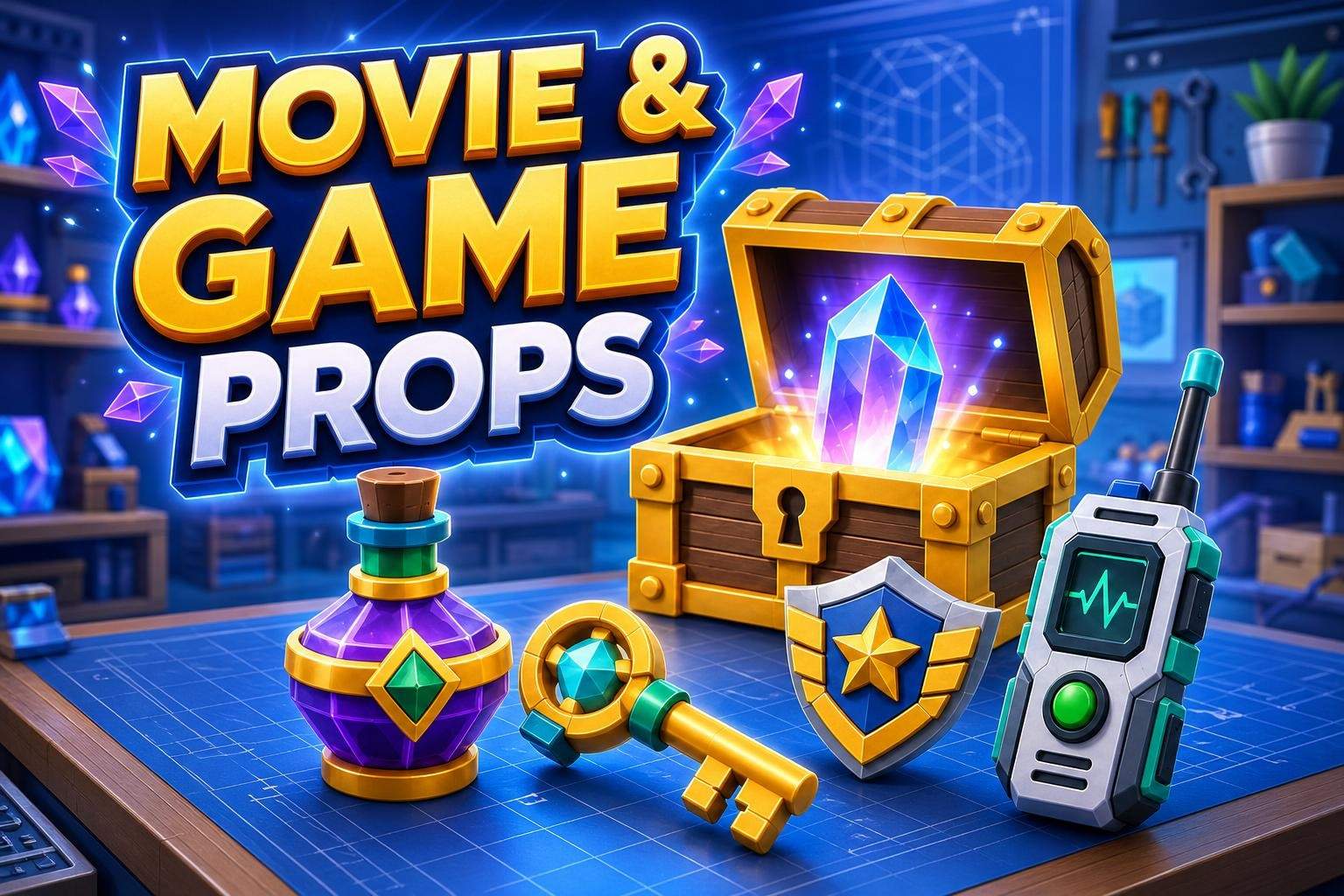
Tanya Sinha5.0
Ages 7–11 · 55 min · 1 / Week
$10.00per classSee schedule
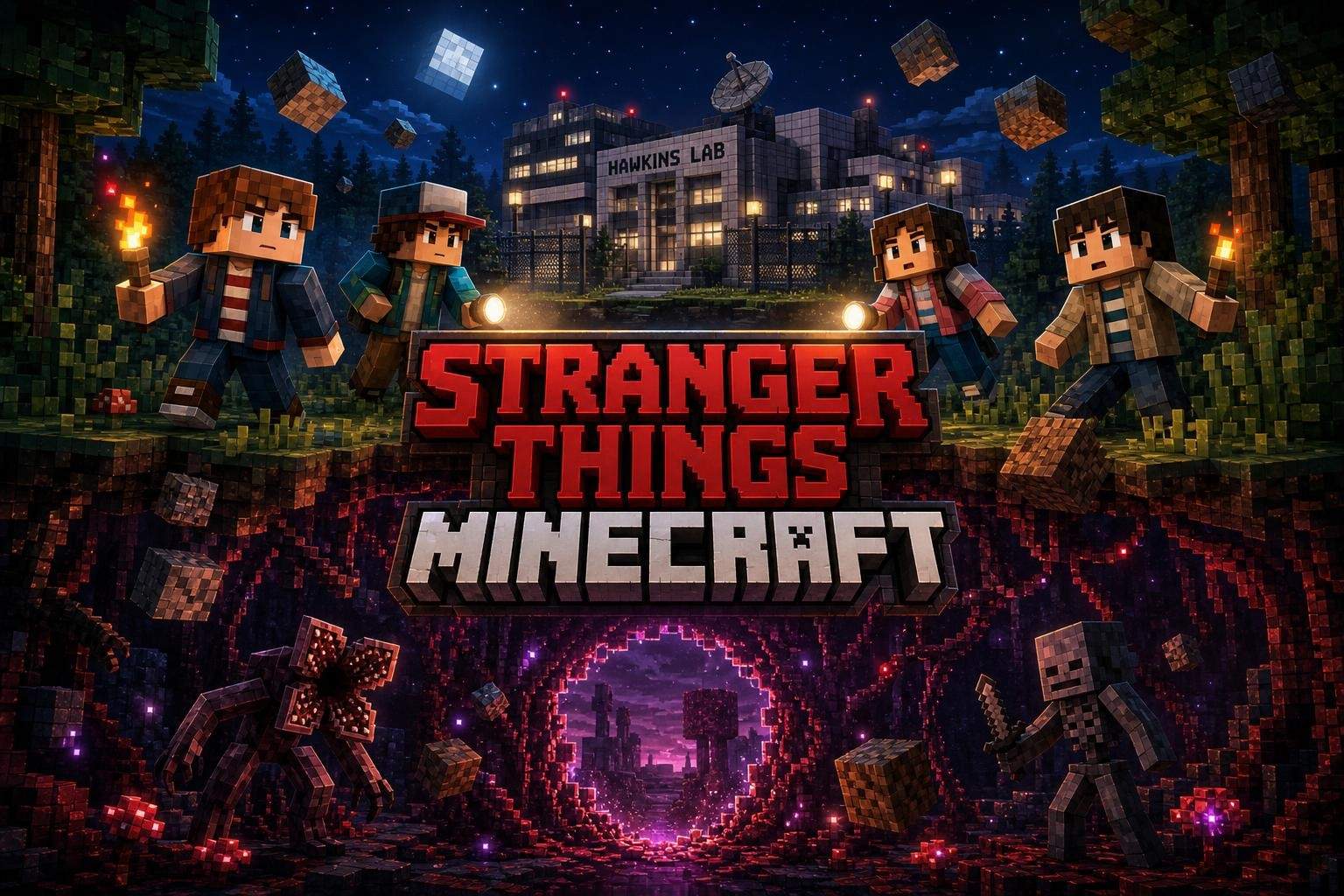
Tanvi Ghosh4.4
Ages 7–12 · 55 min · 1 / Week
$13.00per classSee schedule
Rahul Malhotra4.5
Ages 9–14 · 55 min · 1 / Week
$13.00per classSee schedule
Bhavya Sharma
Beginner
Level
7–12
Ages
55 min
Duration
1 / Week
Classes
12
Weeks
Tanvi Ghosh
Beginner
Level
7–12
Ages
55 min
Duration
1 / Week
Classes
12
Weeks
Ayesha Desai
Beginner
Level
8–12
Ages
50 min
Duration
1 / Week
Classes
12
Weeks
Tanya Sinha
Beginner
Level
8–11
Ages
55 min
Duration
1 / Week
Classes
8
Weeks
Sonali Ghosh
Advanced
Level
8–11
Ages
55 min
Duration
1 / Week
Classes
8
Weeks
Tanya Sinha
Beginner
Level
7–11
Ages
55 min
Duration
1 / Week
Classes
8
Weeks
Tanvi Ghosh
Beginner
Level
7–12
Ages
55 min
Duration
1 / Week
Classes
12
Weeks
Rahul Malhotra
Beginner
Level
9–14
Ages
55 min
Duration
1 / Week
Classes
12
Weeks