




Roblox Animation: Create Emotes and Camera Effects
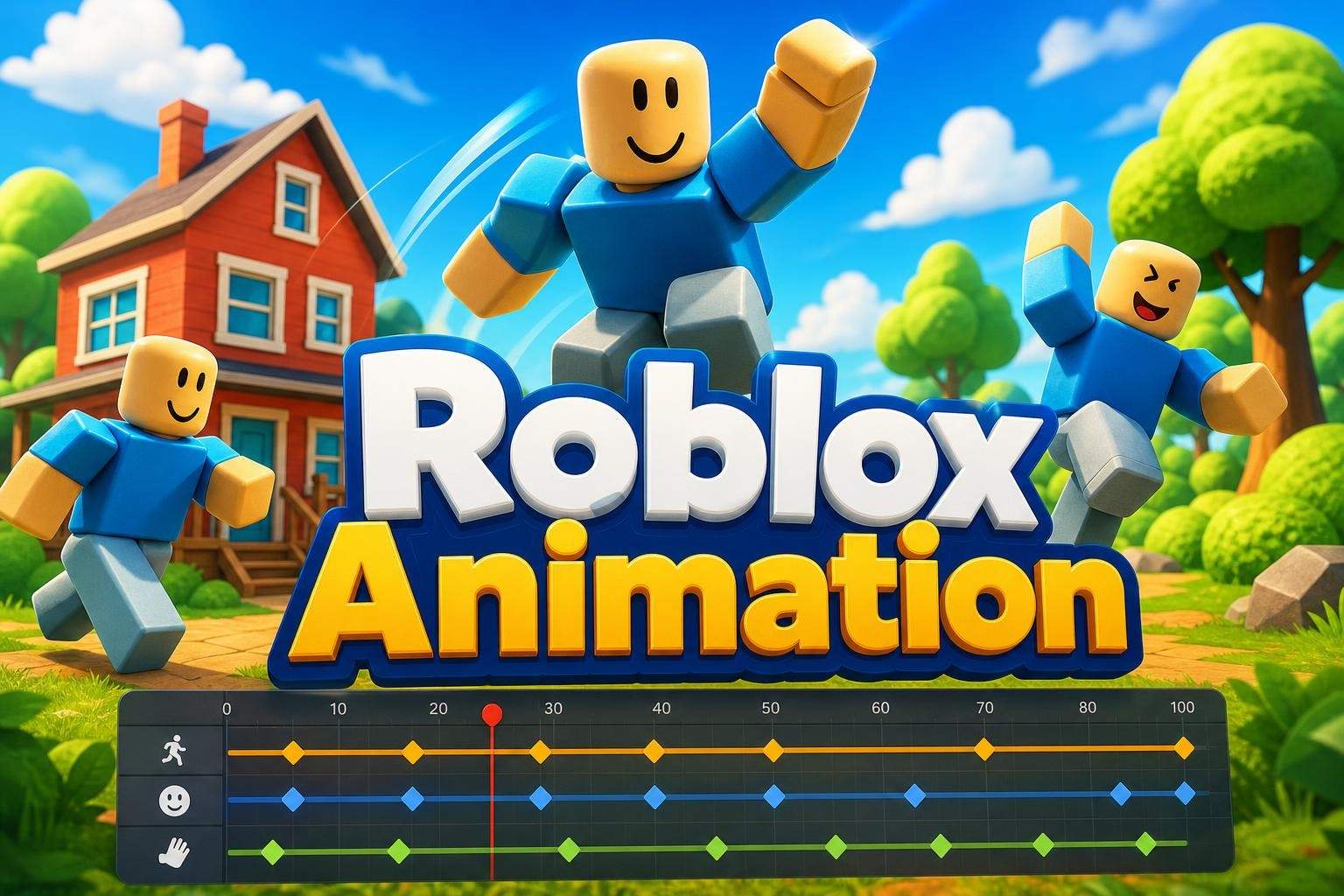
Does your child enjoy Roblox and want to learn how animations and camera effects are made inside games? This two-week, beginner-friendly camp guides students through Roblox Studio’s animation tools with hands-on projects and step-by-step instruction. Over eight sessions, learners create custom character emotes using keyframes and the animation editor, upload animations as assets, and connect those animations to on-screen buttons using ScreenGUI and LocalScripts. Students will also explore camera systems—placing camera parts, testing different angles, and scripting camera movements and transitions to change the mood and flow of a scene. Each lesson includes a short demo, guided practice time, and troubleshooting so kids build working scenes they can test and iterate on. By the end of the camp, participants will have several custom animations and interactive camera sequences they can continue improving. The course is designed for ages 8 to 13, is beginner-friendly, and focuses on practical skills students can apply inside Roblox Studio while encouraging creativity and problem solving.
Paid once.
- Level
- Beginner
- Ages
- 8–13
- Duration
- 55 min
- Classes
- 4 / Week
- Weeks
- 2
- Not satisfied after the first class? Full refund.
- Pay weekly, or upfront
- 100% Safe & Secure Checkout
Class Experience
Eight hands-on sessions across two weeks. Each class includes a brief demo, guided practice, and project time. Students build animations and camera sequences step-by-step, test work in Roblox Studio, and finish with a final demo and class showcase.
Learning Outcomes
Use Roblox Studio’s animation editor and keyframes to create character animations
Create and upload custom emote animation assets
Trigger animations from on-screen GUI using LocalScripts
Design camera angles and script transitions to control scene presentation
Prerequisites
Beginner-friendly. No prior animation or coding experience required. Basic mouse and keyboard skills recommended.
Available Times (0 available)
Choose a time that works best for you. All times are shown in Coordinated Universal Time.
Loading available class times…
Meet your Instructor
Ananya is a dedicated Roblox educator with a decade of hands-on experience teaching kids ages 7–14. She structures classes around weekly, project-driven objectives that let beginners build confidence through visible results—students design 2–3 new 3D creations weekly, complete th…
Reviews
4.6
17 reviews for this class
Ratings are specific to this class, not the teacher's overall profile.
Only reviews with written feedback are shown below.
More Animation classes
Scratch Weekly Club: Build a New Game Every Week
Rahul Pillai4.4
Ages 6–11 · 55 min · 1 / Week
$14.00per classSee schedule
Minecraft Coding Club: Weekly Projects for Beginners
Tanvi Ghosh3.0
Ages 7–10 · 55 min · 1 / Week
$14.00per classSee schedule
Web Design for Beginners: Build 6 Websites with HTML, CSS & JavaScript
Vaishnavi Mukherjee4.0
Ages 10–13 · 55 min · 1 / Week
$14.00per classSee schedule
ScratchJr Coding Club: Weekly Projects for Ages 4-7
Aditya Verma4.7
Ages 4–7 · 45 min · 1 / Week
$11.00per classSee schedule
Scratch for Beginners Grade 3-4: Build Interactive Games
Rahul Pillai5.0
Ages 6–10 · 55 min · 1 / Week
$11.92per classSee schedule
Scratch Game Club: Build a New Game Every Week
Rahul Pillai5.0
Ages 6–9 · 55 min · 1 / Week
$12.00per classSee schedule
Scratch Summer Camp: Create Travel Games and Challenges
Pooja Menon4.7
Ages 6–11 · 55 min · 4 / Week
$12.38per classSee schedule
SP
Sanya Patel
Halloween Creator Sampler Camp
Beginner
Level
6–8
Ages
45 min
Duration
4 / Week
Classes
1
Weeks
$18.00per class
See scheduleRP
Rahul Pillai
4.4(11)
Scratch Weekly Club: Build a New Game Every Week
Beginner
Level
6–11
Ages
55 min
Duration
1 / Week
Classes
12
Weeks
$14.00per class
See scheduleTG
Tanvi Ghosh
3.0(1)
Minecraft Coding Club: Weekly Projects for Beginners
Beginner
Level
7–10
Ages
55 min
Duration
1 / Week
Classes
12
Weeks
$14.00per class
See scheduleVM
Vaishnavi Mukherjee
4.0(1)
Web Design for Beginners: Build 6 Websites with HTML, CSS & JavaScript
Beginner
Level
10–13
Ages
55 min
Duration
1 / Week
Classes
16
Weeks
$14.00per class
See scheduleAV
Aditya Verma
4.7(3)
ScratchJr Coding Club: Weekly Projects for Ages 4-7
Beginner
Level
4–7
Ages
45 min
Duration
1 / Week
Classes
12
Weeks
$11.00per class
See scheduleRP
Rahul Pillai
5.0(5)
Scratch for Beginners Grade 3-4: Build Interactive Games
Beginner
Level
6–10
Ages
55 min
Duration
1 / Week
Classes
12
Weeks
$11.92per class
See scheduleRP
Rahul Pillai
5.0(1)
Scratch Game Club: Build a New Game Every Week
Beginner
Level
6–9
Ages
55 min
Duration
1 / Week
Classes
12
Weeks
$12.00per class
See schedulePM
Pooja Menon
4.7(23)
Scratch Summer Camp: Create Travel Games and Challenges
Beginner
Level
6–11
Ages
55 min
Duration
4 / Week
Classes
2
Weeks
$12.38per class
See schedule