Coding, AI & game designAges 8–145 min read
By Remy Costa ·
Coding With Minecraft
What kids can actually learn from coding with Minecraft—and how parents can tell building from just playing.
Coding With Minecraft
Minecraft can make an abstract command immediately visible: the code runs, blocks move and the world changes. That feedback is powerful when the child is doing the thinking.
Gameplay, commands and coding are not the same
Ordinary Minecraft play may develop planning and spatial reasoning. Commands automate actions inside the game. Coding goes further: children create sequences, loops, conditions, functions or agents that control behavior. Be clear about which experience a course provides before you enroll or buy tools.
Playing alone does not necessarily teach programming. Coding requires creating instructions or scripts that control behavior. A child who builds beautiful castles by hand is learning design; a child who writes a loop to place those walls is learning programming ideas. Both can be valuable—they are not the same claim on a class description.
Ask providers what the child will write or modify. If the answer is mostly free play with occasional chat commands, treat it as gameplay enrichment. If the answer includes blocks, JavaScript or Python that the child edits, you are closer to real coding practice.
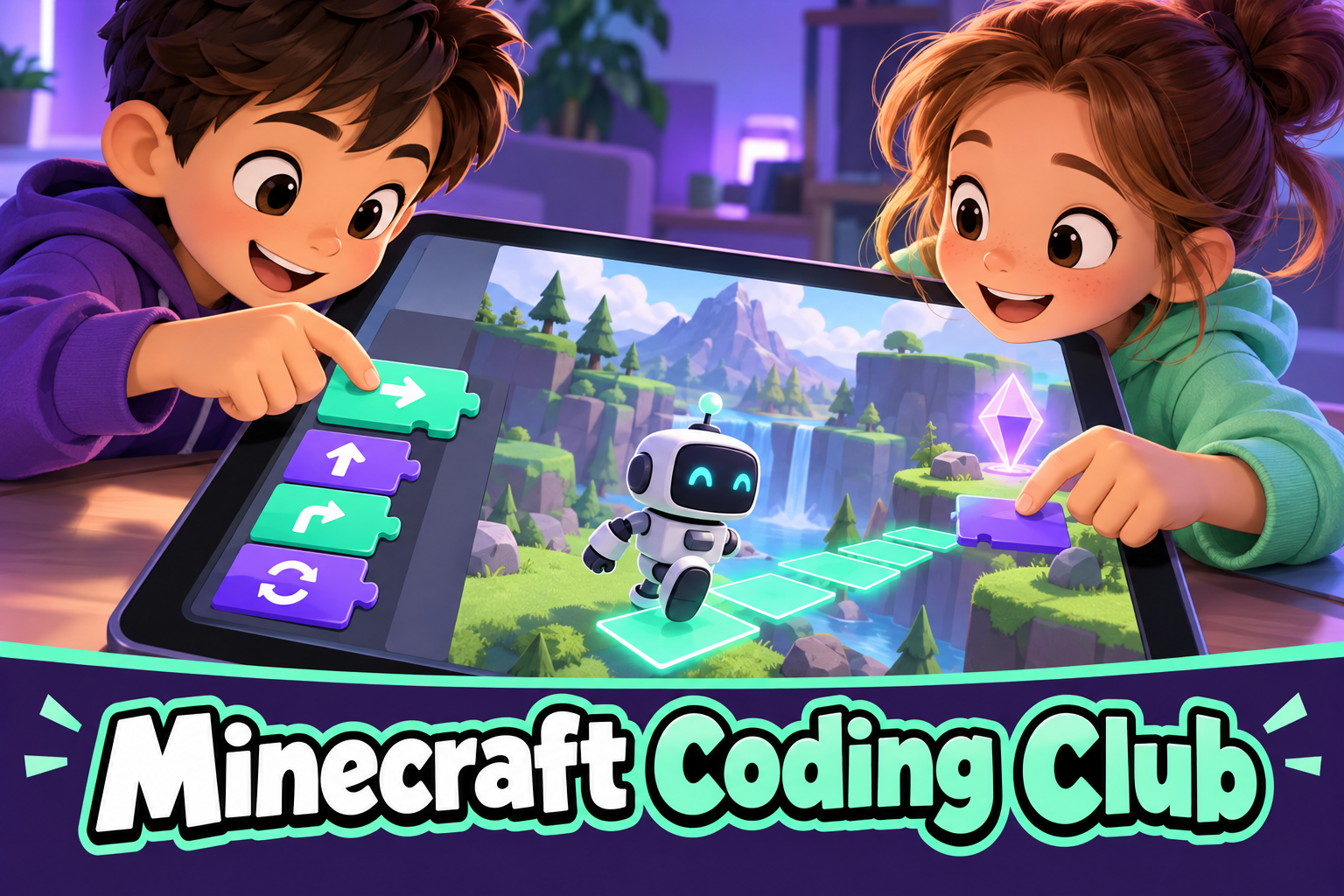 A live class on thisMinecraft Coding Club: Block Coding for Grades 1-2Ages 6–8
What can be taught
Minecraft projects can make coordinates, iteration, variables, event-driven behavior, decomposition and debugging tangible. A program might build repeated structures, draw geometric patterns, clear an area, run a maze or react to a player event. The world becomes a lab where abstract ideas leave visible traces.
That visibility is the educational advantage. A loop that places ten blocks is easier to believe than a loop that prints numbers on a screen. Coordinates stop being a worksheet topic when the agent moves to the wrong place and the child has to fix the numbers. Debugging feels purposeful when the build is wrong in a way everyone can see.
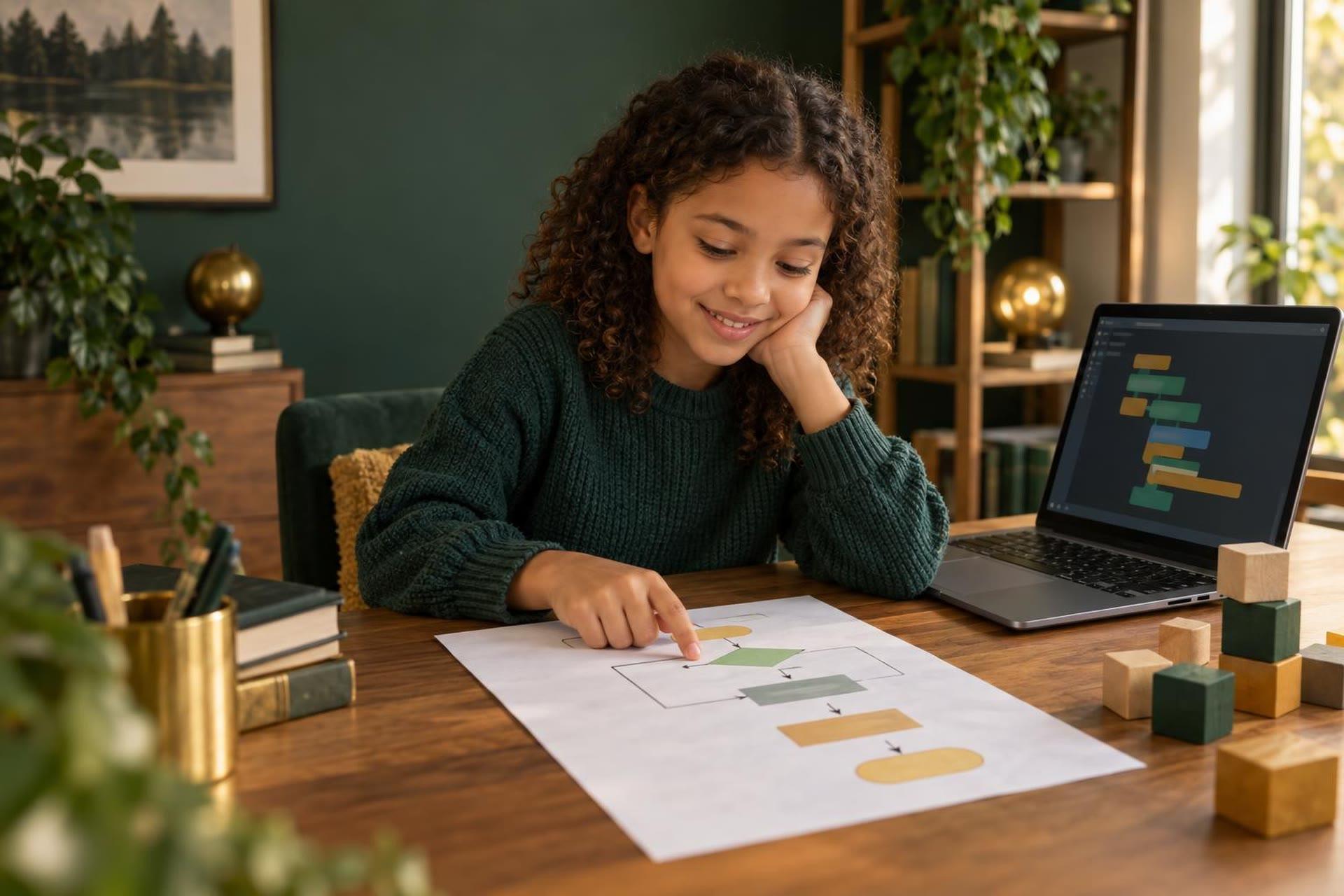
Decomposition shows up when a big build becomes smaller jobs: clear the ground, place the foundation, repeat the wall module. Functions appear when the child reuses the same wall routine in a new place. Events appear when something happens only after a player steps on a plate or presses a button. Name these ideas out loud so the Minecraft magic connects to language the child can take to other coding tools later.
Tools vary by edition
Minecraft Education supports classroom-oriented lessons and coding connections; MakeCode offers blocks and text transitions; some environments use Python or JavaScript. Compatibility depends on edition, device and account, so check the provider’s current setup instructions before buying a class.
Which version is “best” depends on the course and device—not on marketing alone. Minecraft Education is designed for learning contexts; other options may use MakeCode, mods or external tools. Features and account rules change, so verify what your child’s device and license actually support before promising a specific pathway.
Projects by level
| Level | Project | Thinking |
|---|---|---|
| Beginner | Build a wall with a loop | Sequence and repetition |
| Developing | Create patterned floors | Coordinates and nested loops |
| Intermediate | Agent completes a task | Functions and decomposition |
| Advanced | Interactive challenge | Events, state and testing |
Use the table as a progression map, not a race. A beginner who owns a wall-building loop has learned more than a child who copy-pasted an advanced maze without understanding events. Stay at a level until the child can change one rule and predict the result.
How to keep the lesson educational
Use a design brief, limit the goal, require a prediction and end with a demonstration. Ask what the code automated, what failed and how the solution could be generalized. Screenshots plus a short explanation create evidence without turning the project into a worksheet.
Interest is the doorway, not the entire curriculum. A skilled teacher can use the child’s goal—a house, a farm, a minigame—while maintaining a clear concept progression. Parents at home can do the same: one coding objective per session, then optional free play afterward so the lesson does not dissolve into open-ended building.
When motivation becomes distraction
If most time goes to unrelated play, shorten the coding objective and separate build time from free play. Minecraft’s strength—endless possibility—is also its risk. Without a brief, children may wander for an hour and never open the code editor.
Timers, checklists and “show me the loop before you decorate” rules help. Celebrate the reasoning that produced the build, not only the impressive screenshot. When motivation slips into distraction, shrink the goal rather than scolding the interest that brought the child to coding in the first place.
What success looks like
A learner can explain why a loop saves work, use coordinates intentionally, break a task into reusable parts and debug one section at a time. The impressive castle matters less than the reasoning that produced it. Environments that use blocks, JavaScript or Python teach genuine programming ideas when children create and modify code—not when they only watch someone else click Run.
Ask for a short demo: change the loop count, move the starting coordinate, reuse a function. If the child can only recreate the exact tutorial result, keep practicing ownership before advancing. Coding with Minecraft succeeds when the feedback loop is real and the child is the one thinking.
Frequently asked questions
It can be. Environments that use blocks, JavaScript or Python teach genuine programming ideas when children create and modify code.
It depends on the course and device. Minecraft Education is designed for learning contexts; other options may use MakeCode, mods or external tools.
Playing alone does not necessarily teach programming. Coding requires creating instructions or scripts that control behavior.
Sources and review note
Platform features, prices and policies can change. Review current information on official provider websites before enrolling. Homeschool laws and requirements vary by state; verify them with your state education agency or another authoritative local source. This article is educational and does not replace legal, medical or individualized educational advice.