Compare programs & platformsAges 7–126 min read
By Olivia Grant ·
Tynker vs Live Coding Classes for Kids
How Tynker's self-paced coding app compares with live coding classes for kids, which children thrive with each, and how to use both together.

Tynker is a self-paced coding app for ages 5 to 18 that teaches through game-style puzzles, starting with picture and block coding and moving on to Python and JavaScript. Live coding classes put your child with a teacher and other kids in real time. Kids who like to tinker alone at their own speed often thrive with an app, while kids who get stuck, need deadlines or love to show off their projects tend to do better with a teacher.
Tynker is a strong fit for independent, game-loving kids who want to explore coding on their own schedule, with a parent dashboard to track progress. A live class fits kids who need someone to explain bugs, keep them going week to week and give feedback on their own ideas. Many families start with one and add the other once they see how their child learns.
What Tynker is and how it works
Tynker's parents' guide describes self-paced coding courses for kids and teens, built as game-like puzzles where kids solve challenges to reach a goal. The path looks like this:
- Ages 5 to 7: Tynker Junior uses picture-based coding for pre-readers.
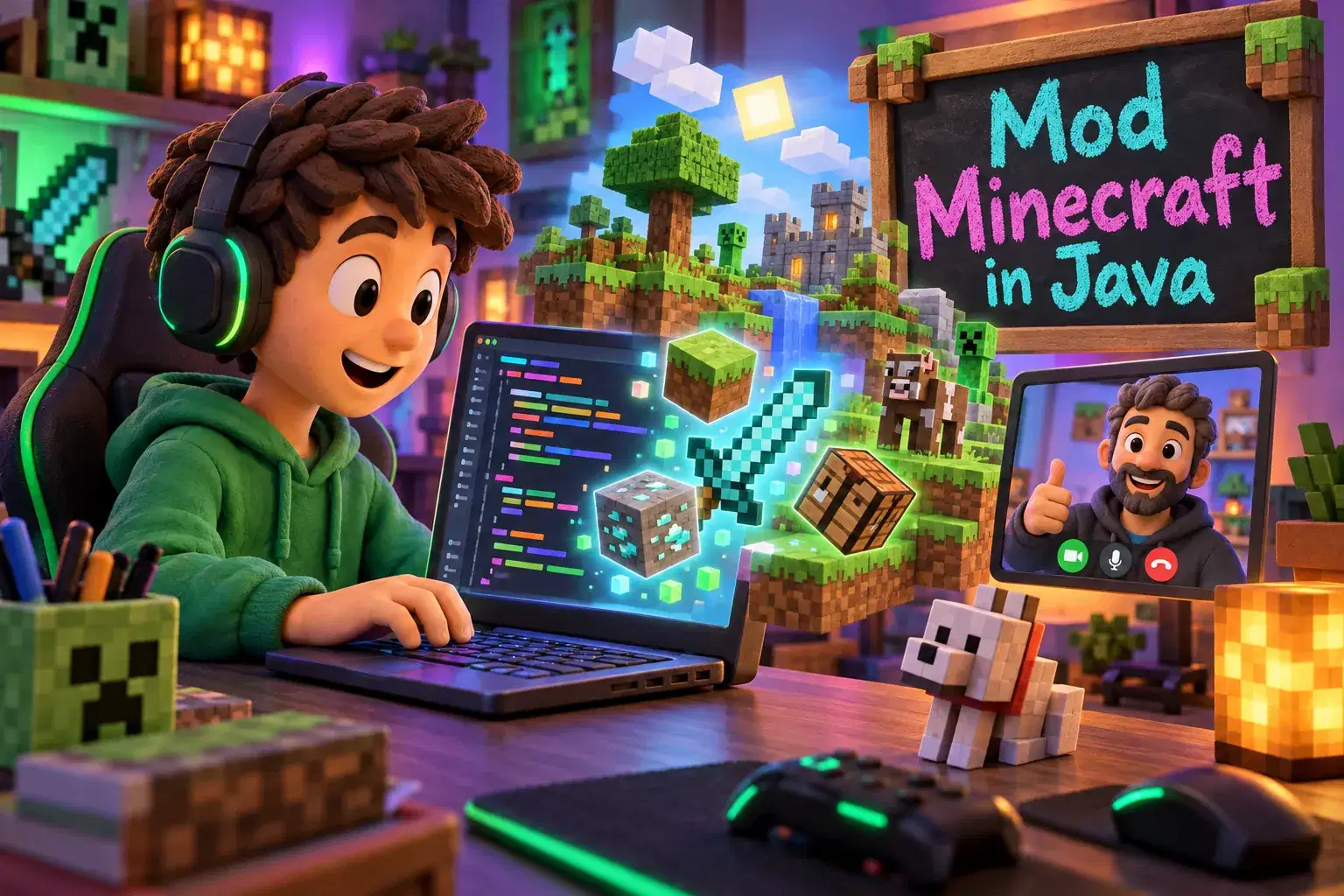
- Ages 7 to 12: drag-and-drop block coding in the main Tynker app, plus Mod Creator for Minecraft: Bedrock Edition mods.
- Older kids and teens: text languages such as Python and JavaScript.
Parents get a dashboard showing courses completed, projects created and concepts learned. Tynker also sells curriculum to schools, so your child may already know it from class.
Pricing: Tynker's plans page offers quarterly, yearly and lifetime self-paced plans, each covering up to three children, with a 30-day money-back guarantee. The page often shows sale prices, so check current pricing as of November 2026.
What live coding classes offer
In a live class, a teacher walks kids through a concept, watches them try it and helps when something breaks. Kids share screens, show projects and learn from each other's bugs. Common formats include:
- Multi-week courses that build one project from start to finish, like a game in Scratch or Python.
- Weekly clubs where the same group meets to code, share and keep going.
- Camps over a few days during school breaks.
- 1-on-1 tutoring for kids who want to go deeper or are stuck on something specific.
Many beginner classes use Scratch, a free tool from the MIT Media Lab that its team says is designed especially for ages 8 to 16.
Signs of a good live coding class
- A clear age range and a stated starting level, such as "no experience needed" or "knows Scratch basics."
- A small enough group that the teacher can look at each child's screen.
- A finished project at the end that your child can show you.
- Time in each session for kids to code, not just watch the teacher.
 A live class on thisAdvanced Project-Based Python (APIs, GUI, Networking)Ages 11–16
Tynker vs live classes, side by side
| Feature | Tynker | Live coding classes |
|---|---|---|
| How kids learn | Self-paced, game-style puzzles and projects | Teacher-led, with real-time help |
| Ages | 5 to 18, per Tynker | Varies by class; check the listed age range |
| Languages | Picture and block coding, then Python and JavaScript | Often Scratch, Python, JavaScript or game engines |
| Help when stuck | Built-in hints and lessons | Ask the teacher and classmates |
| Schedule | Any time | Set class times |
| Social element | Mostly solo | Peers, sharing and feedback |
| Pricing | Subscription or lifetime plan for up to 3 kids | Per class, course or club; set by teacher or provider |
Which kids thrive with each
A self-paced app like Tynker often suits kids who
- Love puzzles and games and keep going without reminders.
- Like to work fast through easy parts and replay hard ones.
- Have busy or changing schedules.
- Are siblings who can share one plan.
- Already play Minecraft and want to mod it.
A live class often suits kids who
- Give up when a bug won't go away.
- Want to build their own idea, not just finish levels.
- Like showing their work and hearing what others think.
- Need a set time each week to make progress.
- Are ready for text coding and want someone to explain errors.
For a wider look at options by age and goal, see our roundup of the best coding classes for kids.
How to use an app and a live class together
An app and a teacher can do different jobs in the same week.
- Use the app for practice. Short app sessions between classes keep skills fresh.
- Use the class for new ideas. Let the teacher introduce loops, variables or functions, then practice them in the app.
- Bring questions to class. Have your child note any level that stumped them and ask the teacher.
- Move to projects. Once puzzles feel easy, a project-based class helps your child build something of their own.
Use an app's money-back window or a free tool like Scratch to test interest. For live classes, a trial or one-time class shows whether your child enjoys a teacher-led format. On Undoschool, for example, coding classes are taught live on Zoom by independent, vetted teachers, and the first class is on us.
What to watch for
- Level-chasing: finishing puzzles is not the same as being able to write code from scratch. Ask your child to build something small on their own.
- Screen time: coding is screen time. Balance it with unplugged logic games and time outside.
- Plan renewals: note when a subscription renews and how to cancel.
- Age fit: check a class's age range so your child isn't the youngest by years.
- Frustration: if your child dreads coding, change format before you drop the subject.
Frequently asked questions
What age is Tynker for?
Tynker says it is for children ages 5 to 18. Tynker Junior covers ages 5 to 7, and the main app and Mod Creator are listed for ages 7 to 12, with Python and JavaScript for older kids.
Does Tynker have live teachers?
Its home plans are self-paced. The pricing page mentions live online courses, so check the site for current details if you want a teacher.
Is block coding real coding?
Yes. Block coding teaches the same ideas as text code, such as loops, conditions and variables, without typing errors getting in the way. Most kids move to text languages later.
When should my child move from an app to a class?
Good signs include breezing through levels, wanting to build their own game, or getting stuck and quitting. A teacher can help with each of those.
Find a live coding class your child will love
Browse live coding classes, clubs and camps for every age, from first blocks in Scratch to Python and game design, taught by independent, vetted teachers.