By Kai Moreau ·
Python for Kids
A parent’s guide to Python for kids—when to start, what to expect, and how to choose projects that build real independence.
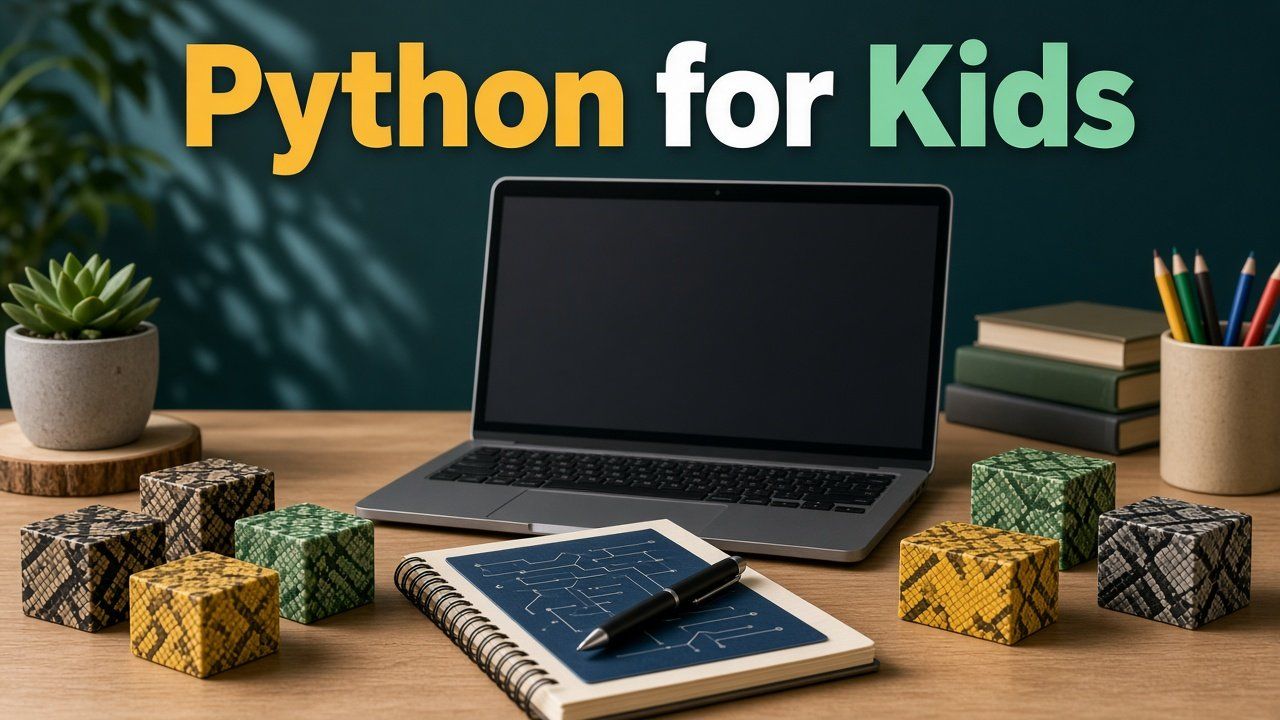
Python for Kids: The Complete Parent’s Guide
Python is approachable, powerful and widely used—but children learn it best when each new command helps them make something they care about.
Why parents choose Python
Python’s readable style makes it a common first text language. Children can use it for quizzes, games, drawings, automation and later data or AI experiments. Its popularity is useful context, but future careers should not be the main promise you sell at the kitchen table. The immediate value is learning to express logic precisely and debug patiently when the computer does exactly what the code says—not what the child meant.
Parents often ask whether Python is “real coding.” Typed code with clear structure is one genuine path into programming. It is not the only path, and it is not automatically better than blocks for every child at every moment. Choose Python when the child’s next projects fit text-based tools and when the learner is ready for punctuation, spelling and indentation to matter.
Python is approachable, powerful and widely used—but children learn it best when each new command helps them make something they care about. A variable that stores a score in their quiz means more than a variable introduced only for a worksheet.
When a child is ready
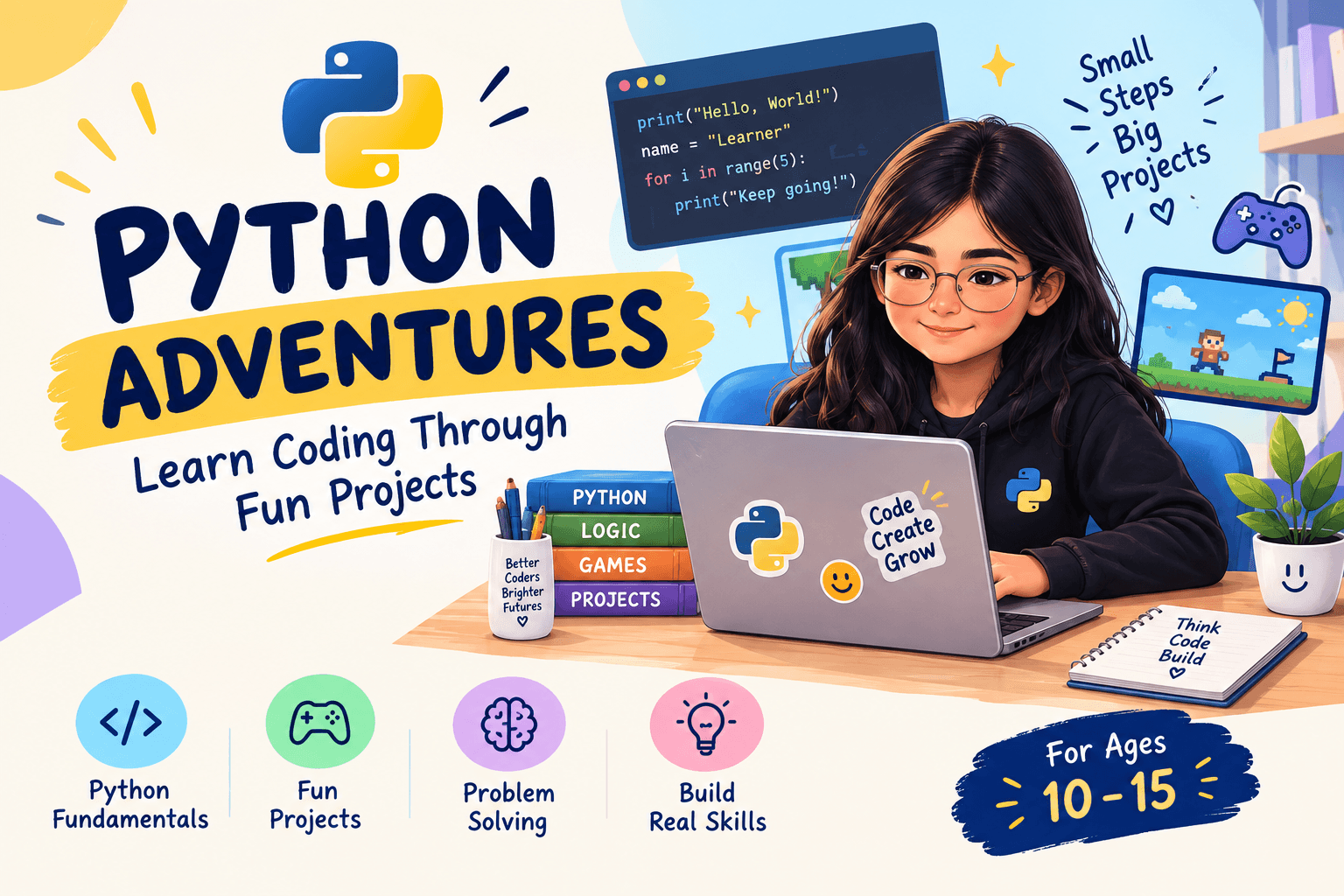
Many learners begin around ages 10–13, although readiness varies. Helpful prerequisites include comfortable typing, the ability to follow multi-step instructions, familiarity with variables and conditions, and willingness to inspect errors instead of shutting down. A child who loves a Python-suited project—a quiz, a simple game, turtle art—may overcome gaps faster than a child pushed into syntax with no goal.
Reading, typing, prior coding experience and motivation matter more than a fixed birthday. Some younger children thrive with heavy guidance; some older beginners still need a bridge from Scratch. If every error triggers panic and the child cannot yet change one rule in a block project, staying longer in a visual environment may be kinder than insisting on Python for prestige.
A sensible learning sequence
- Output, input and simple calculations
- Variables and data types
- Conditions
- Loops
- Functions
- Lists and dictionaries
- Files, libraries and larger projects
Concepts should repeatedly reappear inside projects. A one-time lesson followed by a quiz rarely produces durable skill. The sequence is a map, not a race: loops can return inside a later game even after the child first met them in a number-guessing script. Reuse is how syntax becomes habit.
Parents can ask teachers or platform curricula whether projects revisit earlier ideas. If every week is a new topic with no rebuild, the child may collect vocabulary without ownership. Durable learning looks like old tools showing up in new creations.
Beginner projects that are small enough
Try a choose-your-own-adventure story, number guessing game, quiz with score, random story generator, turtle-art pattern, simple text chatbot or habit tracker. Keep a first project under roughly fifty purposeful lines so the child can understand the whole system. Huge copied programs impress in a screenshot and teach almost nothing about structure.
Small scope also makes debugging possible. When something breaks, the child can still read most of the file. Celebrate a working tiny project more than an unfinished ambitious one. After success, add one feature: a second level, a better message, a score that saves. Growth by extension beats growth by downloading someone else’s complete game.
Good ways to learn
A live course helps with feedback and accountability; self-paced platforms suit independent learners; books support children who like to tinker away from videos. Replit and local editors can run real code, while guided tools reduce setup friction. Evaluate privacy, sharing and AI-assistance settings before use—features and policies change, so check current provider information.
Match the format to the child. Some learners need a teacher who notices when they are stuck copying; others thrive with a quiet book and a weekend project. Free resources can open the door; consistency and explanation still decide whether the door leads anywhere. Sample a class or platform briefly and watch whether the child can change and explain code, not only click Run.
How a non-coding parent can help
Ask: What did you expect? What actually happened? Which line controls that behavior? Can you test a smaller piece? Resist fixing the code from an online answer while the child watches passively. Celebrate a clear debugging process, not only a finished program. Parents do not need to know Python to coach persistence, planning and reflection.
Sit nearby for the first stuck moments, then step back once a next experiment is named. If you jump in and paste a fix, the child learns that adults rescue syntax rather than that errors are readable clues. Technical instruction can come from a teacher or a well-designed resource; your job is the learning stance.
Watch for copy-and-run learning
If the child can run a project but cannot change a rule or explain a function, the code is not yet theirs. Ask for three modifications and a brief demonstration. Ownership turns borrowed syntax into learning. Tutorial hopping feels productive and still leaves the child helpless on a blank file.
A useful check after any lesson: Can they rename a variable and predict what breaks? Can they change a winning score? Can they describe what a loop is doing in plain language? If not, stay with that project until the answers come. Python for kids works when projects are owned—not when videos are completed.
Frequently asked questions
Many children begin successfully around 10–13, but reading, typing, prior coding experience and motivation matter more than a fixed age.
It is different. Scratch makes logic visible with blocks; Python develops text-based coding habits and supports different projects.
No. Parents can support planning, persistence and reflection while a teacher or well-designed resource provides technical instruction.
Sources and review note
Platform features, prices and policies can change. Review current information on official provider websites before enrolling. Homeschool laws and requirements vary by state; verify them with your state education agency or another authoritative local source. This article is educational and does not replace legal, medical or individualized educational advice.