By Lena Ortiz ·
Free Coding Classes for Kids
Where parents can start with free coding classes and resources for kids—and how to tell a useful free path from busywork.
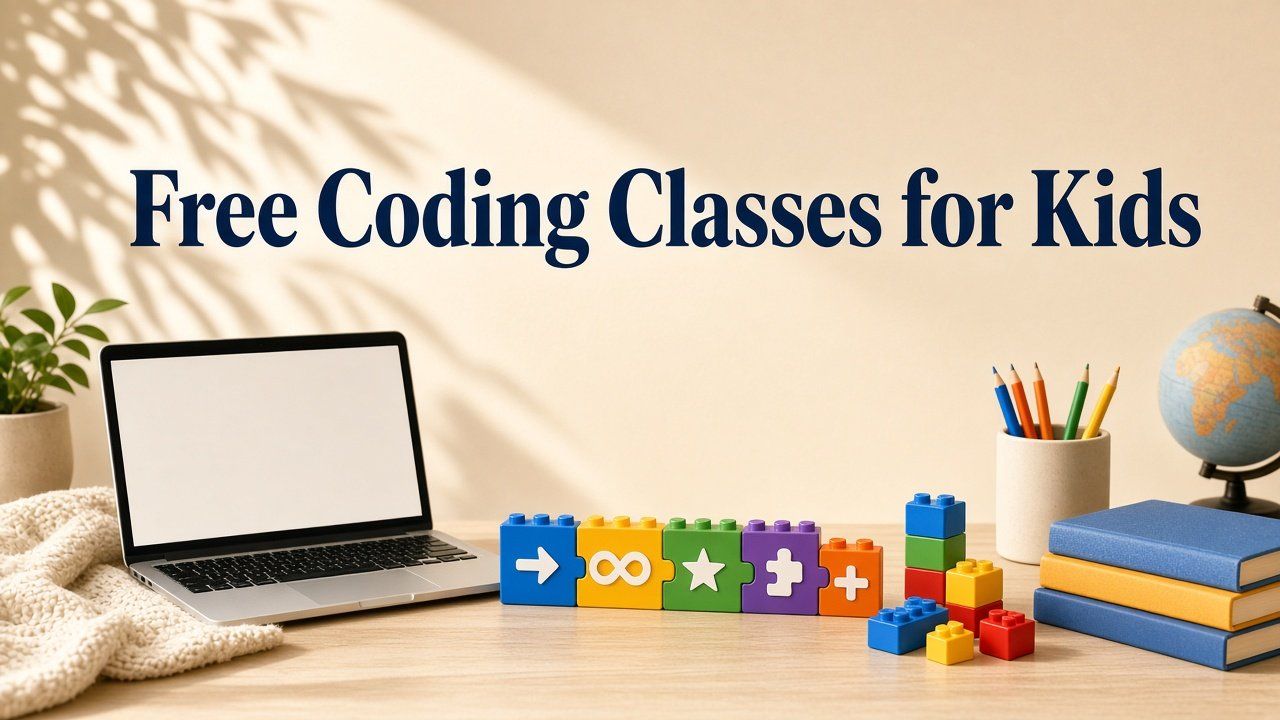
Free Coding Classes and Resources for Kids: Where to Start
Free resources are excellent for discovering interest. The key is to choose one pathway, build something original and resist turning browser bookmarks into a curriculum.
Five strong free starting points
Explore Scratch for open-ended creation, Code.org for structured courses, Microsoft MakeCode for games and hardware, Khan Academy Computing for JavaScript and web topics, and Blockly-based activities offered through education tools. Features and account requirements can change, so review current terms on each official site before relying on any detail.
These options differ in openness and structure. Scratch invites children to invent; Code.org often sequences lessons more tightly; MakeCode connects to games and physical computing; Khan Academy Computing leans into web and JavaScript topics; Blockly-style activities appear inside many education tools. None is universally “best.” The better match is the one that fits the child’s first concrete goal and your family’s supervision capacity.
Free resources are excellent for discovering interest. The key is to choose one pathway, build something original and resist turning browser bookmarks into a curriculum. A shortlist of five starting points is enough; a folder of thirty unfinished courses is not a plan.
Choose one goal first
Do not begin with “learn coding.” Choose a finish line: make an animation, build a maze game, automate a Minecraft task, design a website or write a quiz. The goal determines the tool and gives the child something to complete. Vague ambitions produce endless sampling; specific projects produce evidence of learning.
Write the goal where the child can see it. After two weeks, ask whether they can show a draft related to that goal. If not, either shrink the goal or stop hopping tools. Parents often underestimate how much progress comes from staying put long enough for frustration and revision to do their work.
A six-week free plan
Week one explores two small activities. Week two learns one core concept. Weeks three and four complete a guided project with modifications. Week five plans something original. Week six builds, presents and revises it. Save screenshots and a short explanation as a portfolio so progress is visible without collecting badges alone.
The plan is deliberately slow. Free content tempts speed: another hour, another course, another certificate graphic. Depth comes from modifying a guided project and then inventing one. If week five arrives and the child has only clicked through lessons, pause new content and rebuild one prior project with three deliberate changes before continuing.
Parents can hold a ten-minute Friday review: What did you finish? What concept can you explain? What will next week’s original idea need? That rhythm turns free tools into a progression instead of a playlist.
Free does not mean unsupervised
Review account privacy, public profiles, chat, sharing and external links. For younger children, create accounts together and keep personal information out of usernames and project descriptions. Use the official parent information for each platform. Safety varies across free coding websites; supervision is part of the curriculum.
Decide sharing settings before the first publish. Public galleries can be inspiring and also expose children to comments or contact they are not ready to handle. Free access is not the same as a moderated classroom. Your household rules about names, photos and messaging still apply online.
How to avoid tutorial hopping
Set a rule: finish or deliberately abandon one project before opening a new course. Keep a “later ideas” list so curiosity has a parking place. Ask for a modification after every tutorial—change a color, a score rule, a character or a level. These habits transform free content from entertainment into a progression.
Tutorial hopping feels productive because something new always loads. Learning shows up when the child can recreate or alter what they just watched. If abandonment becomes the default, shrink projects until finishing is realistic. A completed tiny maze beats five abandoned “advanced” tracks.
When paying becomes worthwhile
Pay for feedback, structure or community—not simply more videos. A live class may help when a child is stuck, lacks consistency, wants peers or needs a personalized challenge. Free materials already supply endless video; money is most useful when a human notices gaps and asks for explanations.
Try a sample session when available and judge how much the child creates and explains—not only how fun the hour felt. Some children learn fundamentals completely free and later want coaching; others benefit earlier from accountability. Either path is valid. The decision hinge is whether unpaid tools are producing finished, understood projects.
What parents can measure
Track projects completed, concepts explained, bugs solved and independence gained. Minutes watched and badges earned can support motivation, but they do not prove transfer. A child who can start from a blank project, recover from an error and describe a choice is progressing—even if the badge count is low.
Keep a simple portfolio folder: screenshots, short voice notes or a paragraph about what the project does. Review it monthly. Measurement keeps free learning honest. Without it, families confuse exposure with skill and keep adding bookmarks instead of finishing pathways.
Frequently asked questions
Yes, many fundamentals can be learned with free tools. Some children still benefit from live feedback or a structured paid pathway.
Scratch and Code.org are widely useful starting points, with different levels of openness and structure.
Safety varies. Review privacy, sharing, chat and community moderation settings, and supervise younger children.
Sources and review note
Platform features, prices and policies can change. Review current information on official provider websites before enrolling. Homeschool laws and requirements vary by state; verify them with your state education agency or another authoritative local source. This article is educational and does not replace legal, medical or individualized educational advice.