By Olivia ·
Roblox Haunted World Design Ideas for Kids
Help a Roblox-loving child turn Halloween game ideas into a first haunted world with simple planning, building, testing, and family-guided tools.
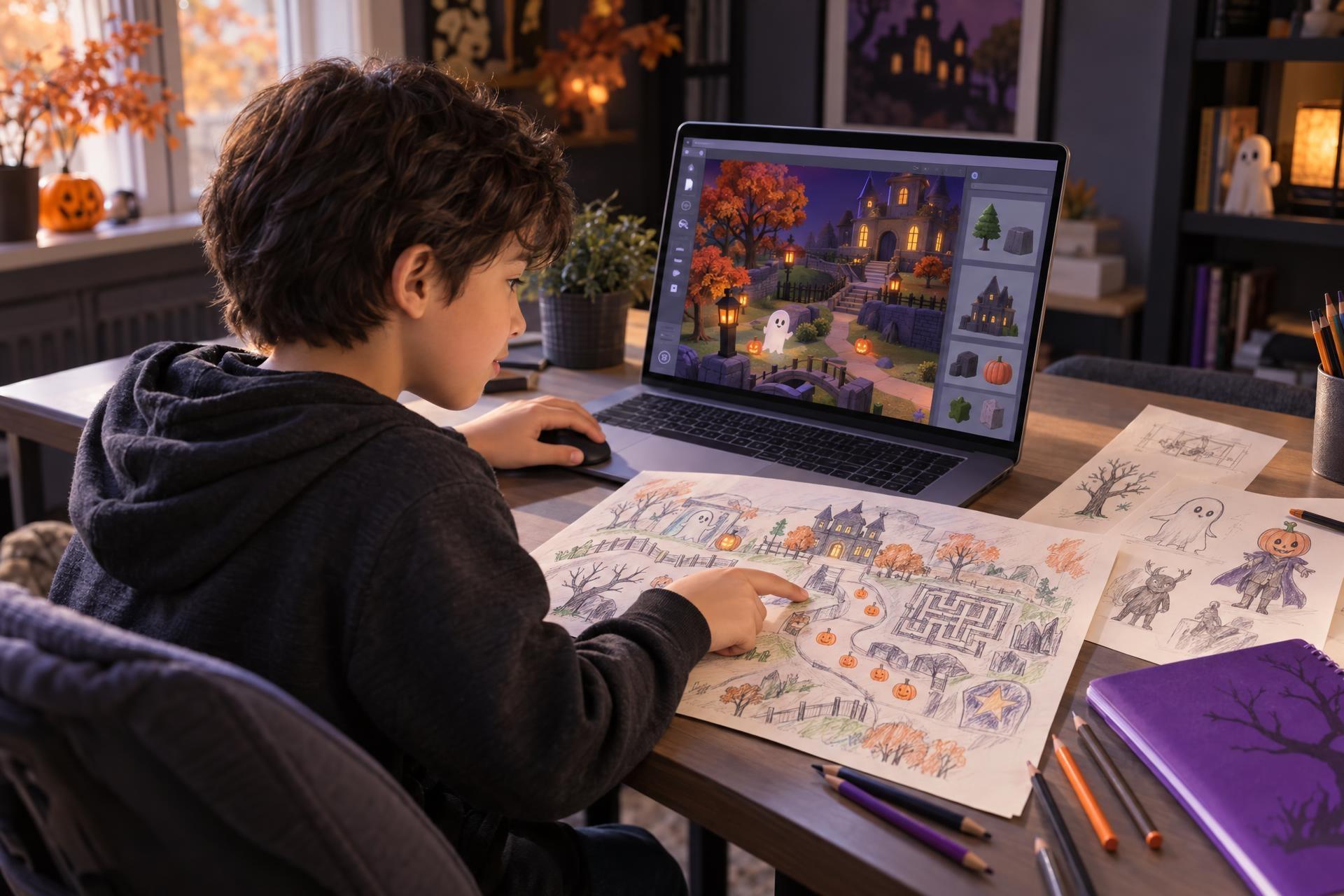
When your child says, “This Roblox game should have a secret room,” or “I would make that maze harder,” they are doing more than commenting on a game. They are noticing the choices behind a world: where players go, what they discover, what gets in their way, and what makes them want to keep exploring. A Halloween-themed project can turn that instinct into a creative challenge: not just playing through a spooky setting, but planning one of their own.
A Roblox-loving child does not need to begin with complicated code or a finished public game to explore game design. A friendly haunted house, pumpkin-patch maze, or candy-collection quest can start with a map, a player goal, a few clues, and a simple test run. The useful shift is from asking whether gaming is “productive” to asking what your child would make, change, and explain. Choose a creative experience that fits their current confidence, and keep account, content, and sharing choices family-guided.
Why Roblox game talk is a creative starting point
Children often learn the language of game worlds by spending time in them. They notice whether a path is confusing, whether a reward feels worth finding, whether a character is helpful, or whether a room has enough interesting details. None of that automatically turns play into coding skill—and it does not need to. It simply gives a child a familiar set of ideas to work with.
The most helpful parent response is often a curious question: What kind of world would you build? That question respects the fun of playing while opening a door to active making.
Invite them to design an obstacle that is challenging but still fair.
Ask where they would hide a clue and how a player might notice it.
Start with a hand-drawn map and label the places they would add.
A seasonal prompt helps because it gives a project an immediate mood without demanding one right answer. “Haunted” can mean a mystery mansion, a cheerful ghost guide, a lantern-lit autumn trail, or a quest to find missing spell books. For children ages 7–12, the goal is atmosphere and imagination—not graphic horror or jump scares.
Build a haunted world with five creator choices
A memorable game setting is more than cobwebs, pumpkins, and dark colors. It gives the player a place to explore and a reason to make decisions. Before opening a creator tool, a child can make five choices on paper.
| Creator choice | Questions to ask | Friendly haunted-world example |
|---|---|---|
| Place | Where does the adventure happen? What makes it feel distinct? | A grand old library with creaky staircases and glowing bookcases. |
| Goal | What is the player trying to do? | Find three missing spell books before the library clock chimes. |
| Path | Where does the player begin, and how do they move from place to place? | Start in the entry hall, then choose between the map room and the moonlit garden. |
| Challenge | What requires attention, timing, observation, or problem-solving? | A maze of shelves where only certain book titles point toward the next room. |
| Clues | How will the player know what to try next? | A friendly ghost offers a riddle, while a warm lamp marks the right doorway. |
This is game design at an approachable scale. A first project does not need every room built, every idea programmed, or every detail polished. One clear goal and one enjoyable path are enough to make a small world feel intentional.
Ask your child to explain one design choice in terms of the player: “I put the lantern here so players know where to go.” Explaining the reason behind a choice is often more valuable than adding another decoration.
Start offscreen before building anything digital
Beginning with a sketch lowers the pressure to know every tool. It also makes the eventual digital build more focused. A paper plan lets a child try ideas quickly, cross out a confusing route, and decide what matters most before they worry about walls, props, or settings.
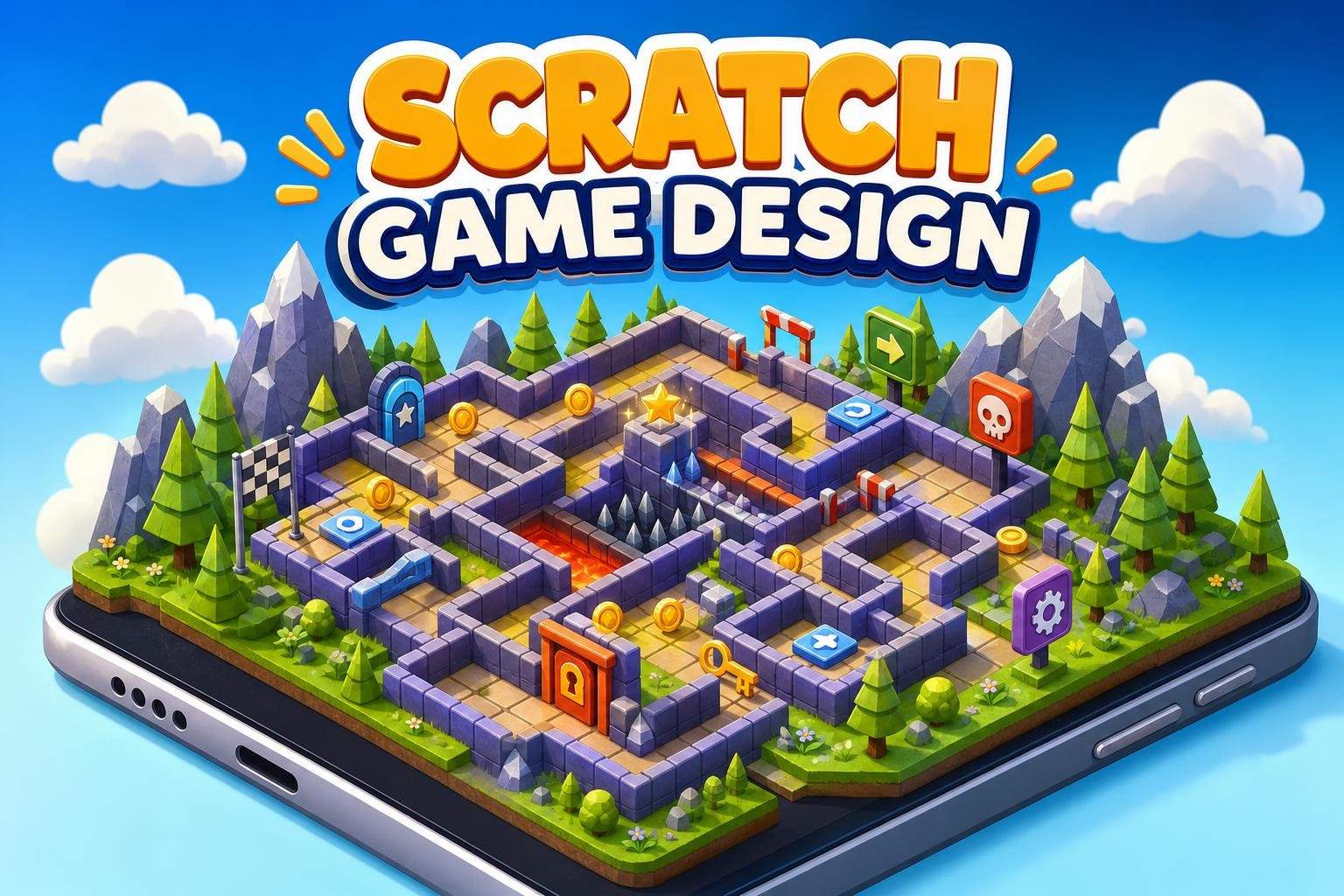
Draw a pumpkin-patch maze
Give your child one sheet of paper and ask them to draw a start point, a finish point, two safe routes, one obstacle, and three landmarks. The landmarks might be a scarecrow, a candy stand, and a friendly ghost. Then have them trace the route with a finger. Can they reach the finish? Would a new player understand where to go?
For a child who prefers storytelling, try a character card instead. They can draw a ghost, raven, librarian, or pumpkin keeper and answer three questions: What does this character want? What does it do when a player arrives? How does it help—or gently challenge—the player?
These early choices can later become scenery, dialogue, a collectible item, or a simple interaction. But they are worthwhile even if the project stays on paper.
What makes a haunted world fun—not just scary?
For younger creators especially, mystery is usually more interesting than intensity. A good haunted world creates a question: Which door leads to the secret garden? Why is the ghost holding a key? Where did the final candy go? It gives players enough information to keep trying, without making them feel stuck or overwhelmed.
Use mood to support the adventure
Environmental details can make a world feel mysterious: foggy color palettes, winding paths, soft sound choices, shadowy corners, lanterns, autumn leaves, and unusual props. Each detail should serve the experience. A lantern may be beautiful, but it can also guide a player. A trail of purple leaves may set the mood, but it can also point toward the next objective.
Make the goal visible enough
Children frequently design something that makes sense because they know the plan. A first-time player does not. If a sibling or parent cannot tell where to begin, that is useful information—not a failed project. The child might add a sign, a brighter light source, a landmark, or a character who gives a hint.
The point of testing is not to prove a world is perfect. It is to discover what the player can and cannot see yet.
More decorations do not always make a world more playable. If the main route disappears among too many props or dark corners, encourage your child to simplify the scene before adding more.
Different children can begin in different places
There is no single path from Roblox fan to world builder. One child may want to create a setting right away; another may be absorbed by character ideas; another may be ready to explore how a door opens when a player finds a key. Look for the entry point that feels energizing rather than treating one skill as a prerequisite for all the others.
Start with maps, rooms, routes, objectives, and visual references.
Focus on atmosphere, original props, characters, color, and lighting choices.
Try simple cause-and-effect ideas: a key unlocks a door, or a collectible changes the next step.
Observe a playthrough and improve directions, clues, pacing, and fairness.
Tools such as Roblox Studio offer templates and pathways for creating experiences, according to the Roblox Creator Hub. That can be a natural next step for a child interested in building, but it is not the only meaningful one. Planning, original art, story, level layout, and testing all belong in the creative process.
How to choose a class or activity that fits
A themed learning experience can give a child a welcoming structure, especially when they want help turning a big idea into manageable steps. The best fit depends on what they want to explore now—not on whether they already know technical terms or have built a complete game.
- Match the starting point: Is your child more excited by building a first scene, drawing original assets, planning levels, or exploring basic game logic?
- Check the project description: Look for what children will actually make and what tools the class uses; themed classes can vary widely.
- Ask about the creative scope: Will the project focus on design, building, coding, storytelling, or a mix?
- Choose an age-appropriate tone: A Halloween theme can be playful, cozy, mysterious, or spooky without becoming too intense.
- Keep sharing decisions separate from making: A child can build and test a world without public posting, open chat, or multiplayer collaboration.
Before using any online creator tools, review the current account controls that apply to your family. Roblox’s Parental Controls Overview describes settings families can review for content, communication, collaboration, spending, and screen time. These features and options can change, so it is worth checking the current choices for your child’s account and region.
What parents can do next
- Ask one creator question this week: “If you made a Halloween world, what would the player be trying to find?”
- Set aside 20 minutes for a low-stakes paper map or character card, with no expectation that it becomes a finished digital game.
- Invite your child to explain one favorite game-world detail and the effect it has on players: Does it guide them, surprise them, or make the setting feel different?
- If they want to build digitally, choose a beginner-friendly project with a clear scope, then decide together what account, content, and sharing settings feel right for your family.
Frequently asked questions
Does my child need to know coding to design a haunted game world?
No. A child can begin with a map, a player objective, characters, visual mood, and a test of the route. Coding or logic tools may become useful for certain interactions, but they do not have to be the first step.
Does a Halloween project have to be scary?
Not at all. A haunted theme can be funny, cozy, mysterious, or adventurous. Friendly ghosts, missing-library-book mysteries, pumpkin mazes, and candy quests are all age-appropriate directions.
What if my child only wants to decorate and build?
That is a valid entry point. Building an environment invites choices about scale, pathways, landmarks, color, and atmosphere. You can gently add a player question later: “What should someone discover in this room?”
Do they need to publish or play with other people?
No. Building, testing with a trusted family member, and revising a private project can be plenty. Public sharing and social features are separate choices that families can consider only if and when they are appropriate.
Find a seasonal project that meets their idea where it starts
Halloween-themed learning experiences can offer a focused, low-pressure way for a child to explore world-building, design, storytelling, or creator tools around an interest they already enjoy.