




Make a Character

Children invent a character with a look, a special power and a favourite food, then compare the AI picture with their own drawing.
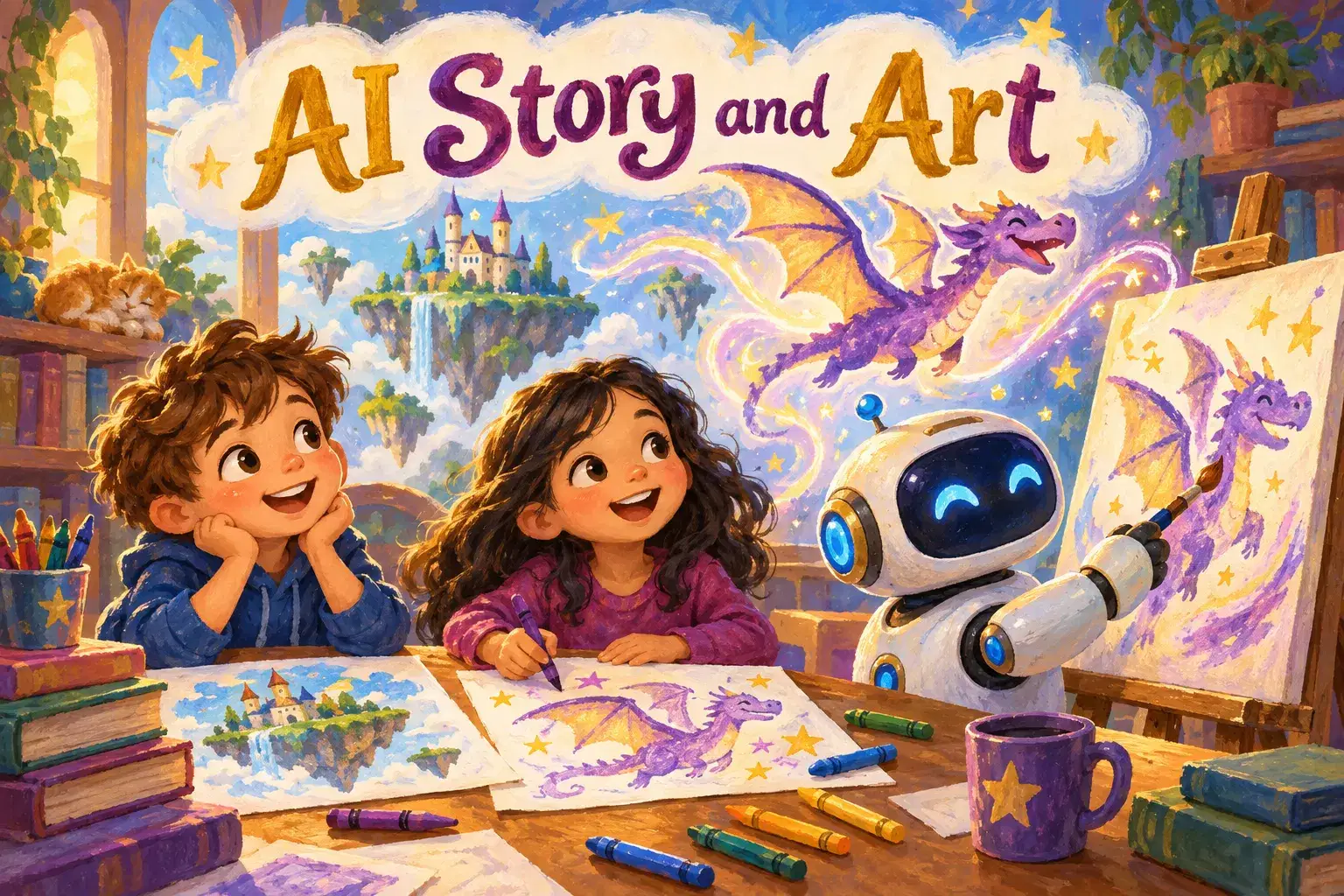
A playful weekly club where children aged 6–9 invent characters and magical worlds, then watch a teacher-guided AI tool help bring them to life as pictures and stories. Kids draw, imagine and vote on plot twists while learning simple, safe ways to use AI as a creative helper.
Paid once.
Young children have huge imaginations, and this club gives them a fun, safe first look at how AI can be a creative helper rather than a replacement for their own ideas. In each 30-minute session, kids dream up characters, places and stories, and the teacher uses a kid-safe AI tool on a shared screen to turn their words into pictures and story ideas.
The club follows a four-week rotating cycle, so children can join at any time. One week they invent a character, choosing its look, its special power and its favourite food, and compare the AI picture with their own drawing. Another week they design a magical world together. In story adventure week, the class builds a short tale while the AI suggests possible twists and the children vote on which to use. The cycle ends with each child making a picture-book page and learning three simple rules for using AI safely.
Children never need their own AI accounts. The teacher controls every tool, checks every result before it appears and explains in plain words how the computer is guessing from patterns it has seen. Learners stay hands-on by drawing, acting out ideas and voting with thumbs and stickers.
The club is dyslexia-friendly by design: almost everything happens through talking, drawing and pictures, the teacher reads all text aloud and no child is asked to read or spell in front of the group.
Each 30-minute session has a quick warm-up question, an idea-building time where children share and draw, a teacher-led AI creation on the shared screen and a show-and-tell of the children's own drawings.
Week 1: Make a Character – Invent a character, describe it out loud and compare the AI picture with your own drawing.
Week 2: Build a Magical World – Design a fantasy place together and decide what lives there.
Week 3: Story Adventure – Build a class story while the AI suggests twists and the group votes on what happens next.
Week 4: Picture-Book Page and AI Helper Rules – Create a picture-book page and learn three simple rules for using AI safely.

Describe characters and places with rich, specific words
Explain in simple terms that AI makes pictures by guessing from patterns
Build a simple story with a beginning, middle and end
Know three simple rules for using AI safely with a grown-up
Share their own drawings and ideas with confidence
Activities run through talking, drawing and pictures, all text is read aloud and no child is asked to read or spell in front of the group.
No experience needed. Children do not need to read or type; they only need paper and crayons.
Plain paper and crayons or markers for drawing; the printable picture-book page template (shared before Week 4, plain paper also works). No AI accounts needed.
A step-by-step plan of what your child learns, class by class.
Children invent a character with a look, a special power and a favourite food, then compare the AI picture with their own drawing.
The group designs a fantasy place together, decides what lives there and sees it come to life on the shared screen.
The class builds a short story while the AI suggests twists and children vote on what happens next.
Each child creates a picture-book page and learns three simple rules for using AI safely with a grown-up.
Next 7 days, US Eastern Time
Children never use AI tools directly or need accounts. The teacher controls the tool on a shared screen and checks every result before the class sees it.
No. Children share ideas by talking, drawing and voting, and the teacher reads everything aloud, which makes the club dyslexia-friendly.
Plain paper and crayons or markers are all that is needed. A printable picture-book page template is shared before the fourth week, but plain paper works too.
The club is built around children's own ideas and drawings. The AI is shown as a helper that makes guesses, and children compare its pictures with their own and decide what they like best.
Yes. The four themes rotate and each session stands on its own, so children can start any week and simply join the next session if they miss one.
Shreya brings seven years of experience teaching children how to apply artificial intelligence in creative, age-appropriate ways. She focuses on computer vision projects—face, hand and object detection, pose estimation, and fun game mechanics—using block-based tools like Pictoblo…
Vinita T.
Ages 14–17 · 75 min · 1 / Week
$28.00per classSee schedule
Dr. B.
Club · Ages 13–17 · 75 min · 1 / Week
$27.00per classSee schedule
Krishna K.
Club · Ages 8–11 · 45 min · 1 / Week
$16.00per classSee schedule
Hemchandra G.
Ages 13–17 · 90 min · 1 / Week
$30.00per classSee schedule
Dr. B.
Ages 13–17 · 75 min · 1 / Week
$29.00per classSee schedule

Krishna K.
Ages 8–12 · 75 min · 1 / Week
$27.00per classSee schedule
Geeta T.
Ages 9–13 · 55 min · 1 / Week
$20.50per classSee schedule
Sakshi S.5.0
Club · Ages 7–12 · 55 min · 1 / Week
$18.00per classSee schedule
Vinita T.
Advanced
Level
14–17
Ages
75 min
Duration
1 / Week
Classes
8
Weeks
Dr. B.
Advanced
Level
13–17
Ages
75 min
Duration
1 / Week
Classes
Ongoing
Weeks
Krishna K.
Beginner
Level
8–11
Ages
45 min
Duration
1 / Week
Classes
Ongoing
Weeks
Hemchandra G.
Advanced
Level
13–17
Ages
90 min
Duration
1 / Week
Classes
1
Weeks
Dr. B.
Advanced
Level
13–17
Ages
75 min
Duration
1 / Week
Classes
10
Weeks
Krishna K.
Beginner
Level
8–12
Ages
75 min
Duration
1 / Week
Classes
1
Weeks
Geeta T.
Beginner
Level
9–13
Ages
55 min
Duration
1 / Week
Classes
4
Weeks
Sakshi S.
Beginner
Level
7–12
Ages
55 min
Duration
1 / Week
Classes
Ongoing
Weeks