Compare programs & platformsAges 7–126 min read
By Rebecca Spencer ·
Tynker Minecraft Mods vs a Live Minecraft Coding Class
Compare Tynker's self-paced Minecraft modding with a live Minecraft coding class: how each works, who it suits, and how to use both together.
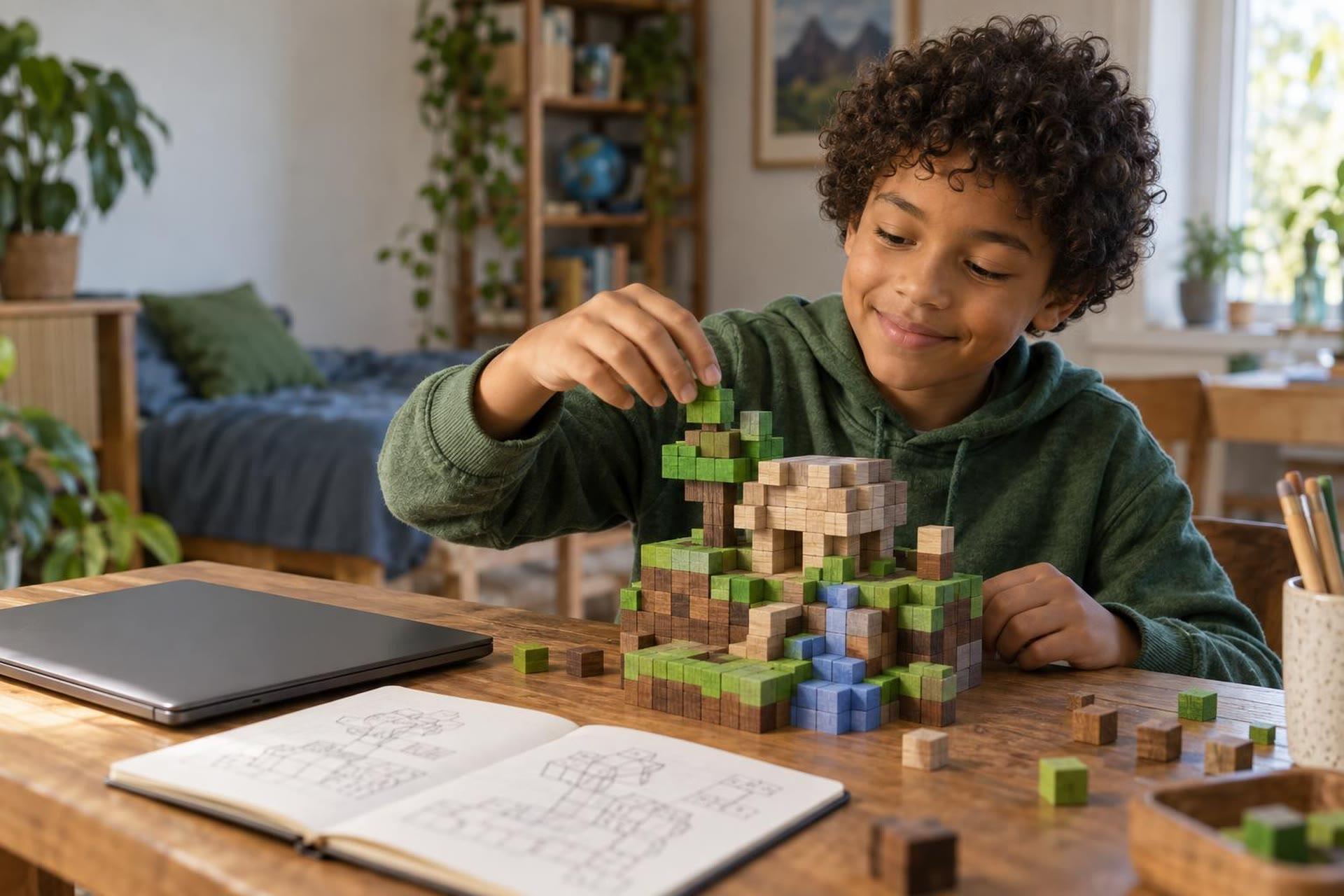
Tynker's Minecraft modding courses are a good first step for kids who want to change their Minecraft world with code at their own pace. A live Minecraft coding class adds a teacher who can answer questions in the moment, plus other kids to build with. The right pick depends on how your child learns, how independent they are, and what they want to make.
Choose Tynker if your child is a self-starter who likes short, game-like coding activities and wants to make skins, items, mobs and mods with drag-and-drop blocks. Choose a live class if your child gets stuck and gives up, wants feedback on their own ideas, or learns better with a group. You can also combine them: an app for practice and a class for guidance.
What Tynker's Minecraft modding offers
Tynker is a coding platform for kids, and Minecraft modding is one of its best-known electives. According to its Minecraft modding curriculum page, the courses are recommended for ages 6 and up and use "beginner-friendly drag-and-drop programming tools to create Minecraft mods." Kids work in a block-coding interface, so they don't need to type code to get started.
Tynker's Minecraft mods page lists what kids can make: skins, items, blocks, mobs, mobs with code, server mods and client mods. Designs are deployed into the game as resource packs and behavior packs. The page covers Minecraft for Windows (Bedrock Edition) and Minecraft for iPad, and Tynker notes it is not an official Minecraft product.
How the learning works
- Self-paced lessons. Tynker describes its modding courses as "Code at Your Own Pace," with activities kids can do any day.
- Levelled courses. The curriculum lists beginner, intermediate and advanced courses with dozens of activities each.
- Some coach time. Tynker's FAQ says paid subscriptions include two complimentary one-on-one sessions with a coding coach.
- Free start. Families can create a free account and try free Minecraft coding courses before paying.
You will also need your own copy of Minecraft. Tynker's curriculum page says a Minecraft for Windows (Bedrock Edition) purchase is required for the Windows courses.
What a live Minecraft coding class adds
A live class puts your child on a video call with a teacher and, in most cases, a small group of other kids. The teacher explains a concept, kids try it in their own world, and the group shares what they built. Classes may use block coding, Minecraft Education's coding tools, or text languages, depending on the course and age group.
- Help at the moment of stuck. A teacher can look at a shared screen and spot the bug in seconds. Apps give hints, but they can't see your child's own idea.
- Feedback on original projects. Kids who want to build their own minigame often need help planning it, which is hard to get from pre-built activities.
- Talking about code. Explaining a project out loud to other kids is a skill in itself, and it builds confidence.
- A fixed time slot. A weekly class gives coding a regular place in the week.
The trade-offs are real too. Live classes run on a schedule, cost per session or per course, and move at the group's pace. A fast learner may wait for others, and a slower one may need extra practice between classes.
 A live class on thisMinecraft Coding Club: Block Coding for Grades 1-2Ages 6–8
Tynker and a live class side by side
| Question | Tynker Minecraft modding | Live Minecraft coding class |
|---|---|---|
| How kids learn | Self-paced activities with drag-and-drop blocks | Teacher-led sessions on video, often with a small group |
| When they learn | Any time, any day | At a scheduled time each week or across a camp |
| Getting unstuck | Built-in hints, plus limited coach sessions on paid plans | Ask the teacher live |
| What they make | Skins, items, blocks, mobs and mods from guided activities | Depends on the course; often kids' own projects |
| Social side | Mostly solo, with community galleries | Peers to share with and learn from |
| Best for | Independent kids, ages 6+, who like short challenges | Kids who need feedback, structure or a group |
Tynker lists subscription prices on its site, and those can change with promotions. Check the current plan and what it includes before you sign up. For live classes, teachers usually set their own prices, so compare cost per hour and group size.
Which one fits your child
Tynker is likely a good fit if your child:
- Plays Minecraft on Windows (Bedrock) or iPad and wants to make their own skins and mobs.
- Enjoys puzzles and finishing levels without help.
- Has a busy schedule and needs to code in short bursts.
- Is 6 to 10 and new to coding.
A live class is likely a better fit if your child:
- Quits when something doesn't work the first time.
- Has a big project idea and doesn't know where to start.
- Is ready to move from blocks toward typed code.
- Gets more done when other kids are building too.
If you are still mapping out the path from playing to coding, our Minecraft coding guide for kids walks through the stages by age.
How to use an app and a class together
- Start with a free trial. Try Tynker's free courses for a week or two and watch how your child responds.
- Note where they get stuck. Is it the logic, the setup, or losing interest? Each points to a different kind of help.
- Add a short live class. A one-time class or a few-day camp is a low-commitment way to see if a teacher helps.
- Keep app practice between classes. Short sessions on the app keep skills fresh.
- Check in monthly. Ask your child to show you something they made and explain how it works.
- Edition mismatch: Make sure your child's Minecraft edition and device match what the course needs before you pay.
- Copying without learning: Following steps is a start. Ask your child to change one thing on their own to check understanding.
- Screen time creep: Coding time can blur into playing time. Set a clear end to each session.
- Online sharing: Review any community or gallery settings with your child, and keep personal details private.
Frequently asked questions
What age is right for Tynker Minecraft modding?
Tynker recommends its Minecraft modding courses for ages 6 and up. Younger kids may need a parent nearby for setup and reading instructions.
Do kids need to own Minecraft to use Tynker?
Yes, to test mods in the game. Tynker's curriculum page says a Minecraft for Windows (Bedrock Edition) purchase is required for its Windows courses. Check the requirements for your device first.
Is Tynker real coding?
Tynker's Minecraft courses use block coding, which teaches real ideas like loops, events and conditions. Kids who want to type code later can build on those ideas in other courses or classes.
How do I know when my child is ready for a live class?
Good signs include asking "how do I make it do this?" questions, starting their own projects, or getting frustrated with pre-set activities. A short trial class is an easy way to test it.
Code with a teacher and other Minecraft fans
Live Minecraft classes let kids build, debug and share projects with a teacher who can answer their questions in real time. Many offer a trial session so your child can see how it feels first.