Coding, AI & game designAges 7–145 min read
By Derek Lang ·
Minecraft vs Roblox for Kids
Compare Minecraft and Roblox for kids on creativity, safety, spending and learning—then choose based on your child and context.
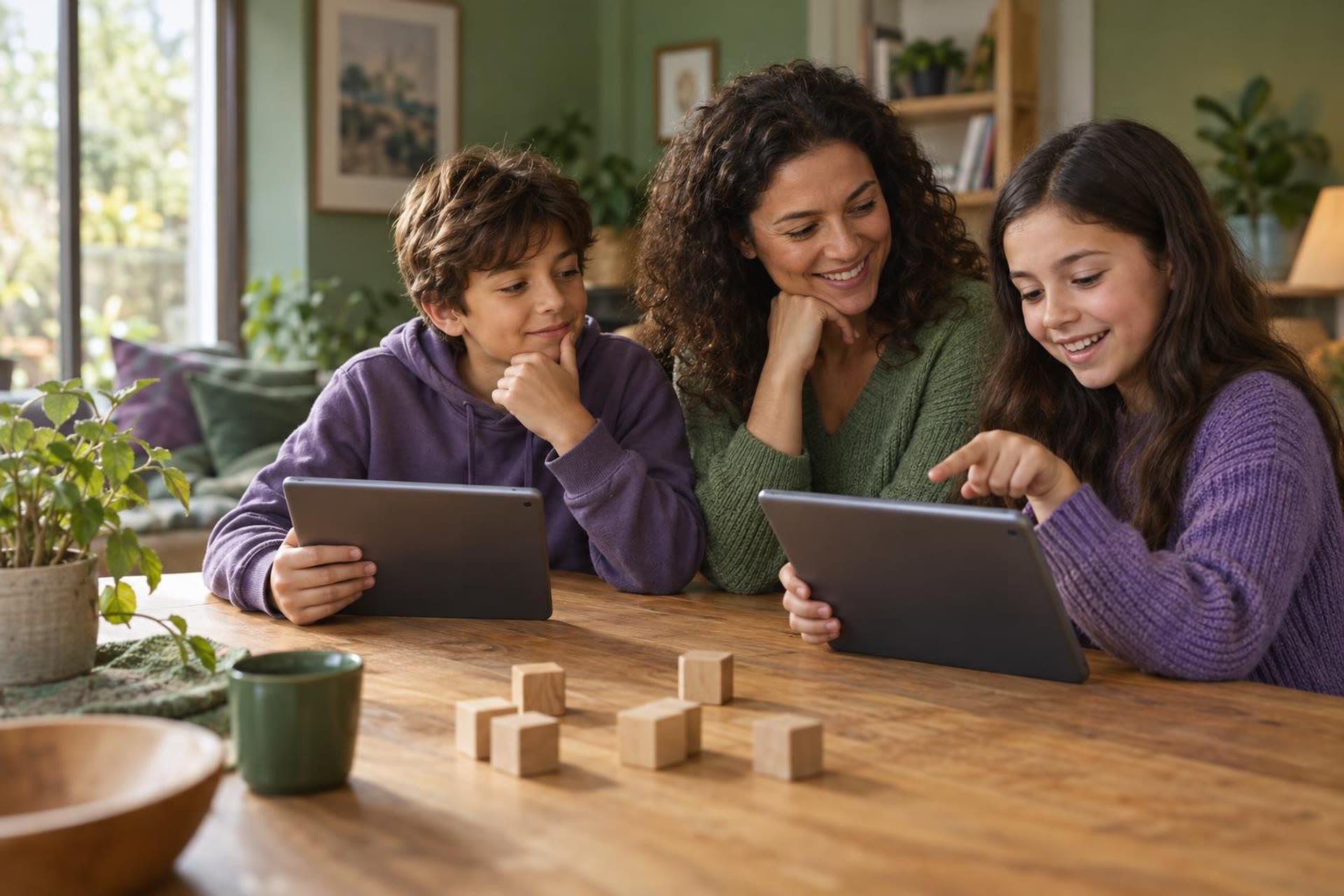
Minecraft vs Roblox for Kids: Which Is Better for Learning and Safety?
Minecraft is primarily a sandbox game; Roblox is a platform containing many user-created experiences. That structural difference affects learning, safety and parental oversight.
Parents often want a single winner between Minecraft and Roblox. The more useful comparison starts with structure: one is primarily a sandbox world with modes and servers; the other is a platform full of user-created experiences. That difference shapes what “playing” means, how hard safety is to supervise and which learning pathways are realistic.
The central difference
Minecraft offers a consistent block-based world with modes and servers. Roblox is a platform where users create and publish many different experiences. A child saying “I play Roblox” tells you less about the actual content than “I play Minecraft Creative mode in a private world.” The first statement names a storefront of experiences; the second names a mode and social boundary.
Before comparing brands, ask what the child opens after launch. Is it a private build, a known friend’s world, a moderated server, a random Discover page experience or Roblox Studio? Oversight and learning value depend on that answer more than on the logo on the box. Two children can both say they “play Minecraft” or “play Roblox” while inhabiting entirely different risk and learning profiles.
 A live class on thisMinecraft Coding Club: Block Coding for Grades 1-2Ages 6–8
Creativity and making
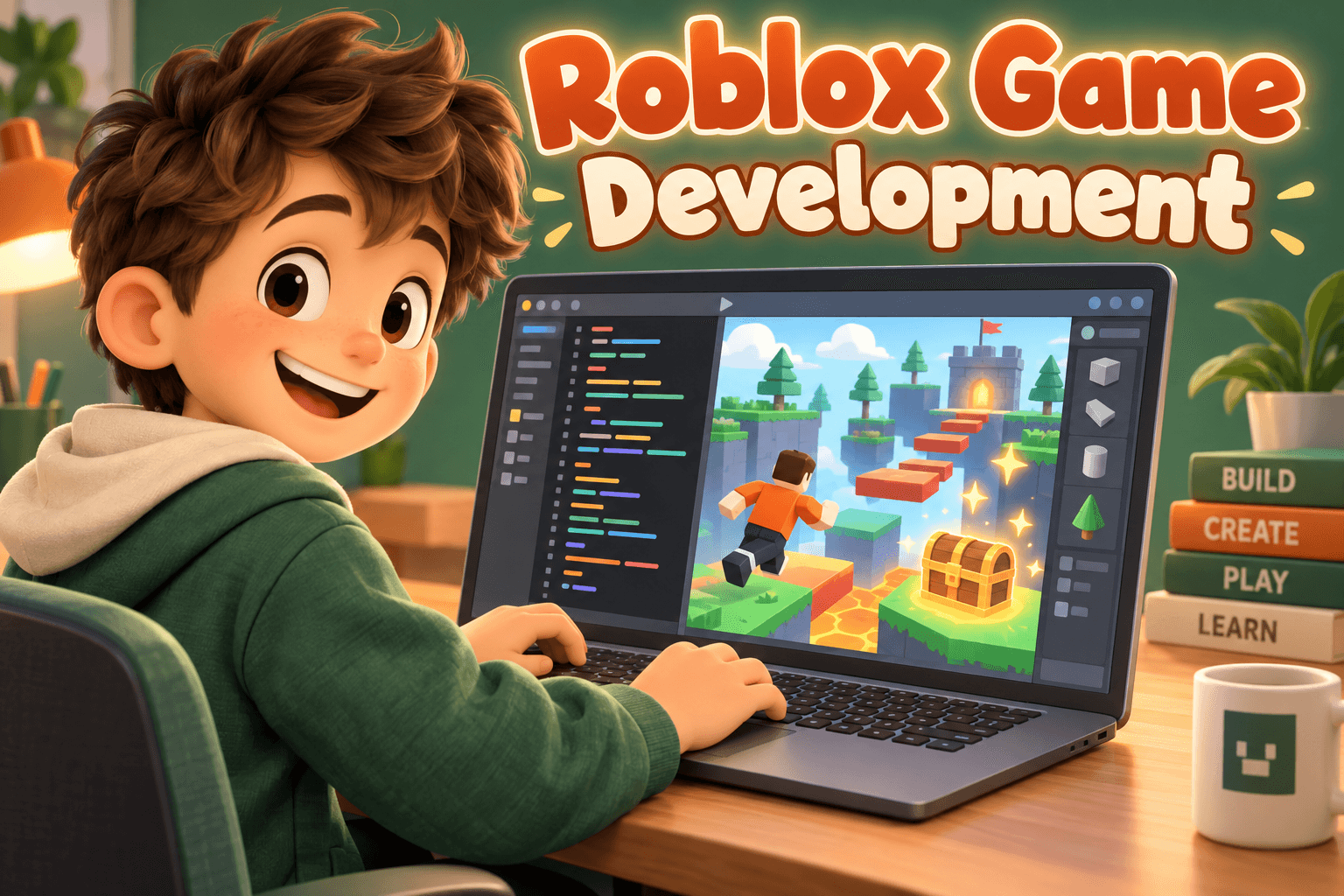
Minecraft excels at spatial construction, systems thinking, survival planning and open-ended world design. Children can plan builds, manage resources and invent rules inside a coherent sandbox. Roblox Studio enables 3D experience creation, interface design and Luau scripting for kids who want to make games others can play.
In both cases, creating is different from consuming. Playing does not automatically mean coding. A child who only joins popular experiences or explores public maps is practicing different skills from a child who designs, iterates and publishes. If learning is the goal, protect time for making—not only for browsing what others made.
Safety and social exposure
Both platforms can include multiplayer and communication. Roblox’s large ecosystem of user-created experiences requires attention to content and account restrictions because “Roblox” is not one curated game. Minecraft risk changes substantially between single-player, private worlds and public servers. Use current official controls for each platform rather than assuming one is always safer.
Neither platform is uniformly safe or unsafe. Risk depends on mode, communication settings, user-created content, account configuration and supervision. A locked-down private Minecraft world and an unsupervised open Roblox chat are not comparable experiences, even if both happen on a tablet after school.
Spending
Roblox includes platform currency and extensive in-experience monetization. Minecraft has purchases and marketplace content depending on edition. Disable or password-protect spending and teach children how digital scarcity and upgrades are designed to influence decisions. Commercial design is part of the safety conversation, not a separate “money” topic.
Agree in advance what can be bought, if anything, and who approves it. Accidental purchases and social pressure to buy cosmetics or passes show up on both ecosystems. Controls reduce accidents; conversations reduce the pull of endless upgrades. Review purchase history occasionally so surprises surface early rather than after a large bill.
Learning comparison
Match the platform to the interest rather than declaring a universal educational winner. Building, coordinates and engineering-style planning often fit Minecraft well. Designing a 3D social game points toward Roblox Studio. Beginner visual coding in a familiar world may fit Minecraft Education or MakeCode-style environments. Typed scripting and game systems point toward Roblox Studio and Luau.
| Interest | Likely fit |
|---|---|
| Building, coordinates, engineering | Minecraft |
| Designing a 3D social game | Roblox Studio |
| Beginner visual coding in a familiar world | Minecraft Education/MakeCode |
| Typed scripting and game systems | Roblox Studio |
Age and project matter as much as brand. A younger child may thrive with supervised Minecraft building long before complex Studio tools feel productive. An older maker may prefer Roblox Studio even if the family already owns Minecraft.
Choose based on the child and context
Consider maturity, friends, creativity goals, tolerance for complex tools and your capacity to supervise. A well-managed private Minecraft world and an age-appropriate Roblox Studio class are different propositions from unsupervised public play on either platform. Friend networks often drive the real choice more than feature lists do.
If friends only meet in one ecosystem, decide whether supervised access there is workable, or whether you will offer an alternative social plan. Banning a platform without addressing the social need usually moves the activity elsewhere rather than ending it.
The better question
Do not ask only which platform is better. Ask what your child does there, with whom, under which settings, and what skill or experience they are gaining. Those answers can make Minecraft the better fit one year and Roblox Studio the better fit the next.
Revisit the question when modes change—from private builds to public servers, or from playing experiences to creating them. The platform name stays the same; the risk and learning profile may not.
Many families find supervised single-player Minecraft easier to constrain, but readiness and configuration matter more than a blanket rule.
Frequently asked questions
Neither is uniformly safe or unsafe. Risk depends on mode, communication, user-created content, account settings and supervision.
Minecraft supports coding through education tools and compatible environments; Roblox Studio uses Luau for creating experiences. Choose by age and project.
Many families find supervised single-player Minecraft easier to constrain, but readiness and configuration matter more than a blanket rule.
Review note
Product features, prices and safety settings can change. Check official provider information before purchasing or enabling online access. Educational and health concerns should be discussed with qualified professionals familiar with your child.