Compare programs & platformsAges 8–146 min read
By Nora Patel ·
CodaKid Review and Alternatives
An honest look at CodaKid's self-paced Roblox and Minecraft coding courses, who they suit, and how they compare with a live coding class.
CodaKid is an online coding school for kids who want to learn real coding through games like Roblox and Minecraft, using self-paced video courses with teacher help on the side. It works well for independent learners who like to pause, build and test on their own. If your child needs more live interaction, a teacher-led Roblox or Minecraft class is the main alternative to weigh.
CodaKid's self-study courses use HD video lessons, real languages such as Lua, Python and Java, and help from its teacher team by message and screen share. They suit motivated kids, roughly 8 and up for Roblox and Minecraft. A live class suits kids who learn best by asking questions in the moment, working with peers and keeping a set weekly time.
What CodaKid is and how it works
CodaKid's self-paced coding classes page describes self-study video courses where students "watch HD video lessons, pause the videos, code, design, and then test their work." Kids can take courses any time and keep their projects.
- Languages. CodaKid says students learn Python, JavaScript, Java and Lua, with tools such as Roblox Studio, Unity and Unreal Engine.
- Age guides. Minecraft and Roblox courses are listed for ages 8 and up, Python for 10 and up, and Unity, Unreal and web development for 12 and up.
- Library size. A subscription gives access to more than 100 courses.
- Help when stuck. The page lists help desk support from the CodaKid teacher team, live drop-in coaching on Friday afternoons and AI-powered learning support.
- Trial. CodaKid offers a 14-day free trial with access to its courses.
CodaKid also offers private online tutoring, camps and workshops for families who want live teaching.
A closer look at the Roblox course
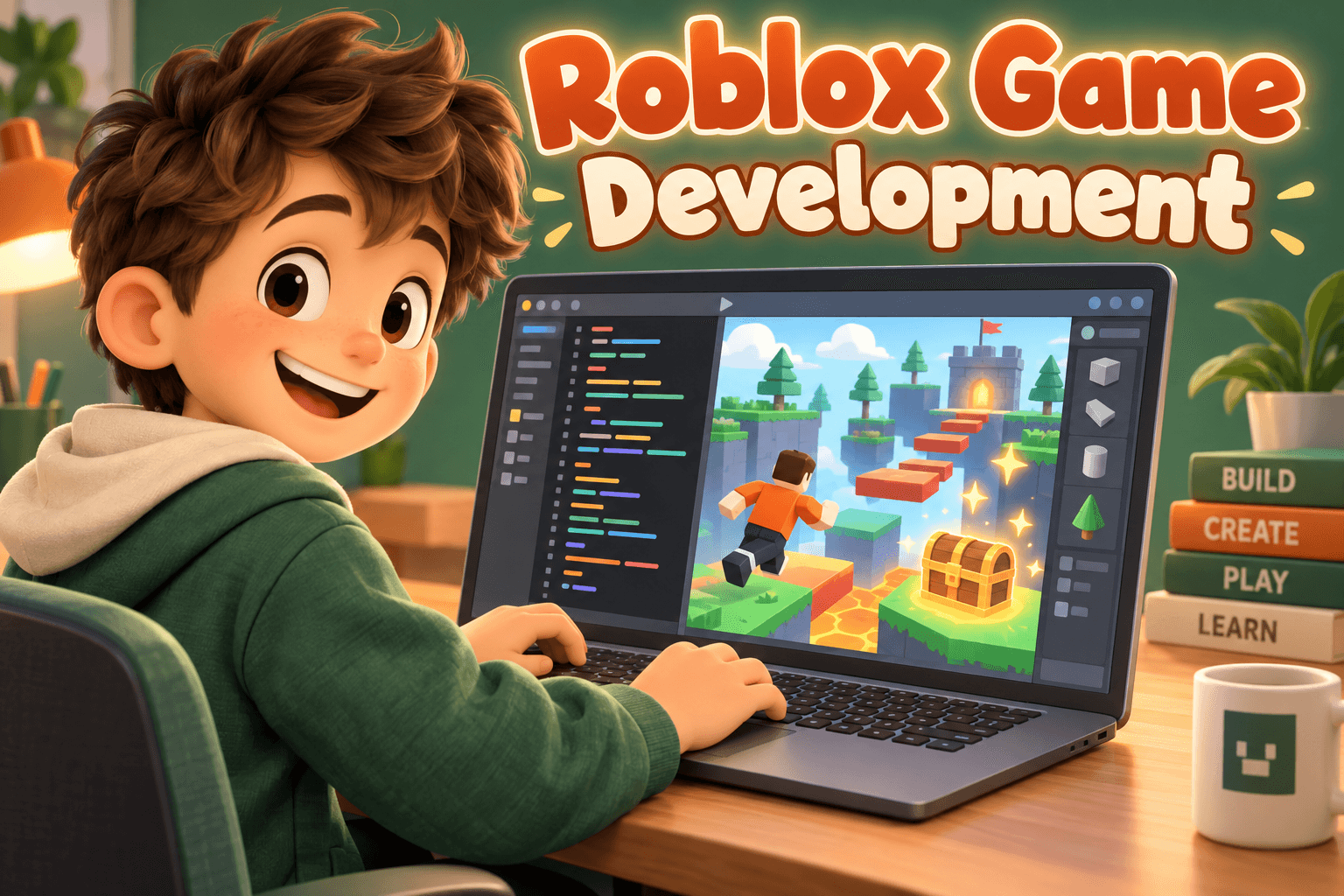
The CodaKid Roblox game development course teaches kids "real Lua coding using the Roblox text editor," covering conditionals, loops, arrays and more. Chapters include 3D modeling, obby maps, racing maps and tycoon games. CodaKid says its teachers help "through messaging and screen share."
Roblox's own scripting language is Luau, which the Roblox Creator Hub describes as a scripting language derived from Lua 5.1. Skills from a CodaKid Roblox course carry straight into building in Roblox Studio.
What CodaKid does well
- Real text code. Kids type actual code, which is a step up from blocks.
- Own pace. Kids can rewatch a tricky step as many times as they need.
- Wide range. One subscription covers many tracks, so kids can try Minecraft, then Roblox, then Python.
 A live class on thisRoblox 1-on-1 Lua Coaching: Build Your Dream GameAges 9–15
Video course or live class: side by side
| Question | CodaKid self-study | Live Roblox or Minecraft class |
|---|---|---|
| How kids learn | Pre-recorded video lessons, then build and test | Teacher explains and guides in real time |
| Schedule | Any time | Set class times, weekly or as a camp |
| Getting help | Messaging, screen share, weekly drop-in coaching, AI support | Ask the teacher during class |
| Peers | Mostly solo | A small group building together |
| Breadth | 100+ courses on one subscription | One topic per class or course |
| Pricing | Subscription plans; check the site for current options | Set by each teacher or provider |
| Best for | Self-motivated kids who like to tinker alone | Kids who need prompts, feedback or company |
CodaKid lists several subscription plans on its site, including solo and family options, and prices can change. Check the current plan page and the trial terms before you subscribe.
Who each option suits
CodaKid is a strong fit if your child:
- Reads well and can follow a video without a parent sitting next to them.
- Likes to work late at night or on weekends, outside fixed class times.
- Wants to explore several game engines before choosing one.
- Is comfortable sending a message when stuck and waiting for a reply.
A live class is a strong fit if your child:
- Loses steam with videos after a few minutes.
- Wants to show their game to other kids and get reactions.
- Needs a teacher to break a big idea into small steps.
- Does better with a fixed weekly slot and someone expecting them.
Our Roblox coding roadmap for kids shows the skills kids usually build in order, which helps whichever route you take.
How to test CodaKid during the free trial
Two weeks is enough time to learn whether self-paced video suits your child. Plan the trial so you get a clear answer.
- Pick one course. Choose the Roblox or Minecraft track your child is most excited about, and stick with it for the trial.
- Set three short sessions a week. Twenty to forty minutes is plenty for a first try.
- Watch the first session together. See whether your child can pause, type and test without help.
- Try the support once. Have your child send a question to the teacher team so you both know how help works.
- Ask for a demo at the end. If your child can show and explain what they built, the format is working.
If your child stalled or kept asking you for help, that is useful information too. It usually means a live teacher would be a better next step.
Other ways to learn Roblox and Minecraft coding
- Free official resources. Roblox's Creator Hub has scripting docs and tutorials for older kids who read confidently.
- Small group live classes. A teacher plus a few peers, often in multi-week courses or weekly clubs.
- Camps. A few days in a row, good for a school break and a quick finished project.
- One-to-one tutoring. Full attention for a child with a specific goal or a tricky bug.
- Unused subscriptions: Set a calendar reminder before a free trial ends, and check in on use each month.
- Copy-along coding: Ask your child to change a feature without the video to check they understand it.
- Age fit: Text coding can frustrate younger kids. Use the provider's age guide as a starting point.
- Online safety: If your child publishes a Roblox game, review Roblox's parental controls together.
Frequently asked questions
Is CodaKid self-paced or live?
Its core courses are self-paced video lessons with teacher support. CodaKid also offers private online tutoring, camps and workshops for live teaching.
What age is CodaKid for?
CodaKid lists ages 6 and up overall, with Minecraft and Roblox courses for ages 8 and up and some advanced tracks for 12 and up.
What language does CodaKid's Roblox course teach?
Lua. CodaKid says kids learn real Lua coding in the Roblox editor. Roblox's own scripting language, Luau, is derived from Lua.
Can my child use CodaKid and a live class together?
Yes. A video course can give extra practice between classes, while a teacher helps with planning, debugging and feedback.
Build Roblox games with a live teacher
Live Roblox classes help kids plan, script and share their games with a teacher and other young builders, from first obbies to full Luau projects.