



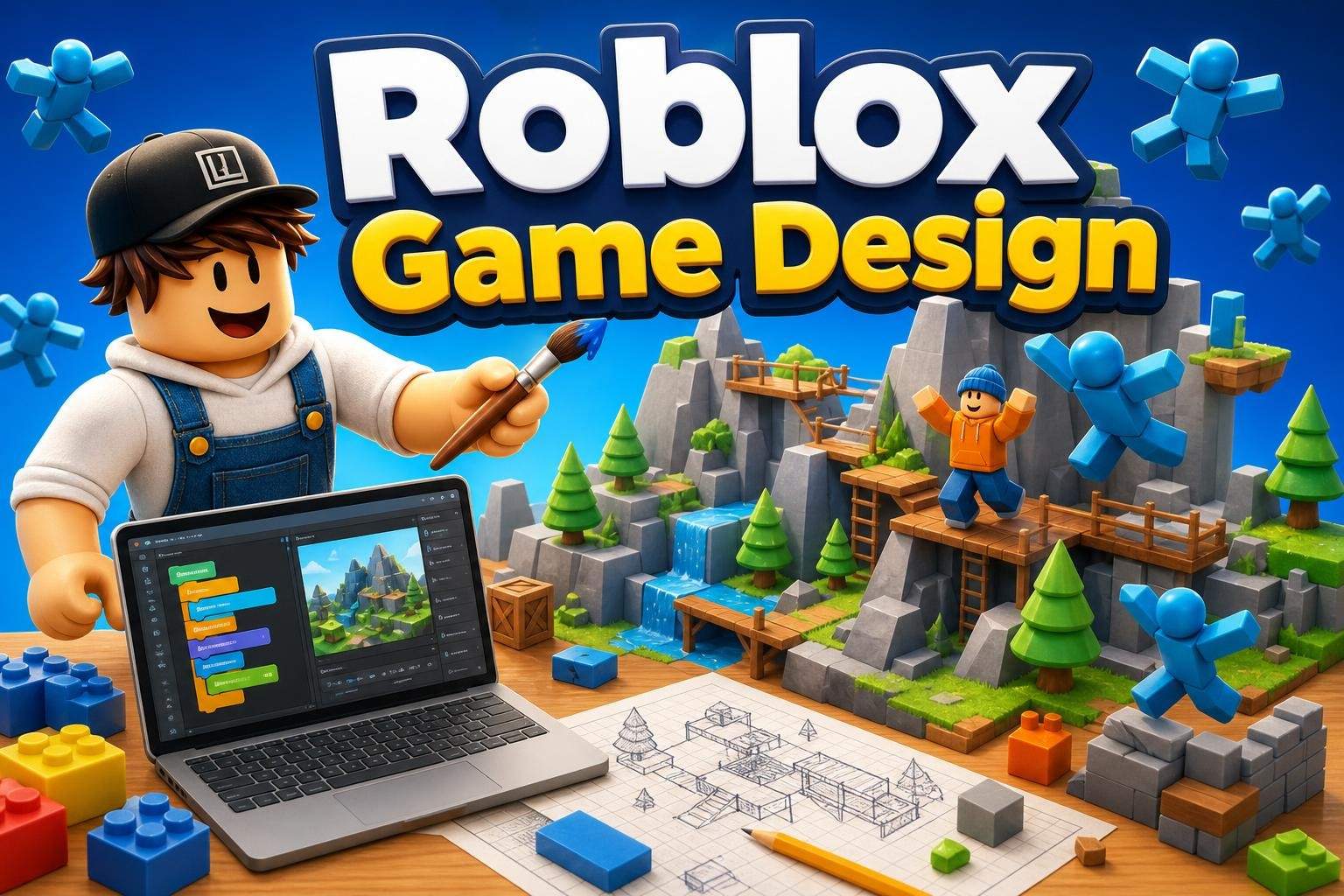
Roblox Studio: Beginner Game Design and Lua
Bhavya Sharma4.5
Ages 7–12 · 55 min · 1 / Week
$20.00per classSee schedule
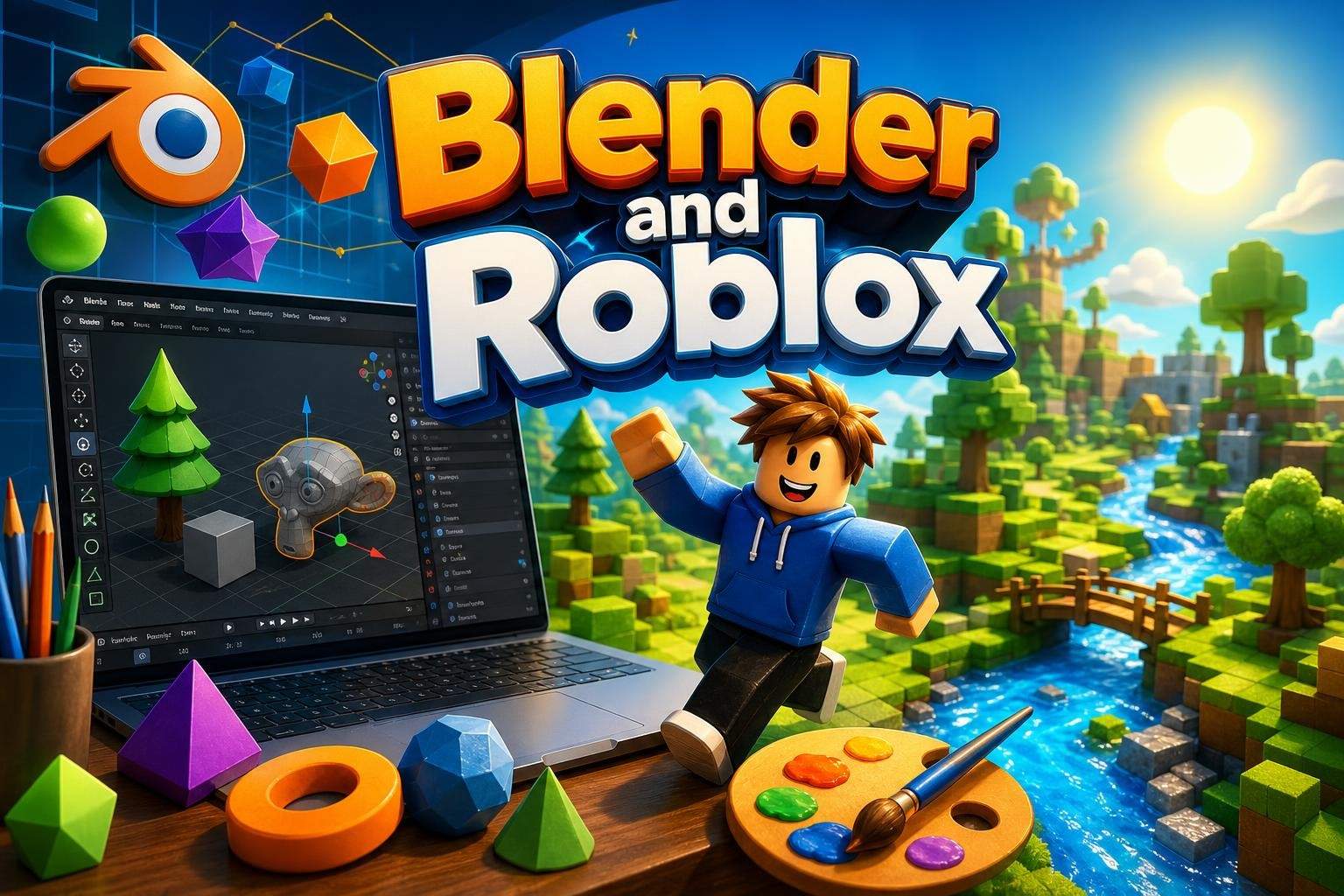
This 8-class, beginner-friendly course guides learners (ages 11-14) through creating 3D models in Blender and using those assets to build a playable world in Roblox Studio. The first half focuses on Blender basics: navigating the workspace, working with shapes, scaling, coloring, and assembling simple characters and props. Lessons keep modeling steps clear and achievable so students can complete projects even with no prior experience. In the second half, learners bring their Blender models into Roblox Studio and use terrain and studio tools to shape land, water, and paths, add decorations, and arrange environments. Students learn how to place assets thoughtfully to guide players and create a smooth gameplay flow. The final classes emphasize testing, polishing details, and the step-by-step process to publish a Roblox experience so it can be shared and played. Throughout the course, students practice creativity, problem solving, and basic digital design skills while building a finished, shareable project. No previous experience with Blender or Roblox Studio is required. Note: Blender and Roblox Studio require a Mac or Windows laptop/desktop and do not run on mobile devices; Roblox Studio is not available on Chromebooks.
Paid once.
Eight instructor-led, hands-on classes. Start with Blender modeling, then import assets into Roblox Studio to design terrain, add details, test gameplay, and publish. Each class builds on the last with guided demos and practical projects so students finish with a playable game.
Model simple 3D characters and props using beginner-friendly Blender techniques
Import Blender assets into Roblox Studio and design terrain-based game worlds
Arrange environments to support gameplay flow, test interactions, and polish details
Publish a playable Roblox experience and understand basic steps for sharing a game
No previous experience with Blender or Roblox Studio required.
Choose a time that works best for you. All times are shown in Coordinated Universal Time.
Sneha is a game development educator who blends playful creativity with technical fundamentals to help children build and publish real games on Roblox. Over six years she has designed hands-on curricula that guide learners from simple part-based modeling to full scene composition…
Bhavya Sharma4.5
Ages 7–12 · 55 min · 1 / Week
$20.00per classSee schedule
Tanvi Ghosh
Ages 7–12 · 55 min · 1 / Week
$15.00per classSee schedule
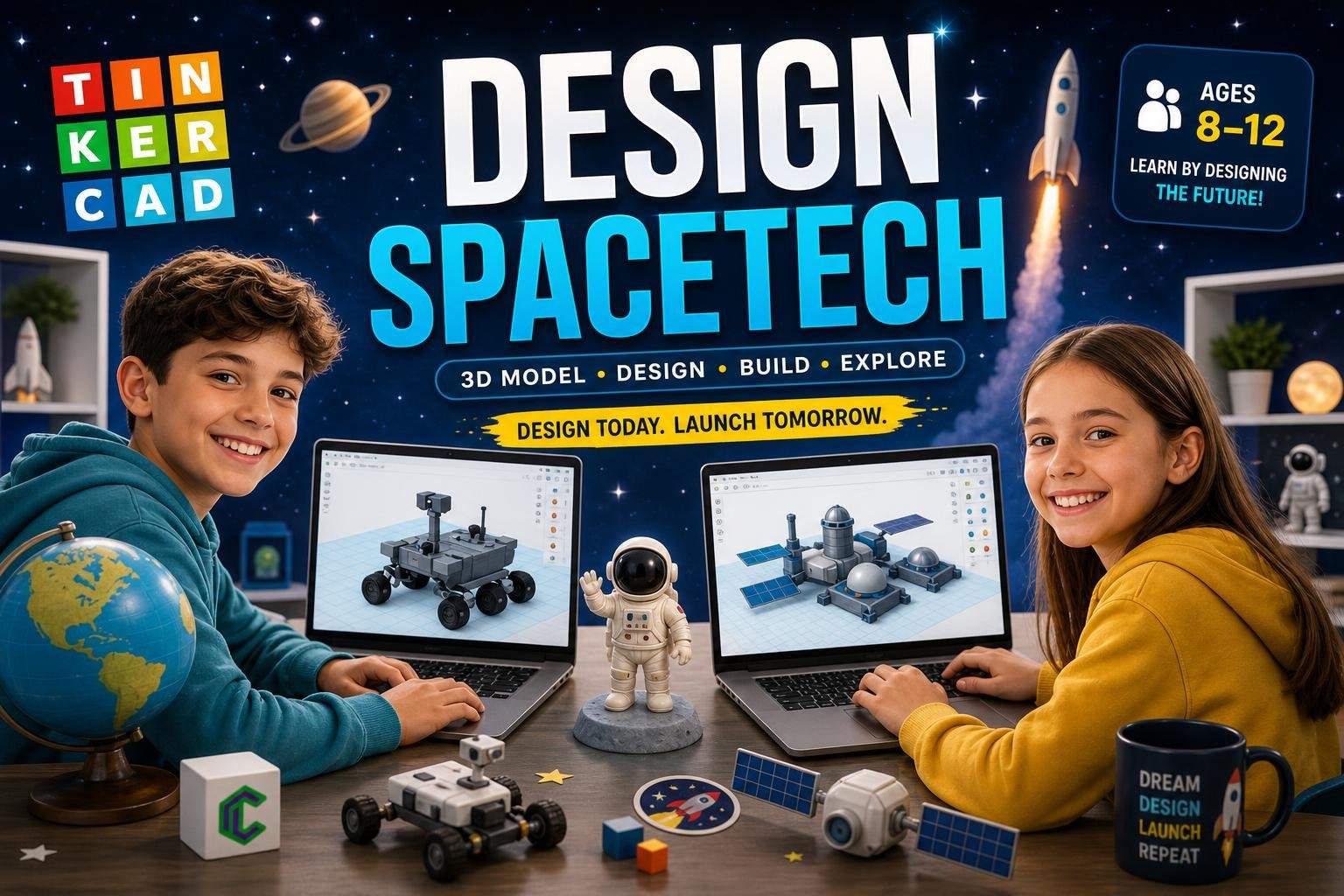
Ayesha Desai4.8
Ages 8–12 · 50 min · 1 / Week
$13.00per classSee schedule
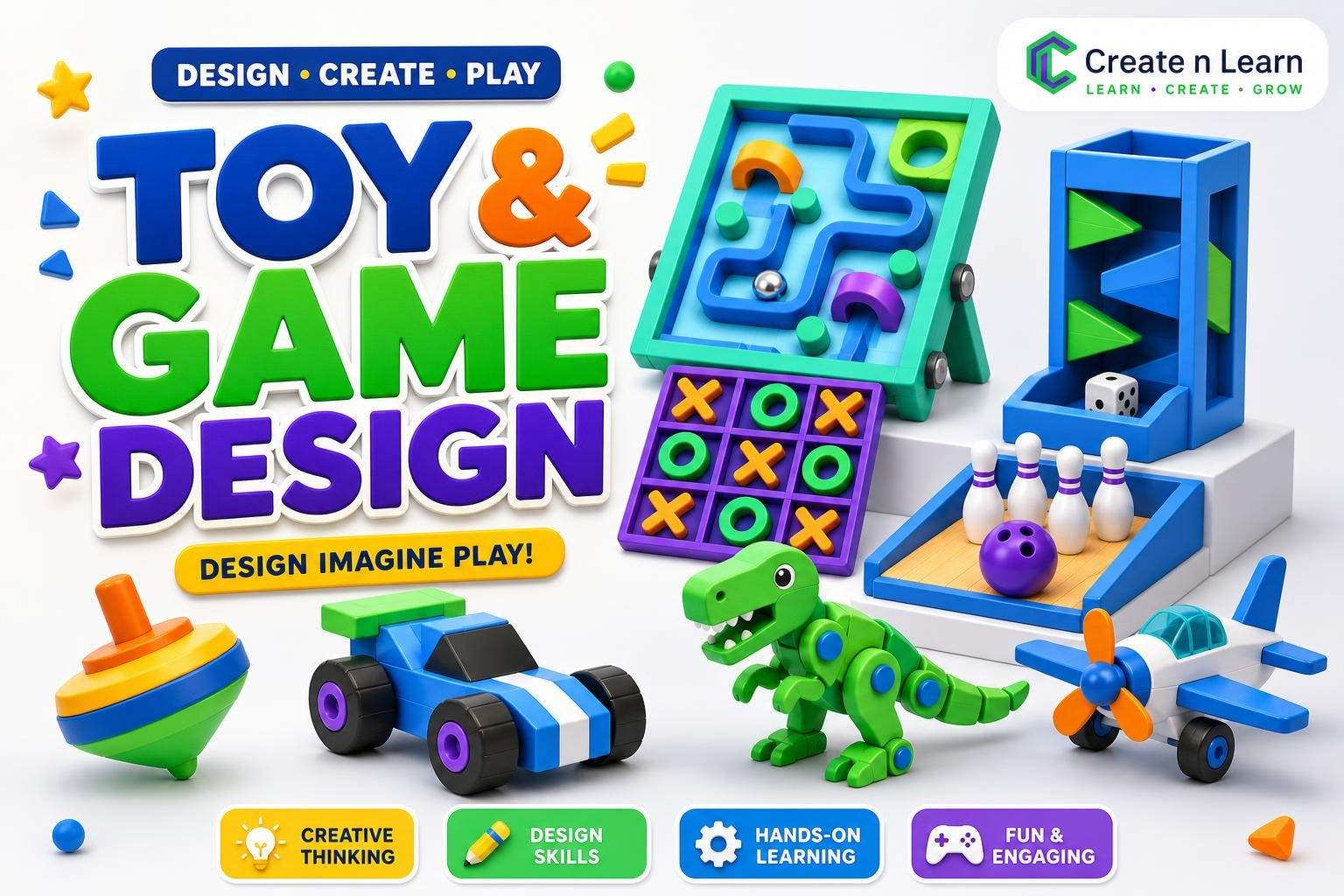
Tanya Sinha5.0
Ages 8–11 · 55 min · 1 / Week
$12.38per classSee schedule
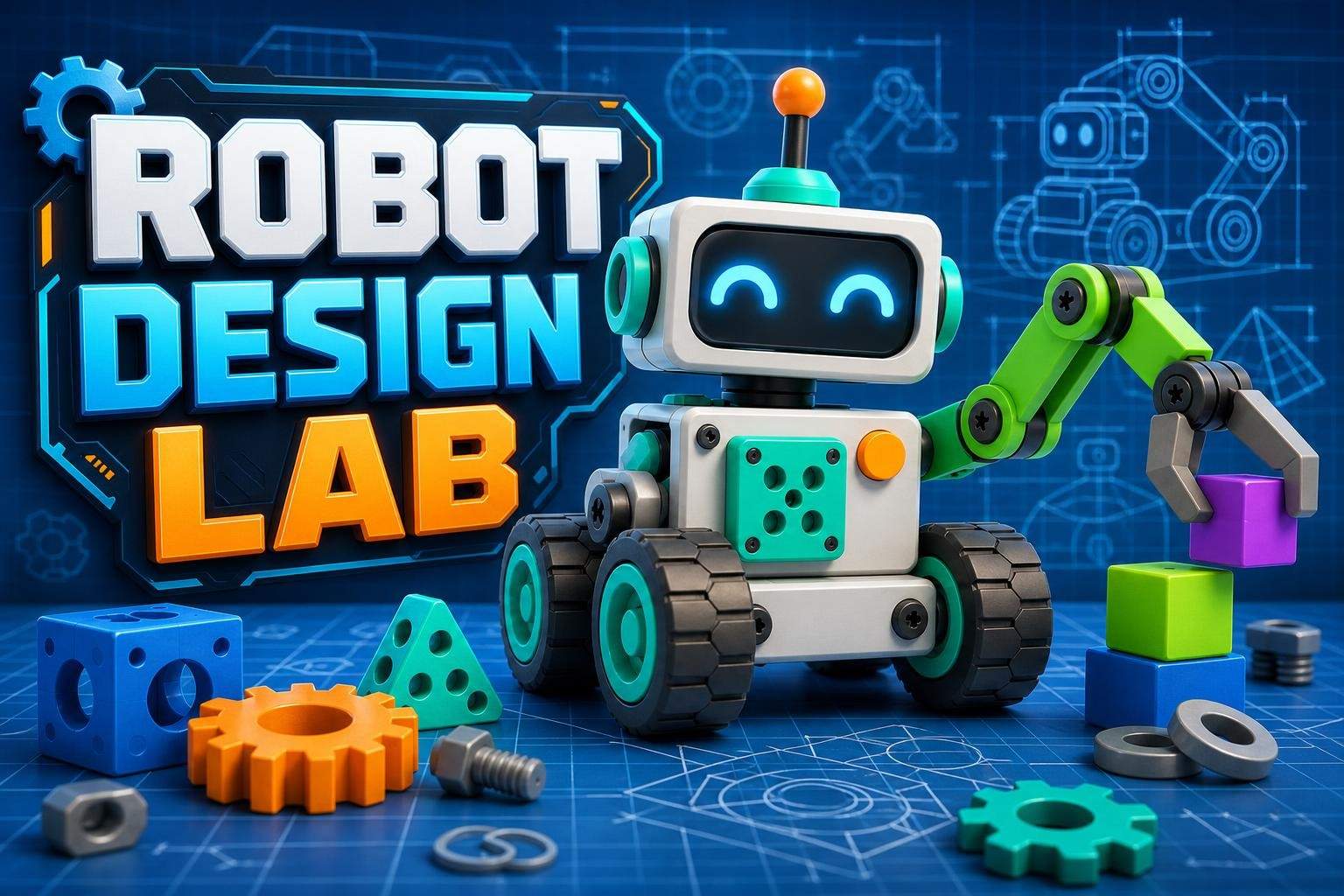
Sonali Ghosh4.9
Ages 8–11 · 55 min · 1 / Week
$10.00per classSee schedule
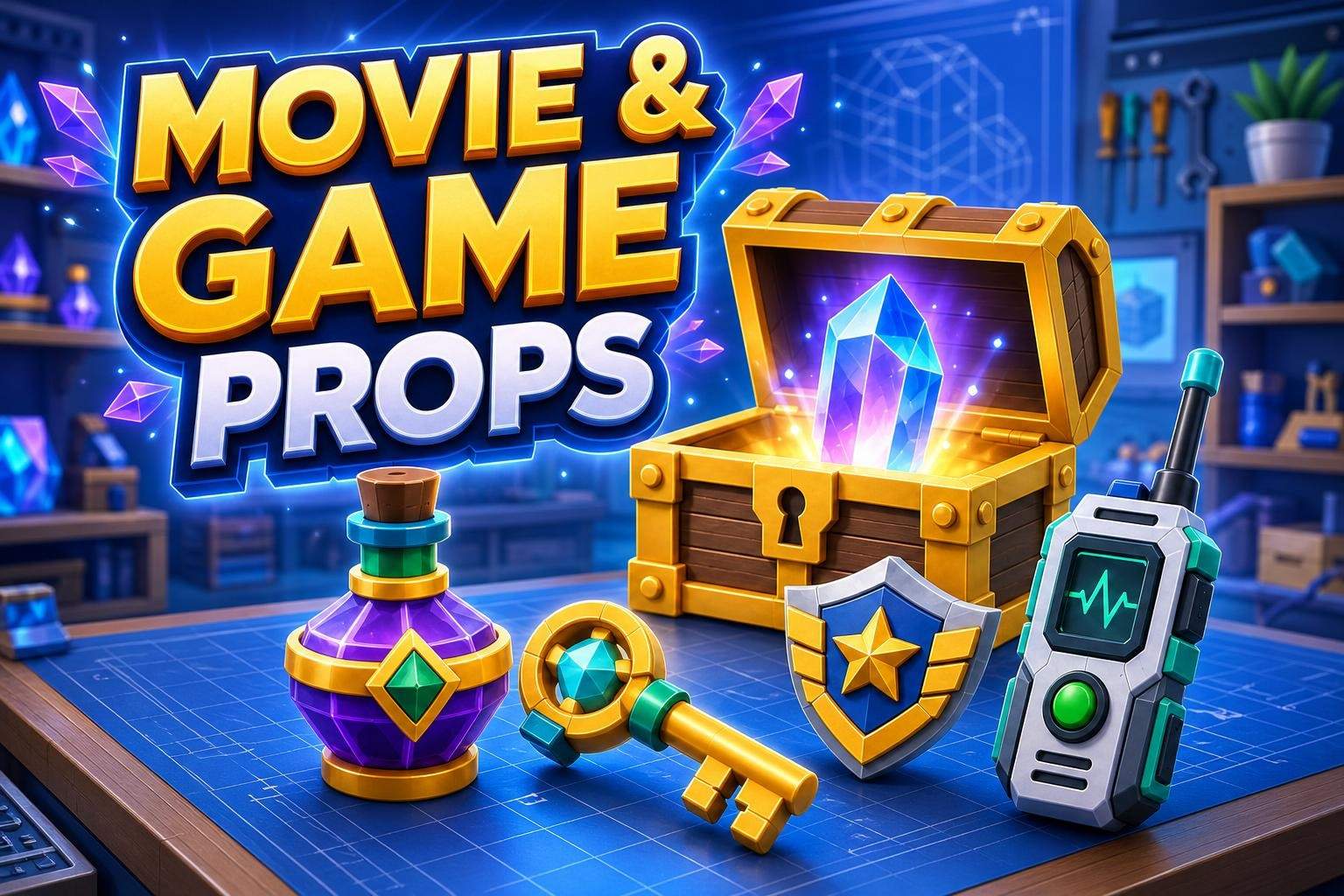
Tanya Sinha5.0
Ages 7–11 · 55 min · 1 / Week
$10.00per classSee schedule
Tanvi Ghosh4.4
Ages 7–12 · 55 min · 1 / Week
$13.00per classSee schedule
Rahul Malhotra4.5
Ages 9–14 · 55 min · 1 / Week
$13.00per classSee schedule
Bhavya Sharma
Beginner
Level
7–12
Ages
55 min
Duration
1 / Week
Classes
12
Weeks
Tanvi Ghosh
Beginner
Level
7–12
Ages
55 min
Duration
1 / Week
Classes
12
Weeks
Ayesha Desai
Beginner
Level
8–12
Ages
50 min
Duration
1 / Week
Classes
12
Weeks
Tanya Sinha
Beginner
Level
8–11
Ages
55 min
Duration
1 / Week
Classes
8
Weeks
Sonali Ghosh
Advanced
Level
8–11
Ages
55 min
Duration
1 / Week
Classes
8
Weeks
Tanya Sinha
Beginner
Level
7–11
Ages
55 min
Duration
1 / Week
Classes
8
Weeks
Tanvi Ghosh
Beginner
Level
7–12
Ages
55 min
Duration
1 / Week
Classes
12
Weeks
Rahul Malhotra
Beginner
Level
9–14
Ages
55 min
Duration
1 / Week
Classes
12
Weeks