




Portfolio Review and Goal Setting

Review the learner's existing animations, choose the strongest pieces and set a six-week portfolio plan with clear goals.
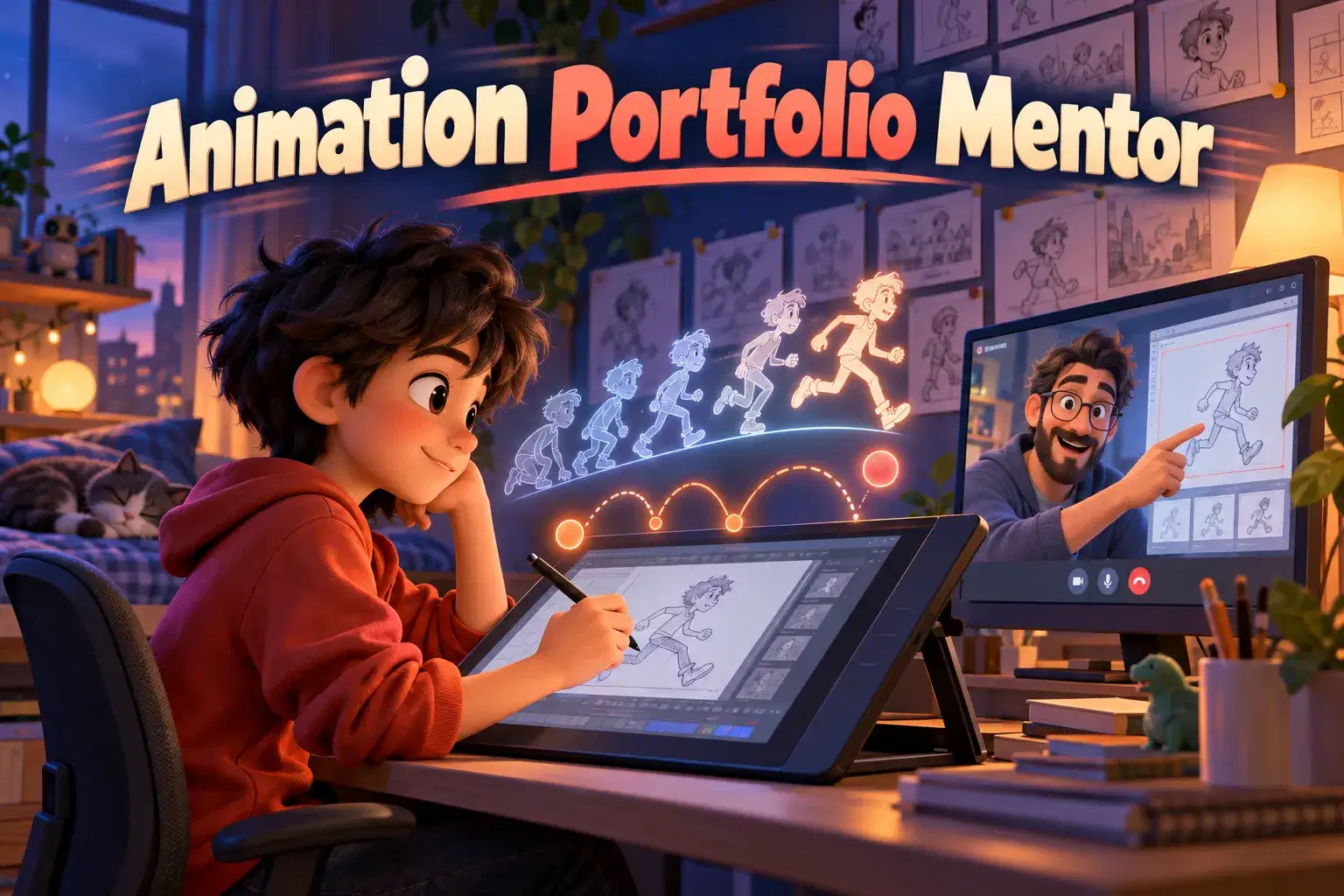
A six-session 1-on-1 mentorship where serious teen animators plan, polish and present a short animation portfolio with a dedicated mentor. Each 75-minute session pairs focused critique with hands-on work on character animation, timing and a showreel.
Paid once.
This 1-on-1 mentorship is built for teens who already animate and want to turn scattered experiments into a focused, polished animation portfolio. Every session is with the same mentor, so feedback builds week by week and the plan adapts to the learner's own style, software and goals, whether that is an art school application, a summer program or simply a stronger body of work.
We start with an honest portfolio review: what is strong, what is missing and which two or three pieces deserve the most attention. From there the learner sets a six-week plan and owns it, choosing shots, setting deadlines and deciding what makes the final cut. Taking the lead on their own project is a big part of what this course builds.
The middle sessions are hands-on. Learners refine character animation with clear posing, timing and spacing, push weight and follow-through, and work on acting choices that make a character feel alive. The mentor demonstrates fixes on screen, draws over frames and suggests reference to study, then the learner applies the notes and brings back a new pass.
In the final sessions we shape the showreel: ordering shots, trimming to the strongest seconds, adding simple titles and preparing a short artist statement. Learners also practice presenting their work and explaining their process, which is useful for interviews and portfolio reviews.
The course works with the tools learners already use, including Procreate Dreams, FlipaClip, Blender or similar apps. It is designed for advanced learners who are comfortable with the basics of frame-by-frame or keyframe animation and ready for detailed critique.
Each 75-minute session opens with a review of the work done since last time, followed by focused critique and live draw-overs. The second half is hands-on animating with the mentor guiding in real time, and we finish by agreeing the next steps before the following session.
Session 1: Portfolio Review and Goal Setting – Review the learner's existing animations, choose the strongest pieces and set a six-week portfolio plan with clear goals.
Session 2: Posing, Timing and Spacing – Refine key poses and timing charts on a chosen shot, using draw-overs to fix spacing and readability.
Session 3: Weight, Follow-Through and Overlap – Add believable weight and secondary motion so characters move with physical conviction.
Session 4: Character Acting and Expression – Plan and animate a short acting beat with clear emotion, gesture and facial expression.
Session 5: Polish Pass and Showreel Edit – Polish the best shots and arrange them into a tight showreel with a strong opening and finish.
Session 6: Final Review and Presentation – Present the finished portfolio, explain the process behind each piece and plan the next steps as an animator.

Assess their own animation work and choose pieces for a portfolio
Apply posing, timing and spacing notes to improve a shot
Animate weight, follow-through and character acting with more conviction
Edit several shots into a short, well-ordered showreel
Lead their own project plan and present their work with confidence
Learners should already create animations on their own and be comfortable with a frame-by-frame or keyframe animation app. Please bring two or three existing pieces to the first session.
Computer or tablet with the learner's preferred animation app; stylus or mouse; sketchbook and pencil for thumbnails and planning; headphones for timing work with audio.
A step-by-step plan of what your child learns, class by class. · 6 Weeks
Review the learner's existing animations, choose the strongest pieces and set a six-week portfolio plan with clear goals.
Refine key poses and timing charts on a chosen shot, using draw-overs to fix spacing and readability.
Add believable weight and secondary motion so characters move with physical conviction.
Plan and animate a short acting beat with clear emotion, gesture and facial expression.
Polish the best shots and arrange them into a tight showreel with a strong opening and finish.
Present the finished portfolio, explain the process behind each piece and plan the next steps as an animator.
Next 7 days, US Eastern Time
It suits teens aged 12–17 who already animate on their own and want detailed, personal feedback to build a stronger portfolio. It works well for learners preparing for art programs or who simply want to take their animation more seriously.
Please have their usual animation app installed and two or three existing animations ready to share on screen. A sketchbook and pencil are useful for thumbnails and planning.
After enrolling, you choose a weekly time from the teacher's available slots, and all six sessions are with the same mentor. If a session needs to move, contact the teacher in advance through Undoschool messages to arrange another available time.
They will have several polished animation pieces and a short showreel edited during the course, along with notes on what to work on next. The course does not include a certificate or guarantee admission to any program.
Yes, this course is marked Advanced and is not designed for first-time animators. Learners should already be comfortable creating frame-by-frame or keyframe animation in an app of their choice.
With over a decade of experience teaching drawing and digital art to children, this educator founded and leads Imagination Art Studio, delivering classes in drawing, digital illustration, frame-by-frame animation, and 3D modeling. Classroom work emphasizes strong foundations—brea…



Rahul P.4.4
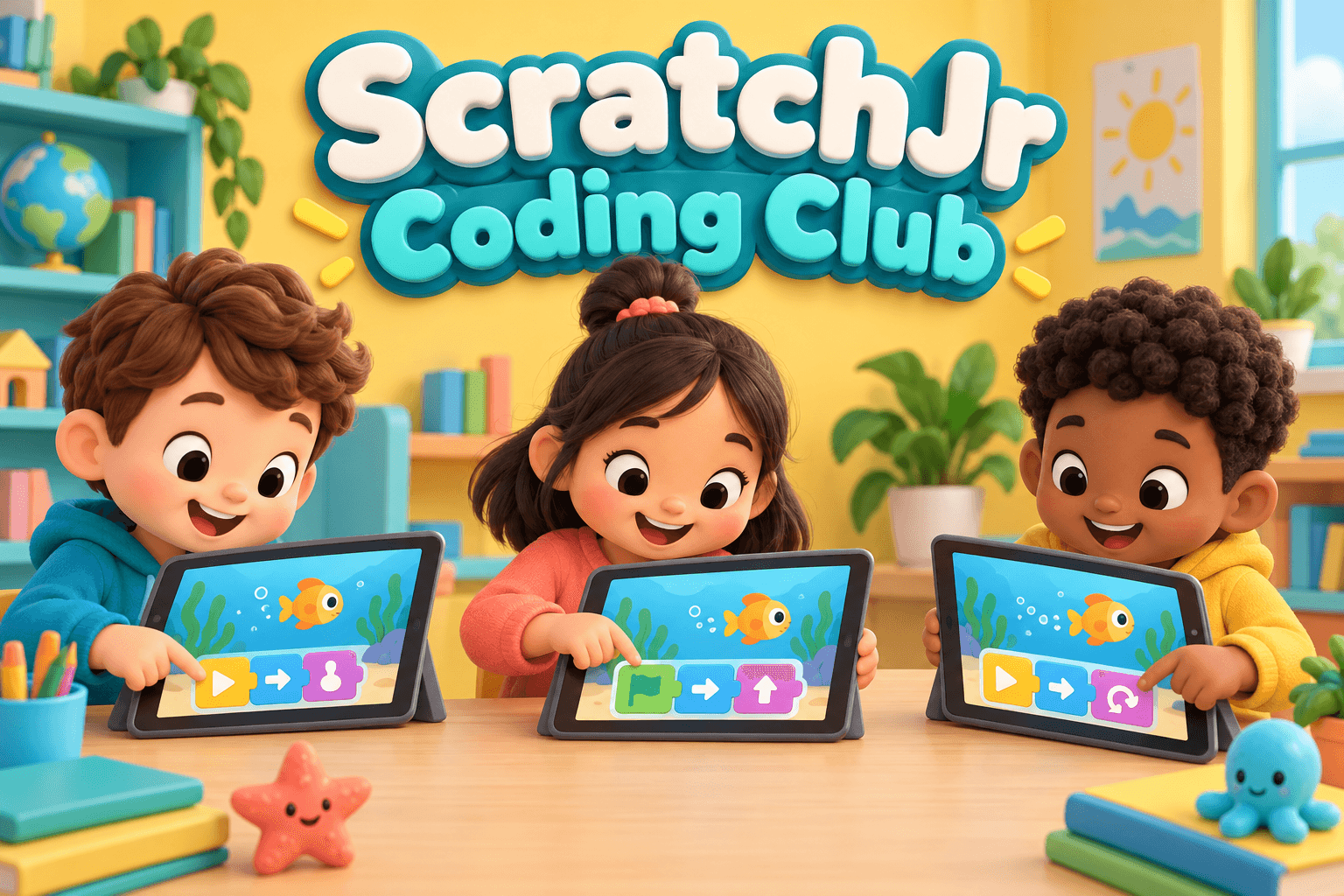
Club · Ages 6–11 · 55 min · 1 / Week
$18.00per classSee schedule
Aditya V.4.7
Club · Ages 4–7 · 45 min · 1 / Week
$17.00per classSee schedule

Ishita P.4.7
Ages 8–13 · 55 min · 1 / Week
$21.50per classSee schedule
Ananya S.4.6
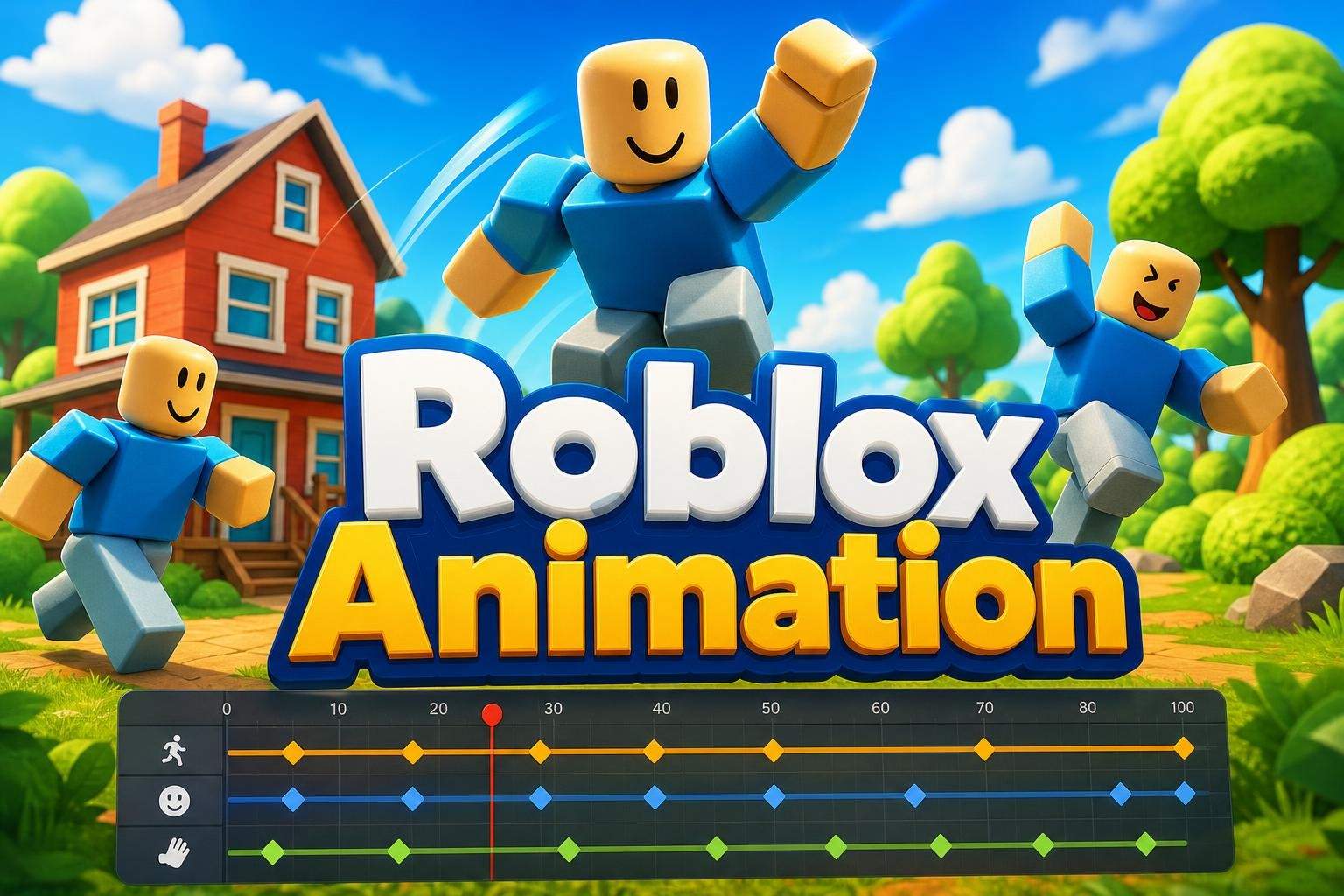
Ages 8–13 · 55 min · 4 / Week
$21.50per classSee schedule
Madhuri D.4.5
Ages 6–10 · 55 min · 1 / Week
$16.50per classSee schedule
Ms. S.4.9
Club · Ages 6–11 · 50 min · 1 / Week
$16.50per classSee schedule
Sanya P.
Beginner
Level
6–8
Ages
45 min
Duration
4 / Week
Classes
1
Weeks
Nandini D.
Beginner
Level
9–11
Ages
50 min
Duration
2 / Week
Classes
2
Weeks
Rahul P.
Beginner
Level
6–11
Ages
55 min
Duration
1 / Week
Classes
Ongoing
Weeks
Aditya V.
Beginner
Level
4–7
Ages
45 min
Duration
1 / Week
Classes
Ongoing
Weeks
Ishita P.
Beginner
Level
8–13
Ages
55 min
Duration
1 / Week
Classes
8
Weeks
Ananya S.
Beginner
Level
8–13
Ages
55 min
Duration
4 / Week
Classes
2
Weeks
Madhuri D.
Mixed Level
Level
6–10
Ages
55 min
Duration
1 / Week
Classes
12
Weeks
Ms. S.
Mixed Level
Level
6–11
Ages
50 min
Duration
1 / Week
Classes
Ongoing
Weeks