By Sofia Bennett ·
From Minecraft & Roblox Player to Creator
How to turn a Minecraft or Roblox obsession into building, coding and real creative skill—without starting a screen-time war.
From Minecraft & Roblox Player to Creator
A practical guide for parents who would rather not spend every evening saying, “Enough Minecraft for today.”
If your child loves Minecraft or Roblox, you may have had some version of this conversation: “Can I have another 20 minutes?” “No.” “But I’m building something.”
“You’ve been building something for two hours.”
“But I’m almost finished!” And this is where things get complicated. Because as parents, we are told to worry about screen time. We are told children should learn to code. We are told creativity matters. We are told they need to become comfortable with technology. And then our child spends Saturday morning moving blocks around Minecraft and we're left wondering: Is this creative? Is this educational? Or am I just finding an intelligent-sounding justification for another two hours of gaming? The answer, frustratingly, is:
It can be any of those things. A child can spend three hours passively consuming experiences other people have designed. Or they can spend three hours planning a city, calculating dimensions, experimenting with Redstone circuits, designing a game mechanic, debugging a script or collaborating with friends on a complex build. The screen is the same. What the child's brain is doing isn't. That's the distinction I think parents should pay attention to.
I wouldn't start by trying to take Minecraft away
If a child is genuinely obsessed with Minecraft, Roblox or another creative game, my first instinct would not be:
“How do we get them interested in something educational instead?”
I'd ask: “How far can we take this interest?” That's a surprisingly different question. A child who loves Minecraft already has something educators spend enormous effort trying to create:
The shift we're looking for
I'd think about it like this:
“What can I do in this game?”
“What can I make?”
“What experience can I create for someone else?”
“How can I make the computer behave the way I want?”
“I have an idea. How do I build it?”
That last transition is much bigger than Minecraft or Roblox. Because once a child begins seeing computers as things they can control and create with, moving later into game development, programming, animation, 3D design or even engineering becomes much more natural. This is the journey I would try to encourage.
But first: playing Minecraft is not the same as learning coding
This is worth saying because the marketing around educational gaming sometimes gets ahead of reality. Your child does not automatically learn programming because they play Minecraft. And playing Roblox games doesn't mean they are learning game development. That's like saying watching Netflix teaches filmmaking. There may be incidental learning—problem solving, spatial reasoning, planning, collaboration—but creation requires a deliberate shift. Even the educational versions of these platforms make this distinction.
Minecraft Education provides structured learning environments, creative challenges and coding activities. Its Code Builder can introduce programming, and Microsoft's Minecraft resources progress from block coding into JavaScript and Python. Roblox makes the distinction even clearer: the normal Roblox client is for experiencing games, whereas Roblox Studio is the development environment used to design and program them. Roblox's own education team generally recommends Studio around age 10+, although younger learners can work on environment design before they are comfortable with text-based scripting.
So if your child says:
“I'm learning coding because I'm playing Roblox,”
you don't necessarily have to ruin the moment. But you might reasonably ask:
“Cool. Can you show me something you've programmed?”
That question tells you quite a lot.
Path 1: Your child loves Minecraft
Minecraft is particularly interesting because it can support several different kinds of creation. And coding doesn't need to be the first one.
Stage 1: Stop giving them instructions. Give them problems.
Suppose your eight-year-old has been playing Minecraft for a while. Instead of “Build a house,” try: “Build a house that could survive a flood.” Now they have a design problem. Or: build a zoo with five habitats; design a Mars colony for ten people; recreate your school from memory; build a bridge that looks realistic; create an amusement park; design a sustainable city; build a medieval castle that another player has to break into. The educational value isn't that the child placed 4,000 blocks. It's the thinking that happens before and during construction. How much space do I need? What materials work? How do people move around it? Is it symmetrical? Why did this design fail? How can I improve it?
Minecraft Education explicitly uses this kind of project-based approach and describes its learning environment in terms of creativity, critical thinking, collaboration, experimentation and problem solving—not simply coding. That's an important point.
Stage 2: Introduce systems
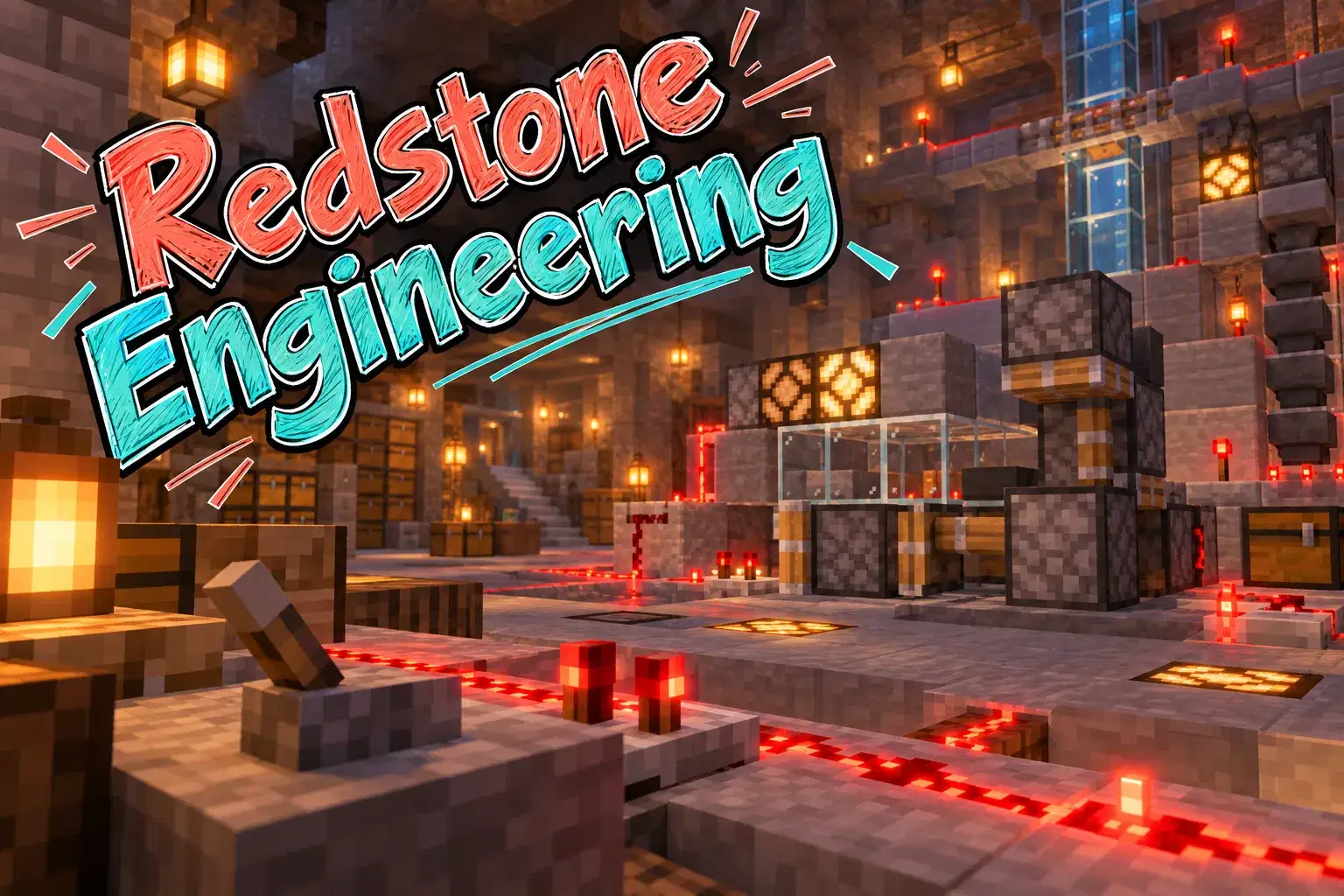
This is where Minecraft can become much more intellectually interesting. A child eventually discovers Redstone. If you're not a Minecraft household, Redstone is essentially a way of creating mechanisms and circuits inside the game. Suddenly the child isn't merely building a castle. They're building automatic doors, traps, lighting systems, hidden passages, item sorters, farms and contraptions. The thinking changes. Instead of: “What should this look like?” they're asking: “How do I make this work?” That's much closer to engineering.
There is input. There is output. There are components. There are constraints. Something inevitably doesn't work.
And then comes one of my favourite learning activities:
Stage 3: Now introduce coding inside something they already love
This is where Minecraft can become a bridge into computer science. Minecraft Education includes coding experiences and an Hour of Code, and Microsoft's current learning material explicitly covers block-based coding for younger learners. Its broader Minecraft Education resources extend into JavaScript and Python as students progress. This is a very different introduction to coding from:
“Today we're going to learn what a loop is.”
Instead, imagine the child wants an Agent to repeat an action. Now we have a reason for a loop. The learning sequence becomes:
This is how programming concepts become meaningful.
What I would actually do with a Minecraft-loving 8- or 9-year-old
I would not start by announcing:
“Since you like Minecraft, I've enrolled you in a Python course.”
That's exactly how adults manage to turn a child's favourite thing into homework. I'd try something more like this:
Create
Give them ambitious build challenges. Let them choose most of them.
Engineer
Introduce Redstone and increasingly complicated mechanisms.
Automate
Try Minecraft coding activities using visual/block programming.
Follow the child
If they become fascinated by coding, go deeper. If they're fascinated by architecture, explore 3D design. If they love mechanisms, explore engineering and robotics. If they love telling stories through their worlds, explore animation/game design.
Minecraft doesn't have to lead to coding. That's actually an important thing for parents to hear.
A child's interest is a door. We don't need every door to lead to Python.
Path 2: Your child loves Roblox
Roblox presents a slightly different opportunity. Minecraft is fundamentally a sandbox game that can be extended into learning. Roblox is also an enormous ecosystem of user-created experiences. That means the transition from: “I play Roblox” to “I make Roblox games” can be very visible to a child. The tool that enables this is Roblox Studio. Roblox Studio lets creators design environments, build 3D experiences and add behaviour using Luau, Roblox's scripting language derived from Lua. And this is where things get interesting.
The first Roblox project should probably not be “learn Luau”
If your child is around 10–12 and has never programmed, I would begin with the thing they already understand: games.
Ask: What makes an obstacle course fun? Where should the player start? Where should they fail? How quickly should difficulty increase? Should there be checkpoints? How does the player know where to go? That's game design. Then build a simple “obby”—Roblox's common term for an obstacle course. Now the child encounters: 3D space, objects, properties, positioning, scale playtesting. Only then do I want programming to arrive. Because now we can ask: Can we make that platform disappear? Can touching this block give the player points?
Can this door open only when something happens? Can we create a moving obstacle? Now code solves a problem the child already cares about. Roblox's own introductory education lesson follows essentially this pattern: students first work in Studio and build an obstacle course, then use scripts to create effects while learning concepts such as variables and loops. That's a sensible progression.
What does a child actually learn by coding Roblox?
This is another question parents should ask before paying for a “Roblox coding” course. Roblox's official Coding Fundamentals pathway includes: variables and data types then: functions and events then: conditionals then: loops then: arrays/tables and dictionaries and eventually: organizing larger programs with modules. These are not fake “kids' coding” concepts. They're genuine programming ideas. A child might learn a conditional because they want: IF player touches lava → player loses health. They might learn variables because:
score = 0 has to become: score = 10 when something happens. They learn functions because certain behaviours need to be reusable. They learn events because games are full of: player clicks, player touches, player joins timer finishes. This is why game development can be such an effective introduction to programming. The concepts have an immediate visible consequence.
But here's the question I would ask a Roblox coding teacher
If I were evaluating a class for my own child, I would ask:
“By the end of the course, what percentage of the project will my child have actually scripted themselves?”
Because there is a spectrum. At one end: The teacher gives children a finished environment and they paste three lines of code. At the other: The child plans a game, builds the world, writes scripts, debugs them, tests with other players and improves the experience. Both may be advertised as: ROBLOX GAME DEVELOPMENT FOR KIDS! They are not remotely the same learning experience. I'd also ask:
“Will my child be able to build something independently after the course?”
That is often more revealing than asking what “topics” are covered.
Roblox Studio or Scratch?
Parents sometimes ask this as though one has to replace the other. I don't think it does. Scratch has a huge advantage, and Roblox Studio has a different one:
The child can focus on programming logic without worrying much about syntax.
The child is working inside a 3D game-development environment they may already desperately want to master.
But Roblox uses typed Luau. There isn't a Scratch-style drag-and-drop coding layer in Studio, and Roblox itself notes that younger students often focus on design while older children who are comfortable reading and typing can begin scripting. So for many children: Scratch → Roblox Studio is a perfectly sensible sequence. But not mandatory. A highly motivated 10- or 11-year-old may be willing to tolerate text programming earlier precisely because they want to make a Roblox game. Motivation changes what children will persist through.
The important distinction: Game designer vs programmer
This is one of the things I'd really like parents to understand. Suppose your child spends four hours making an elaborate Roblox environment but writes no code. Was that wasted time? Not necessarily. They may be practising: 3D design, spatial reasoning, level design, visual storytelling, user experience iteration. Those are real creator skills. The question isn't: “Did they code?” The better question is:
“Were they making increasingly sophisticated decisions?”
Eventually, if they want more control over what their game can do, programming becomes useful. That's when the motivation to learn code is strongest.
Minecraft or Roblox: which is better for learning?
There isn't one winner. I'd think about the child's personality.
But there is another difference parents shouldn't ignore.
Creation doesn't make the online-safety question disappear
A child creating in Roblox is still participating in a large online ecosystem. Minecraft can also involve multiplayer servers and user-created content. So “educational” shouldn't become shorthand for: “I no longer need to pay attention.” Common Sense Media's comparison of Minecraft and Roblox points out that both can involve multiplayer interaction and user-generated content, while Roblox is particularly social; it recommends parents understand the child's age, experience, interests and the online spaces surrounding the games.
And this is broader than those two platforms. Current parent guidance around gaming recommends looking beyond the age rating to things like online communication, user-generated content, in-game spending and engagement mechanics. For younger children especially, I would separate two decisions: Am I comfortable with my child learning to create in this tool? and What social/online access am I comfortable giving them? Those don't need to have the same answer. A child can learn game creation without receiving unrestricted access to strangers.
How I would turn a gaming obsession into a learning pathway
Here's the roadmap I'd put on the wall for parents.
Player → Builder
Don't worry about “coding” yet. Encourage creative Minecraft builds, story worlds, design challenges, simple mechanisms and Scratch games alongside gaming.
Builder → Designer
Introduce more complicated Minecraft projects, Redstone, Scratch game design, Minecraft coding activities and planning before building.
Designer → Coder
Depending on the child: Minecraft coding, Roblox Studio, Luau, advanced Scratch and simple game-development projects. Roblox's own education guidance generally puts Studio around age 10+, with design potentially preceding coding for younger learners.
Coder → Game developer
Now go deeper: larger Roblox games, Luau programming, Python, JavaScript, 2D/3D game engines where appropriate, Git/version control later, game architecture, UI and testing.
Game developer → Creator
Now the child may choose a specialization: programming, game design, 3D art, animation, sound, UI/UX, AI for games, multiplayer/backend systems. They may eventually leave Minecraft and Roblox behind. That's success. The platforms were never supposed to be the destination. They were the doorway.
What should your child build?
If you want to test whether your child's interest can become something deeper, I wouldn't immediately buy a year-long course. Give them increasingly difficult challenges.
Beginner: build your dream bedroom. Next: build your school. Next: design a working farm. Next: build a Redstone security system. Next: create an escape room for someone else. Next: automate part of the world with code. Advanced: design a multiplayer challenge with rules, scoring and automation.
Notice what happened. We went from building objects to designing systems and experiences.
Beginner: create an obstacle course. Next: add checkpoints, hazards, scoring, a power-up, a user interface and multiple levels. Then let friends playtest it — and fix what they hate.
That last step is important. Professional creators don't just build. They watch what happens when other people use what they built.
The “tutorial trap”
There is one problem I would watch carefully. YouTube makes it possible for a child to build remarkably sophisticated things by following instructions. That's useful. But it can create the illusion of mastery. The child watches: “Click this.” They click. “Type this.” They type. “Now paste this script.” They paste it. The game works. Everyone is delighted. Then ask:
The progression should be:
That visual applies to almost every form of children's coding.
When should we move beyond Minecraft or Roblox?
Not because the child has turned 12. Not because another parent says their child is already learning Python. Move when your child starts hitting the limits of what they want to build. Maybe they say: “I want to make my own website.” Now JavaScript becomes relevant. Or: “I want to build an AI.” Now Python and data may become relevant. Or:
“I want to make my own game outside Roblox.”
Now we can explore a game engine. This is the pattern I would follow throughout a child's technology education: Don't introduce a harder tool merely because it looks more advanced. Introduce it because it unlocks something the child wants to create. That is how you preserve motivation.
“But my child just wants to play.”
That's also possible. Not every Minecraft obsession contains a hidden software engineer. And I wouldn't force one into existence.
You can offer opportunities:
“Want to learn how people make these games?”
“Want to build one?”
“Want to make your own Minecraft challenge?”
If the answer is repeatedly: No. I just want to play. Then you have your answer. It's recreation. And recreation is allowed to exist. You can set whatever screen-time boundaries make sense for your family without pretending that every minute needs to become educational. I actually think that distinction is healthy. Play can simply be play. But when a child shows the slightest curiosity about how something was made, that's the moment I would pay attention. Because: “How did they make that?” is often the beginning of becoming a creator.
What I would do if my child were obsessed with Minecraft or Roblox
I wouldn't begin with a coding curriculum. I'd begin with one challenge:
“Can you make something in the game that someone else would want to experience?”
An escape room. A puzzle. A game. A city. An adventure. An obstacle course. Then I'd play it. And I'd ask annoying questions: “What happens if I go this way?” “I got stuck here.” “Why did you design this?” “Can you make this door automatic?” “How would you add points?” The child will eventually discover problems that require new tools.
That's when we introduce the tool. Maybe Redstone. Maybe block coding. Maybe Luau. Maybe Scratch.
Maybe Python later. The educational journey is no longer: Course → lesson → concept → exercise.
It's: Idea → problem → need → skill → better creation. That is a very different way of learning technology.
And for many children, I think it's a better one.
The bigger picture: don't fight the obsession—change the role
I wouldn't promise parents that Minecraft will turn their child into an engineer. Or that Roblox will make them a programmer. That's marketing. What these environments can offer is something more modest—and potentially more valuable:
Today: “Can I play for another 20 minutes?” A few months later: “Look what I built.” Then: “I can't make this work.” Then: “I need to learn how this code works.” Eventually: “I have an idea for a game.” That is the transition we're looking for. Not screen → no screen. But:
And once a child experiences the satisfaction of making something other people can use, play or enjoy, Minecraft or Roblox may have done something far more important than teach a particular programming language. They may have taught the child to look at technology and think: “I could make something too.”
A parent's quick roadmap
Introduce a creative challenge.
Introduce design constraints.
Introduce systems and automation.
Introduce coding.
Ask them to modify what they've built.
Ask them to create something original.
Introduce increasingly professional tools based on what they want to build next.
That's the pipeline. Not Minecraft → Python because Python is better. It's:
Useful resources I would genuinely give a parent
For Minecraft, I'd start with Minecraft Education, particularly the free challenges and Hour of Code material. Microsoft also has a Minecraft Education pathway that helps show what progression can look like. For a child ready to create on Roblox, I'd use the official Roblox Creator Hub before buying a course. In particular, look at its Introduction to Studio, Coding Fundamentals and complete game-design material. For parents trying to make a broader decision about the two environments—not simply coding—Common Sense Media is useful because it discusses creativity alongside multiplayer, user-generated content and safety considerations.