Art, music & makingAges 8–136 min read
By Meredith Barnes ·
My Child Wants to Be a YouTuber: Safe First Steps
Your child wants to be a YouTuber? Learn YouTube's age rules, a make-first, post-later plan, and the privacy rules to agree on before anything goes online.
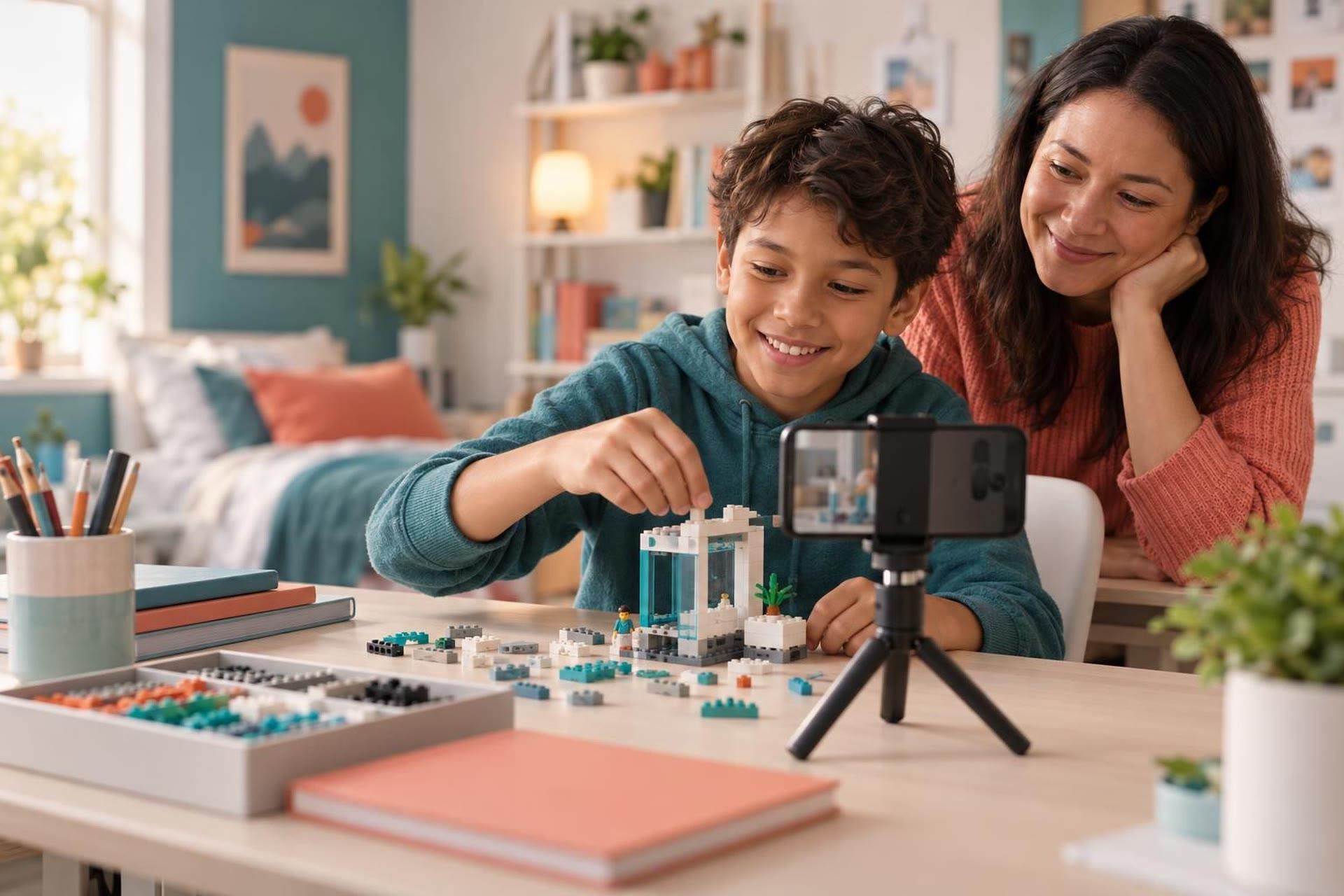
If your child wants to be a YouTuber, the safest first step is to let them make videos long before they post any. Kids under 13 cannot run their own YouTube channel, so the early years are a perfect time to learn filming, editing and storytelling offline. When it is time to post, start private, keep personal details out of every frame and stay closely involved.
Treat it as a creative hobby first. Have your child make videos for family only, learn the craft, and practice privacy rules now. YouTube's supervised accounts for kids under 13 do not allow uploads or channels. For teens, you can link accounts, start with private or unlisted videos, and review everything together before it goes public.
Why your child wants to be a YouTuber (and why that is a good sign)
Wanting to make videos usually means your child wants to create something, share what they love and be heard. Those are great instincts. Underneath "I want to be a YouTuber" are real skills: planning a story, speaking clearly, filming, editing and thinking about an audience.
Ask what kind of videos they imagine. Toy reviews? Minecraft builds? Cooking? Stop-motion? The answer tells you which skills to build first, and it turns a vague dream into a project you can start together this weekend.
What YouTube's rules say about kids and channels
YouTube offers different setups by age. Here is how it breaks down in the US, based on YouTube's own help pages:
| Age | Account type | Can they post videos? |
|---|---|---|
| Under 13 | Supervised kid account or YouTube Kids, managed by a parent | No. Channels, uploads, comments, Shorts and live streaming are turned off. |
| 13 to 17 | Their own Google Account, optionally linked to a parent through a supervised teen account | Yes. Linked parents can see channel details, upload counts and live stream counts. |
Age rules can differ outside the US, so check YouTube's help pages for your country. Common Sense Media's recommended age for using YouTube is 13 and up, as noted on the American Academy of Pediatrics' YouTube platform guide.
When any channel posts videos aimed at children, US privacy law applies. The FTC's guidance for YouTube channel owners explains that the Children's Online Privacy Protection Act (COPPA) covers child-directed content, and that YouTube agreed to give channel owners a way to mark videos as directed to children. If your family ever runs a channel for kid audiences, read that guidance first.
 A live class on thisAdobe Photoshop Basics: Create a Photo Collage or Scrapbook PageAges 9–14
Make first, post later: a starter plan
Your child can build real YouTuber skills without posting anything. Try this path:
- Watch like a creator. Pick a favorite video together and notice how it opens, how long shots last and how the creator ends it.
- Plan a 60-second video. Sketch a simple storyboard: beginning, middle and end.
- Film with what you have. A phone, a stack of books as a tripod and a window for light are enough.
- Learn basic editing. Cut the boring parts, add a title card and choose music your family has rights to use.
- Hold a family premiere. Show the video at dinner or send it privately to grandparents. Real viewers, zero strangers.
- Make another. The tenth video will be far better than the first. That improvement is the fun part.
Faces are optional. Many great beginner formats keep your child off camera: time-lapses of a build, stop-motion with toys, hands-only crafts or narrated screen recordings. For filming tips, see our guide to phone photography for kids; the same rules of light and framing apply to video.
Privacy rules to agree on now
Set these rules before your child ever films, so they become habits. Write them down together.
- No full names. Use a first name, nickname or made-up creator name.
- No school names, uniforms or logos that show where your child spends the day.
- No house numbers, street signs or views out the window that reveal your neighborhood.
- No location tags or "I am here right now" videos. Post about places after you have left.
- No filming friends or siblings without their permission and their parents' permission.
- Parents see every video before anyone outside the family does.
When your teen is ready to post
Once your child is 13 or older and you both feel ready, take it in stages.
- Link accounts. YouTube's supervised teen account lets a parent and teen link their accounts. Both must agree, and either one can end supervision.
- Start private or unlisted. Share links only with people you know for the first few months.
- Decide on comments. Talk about what to do with mean or strange comments, and agree to review settings together.
- Set time limits. Creating can eat up hours. Agree on when filming and editing happen.
- Keep checking in. Watch new uploads together and ask how it feels to post.
What to watch for
- Chasing numbers. Kids can tie their mood to views and likes. Keep the focus on making things they are proud of.
- Unwanted contact. Teach your child to tell you right away if a stranger messages them or asks for personal details.
- Copied content. Using other people's music, clips or characters can get videos removed. Make original work a family rule.
- Mood changes. If posting leaves your child anxious, withdrawn or upset, take a break. Talk to your pediatrician or a counselor if it continues.
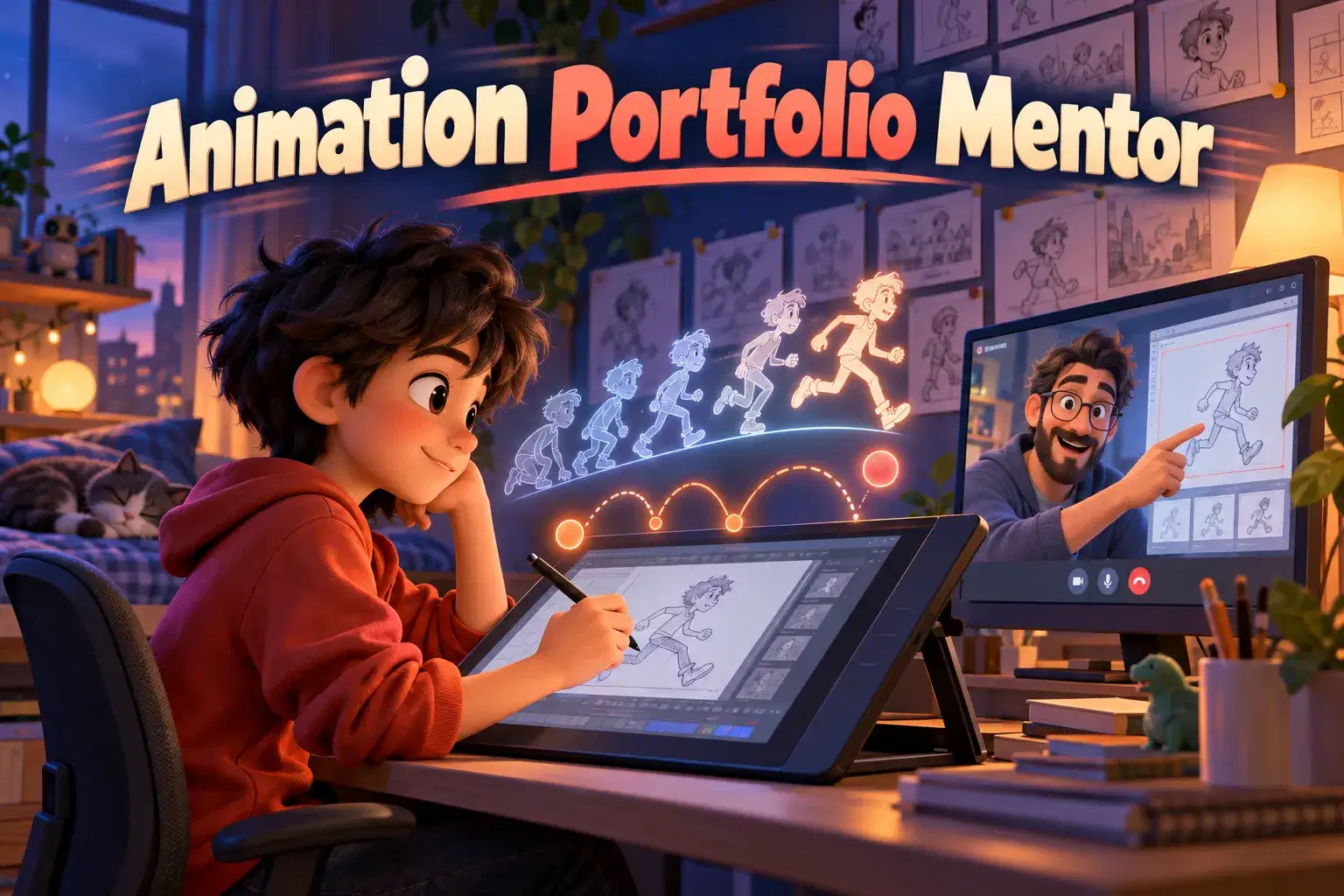
A live class can help too. On Undoschool, video and animation classes run live on Zoom with vetted teachers, and every class is recorded for safety, so kids can learn filming and editing with feedback in a supervised setting.
Frequently asked questions
Can my 10-year-old have a YouTube channel?
Not on their own. YouTube's supervised accounts for kids under 13 do not allow channels or uploads. Your child can make videos now and share them privately with family.
Can a parent run a channel for a child?
Some families do, with the parent as the account owner. If you choose this, keep privacy rules strict and read the FTC guidance on content made for kids first.
What equipment does a beginner need?
A phone or tablet, natural light and a steady surface are enough to start. Add a cheap tripod or clip-on mic later if your child sticks with it.
Should my child show their face?
It is a family choice. Many beginners start with faceless formats like stop-motion, time-lapses or voice-over, which keep privacy simple while they learn.
Help your child learn to film, edit and tell stories
Live animation, photography and video classes let kids build creator skills with a teacher's feedback, long before they post online.