




Roblox Quick Builds: 30-Minute Obby Club
Mrs. Riya Dixit
Ages 7–10 · 30 min · 1 / Week
$13.00per classSee schedule
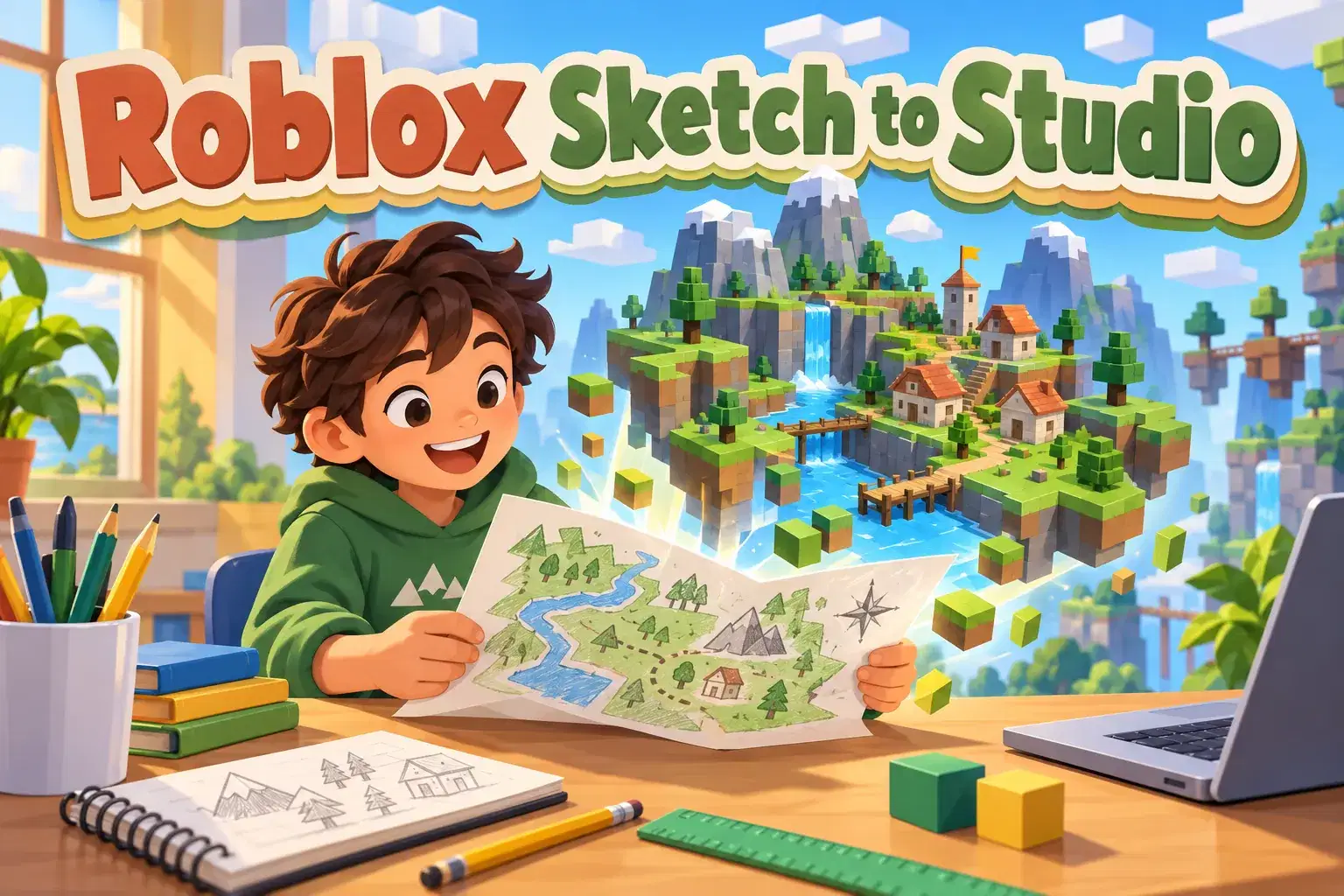
A four-week course on planning game worlds before building. Learners sketch maps, create mood boards, block out layouts in Roblox Studio and turn plans into finished areas.
Paid once.
Professional level designers plan carefully before they build. In this four-week course learners learn a simple planning process that turns ideas on paper into organized, playable worlds in Roblox Studio.
In week one learners brainstorm a world idea and create a mood board with colors, shapes and reference pictures. They write a one-sentence goal for the player, such as find the lost crown in the jungle. Week two is about mapping. Learners sketch a top-down map with key locations, paths and points of interest, and they mark where the player starts and ends. In week three learners block out their map in Roblox Studio using simple gray parts, focusing on size, distance and flow before adding any detail. They test walking through the blockout and adjust spaces that feel too big or too cramped.
In the final week learners pick one area and take it from blockout to finished, adding materials, props and lighting. They compare their plan with the final build and present what they learned.
The teacher shares examples of real level design documents and blockouts and shows how planning saves time. Learners leave with a reusable planning template.
By the end learners will know how to plan a world step by step. No coding is required.
Each class covers one planning stage with examples and a hands-on task. Learners move from paper to Roblox Studio over the four weeks.
Week 1: Mood Board and Goal – Brainstorm and set a player goal.
Week 2: Top-Down Map – Sketch locations, paths and start and end points.
Week 3: Blockout – Build the layout with gray parts and test flow.
Week 4: Blockout to Final – Finish one area and compare plan to build.
Create a mood board and player goal
Sketch a top-down world map
Block out a layout with simple parts
Test and adjust size and flow
Turn a blockout into a finished area
Basic Roblox Studio navigation. No coding needed.
Joined October, 2026
Neha Sharma builds playful, project-based learning experiences that help young creators turn spooky ideas into playable concepts and immersive spaces. She leads step-by-step workshops where students develop a game concept, write a focused story, design a key scene, and learn to p…
Mrs. Riya Dixit
Ages 7–10 · 30 min · 1 / Week
$13.00per classSee schedule
Diya Desai
Ages 6–8 · 30 min · 1 / Week
$19.00per classSee schedule
Ishita Nair
Ages 8–12 · 55 min · 1 / Week
$19.75per classSee schedule
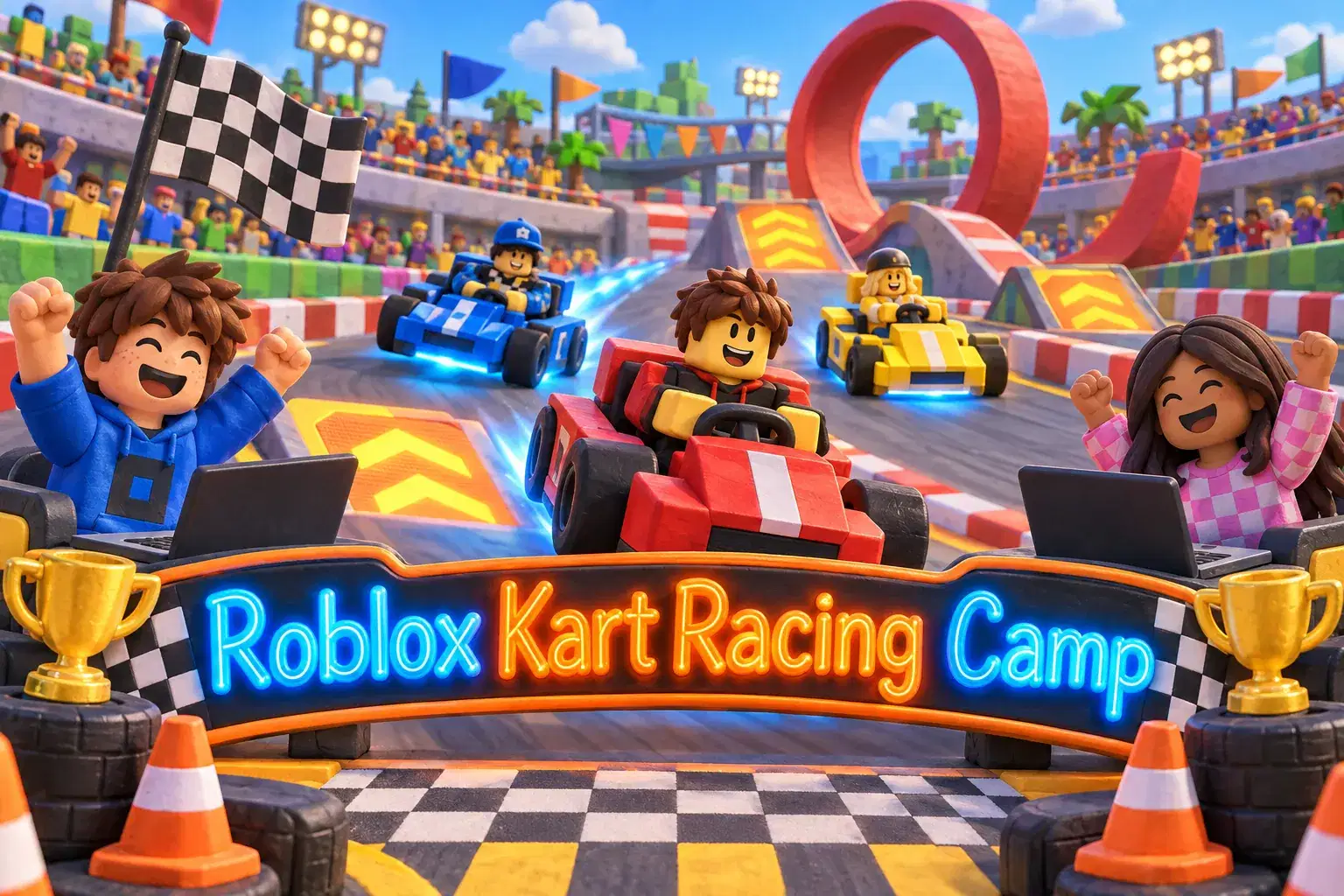
Ishita Nair
Ages 8–12 · 55 min · 5 / Week
$19.60per classSee schedule
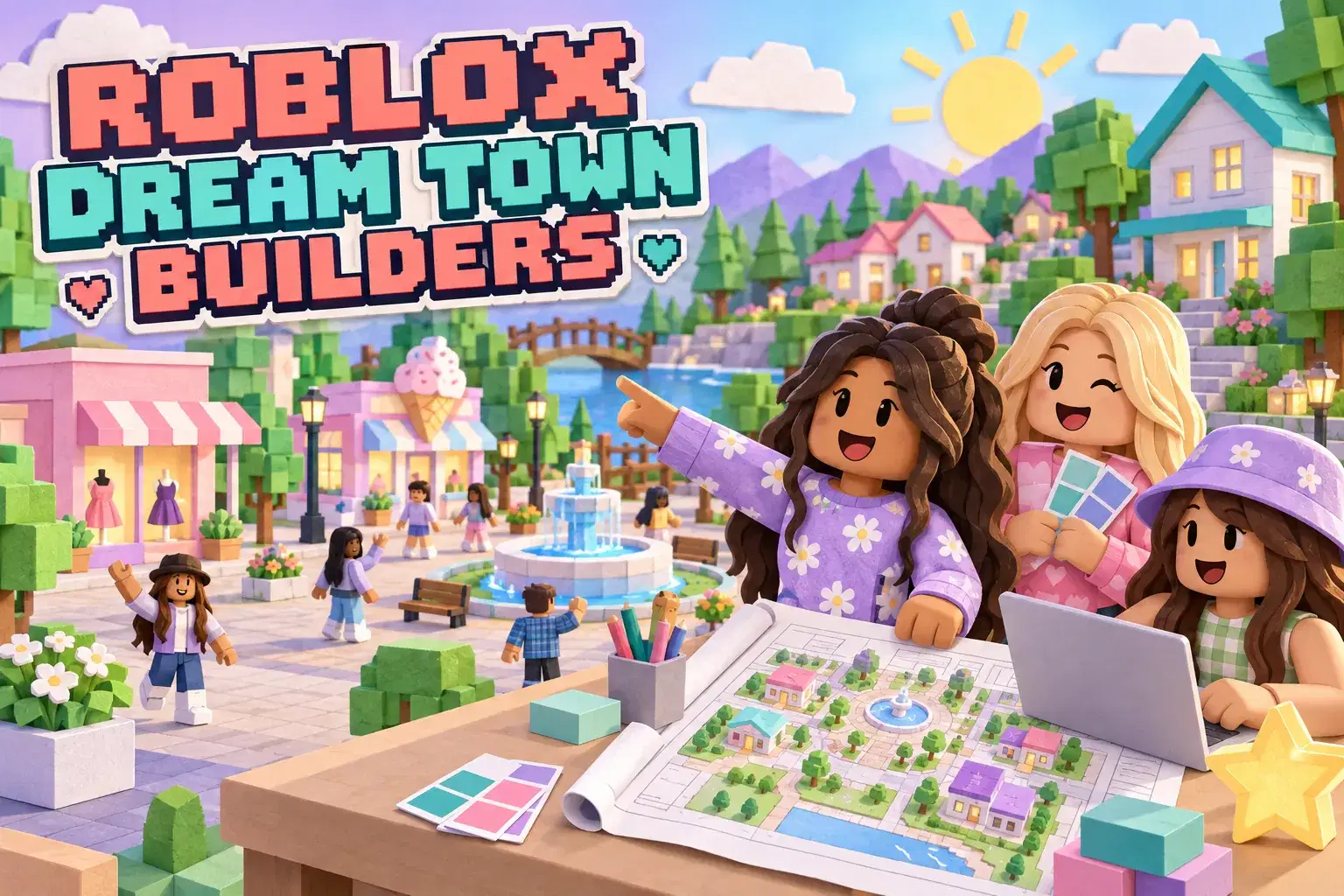
Aarohi Mishra
Ages 8–12 · 55 min · 1 / Week
$19.75per classSee schedule
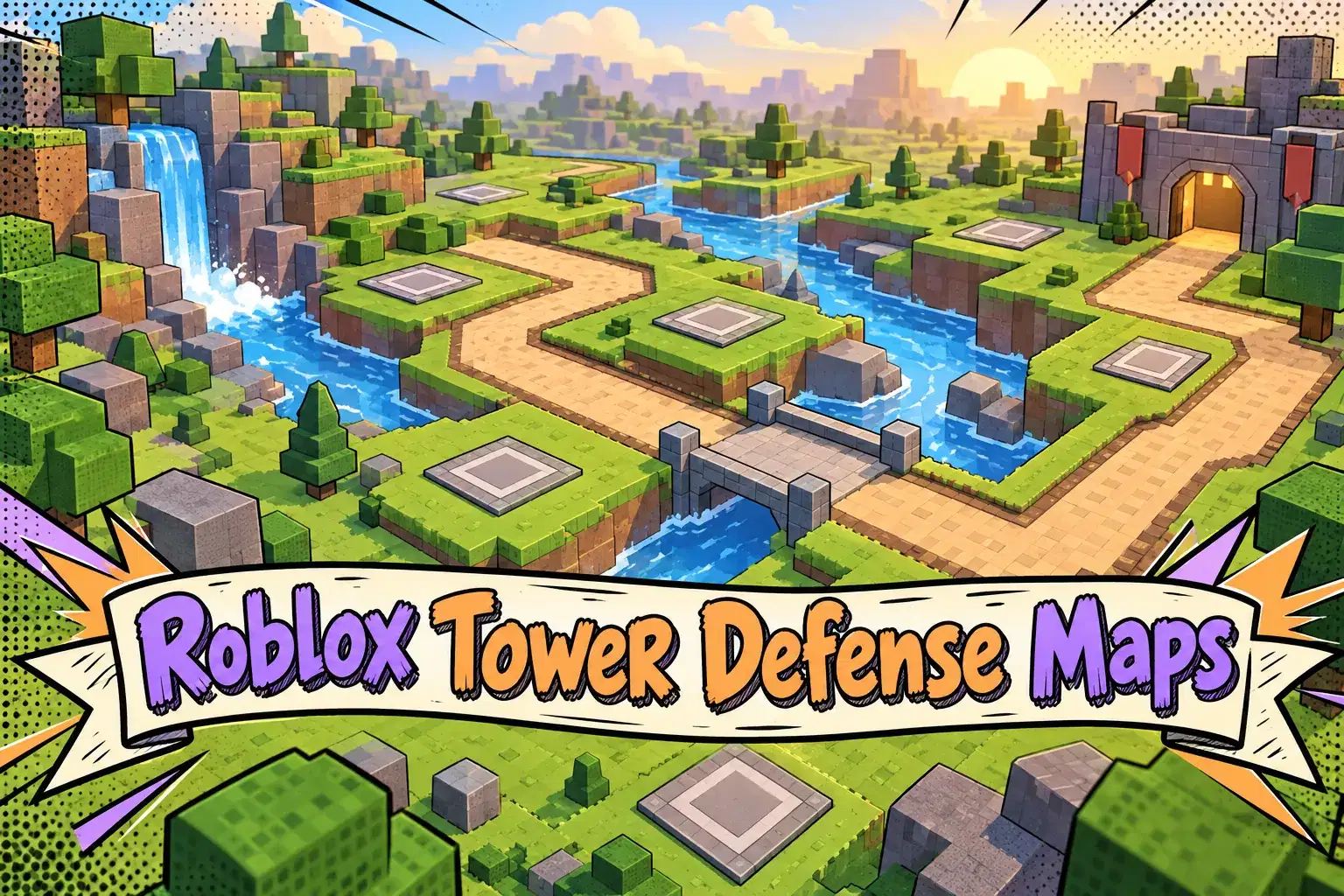
Aman Ghosh
Ages 8–12 · 55 min · 1 / Week
$19.00per classSee schedule
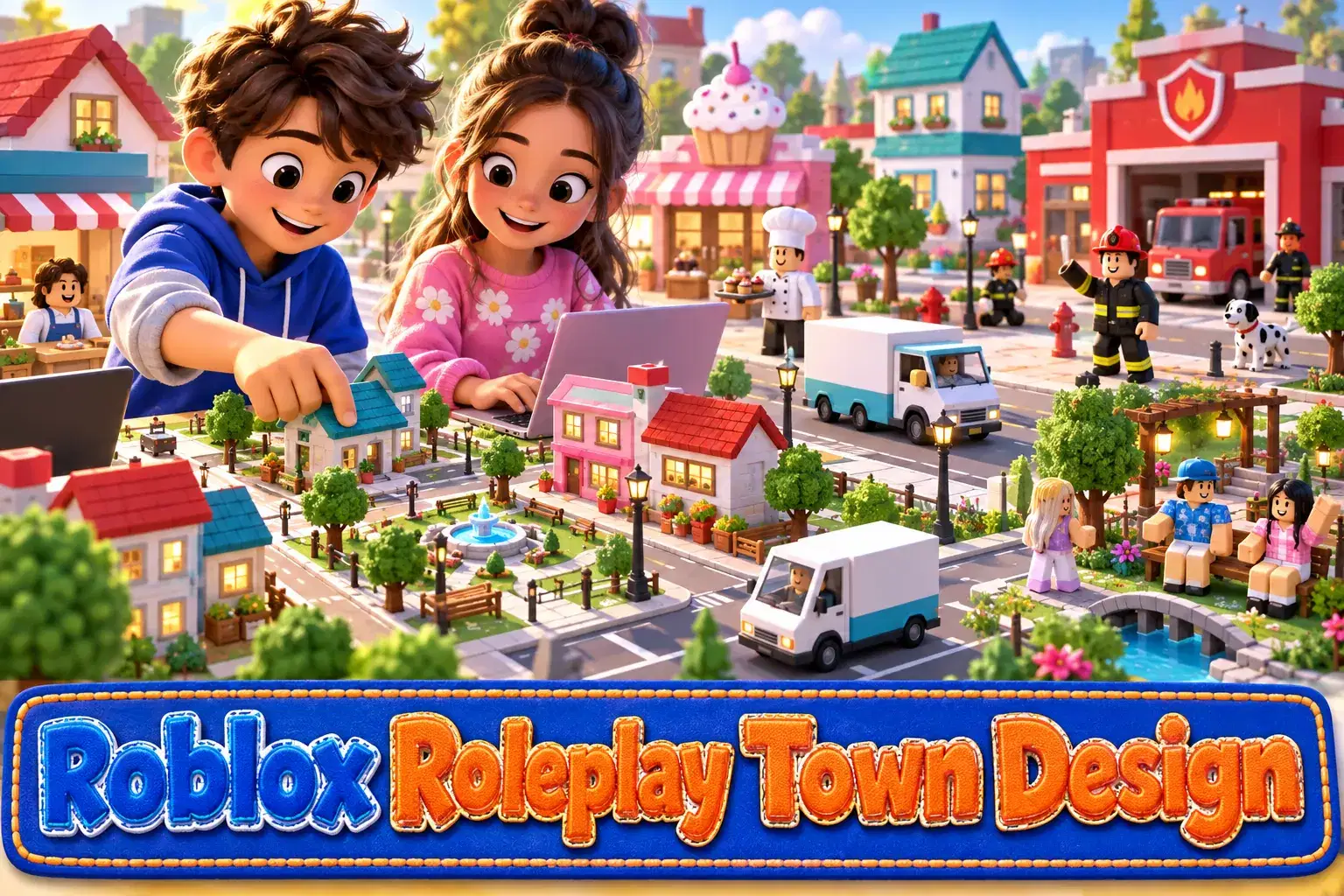
Aarohi Mishra
Ages 8–12 · 55 min · 1 / Week
$19.75per classSee schedule
Neha Sharma
Ages 9–13 · 55 min · 1 / Week
$19.75per classSee schedule
Mrs. Riya Dixit
Beginner
Level
7–10
Ages
30 min
Duration
1 / Week
Classes
12
Weeks
Diya Desai
Beginner
Level
6–8
Ages
30 min
Duration
1 / Week
Classes
1
Weeks
Ishita Nair
Beginner
Level
8–12
Ages
55 min
Duration
1 / Week
Classes
4
Weeks
Ishita Nair
Beginner
Level
8–12
Ages
55 min
Duration
5 / Week
Classes
1
Weeks
Aarohi Mishra
Beginner
Level
8–12
Ages
55 min
Duration
1 / Week
Classes
4
Weeks
Aman Ghosh
Beginner
Level
8–12
Ages
55 min
Duration
1 / Week
Classes
1
Weeks
Aarohi Mishra
Beginner
Level
8–12
Ages
55 min
Duration
1 / Week
Classes
8
Weeks
Neha Sharma
Beginner
Level
9–13
Ages
55 min
Duration
1 / Week
Classes
4
Weeks