




Roblox Lua Tables: Build an Inventory System
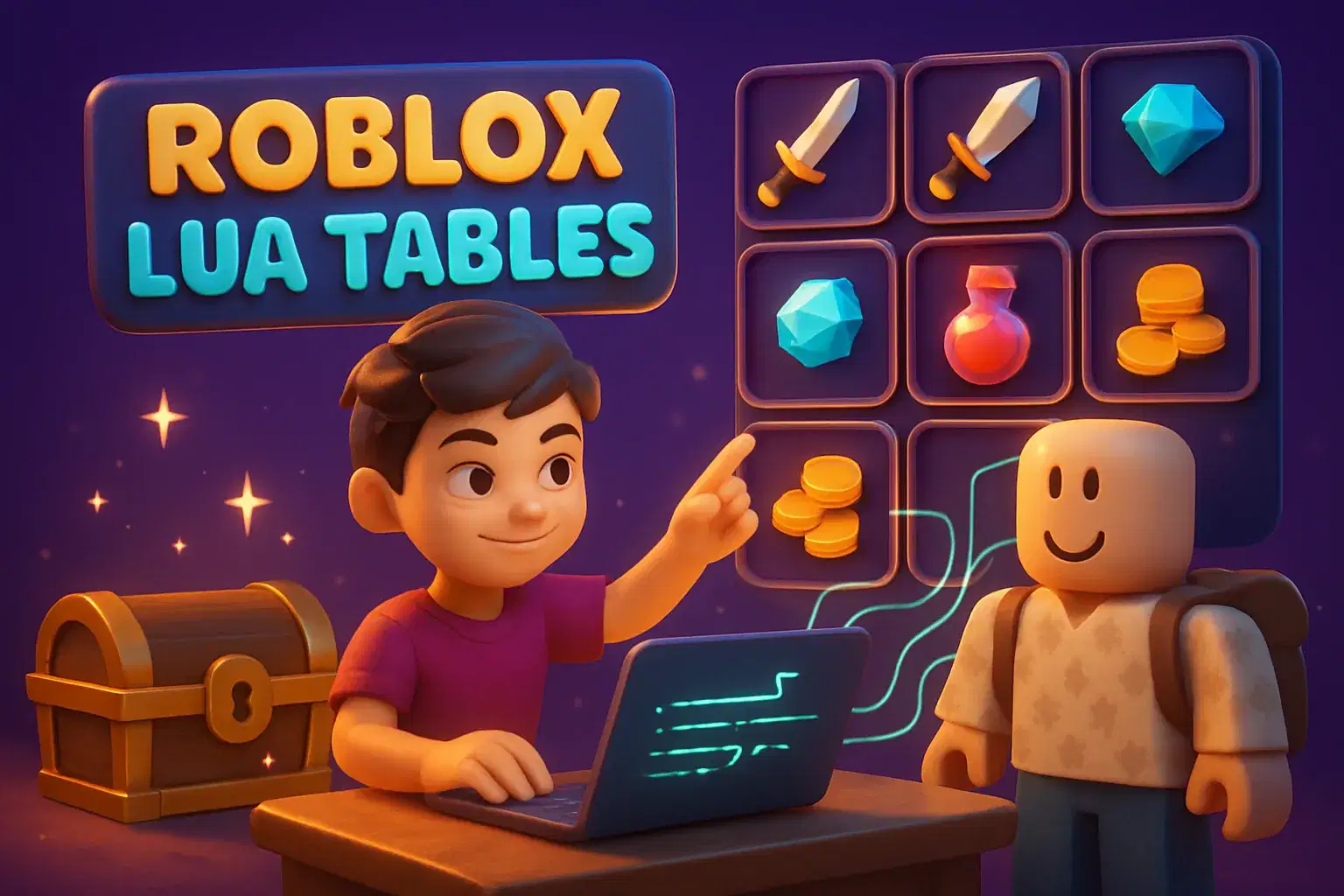
Learners use Lua tables to build a working inventory system in Roblox Studio over eight weeks. They store items, add and remove them, display counts and create a simple crafting recipe.
Paid once.
- Level
- Intermediate
- Ages
- 9–14
- Duration
- 55 min
- Classes
- 1 / Week
- Weeks
- 8
- Not satisfied after the first class? Full refund.
- Pay weekly, or upfront
- 100% Safe & Secure Checkout
Class Experience
Almost every popular Roblox game has an inventory, and behind every inventory is a data structure. In this eight-week course learners discover Lua tables by building a complete inventory system step by step.
The course starts with arrays, simple ordered lists of items, and moves on to dictionaries that pair item names with quantities. Learners write functions to add items when a player picks something up, remove items when they are used, and check whether a player has enough of something. They then connect the inventory to the screen with a simple display so players can see what they are carrying.
In the later weeks learners design a crafting recipe, such as combining wood and stone into a tool, and write the code that checks the inventory and creates the new item. Along the way they practice debugging with print statements and learn how to organize data so it stays easy to change.
The teacher introduces each idea with diagrams of how a table looks in memory, then live-codes examples that learners extend on their own. By the final class every learner has a playable collection game with a working inventory and at least one crafting recipe.
This course is ideal for learners who already know variables, functions and events and want to understand how game systems really work.
How classes work
Each session pairs a short diagram-based explanation with live coding. Learners then add a new feature to their own inventory project. The last class is a showcase where learners demo their systems.
What we'll cover
Week 1: Arrays – Create ordered lists of items and loop through them.
Week 2: Dictionaries – Pair item names with quantities using key-value tables.
Week 3: Picking Up Items – Write functions that add collected items to the inventory.
Week 4: Using and Removing Items – Remove items when used and check if a player has enough.
Week 5: Showing the Inventory – Display item counts on screen so players see what they carry.
Week 6: Crafting Recipes – Design a recipe and code the check that creates a new item.
Week 7: Debugging Data – Find inventory bugs with print statements and clear data structure.
Week 8: Collection Game Showcase – Finish and demo a collection game with a working inventory.
Learning Outcomes
Create and use Lua arrays and dictionaries
Write functions that add and remove inventory items
Display inventory data to players on screen
Build a crafting recipe that checks player items
Debug data problems with print statements
Prerequisites
Comfortable with Lua variables, functions and events. Completion of a beginner Lua course is recommended.
Available Times (0 available)
Loading available class times…
Meet your Instructor
With over two decades of experience teaching coding and game design, this instructor leads hands-on, project-focused lessons that introduce Lua scripting and Roblox Studio fundamentals. Background includes classroom teaching, professional software development, and published app e…
Reviews
More Roblox Studio classes
Lua in 30: Bite-Size Roblox Scripting
Neha Singh
Ages 9–12 · 30 min · 1 / Week
$19.67per classSee schedule
Roblox Quick Builds: 30-Minute Obby Club
Mrs. Riya Dixit
Ages 7–10 · 30 min · 1 / Week
$13.00per classSee schedule
Roblox Girls Build Kind Worlds: Design a Welcoming Game Space
Ishita Nair
Ages 8–12 · 55 min · 1 / Week
$19.75per classSee schedule
Roblox Team Leadership Club: Run Group Build Projects
Ishita Pillai
Ages 10–14 · 55 min · 1 / Week
$13.00per classSee schedule
Roblox 1-on-1 Lua Coaching: Build Your Dream Game
Tanvi Kapoor
Ages 9–15 · 55 min · 1 / Week
$20.25per classSee schedule
Roblox Survival Game 1-on-1: Build Your Own Survival World
Shreya Reddy
Ages 9–14 · 55 min · 1 / Week
$20.25per classSee schedule
Roblox Racing Game 1-on-1: Personal Coding Coaching
Vaishnavi Mukherjee
Ages 8–14 · 55 min · 1 / Week
$20.25per classSee schedule
RK
Raj Kazi
Roblox Avatar Design Mini-Class
Beginner
Level
8–11
Ages
30 min
Duration
1 / Week
Classes
1
Weeks
$19.00per class
See scheduleNS
Neha Singh
Lua in 30: Bite-Size Roblox Scripting
Beginner
Level
9–12
Ages
30 min
Duration
1 / Week
Classes
6
Weeks
$19.67per class
See scheduleMR
Mrs. Riya Dixit
Roblox Quick Builds: 30-Minute Obby Club
Beginner
Level
7–10
Ages
30 min
Duration
1 / Week
Classes
12
Weeks
$13.00per class
See scheduleIN
Ishita Nair
Roblox Girls Build Kind Worlds: Design a Welcoming Game Space
Beginner
Level
8–12
Ages
55 min
Duration
1 / Week
Classes
4
Weeks
$19.75per class
See scheduleIP
Ishita Pillai
Roblox Team Leadership Club: Run Group Build Projects
All Levels
Level
10–14
Ages
55 min
Duration
1 / Week
Classes
12
Weeks
$13.00per class
See scheduleTK
Tanvi Kapoor
Roblox 1-on-1 Lua Coaching: Build Your Dream Game
Mixed Level
Level
9–15
Ages
55 min
Duration
1 / Week
Classes
12
Weeks
$20.25per class
See scheduleSR
Shreya Reddy
Roblox Survival Game 1-on-1: Build Your Own Survival World
Mixed Level
Level
9–14
Ages
55 min
Duration
1 / Week
Classes
12
Weeks
$20.25per class
See scheduleVM
Vaishnavi Mukherjee
Roblox Racing Game 1-on-1: Personal Coding Coaching
Mixed Level
Level
8–14
Ages
55 min
Duration
1 / Week
Classes
12
Weeks
$20.25per class
See schedule