

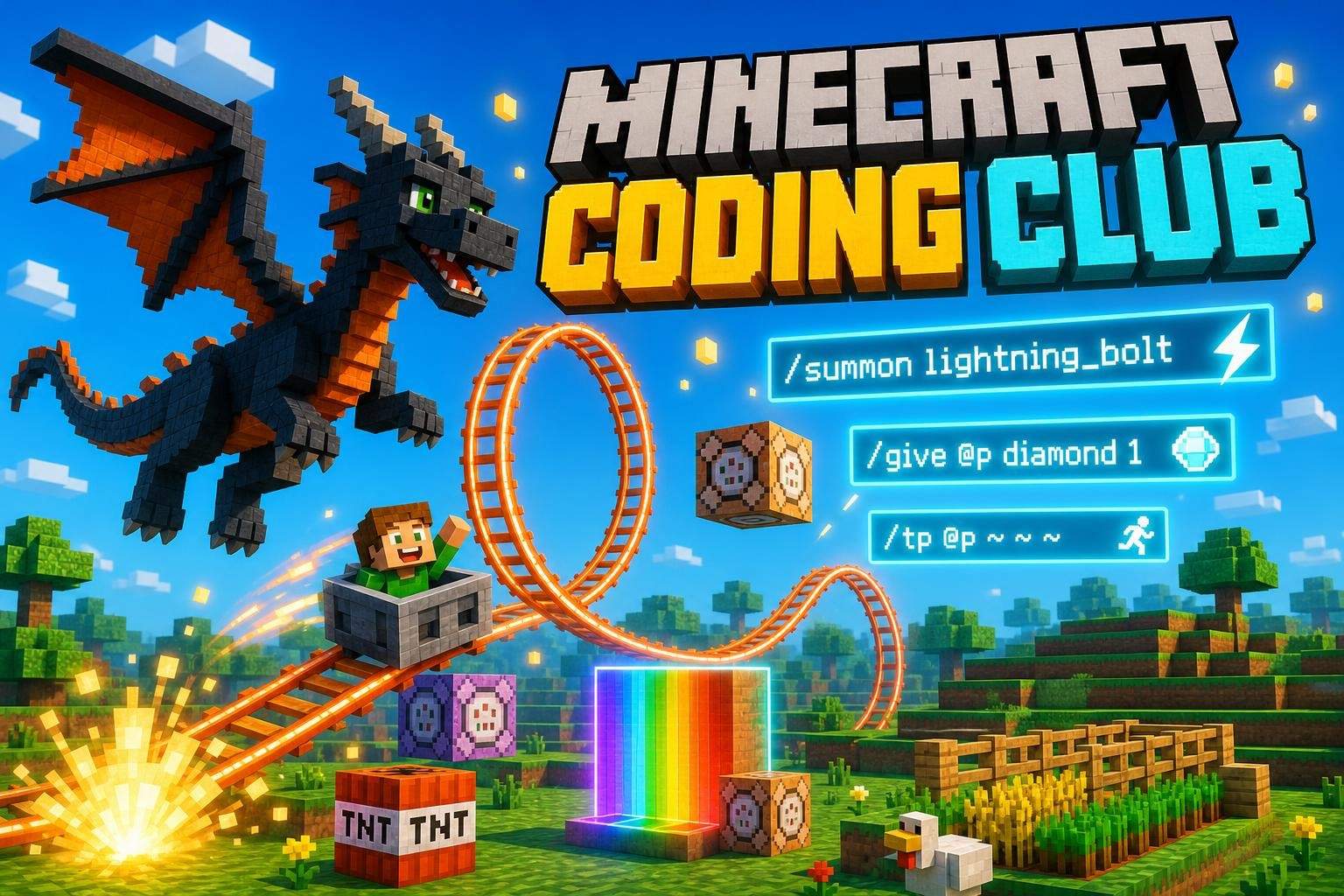
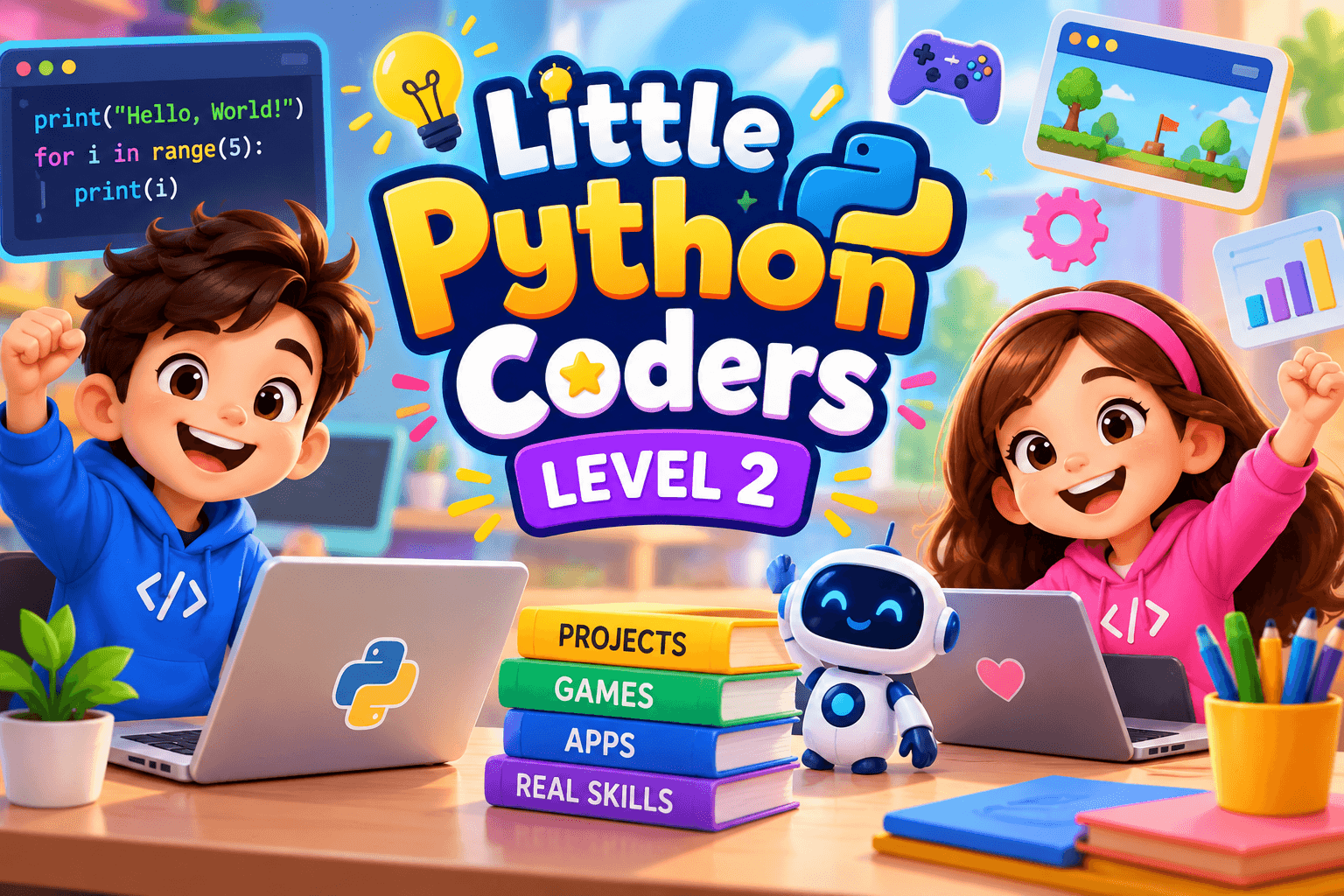
Minecraft Coding Club: Weekly Projects for Beginners
Tanvi Ghosh3.0
Ages 7–10 · 55 min · 1 / Week
$14.00per classSee schedule
1. Getting Started with Python
What is coding and Python?
Using a Python editor
Writing their first Python program
print() and comments
2. Python Basics
Variables
Numbers and text
Basic calculations
User input
Simple data types
3. Making Programs Interactive
Asking questions
Using input()
Creating simple quizzes
4. Making Decisions
if, elif, and else
Comparison operators
Creating programs that make decisions
5. Repeating Actions
for loops
while loops
Creating countdowns and patterns
6. Lists & Collections
Creating lists
Adding and removing items
Looping through lists
7. Functions
What functions are
Creating their own functions
Parameters and return values
Organizing code into reusable blocks
8. Fun Projects
🎲 Dice Roller
🎯 Quiz Game
🔢 Number Guessing Game
🧮 Mini Calculator
🐉 Text Adventure Game
🎨 ASCII Art
🎓 By the End of the Course
Students should be able to write basic Python programs independently, understand fundamental programming concepts, debug simple errors, and use their creativity to build projects.
Paid once.
Class theme: Build Your First Python Program
Suggested age: 6–14 years
Class duration: 50–60 minutes
The teacher begins with a simple question:
“If you could make the computer do one fun thing for you, what would it be?”
Kids share ideas, such as:
Make a character talk 💬
Create a quiz 🎯
Make a game 🎮
Tell a joke 😄
There are no wrong answers. The goal is to get kids curious and excited about coding.
The teacher introduces a simple Python concept:
print()
For example:
print("Hello, Little Python Coders!")Kids learn that Python can give instructions to a computer.
Instead of learning lots of complicated theory, children learn one small concept at a time and immediately try it themselves.
Now it's their turn!
Kids create their own Mini Introduction Program.
Example:
print("Hello!")
print("My name is Alex.")
print("I love Minecraft!")
print("I am learning Python!")
Then they personalize it with their own ideas.
⭐ The important part: every child creates something they can call their own.
The teacher encourages experimentation:
“What happens if you change this?”
“Can you make your program say three more things?”
This helps children learn by trying, changing, and discovering.
Kids get a small challenge:
Create a program that introduces YOU!
They can include:
Their name
Favorite food
Favorite game
Favorite animal
A funny sentence
Something they want to learn
For example:
print("Hi! I am Riya.")
print("I love pizza.")
print("My favorite animal is a panda.")
print("I want to become a game developer!")
Different children can create completely different programs from the same lesson.
At the end, a few students can show their programs.
The teacher celebrates:
Creativity
Trying something new
Solving a problem
Asking questions
The focus isn't on who finished first.
It's on:
“I made this!” 🎉
Very little!
💻 A computer or laptop
🌐 Internet connection
🐍 Access to the Python coding environment used in the course
🎧 Headphones
🖱️ A mouse
📓 A small coding notebook
👨👩👧 A parent nearby for encouragement
Parents don't need to know Python.
Their most helpful role is simply asking:
“What did you build today?”
or
“Can you show me your program?”
That's enough. ❤️
After a few classes, children aren't just memorizing Python commands.
They're gradually developing:
Problem-solving → Logical thinking → Creativity → Confidence → Coding skills
And most importantly, they begin to see a computer differently:
Not just something they use — but something they can create with. 🚀
Everything at home is optional.
There is no pressure to give extra homework, buy special equipment, or become a coding expert yourself.
The class does the teaching.
Home is simply a place where curiosity can continue. 🐍💻✨
Understand what programming and Python are.
Write and run simple Python programs.
Use print() to display information.
Work with variables and different types of data.
Take input from the user.
Break a problem into smaller steps.
Use logical thinking to create solutions.
if/else Understand decisions.
Use loops to repeat instructions.
Identify and fix simple coding errors.
Build small interactive programs.
Create simple quizzes, calculators, stories, and games.
Personalize projects using their own ideas and creativity.
Experiment with code and learn from mistakes.
Explain what their code does.
Debug basic programming mistakes.
Approach challenges independently.
Present and explain a project to others.
Develop confidence as a young creator and problem solver.
Little Python Coders is designed to be supportive, flexible, and beginner-friendly. Learners with unique learning needs will be given clear, step-by-step instructions, simple examples, and additional time when needed. The instructor can break coding activities into smaller tasks, repeat explanations, demonstrate concepts visually, and provide encouragement throughout the class. Students can work at their own pace, ask questions freely, and receive individual guidance when they need extra support. Projects can also be adapted to match each learner’s interests and comfort level, while keeping the focus on building confidence, problem-solving skills, and enjoyment of coding.
No prior coding experience is required! 🎉
Students should ideally have:
💻 Basic computer skills — using a keyboard, mouse, and opening applications.
🌐 Basic internet skills — navigating a browser and joining an online class if applicable.
📖 Basic reading ability — enough to read simple instructions and words in English.
🧠 Curiosity and willingness to experiment — students should be comfortable trying, making mistakes, and trying again.
🎨 Creativity and imagination — a desire to build their own projects.
Students do not need:
Previous Python experience
Any programming experience
Advanced mathematics
A computer science background
Little Python Coders is designed for beginners. We start from the basics and build confidence step by step. 🚀
Choose a time that works best for you. All times are shown in Coordinated Universal Time.
"Hi, I'm Komal Rana,a Teacher specializing in coding. Over the past five years i am into teaching. I have worked in world wide Edtechs. I believe that teaching is not just about learning , its about learning with fun. I believe in engaging activities ,interaction with students, p…
Tanvi Ghosh3.0
Ages 7–10 · 55 min · 1 / Week
$14.00per classSee schedule
Neha Singh
Ages 10–13 · 55 min · 1 / Week
$10.00per classSee schedule
Neha Singh5.0
Ages 11–15 · 55 min · 1 / Week
$16.25per classSee schedule
Diya Desai4.4
Ages 9–13 · 55 min · 4 / Week
$12.00per classSee schedule
Nisha Iyer
Ages 11–14 · 55 min · 1 / Week
$12.08per classSee schedule
Diya Desai
Ages 12–16 · 55 min · 1 / Week
$10.00per classSee schedule
Komal Divyam Rana
Ages 8–12 · 55 min · 3 / Week
$1.11per classSee schedule
Anjali Singla
Ages 10–15 · 50 min · 2 / Week
$2.50per classSee schedule
Tanvi Ghosh
Beginner
Level
7–10
Ages
55 min
Duration
1 / Week
Classes
12
Weeks
Neha Singh
Beginner
Level
10–13
Ages
55 min
Duration
1 / Week
Classes
1
Weeks
Neha Singh
Beginner
Level
11–15
Ages
55 min
Duration
1 / Week
Classes
8
Weeks
Diya Desai
Beginner
Level
9–13
Ages
55 min
Duration
4 / Week
Classes
2
Weeks
Nisha Iyer
Beginner
Level
11–14
Ages
55 min
Duration
1 / Week
Classes
24
Weeks
Diya Desai
Beginner
Level
12–16
Ages
55 min
Duration
1 / Week
Classes
12
Weeks

Komal Divyam Rana
Beginner
Level
8–12
Ages
55 min
Duration
3 / Week
Classes
3
Weeks

Anjali Singla
Beginner
Level
10–15
Ages
50 min
Duration
2 / Week
Classes
4
Weeks