




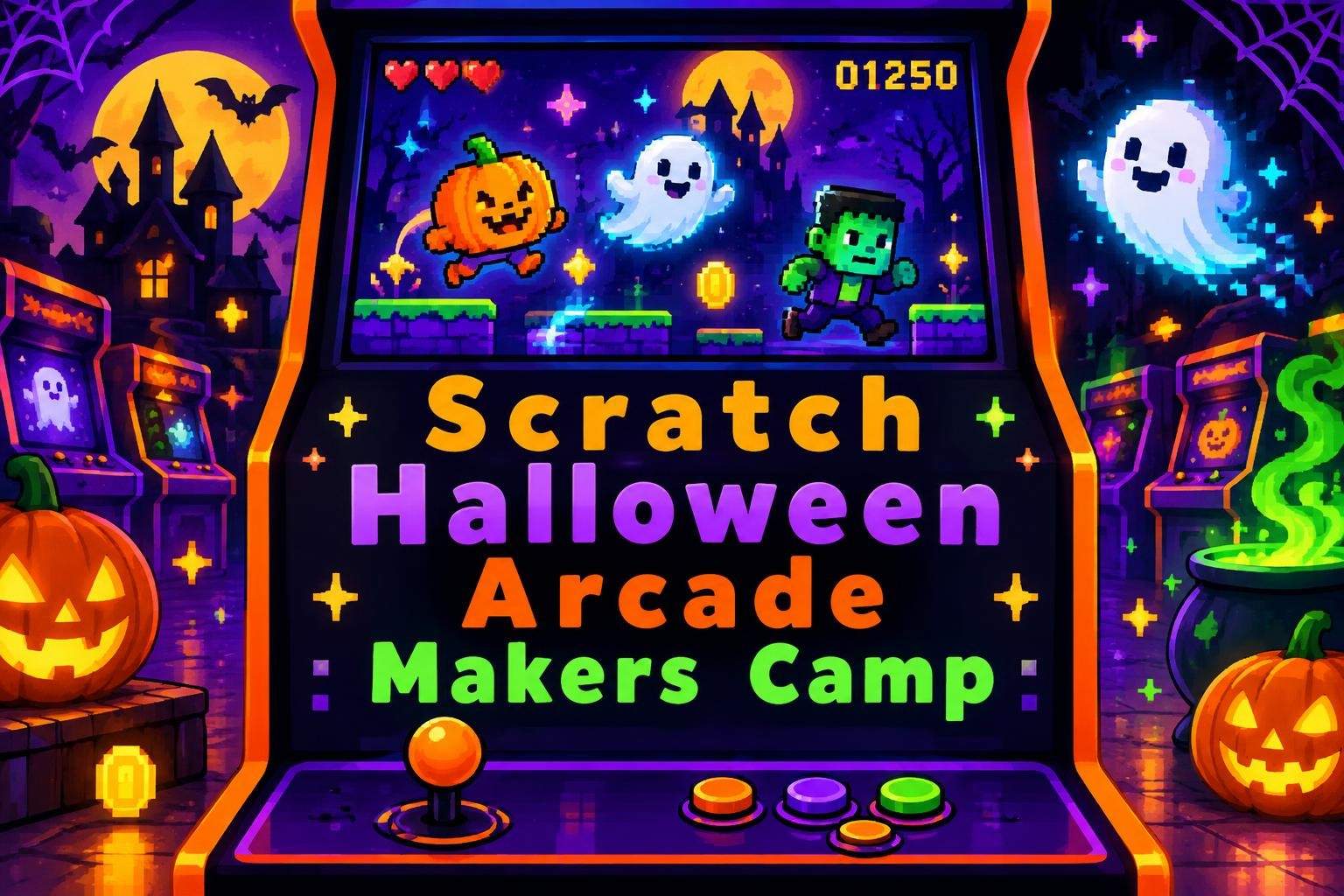
Scratch Halloween Arcade Makers Camp
Ishita Nair
Ages 9–11 · 50 min · 4 / Week
$13.00per classSee schedule
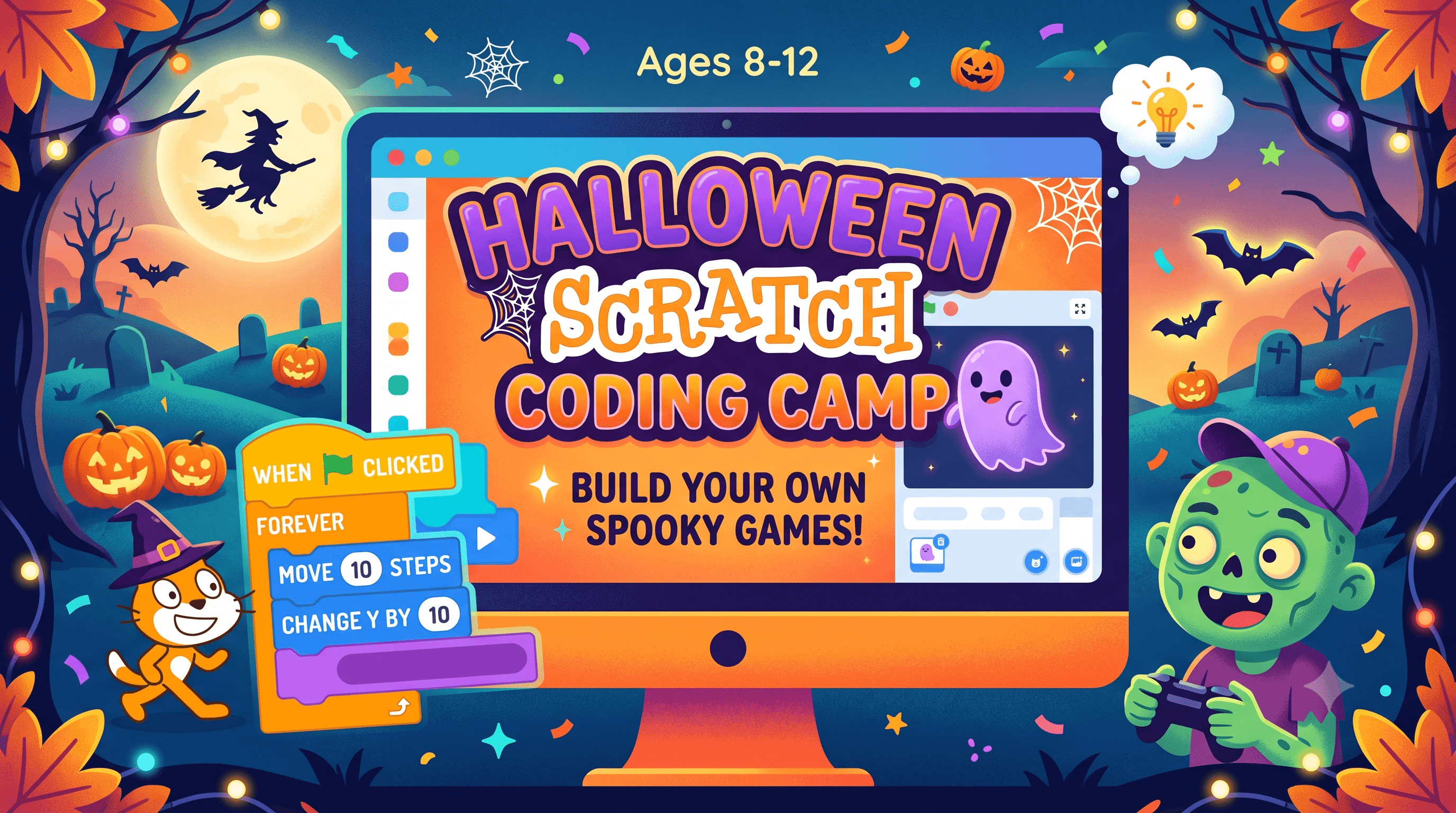
Halloween Scratch Coding Camp: Build Your Own Spooky Games!
Recommended for ages 8–12. No prior Scratch experience required!
Join us for a fun, hands-on 2-week camp where students will learn coding by creating their own Halloween-themed game in Scratch.
🕷️ Class 1 – Build Your Spooky World: Learn about sprites, costumes, backdrops, events, and basic coding.
👻 Class 2 – Make It Move: Create character movement using keyboard controls, loops, conditions, animations, and sounds.
🧙♀️ Class 3 – Add Challenges: Create obstacles, enemies, collectibles, and scoring systems using variables and if/then logic.
🕸️ Class 4 – Finish & Share: Add winning/game-over screens, test and debug the game, and add final creative touches.
✨ By the end, students will have created their own playable Halloween game while developing coding, problem-solving, and creative-thinking skills!
Bring your creativity and get ready for some spooky coding fun! 🎃💻
Paid once.
In this 2-week Halloween Scratch Coding Camp, learners will build their own spooky Halloween game across 4 interactive classes. Students will learn how to create characters, animations, challenges, scoring systems, and exciting game interactions using Scratch’s beginner-friendly block-based coding platform.
Each class includes a teacher-led demonstration, guided coding practice, and time for learners to customize their games with their own creative ideas. Students will be encouraged to experiment, troubleshoot, test their code, and share their creations.
No previous Scratch experience is required.
💻 Scratch coding and computational-thinking skills
🎮 Game design and interactive programming
🧠 Problem-solving, logic, and debugging strategies
🎨 Creativity and digital storytelling
✨ Understanding of events, loops, conditionals, and variables
🚀 Confidence in independently creating and sharing coding projects
Learning Goals
🎃 Develop problem-solving skills by designing, testing, and debugging a Halloween-themed Scratch game.
👻 Build foundational coding skills by using events, loops, conditionals, and variables to create interactive game mechanics.
🕷️ Strengthen logical and critical thinking by creating challenges, obstacles, scoring systems, and decision-based interactions.
🧙♀️ Encourage creativity by designing spooky characters, animations, sounds, backgrounds, and game elements.
💻 Build confidence in coding by experimenting with Scratch blocks, troubleshooting errors, and improving projects independently.
🎮 Develop game-design skills by planning, creating, testing, and refining a playable Halloween game.
✨ Foster creative expression by encouraging learners to personalize their games and share their completed projects with others.
I strive to create a welcoming, supportive, and flexible learning environment where every learner can participate and feel successful. I can adapt the pace of instruction, provide step-by-step demonstrations, repeat or rephrase instructions, and allow additional time when needed. Scratch’s visual, block-based coding environment also allows learners to learn through hands-on experimentation. I can provide individual guidance during activities, offer different ways for learners to demonstrate their understanding, and encourage learners to work at a comfortable pace. Parents are welcome to share relevant learning needs or accommodations before class so I can make reasonable adjustments to support their learner. My goal is to help every student feel included, confident, and comfortable asking questions while developing their coding skills.
🎃 No previous Scratch coding experience is required! This camp is designed to be beginner-friendly and suitable for learners ages 8–12 who are curious about coding, games, and creativity.
Before joining the camp, learners should:
💻 Have access to a computer or laptop with a stable internet connection. A tablet or phone is not recommended because learners will be coding and navigating Scratch during class.
🌐 Be able to access the Scratch website through a web browser.
🖱️ Have basic computer skills, such as using a mouse/trackpad, opening a browser, clicking, typing, and navigating between tabs.
⌨️ Be comfortable with basic typing and reading simple instructions independently.
🎨 Be ready to experiment, be creative, and try different ideas while building their Halloween game.
🧠 Be willing to troubleshoot and make changes when their code does not work as expected. Making mistakes is an important part of learning to code!
Learners do not need:
Previous Scratch or programming experience
Knowledge of advanced coding concepts
Any paid software or coding tools
A pre-existing Scratch project
All coding concepts will be introduced and practiced during class through teacher demonstrations and guided, hands-on activities.
Learners may create a free Scratch account before the first class if they would like to save and share their projects online. An account is not required to participate in the coding activities, but it can make it easier to save their work.
Most importantly, bring your creativity, curiosity, and love for Halloween! 🎃👻 We're here to learn, create, experiment, and have fun with coding.
Choose a time that works best for you. All times are shown in Coordinated Universal Time.
Hi! I’m Amreen, an educator with 8+ years of experience who loves making learning fun! I teach Math, Science, Chemistry & Minecraft Block Coding through games, experiments, creative projects, and real-world examples. My goal is simple: help students understand, create, ask que…
Ishita Nair
Ages 9–11 · 50 min · 4 / Week
$13.00per classSee schedule
Vaishnavi Nair
Ages 9–11 · 55 min · 4 / Week
$13.00per classSee schedule
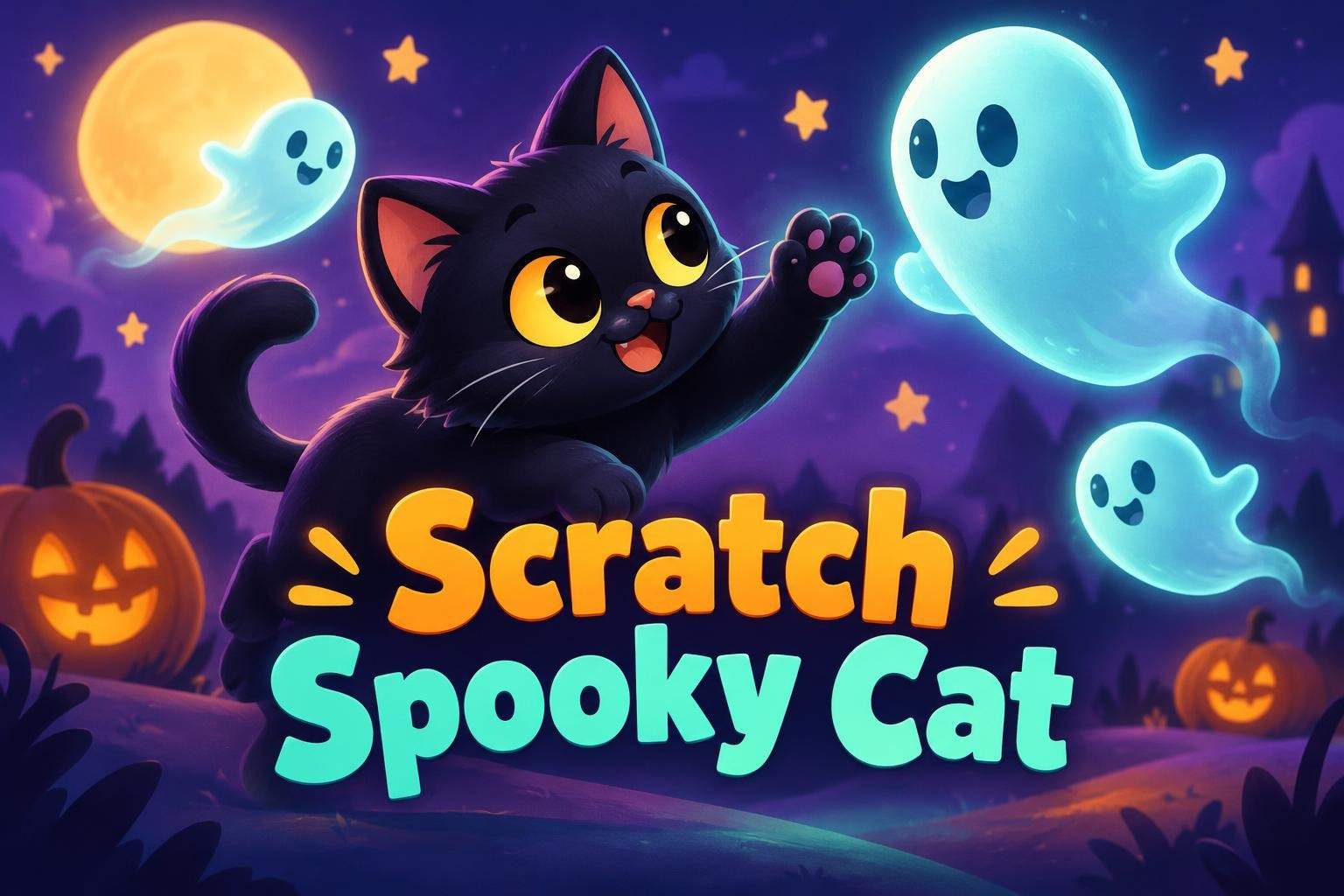
Ishita Nair
Ages 6–8 · 50 min · 1 / Week
$12.00per classSee schedule
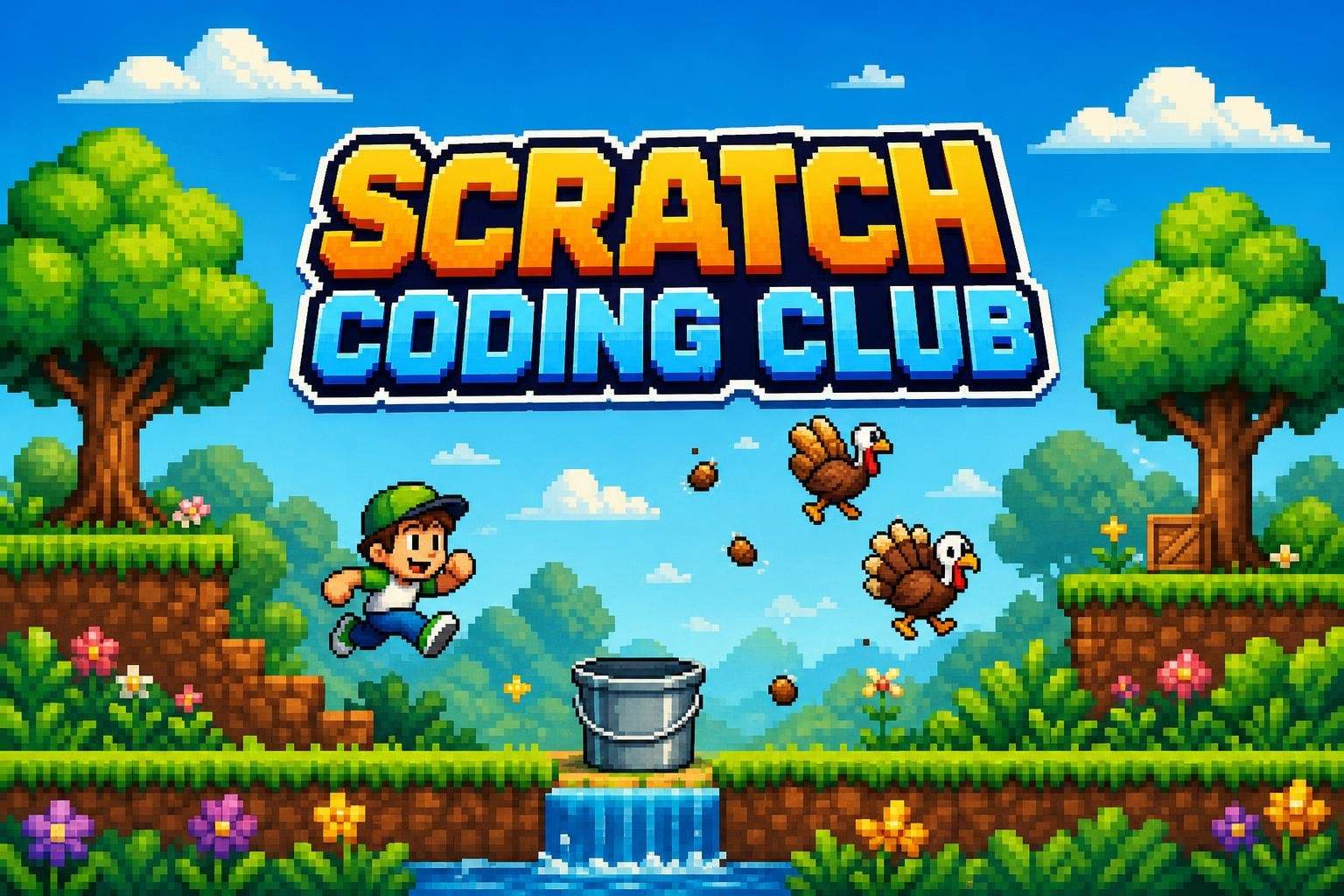
Rahul Pillai4.4
Ages 6–11 · 55 min · 1 / Week
$14.00per classSee schedule
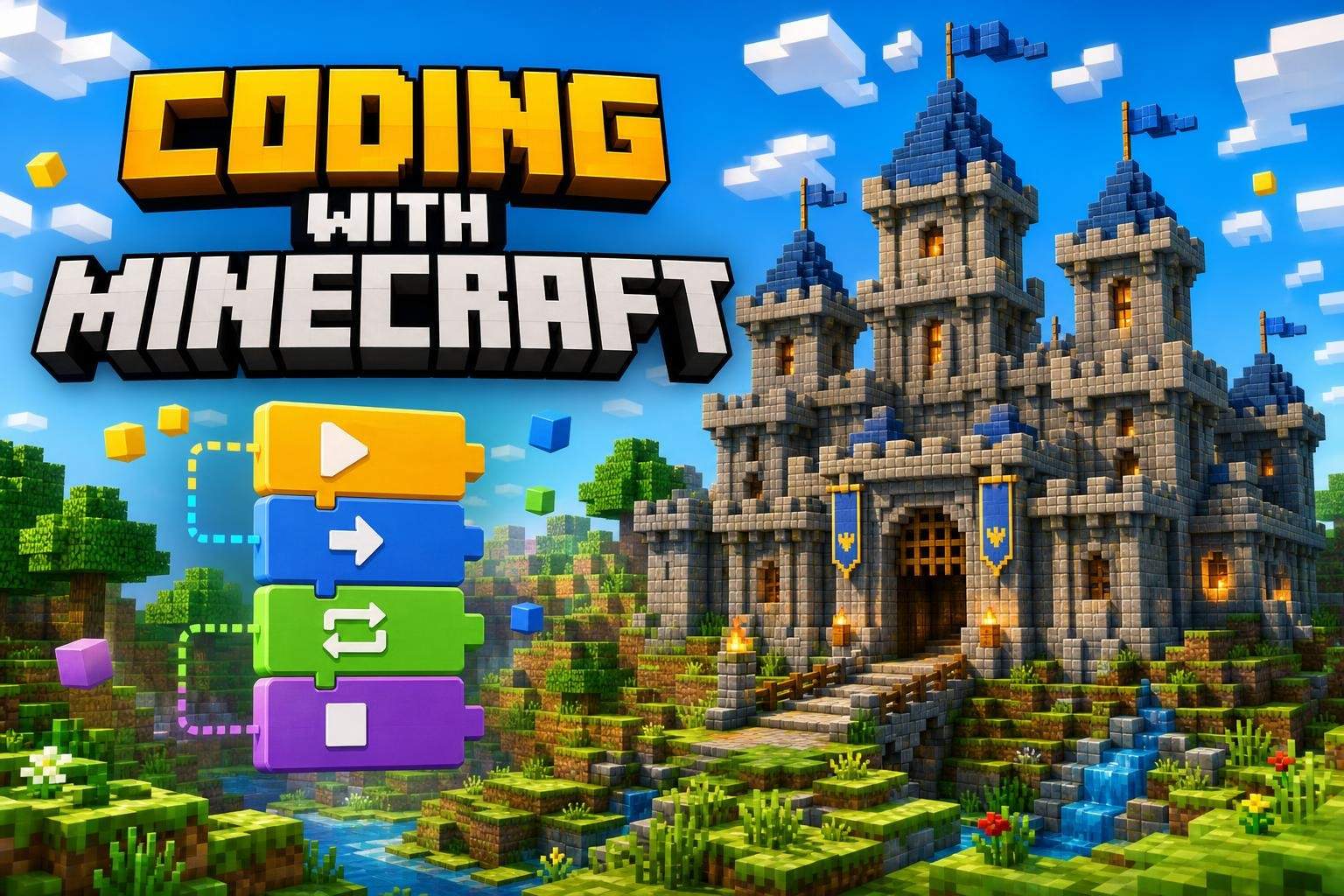
Srishti Desai5.0
Ages 8–11 · 55 min · 1 / Week
$12.92per classSee schedule
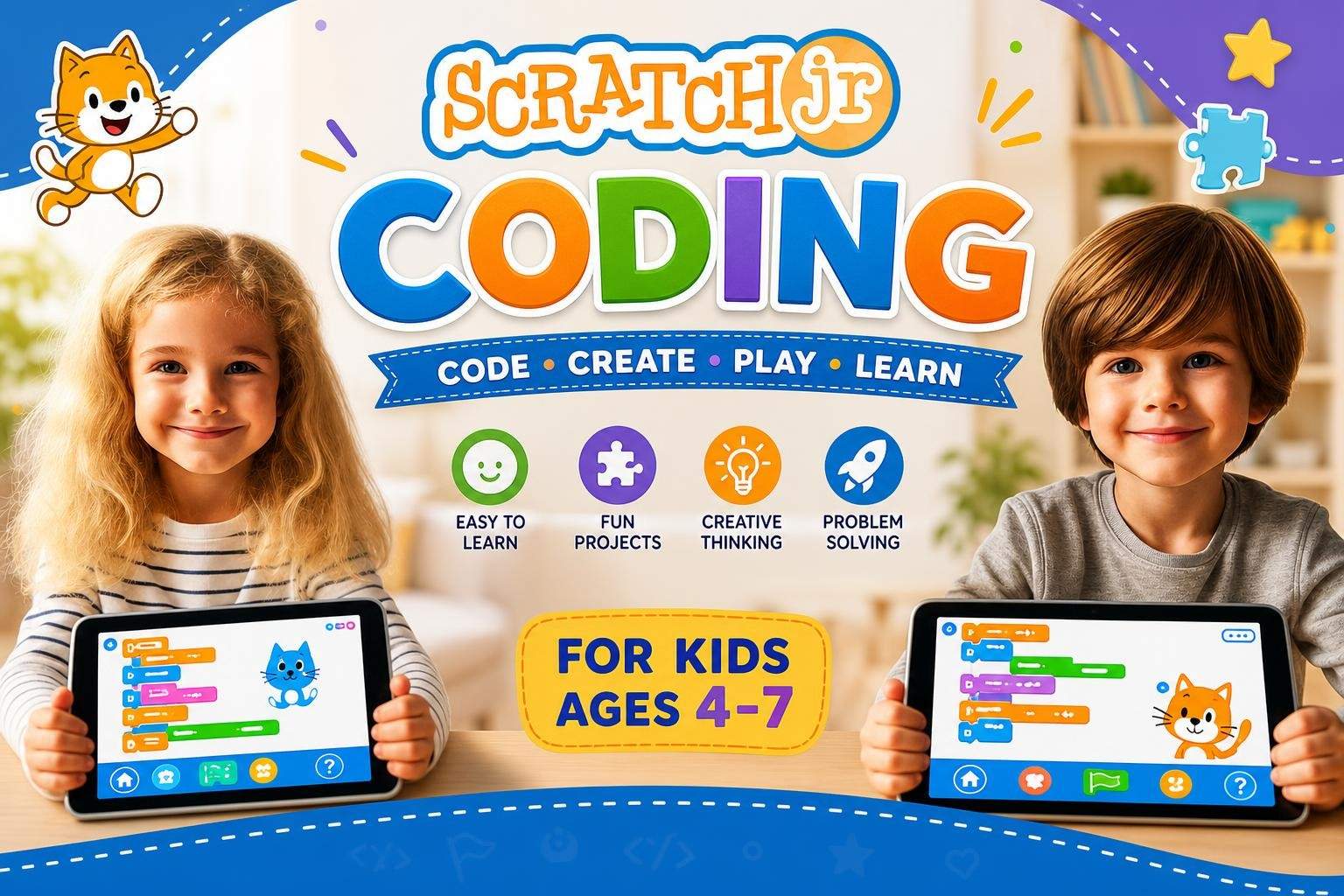
Aditya Verma4.7
Ages 4–7 · 45 min · 1 / Week
$11.00per classSee schedule
Rahul Pillai5.0
Ages 6–10 · 55 min · 1 / Week
$11.92per classSee schedule
Rahul Pillai5.0
Ages 8–12 · 55 min · 1 / Week
$13.00per classSee schedule
Ishita Nair
Beginner
Level
9–11
Ages
50 min
Duration
4 / Week
Classes
1
Weeks
Vaishnavi Nair
Beginner
Level
9–11
Ages
55 min
Duration
4 / Week
Classes
1
Weeks
Ishita Nair
Beginner
Level
6–8
Ages
50 min
Duration
1 / Week
Classes
1
Weeks
Rahul Pillai
Beginner
Level
6–11
Ages
55 min
Duration
1 / Week
Classes
12
Weeks
Srishti Desai
Beginner
Level
8–11
Ages
55 min
Duration
1 / Week
Classes
24
Weeks
Aditya Verma
Beginner
Level
4–7
Ages
45 min
Duration
1 / Week
Classes
12
Weeks
Rahul Pillai
Beginner
Level
6–10
Ages
55 min
Duration
1 / Week
Classes
12
Weeks
Rahul Pillai
Beginner
Level
8–12
Ages
55 min
Duration
1 / Week
Classes
1
Weeks