




Dinosaur Timeline Math Camp
Dinanath Mangeshkar
Ages 10–13 · 50 min · 4 / Week
$19.50per classSee schedule
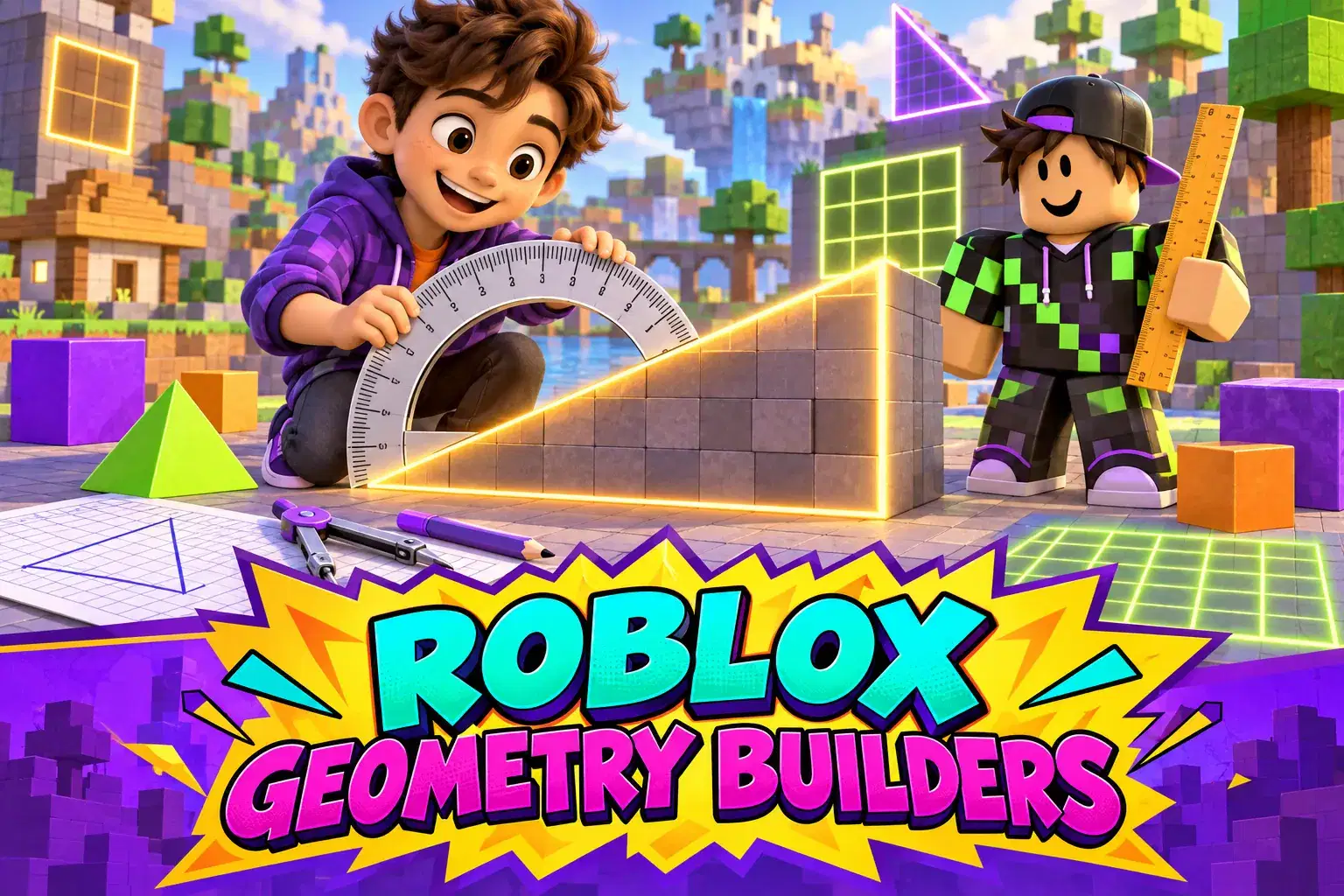
Learners in grades 4-6 build geometry skills in Roblox Studio over eight weeks. They measure angles, calculate area and perimeter, explore shapes and symmetry and design a geometry park.
Paid once.
Roblox Studio is built on shapes, measurements and angles, which makes it a natural place to learn geometry. In this eight-week course learners in grades 4 to 6 use building challenges to understand key geometry ideas.
Learners begin with points, lines and angles. They use Studio's rotate tool to create acute, right and obtuse angles and measure them in degrees. Next they explore polygons, building triangles, quadrilaterals and hexagons and sorting them by their properties. In the middle weeks learners calculate perimeter by building fences around gardens and area by tiling floors with unit squares, then compare different shapes with the same perimeter.
Later in the course learners explore symmetry by building mirror-image designs and rotations, and they discover how volume works by filling boxes with cubes. Each concept connects to a building task, such as designing a playground with a set area or a maze with only right angles.
The final project is a geometry park where every feature must meet a math requirement, such as a pool with an area of 48 square units or a slide at a 45-degree angle. Learners present their park and explain the math behind each part.
The teacher uses clear visuals and step-by-step examples, and learners complete short practice problems after each lesson. No coding is required.
Each class pairs a geometry lesson with a building challenge in Roblox Studio. Learners solve practice problems and apply the math directly in their builds.
Week 1: Points, Lines and Angles – Create and measure acute, right and obtuse angles.
Week 2: Polygons – Build and sort polygons by their properties.
Week 3: Perimeter – Build fences and calculate perimeter.
Week 4: Area – Tile floors with unit squares to find area.
Week 5: Same Perimeter Different Area – Compare shapes with equal perimeters.
Week 6: Symmetry – Build mirror-image and rotational designs.
Week 7: Volume – Fill boxes with cubes to find volume.
Week 8: Geometry Park – Design a park where every feature meets a math rule.
Identify and measure acute right and obtuse angles
Classify polygons by their properties
Calculate perimeter and area of shapes
Explore symmetry and volume with building tasks
Design a park that meets geometry requirements
Learners should know multiplication facts and basic shape names. Roblox Studio installed.
An experienced Roblox instructor with over ten years of teaching both in-person and remote classes, this instructor specializes in Luau scripting, object-oriented programming, 3D modeling, rigging, animation, and map design. Lessons emphasize practical, project-based learning tha…
Dinanath Mangeshkar
Ages 10–13 · 50 min · 4 / Week
$19.50per classSee schedule
Krishna Chaudhry
Ages 3–5 · 30 min · 1 / Week
$13.00per classSee schedule


Anita Sawhney
Ages 10–13 · 30 min · 1 / Week
$19.75per classSee schedule

Dinanath Mangeshkar
Ages 9–11 · 30 min · 1 / Week
$19.00per classSee schedule
M. Lakshmi
Ages 10–13 · 45 min · 3 / Week
$19.67per classSee schedule
Dinanath Mangeshkar
Beginner
Level
10–13
Ages
50 min
Duration
4 / Week
Classes
1
Weeks
Krishna Chaudhry
Beginner
Level
3–5
Ages
30 min
Duration
1 / Week
Classes
12
Weeks
Parmeshwari Devi
Beginner
Level
9–12
Ages
45 min
Duration
1 / Week
Classes
4
Weeks
Snehalata Devi
Beginner
Level
5–7
Ages
30 min
Duration
1 / Week
Classes
4
Weeks
Anita Sawhney
Beginner
Level
10–13
Ages
30 min
Duration
1 / Week
Classes
4
Weeks
Srishti Shah
Beginner
Level
11–14
Ages
45 min
Duration
1 / Week
Classes
4
Weeks
Dinanath Mangeshkar
Beginner
Level
9–11
Ages
30 min
Duration
1 / Week
Classes
1
Weeks
M. Lakshmi
Beginner
Level
10–13
Ages
45 min
Duration
3 / Week
Classes
2
Weeks