By Samira Okonkwo ·
What Can Roblox Actually Teach Kids?
Game design, coding, 3D creation, UX, entrepreneurship, collaboration and project skills—plus the important difference between playing and learning.
What Can Roblox Actually Teach Kids?
Game design, coding, 3D creation, UX, entrepreneurship, collaboration and project skills—plus the important difference between playing and learning.
There are two equally unhelpful ways to talk about Roblox and learning. One is to dismiss the entire platform as wasted screen time. The other is to call almost anything a child does in Roblox “STEM learning.” Both miss the interesting part.
Roblox becomes educational when the child’s role changes. Playing an experience can involve strategy and social interaction. Creating one can require 3D design, programming, storytelling, interface design, testing, project management and feedback. The environment creates opportunities; the project determines whether the skills are actually practised.
Skill 1: game design
Game design is decision-making about another person’s experience. What is the goal? How does a player learn the controls? What creates challenge? How does difficulty increase? What makes failure fair? What information should the interface show?
A child who playtests and redesigns begins to think beyond “I like my game” toward “does the player understand my game?”
Skill 2: programming
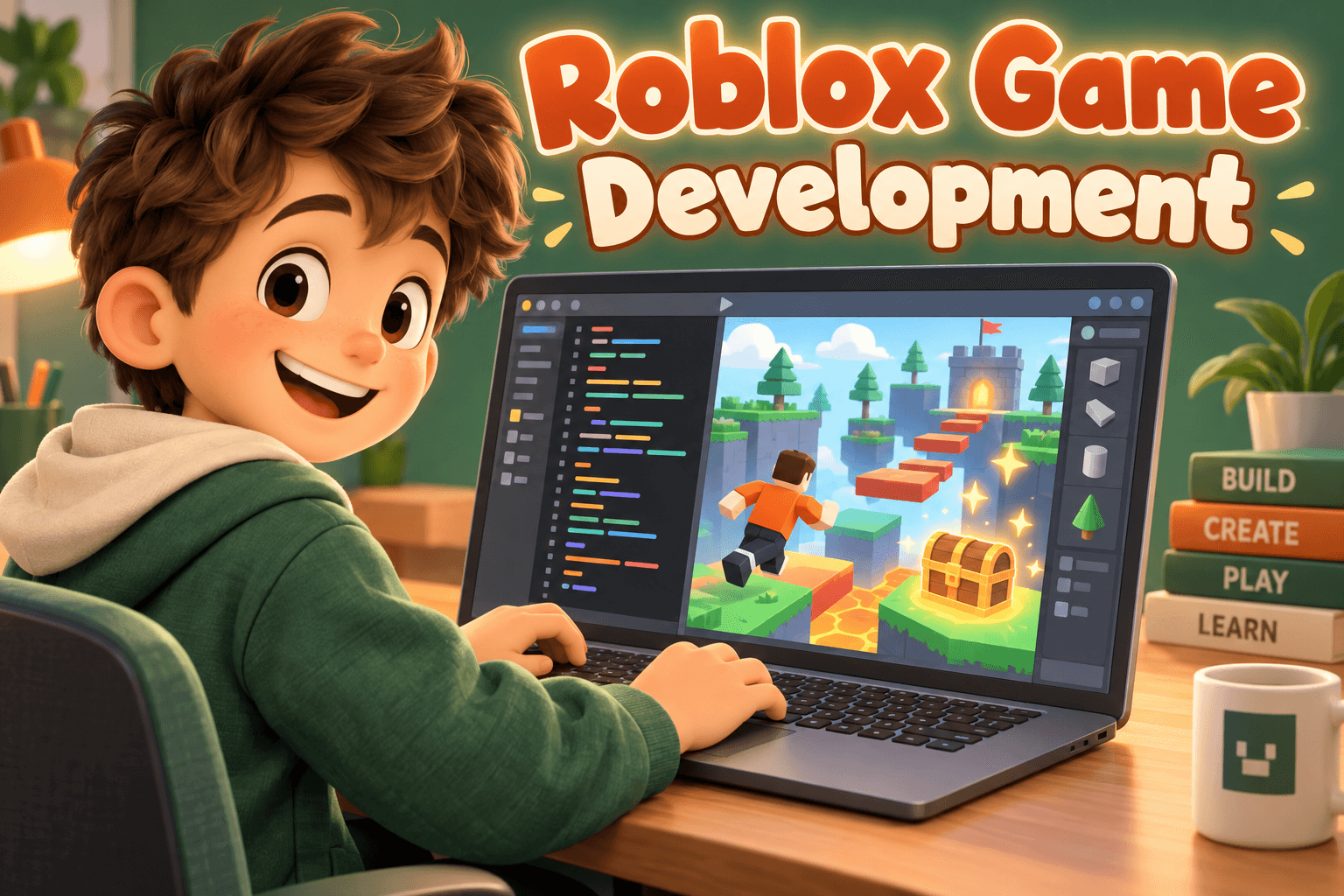
Roblox uses Luau, and its official coding curriculum covers genuine programming fundamentals. When children write their own mechanics, debug them and combine systems, they are doing software development—not a pretend version of it.
The caveat is ownership. Following instructions line-for-line can teach syntax, but mastery appears when the tutorial disappears.
Skill 3: 3D and spatial design
Studio requires learners to think in three dimensions: scale, placement, navigation, sight lines, hierarchy and composition. A child designing a playable environment must consider how a player moves through space rather than how a scene looks in one screenshot.
Skill 4: animation and storytelling
Roblox Education includes animation projects, and many experiences depend on character, pacing and narrative. A child who prefers storytelling to code can still have a serious creator pathway.
Skill 5: user experience
This is one of my favorites because children encounter it naturally. A friend gets lost. A button is not obvious. A level feels unfair. The creator has to redesign based on somebody else’s behavior.
That loop appears in professional product design everywhere.
Skill 6: debugging and persistence
“It doesn’t work” is not a dead end; it is a diagnostic problem. What did I expect? What actually happened? Where does the state change? What does the error say? What can I isolate?
Persistence becomes more useful when paired with a method. Repeating the same broken attempt twenty times is not resilience.
Skill 7: collaboration
Larger Roblox projects quickly exceed one person’s strengths. One child may enjoy scripting, another environment design, another UI. Collaboration then requires interfaces between work, shared standards and communication.
But simply playing multiplayer does not automatically teach teamwork. The task must require shared responsibility.
Skill 8: project management
The ambitious idea—“I’m making the biggest Roblox game ever”—has to become milestones. First playable level. One working mechanic. Basic UI. Playtest. Fixes. Version 1.
Learning to cut scope is a surprisingly adult skill.
Skill 9: entrepreneurship
Roblox’s education ecosystem explicitly includes entrepreneurship. A creator can think about audience, positioning, retention, pricing and community. For older children this can be educational, but I would put product value before monetization.
“How do I make players spend?” is a much worse first business lesson than “how do I make something people genuinely want to return to?”
Skill 10: digital citizenship
Publishing creates responsibilities: community behavior, account security, intellectual property, appropriate content, privacy and responding to feedback. Creation makes digital citizenship concrete because the child is no longer only a user of somebody else’s system.
What Roblox does not automatically teach
It does not automatically teach coding because a child plays. It does not automatically teach entrepreneurship because Robux exists. It does not automatically teach collaboration because other people are in the server. It does not automatically teach creativity because a child follows a build tutorial.
The platform supplies affordances. The learning comes from what the child has to decide, create, explain, test and improve.
A useful creator progression
“Critic” is an underrated step. A child who can articulate why a game is confusing or compelling is beginning to see design choices rather than magic.
How a parent can encourage learning without ruining Roblox
Do not announce a curriculum. Ask occasional creator questions. “How do you think they made that?” “What would you change?” “Could you build one level like it?” “Why does everybody keep coming back?”
If curiosity catches, offer Studio. If it does not, let Roblox remain recreation. Not every hobby needs to become a résumé.
What I would look for after six months of serious creation
Can the child show three finished things? Can they explain one difficult bug? Can they describe feedback that changed a design? Can they point to something original rather than tutorial-driven? Can they tell you which part of creation they enjoy most?
Those answers tell me much more than how many classes they completed.
The larger lesson
A child who starts because they love Roblox may discover programming, 3D art, animation, game systems, product design or storytelling. The valuable outcome is not forcing them toward whichever field adults consider most impressive. It is giving them enough depth to discover which difficult kind of creation they voluntarily return to.
Further reading
These are not filler links. They are the sources I would actually open next: Roblox’s current documentation where platform details matter, and independent parent guidance where a second perspective is useful.
Examples of Roblox being used for coding, design thinking and entrepreneurship.
Projects covering game design, animation, 3D building and coding.
A useful reminder that learning must be designed into the core game loop rather than assumed.