Life skills & languagesAges 6–164 min read
By Isabella ·
Typing.com or Nitro Type vs a Live Typing Class for Kids
Typing.com and Nitro Type give free typing practice, but they cannot see your child's hands. Here is when a live typing class makes the difference.

Free typing sites have taught millions of children to type, and they are a sensible place to start. There is one thing they cannot do: look at a child's hands. A child can score well in a typing game while looking at the keys and using two fingers.
Typing.com and Nitro Type are good for regular practice once a child knows where their fingers go. A live class or a few private lessons are worth it at the start, to set posture and finger placement, and later for a child who has picked up habits that hold their speed down.
What each option is
A free typing course with step-by-step lessons from the home row onward, plus tests and games. It is widely used in schools.
A typing game in which children race cars by typing short passages against other players. It builds speed through competition.
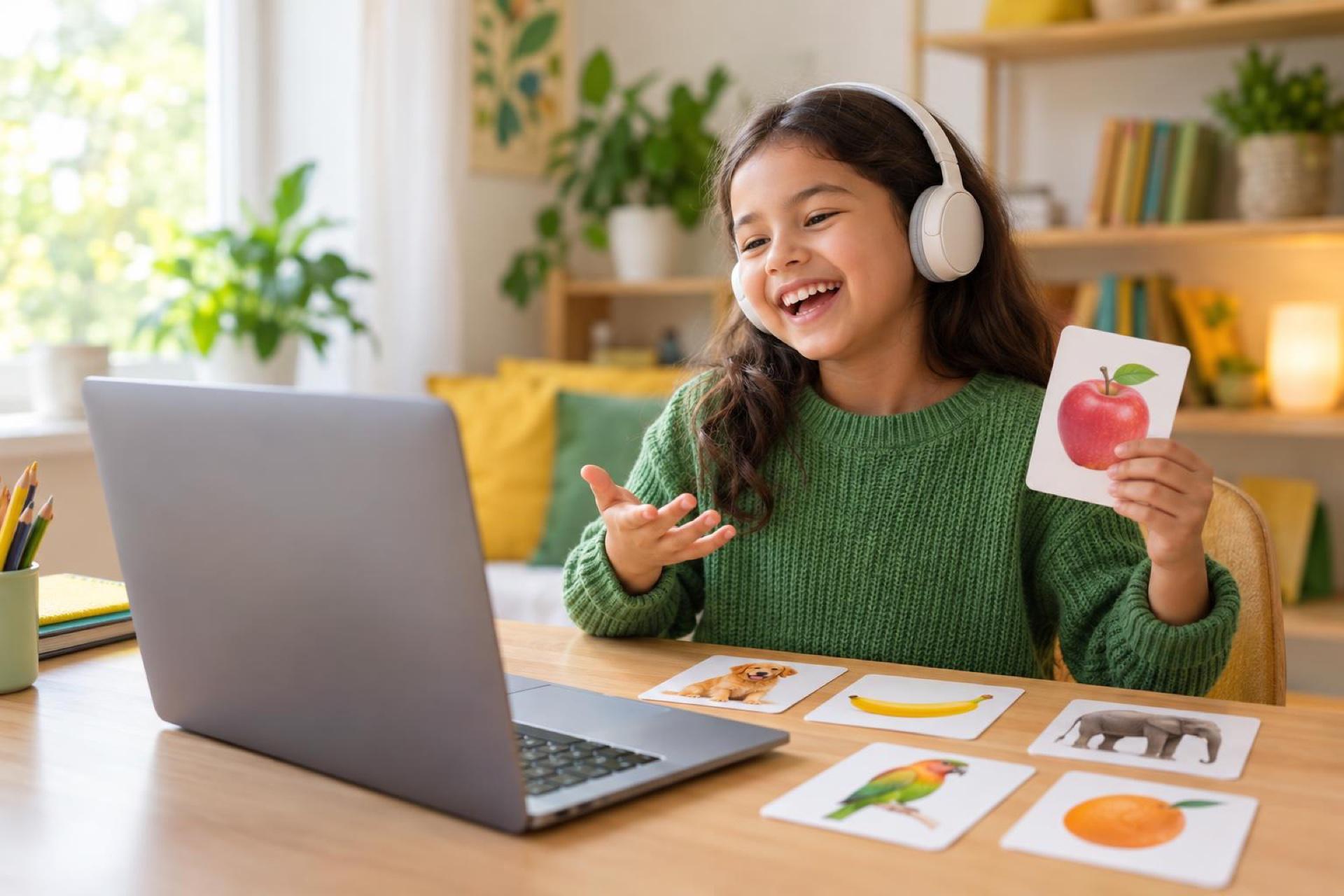
A teacher on video who checks posture and finger placement, sets drills and games, and tracks each child's speed and accuracy.
Details of other products are described as we understand them at the time of writing. Plans, prices and features change, so check each provider's own site before you decide.
Side by side
| Typing site or game | Live class or lessons | |
|---|---|---|
| Checks finger placement | No | Yes |
| Stops looking at the keys | Only if the child chooses to | The teacher watches for it |
| Motivation | Scores, races and badges | A teacher, a group and personal bests |
| Structure | Self-paced | Weekly plan |
| Cost | Free or low | Paid |
 A live class on this1-on-1 Computer Skills Coaching: Files, Shortcuts and Online ClassroomAges 9–16
When a typing site is enough
- Your child already uses the right fingers without looking down.
- They are motivated to practise a few minutes most days.
- You can check their hands now and then.
Race games reward speed. If accuracy drops below about nine in ten keystrokes, switch back to lessons until it recovers.
When live teaching helps
- Your child is starting from scratch and you want good habits from day one.
- They have typed with two fingers for years and are stuck at one speed.
- Typing is tiring or slow enough to affect school work.
- They need typing as a support for handwriting difficulties.
Cover your child's hands with a light cloth while they type a sentence. If they cannot do it, they are relying on sight, and a teacher can help retrain it.
Using both together
A common plan is a short course of live lessons to learn the keyboard properly, then free practice on a typing site three or four times a week. For when to begin, see when children should learn to type, and for how typing fits with handwriting, read handwriting vs typing.
What parents can do next
- Watch your child type for one minute and note which fingers they use.
- Start with home row lessons, not races.
- Aim for ten minutes of practice, four days a week.
- Add a live class if habits are not improving after a month.
Frequently asked questions
What age can children start typing lessons?
Around 7 or 8, when hands are big enough to rest on the home row. Younger children can explore the keyboard through play.
Is Nitro Type good for learning to type?
It is good for building speed once finger placement is secure. It does not teach placement.
How fast should a child type?
Accuracy matters first. Speed grows with practice, and a comfortable pace is one that keeps up with their thinking.
Can bad typing habits be fixed?
Yes, with slow, deliberate practice. It takes a few weeks and speed dips before it rises.
Find a typing class
Live online typing classes, clubs and private lessons for kids and teens.