


Typing a Paragraph

Think and type, without handwriting first.
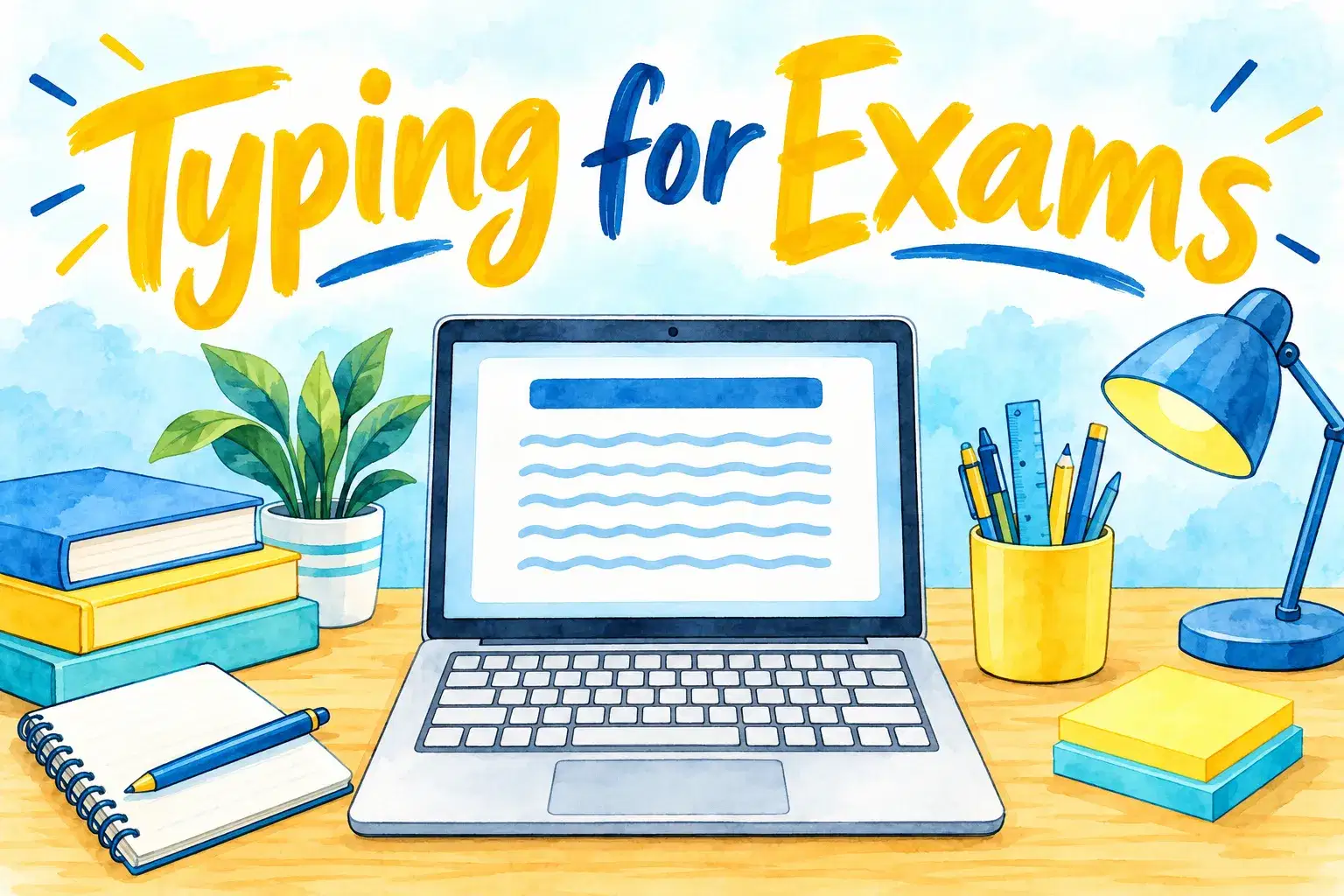
A six-week advanced course for teens who will type exams or long essays, combining speed work with on-screen planning and editing.
Each class has one clear focus, with time to practise and ask questions. Learners type real school-style work: paragraphs, reports and presentations. The teacher shows how to format a document properly and how to draft, edit and proofread on screen.
The course meets once a week for 6 weeks, 50 minutes a class, with up to 5 learners. Each class builds on the last.
Week 1: Typing a Paragraph – Think and type, without handwriting first.
Week 2: Formatting Basics – Fonts, spacing and alignment.
Week 3: Headings and Lists – Structure a document.
Week 4: Editing on Screen – Cut, copy, paste and undo.
Week 5: Spell-Check and Proofreading – Use the tools, then your eyes.
Week 6: Images and Tables – Add and position them.

Type a paragraph or essay directly on screen
Format headings, spacing, lists and page layout
Use spell-check and proofreading tools sensibly
Save, name and share documents correctly
Ages 13-17. For confident learners who want harder questions and a faster pace.
A step-by-step plan of what your child learns, class by class. · 6 Weeks
Think and type, without handwriting first.
Fonts, spacing and alignment.
Structure a document.
Cut, copy, paste and undo.
Use the tools, then your eyes.
Add and position them.
Next 7 days, US Eastern Time
A common word processor such as Google Docs or Microsoft Word. Tell the teacher which your child's school uses.
Yes. Typing can make writing much less tiring, and the teacher can advise on asking school to allow it.
From about age 7, when hands are big enough to rest on the home row. Younger children can start with keyboard games that teach where letters live.
6 weeks, with one 50-minute class a week.
Up to 5, so the teacher can give each child feedback.
New class, no reviews yet
Be one of the first families to join. Parents can leave a review after their first class.
Not satisfied after the first class? Full refund.