



AS
Amar S.
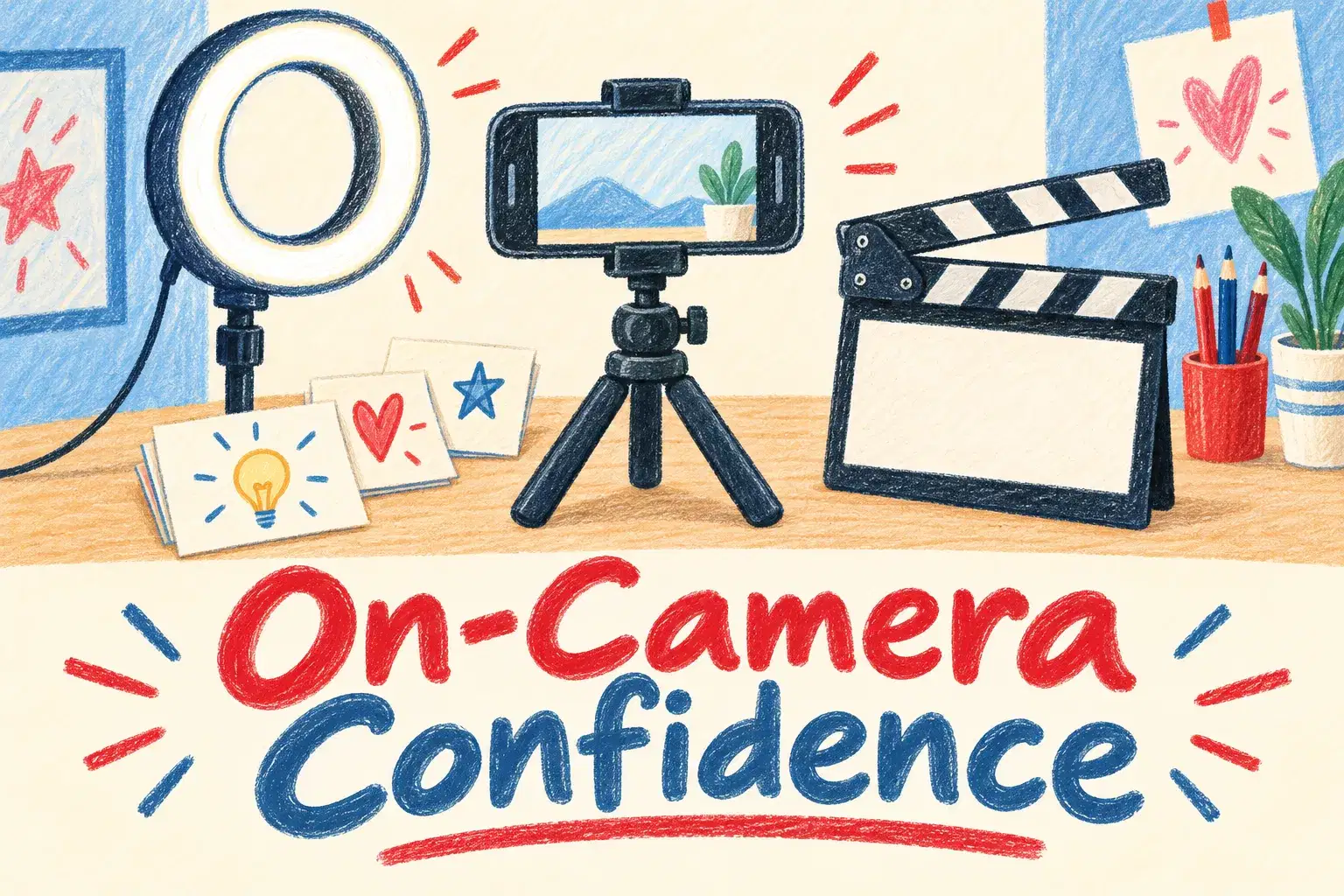
On-Camera Confidence and Scripting for Young Creators
Intermediate
Level
11–15
Ages
50 min
Duration
1 / Week
Classes
6
Weeks
$20.00per class
See schedule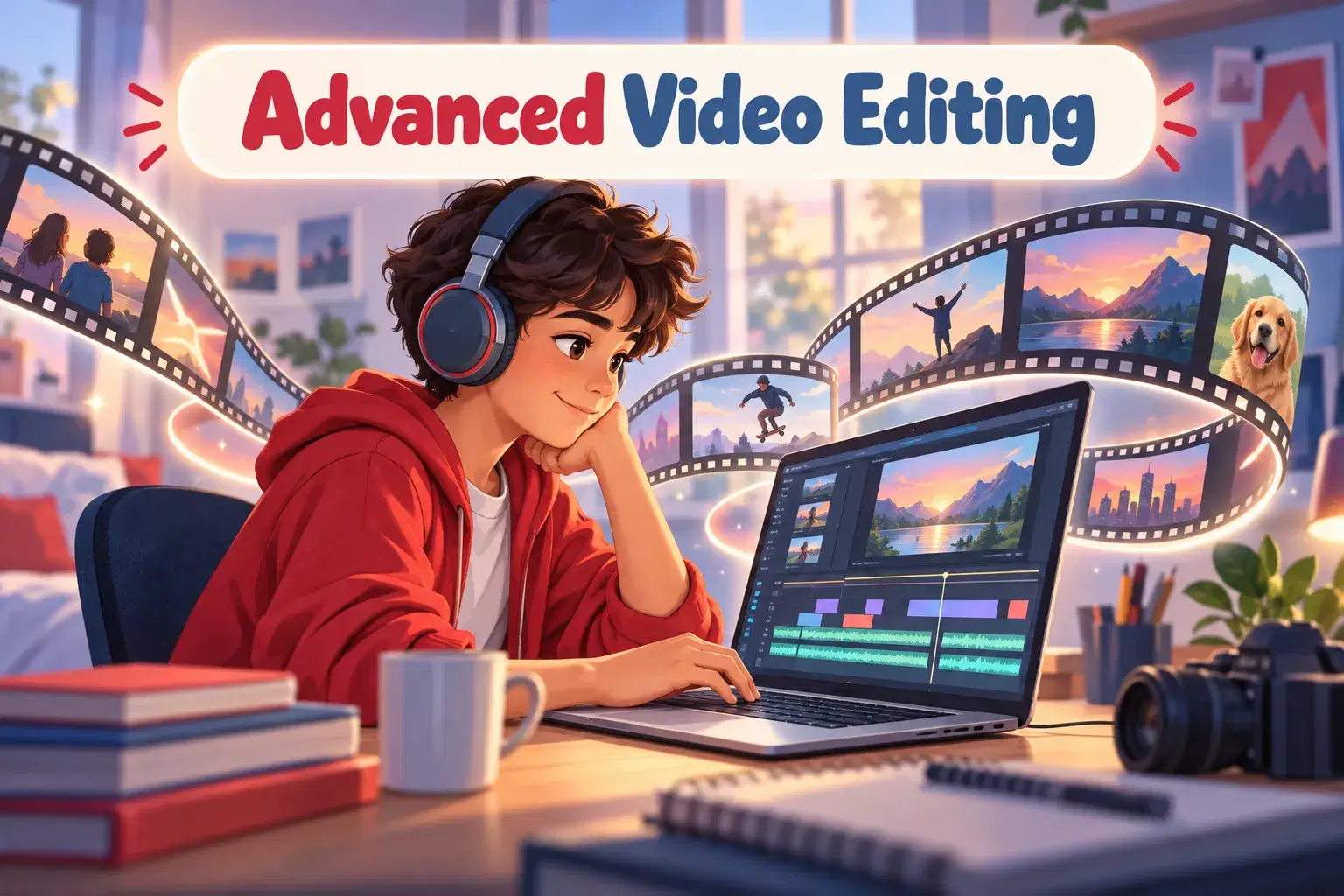
Private editing lessons for ages 11 to 17 who already know the basics and want their videos to look and sound finished. Learners bring their own footage and work on pacing, sound, color and effects in CapCut or DaVinci Resolve.
Each session is built around the learner's own project. The tutor watches the current edit, picks the one change that will help most, and demonstrates it on screen. The learner then makes the change themselves while sharing their screen. Topics move from cutting for pace, to sound design and music, to color correction, titles and export settings. By the end the learner has one fully finished video.
Each 55-minute session is one learner with one teacher. There is no fixed lesson plan or set number of sessions: families book as many as they want, and the teacher sets the pace and focus around the learner's goals and gives feedback as they work.
Edit Review and Timeline Setup – Review a current edit and organize clips, tracks and folders so the project is easy to work in.
Cutting for Pace – Remove dead time and use jump cuts so the video keeps moving.
J-Cuts, L-Cuts and B-Roll – Let sound lead or trail the picture and cover cuts with extra footage.
Sound Design and Music – Balance voice, music and sound effects so speech stays clear.
Color Correction and Grading – Fix exposure and white balance, match shots and add a consistent look.
Titles, Captions and Effects – Add text, captions and effects that help the viewer follow the story.
Speed Ramps and Keyframes – Change speed smoothly and animate position, scale and opacity.
Export Settings and Final Review – Export for YouTube and for vertical video, then review the finished piece.

Cut footage for pace using J-cuts, L-cuts and jump cuts
Mix voice, music and sound effects so speech stays clear
Correct and grade color so shots match
Add titles, captions and effects that support the story
Export in the right settings for YouTube and short-form video
Ages 11-17. Learners should already be able to import clips, trim them and add music in an editing app. CapCut or DaVinci Resolve installed before the first session.
Bring footage you have already filmed. The tutor can supply practice clips for the first session.
Next 7 days, US Eastern Time
No. It is for learners who can already trim clips, add music and export a video. Beginners will do better starting with a beginner editing course.
CapCut or DaVinci Resolve. Both have free versions. DaVinci Resolve needs a fairly powerful computer, so CapCut is the safer choice on an older laptop.
A laptop or desktop is strongly recommended. Color work, keyframes and sound mixing are much harder on a small screen.
It is best, because they learn more editing something they care about. The tutor can supply practice clips for the first session.
One fully finished video, edited for pace, with mixed sound, corrected color and titles, exported for the platform they choose.
New class, no reviews yet
Be one of the first families to join. Parents can leave a review after their first class.
Not satisfied after the first class? Full refund.
Amar S.
Intermediate
Level
11–15
Ages
50 min
Duration
1 / Week
Classes
6
Weeks
Aarav P.
Advanced
Level
13–17
Ages
55 min
Duration
1 / Week
Classes
Ongoing
Weeks
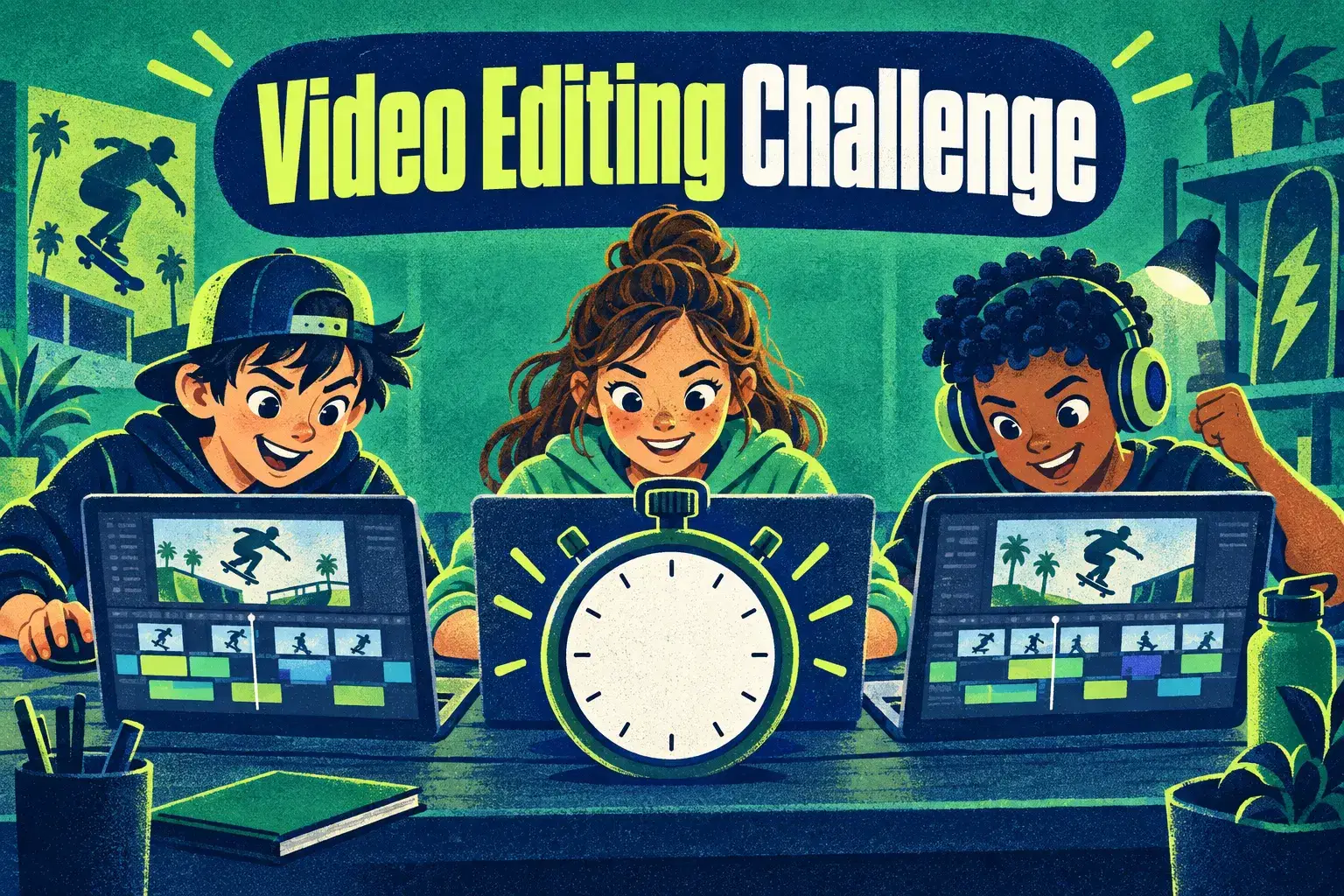
Mrs. B.
Intermediate
Level
10–14
Ages
45 min
Duration
1 / Week
Classes
Ongoing
Weeks
Mrs. B.
Beginner
Level
8–12
Ages
45 min
Duration
1 / Week
Classes
Ongoing
Weeks
Mrs. B.
Beginner
Level
9–13
Ages
45 min
Duration
1 / Week
Classes
Ongoing
Weeks
Vinay R.
Advanced
Level
13–17
Ages
55 min
Duration
1 / Week
Classes
Flexible
Weeks
Vandana S.
Intermediate
Level
9–15
Ages
45 min
Duration
1 / Week
Classes
Flexible
Weeks
Vandana S.
Intermediate
Level
10–16
Ages
45 min
Duration
1 / Week
Classes
Flexible
Weeks