



AS
Amar S.
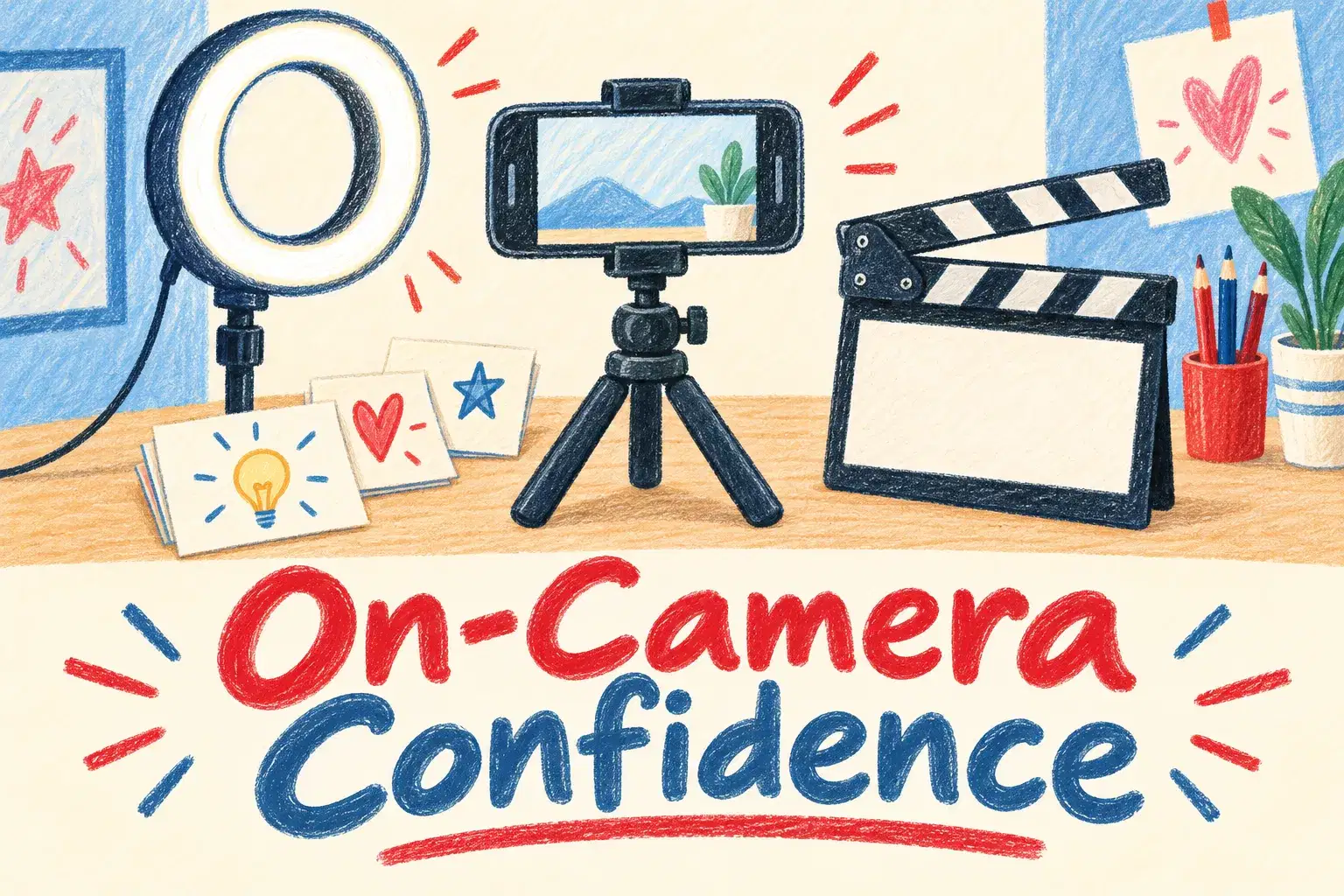
On-Camera Confidence and Scripting for Young Creators
Intermediate
Level
11–15
Ages
50 min
Duration
1 / Week
Classes
6
Weeks
$20.00per class
See schedule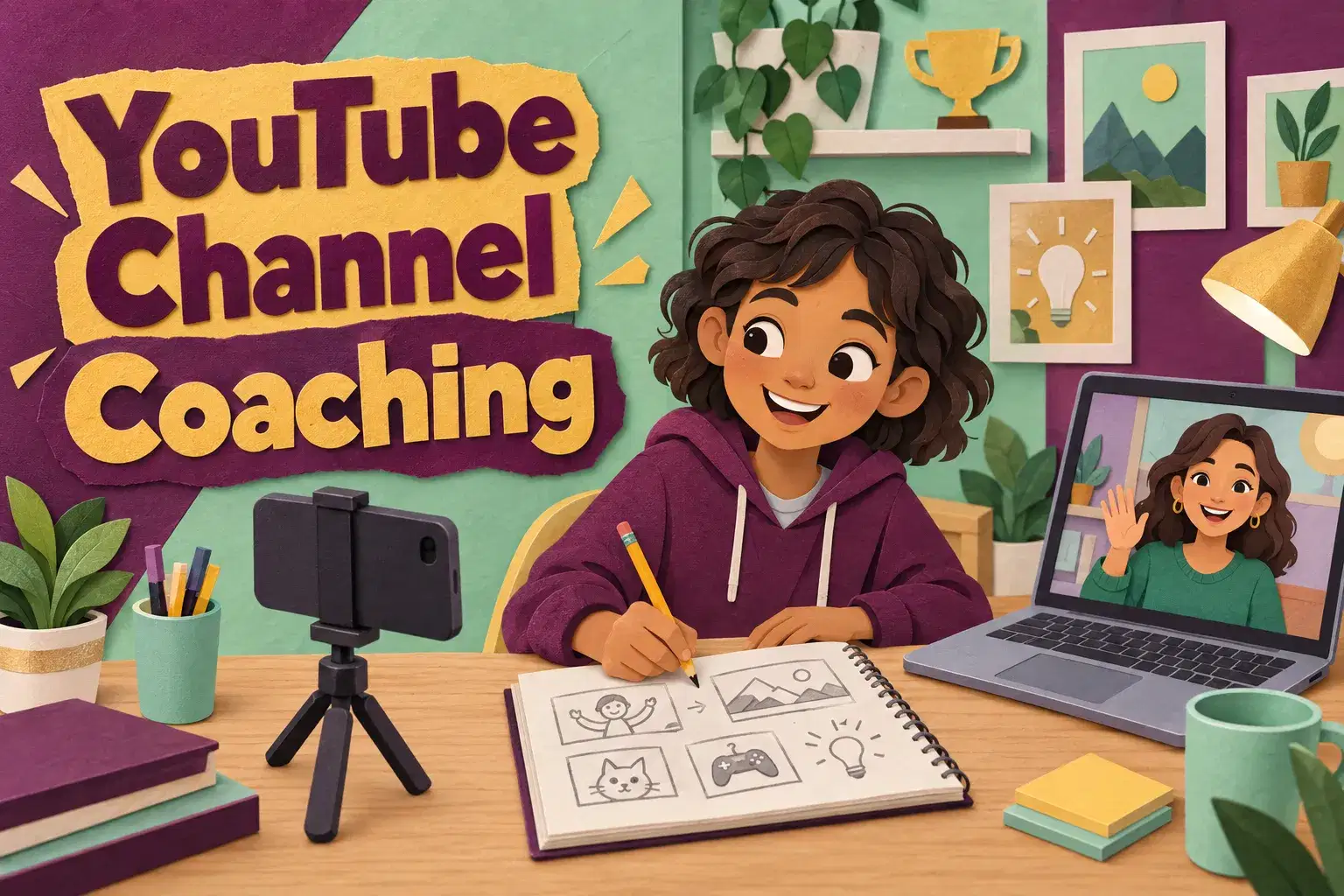
Private weekly coaching for kids and teens ages 10 to 16 who already make videos and want a clearer channel. Each session works on the learner's own channel: the idea, the next video plan, thumbnails, titles and what the last video's numbers say.
The first session is a channel review: what the learner makes, who watches and what they want to change. After that, each session follows the same shape. The learner shares their latest video or plan on screen, the tutor gives specific feedback, and they work together on one skill, such as hooks, titles, thumbnails or a posting plan. Each session ends with one task for the week. Learners under 13 work on a channel a parent manages.
Each 45-minute session is one learner with one teacher. There is no fixed lesson plan or set number of sessions: families book as many as they want, and the teacher sets the pace and focus around the learner's goals and gives feedback as they work.
Channel Review and Goals – Look at the learner's videos together, talk about who watches and set two goals for the coaching.
Finding Your Channel Idea and Audience – Describe the channel in one sentence and decide who it is for.
Planning a Video: Hook, Middle, Ending – Plan the next video with a strong opening, a clear middle and an ending that gives viewers a reason to come back.
Titles and Thumbnails – Write three title options and design a thumbnail that matches what the video delivers.
Filming Better with What You Have – Improve light, sound and framing using a phone and things already at home.
Reading Your Numbers – Read views, watch time and where viewers stop watching, and pick one thing to change.
A Posting Plan That Fits School – Build a realistic schedule and a list of video ideas for the next two months.
Channel Refresh and Next Steps – Update the channel banner, description and playlists, and review progress against the goals.

Define a channel idea and the audience it is for
Plan videos with a hook, a middle and a clear ending
Design thumbnails and titles that match the video
Read basic channel numbers such as views and watch time and decide what to change
Build a posting plan that fits around school
Ages 10-16. For learners who have made at least two or three videos. A channel is helpful but not required; learners under 13 need a parent to manage the account.
A notebook for video plans. Any editing app the learner already uses is fine.
Next 7 days, US Eastern Time
No. A channel helps, but the coaching also works with videos saved on a device. Children under 13 cannot hold their own YouTube account, so a parent needs to manage the channel.
The tutor works on the things that make videos better: a clear idea, strong openings, honest titles and thumbnails, and a steady schedule. No one can promise subscriber numbers.
Any topic the family is comfortable with: gaming, art, science, sport, cooking or vlogs. The tutor works from what the child already makes.
Yes, one small task a week, such as writing a hook or designing a thumbnail. It usually takes 20 to 30 minutes, plus any filming the child chooses to do.
A phone or camera for filming, a computer or tablet for the session, and whichever editing app your child already uses.
New class, no reviews yet
Be one of the first families to join. Parents can leave a review after their first class.
Not satisfied after the first class? Full refund.
Amar S.
Intermediate
Level
11–15
Ages
50 min
Duration
1 / Week
Classes
6
Weeks
Aarav P.
Advanced
Level
13–17
Ages
55 min
Duration
1 / Week
Classes
Ongoing
Weeks
Mrs. B.
Intermediate
Level
10–14
Ages
45 min
Duration
1 / Week
Classes
Ongoing
Weeks
Mrs. B.
Beginner
Level
8–12
Ages
45 min
Duration
1 / Week
Classes
Ongoing
Weeks
Mrs. B.
Beginner
Level
9–13
Ages
45 min
Duration
1 / Week
Classes
Ongoing
Weeks
Vinay R.
Advanced
Level
13–17
Ages
55 min
Duration
1 / Week
Classes
Flexible
Weeks
Vandana S.
Intermediate
Level
9–15
Ages
45 min
Duration
1 / Week
Classes
Flexible
Weeks
Vinay R.
Advanced
Level
11–17
Ages
55 min
Duration
1 / Week
Classes
Flexible
Weeks