


Channel Vision and Video Plan
Define the channel idea, audience and style, then plan the first video with a strong hook and simple outline.
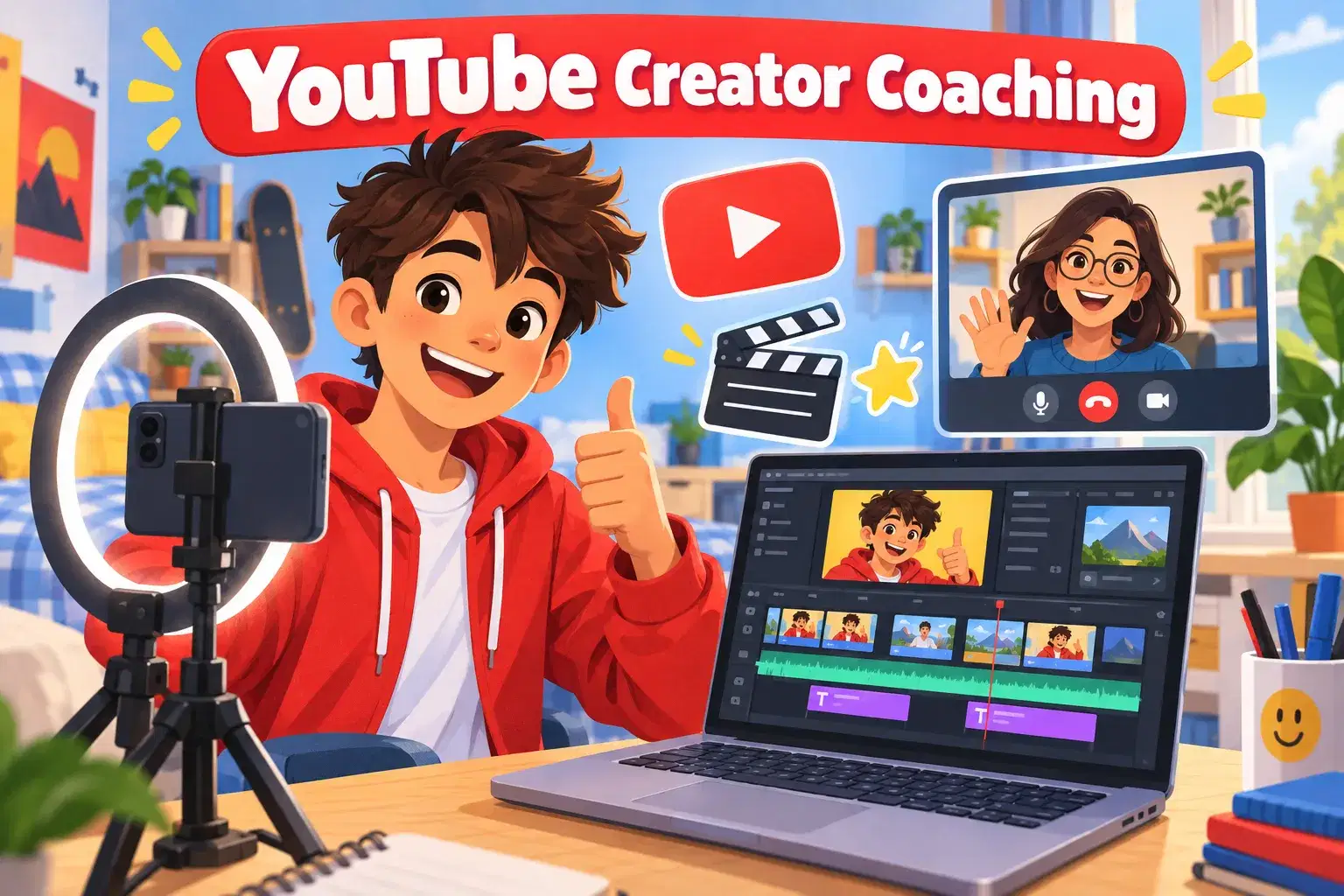
Six 1-on-1 coaching sessions where young creators plan, film and edit polished videos for a channel of their own. Learners lead their own creative direction while a coach helps with storytelling, editing, thumbnails and safe, confident posting habits.
Paid once.
Many young creators can already film clips and drop them into an editor, but their videos do not yet feel like the channels they admire. This 1-on-1 coaching course helps them close that gap. Over six 75-minute sessions, the learner works on real videos for their own channel or portfolio, with a coach who adapts every session to their content, editor and goals.
We begin by defining the learner's channel idea: who it is for, what kind of videos fit, and what makes their voice stand out. The learner sets the direction and makes the creative decisions, while the coach asks questions, shares examples and helps turn ideas into a realistic posting plan.
Hands-on sessions cover the full workflow: planning a hook and story structure, filming with good framing, light and sound, then editing with clean cuts, pacing, B-roll, captions, music and simple effects. The coach watches the timeline on screen share and gives specific, practical notes the learner can apply right away.
Later sessions focus on the details that help a video get watched: strong titles and thumbnails, an engaging opening, and reading basic analytics to decide what to try next. We also talk about online safety, privacy and handling comments calmly, so learners post with confidence and good judgement.
By the end, learners have at least two finished videos and a clear plan for their next ones. Parents decide whether anything is published; videos can stay private as a portfolio.
Each session begins with a quick look at what the learner made since last time. The coach then teaches one focused skill, the learner applies it on their own footage with live feedback, and we close by setting a small, achievable goal for the next session.
Session 1: Channel Vision and Video Plan – Define the channel idea, audience and style, then plan the first video with a strong hook and simple outline.
Session 2: Filming Like a Creator – Practice framing, lighting and clear audio on a phone or camera and capture footage for the first video.
Session 3: Editing for Story and Pace – Cut the first video with clean edits, B-roll and pacing that keeps viewers watching.
Session 4: Captions, Music and Effects – Add captions, music, sound effects and simple transitions that support the story rather than distract.
Session 5: Thumbnails, Titles and Safe Posting – Design a thumbnail and title, and review privacy, online safety and how to handle comments.
Session 6: Second Video and Next-Step Plan – Edit a second video more independently, review both finished videos and plan the next month of content.

Plan a video with a clear hook, structure and audience in mind
Film footage with better framing, light and sound
Edit videos with clean cuts, pacing, captions and music
Design an eye-catching thumbnail and title
Make confident creative decisions and lead their own channel plan
Learners should have a device they can film on and a video editor installed, and should know basic editing actions such as importing clips and trimming. No channel is required.
A phone or camera for filming; a free video editor such as CapCut, DaVinci Resolve or iMovie; headphones for audio editing; a notebook for planning video ideas and scripts.
A step-by-step plan of what your child learns, class by class. · 6 Weeks
Define the channel idea, audience and style, then plan the first video with a strong hook and simple outline.
Practice framing, lighting and clear audio on a phone or camera and capture footage for the first video.
Cut the first video with clean edits, B-roll and pacing that keeps viewers watching.
Add captions, music, sound effects and simple transitions that support the story rather than distract.
Design a thumbnail and title, and review privacy, online safety and how to handle comments.
Edit a second video more independently, review both finished videos and plan the next month of content.
Next 7 days, US Eastern Time
It is for creators aged 11–16 who already film and do basic editing and want their videos to look and feel more professional. It suits kids who want to start or grow a channel, or simply build a portfolio of videos.
No. Many learners keep their videos private or share them only with family, and parents decide whether anything is published. All the skills apply whether or not a video is posted online.
You pick a weekly time from the coach's available slots after enrolling, and the same coach leads all six sessions. If your child needs to reschedule, message the teacher in advance to find another open time.
They will have at least two finished, edited videos with thumbnails and titles, plus a plan for future content. We cannot promise views, subscribers or any particular results online.
A phone or camera for filming and a free editor such as CapCut, DaVinci Resolve or iMovie are enough. The coach adapts to whichever editor your child already uses.
With a Bachelor's in Computer Systems Technology (game development specialization) and a diploma in Computer Information Technology, this instructor brings nearly ten years of experience teaching math, coding, and game development to learners of varied ages. Instruction emphasize…
Vandana S.
Ages 12–17 · 90 min · 3 / Week
$30.00per classSee schedule
Aarohi D.
Ages 12–15 · 50 min · 1 / Week
$20.00per classSee schedule
Aarohi D.
Ages 11–14 · 55 min · 4 / Week
$20.00per classSee schedule
Aarohi D.
Ages 8–10 · 55 min · 1 / Week
$18.00per classSee schedule

Kasturi D.4.8
Ages 13–18 · 55 min · 1 / Week
$20.00per classSee schedule
P. S.4.4
Ages 7–12 · 30 min · 2 / Week
$17.50per classSee schedule
Mr. V.4.6
Ages 13–18 · 45 min · 1 / Week
$18.00per classSee schedule
Vandana S.
Advanced
Level
12–17
Ages
90 min
Duration
3 / Week
Classes
2
Weeks
Aarohi D.
Beginner
Level
12–15
Ages
50 min
Duration
1 / Week
Classes
4
Weeks
Aarohi D.
Beginner
Level
11–14
Ages
55 min
Duration
4 / Week
Classes
1
Weeks
Nandini D.
Beginner
Level
9–11
Ages
50 min
Duration
2 / Week
Classes
2
Weeks
Aarohi D.
Beginner
Level
8–10
Ages
55 min
Duration
1 / Week
Classes
8
Weeks
Kasturi D.
Beginner
Level
13–18
Ages
55 min
Duration
1 / Week
Classes
8
Weeks
P. S.
Beginner
Level
7–12
Ages
30 min
Duration
2 / Week
Classes
2
Weeks
Mr. V.
Beginner
Level
13–18
Ages
45 min
Duration
1 / Week
Classes
10
Weeks