



AS
Amar S.
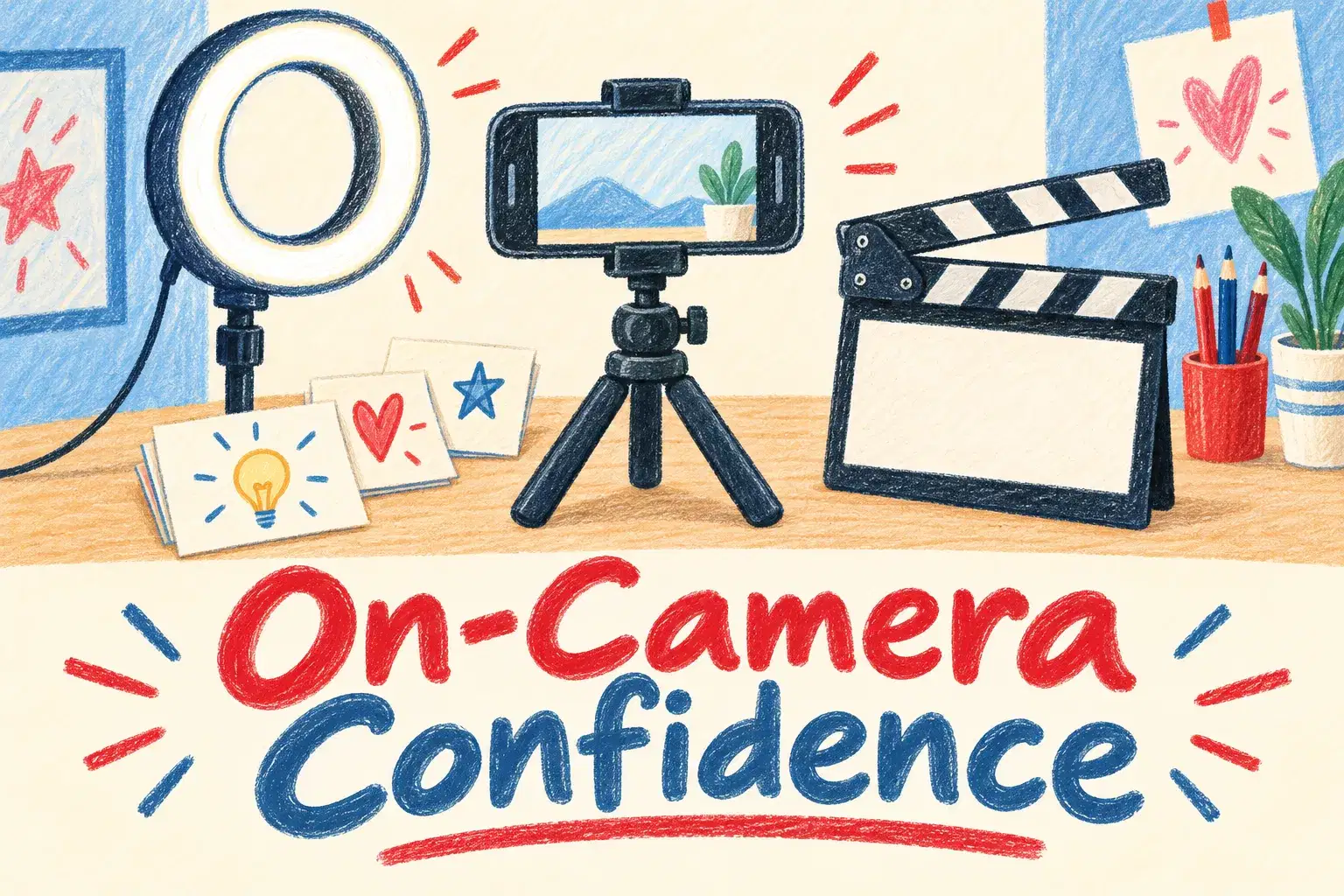
On-Camera Confidence and Scripting for Young Creators
Intermediate
Level
11–15
Ages
50 min
Duration
1 / Week
Classes
6
Weeks
$20.00per class
See schedule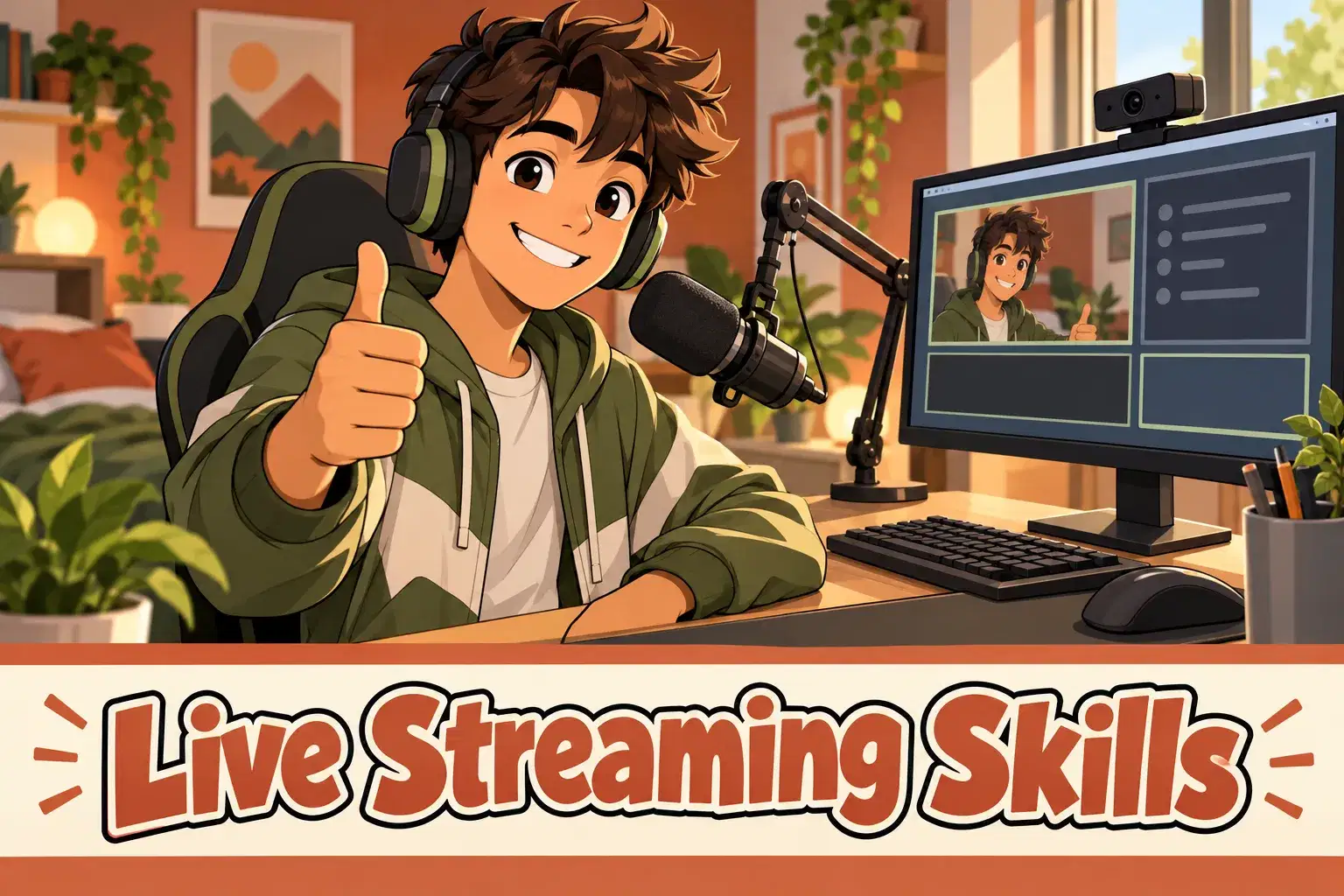
Private lessons for teens ages 13 to 17 who want to stream games or creative work properly. Learners set up streaming software, design scenes and overlays, sort out audio, and learn how to run a stream safely.
Sessions are hands-on. The learner shares their screen and builds their streaming setup step by step with the tutor: scenes, sources, overlays, alerts and audio levels. Every test stream in the course is private or unlisted. A full session is spent on safety: privacy settings, chat moderation, what never to show on screen and how to deal with unkind comments. A parent joins the first session to agree the ground rules.
Each 55-minute session is one learner with one teacher. There is no fixed lesson plan or set number of sessions: families book as many as they want, and the teacher sets the pace and focus around the learner's goals and gives feedback as they work.
Ground Rules and Setup (with a Parent) – Agree the platform, privacy settings and rules with a parent, then install streaming software.
Scenes and Sources – Build scenes for starting, gameplay and a break, and add game, camera and image sources.
Audio That Sounds Clear – Set microphone and game levels, reduce background noise and test a recording.
Overlays, Alerts and Starting Screens – Design a simple overlay, a starting-soon screen and an ending screen.
Privacy, Moderation and Staying Safe – Hide personal details, set chat filters and moderation, and practice handling unkind comments.
Planning a Stream – Plan a 30-minute stream with an opening, segments and an ending.
Private Test Stream – Run a private or unlisted test stream with the tutor watching.
Reviewing the Recording – Watch the test stream back, fix problems and write a pre-stream checklist.

Set up streaming software with scenes, sources and audio that sounds clear
Design overlays, alerts and a starting screen
Plan a stream with a beginning, segments and an ending
Use privacy settings, moderation tools and safe on-screen habits
Review a recorded test stream and improve it
Ages 13-17. Learners should be comfortable recording and editing video. A parent or guardian joins the first session and agrees the platform and privacy settings.
Free streaming software is installed together in the first session.
Next 7 days, US Eastern Time
No. Every test stream in the course is private or unlisted. Whether to go public afterwards is for you and your teen to decide.
To agree which platform is used, the privacy settings and the house rules. Streaming platforms set their own minimum ages, usually 13 or older, so please check the one you choose.
Hiding personal details and location, chat filters and moderators, what never to show on screen, and what to do about unkind or inappropriate comments.
A laptop or desktop that can run the game or app being streamed and free streaming software at the same time, plus a microphone or headset. A webcam is optional.
No. The course uses free streaming software, installed together in the first session.
New class, no reviews yet
Be one of the first families to join. Parents can leave a review after their first class.
Not satisfied after the first class? Full refund.
Amar S.
Intermediate
Level
11–15
Ages
50 min
Duration
1 / Week
Classes
6
Weeks
Aarav P.
Advanced
Level
13–17
Ages
55 min
Duration
1 / Week
Classes
Ongoing
Weeks
Mrs. B.
Intermediate
Level
10–14
Ages
45 min
Duration
1 / Week
Classes
Ongoing
Weeks
Mrs. B.
Beginner
Level
8–12
Ages
45 min
Duration
1 / Week
Classes
Ongoing
Weeks
Mrs. B.
Beginner
Level
9–13
Ages
45 min
Duration
1 / Week
Classes
Ongoing
Weeks
Vandana S.
Intermediate
Level
9–15
Ages
45 min
Duration
1 / Week
Classes
Flexible
Weeks
Vinay R.
Advanced
Level
11–17
Ages
55 min
Duration
1 / Week
Classes
Flexible
Weeks
Vandana S.
Intermediate
Level
10–16
Ages
45 min
Duration
1 / Week
Classes
Flexible
Weeks