

AA
Alok A.
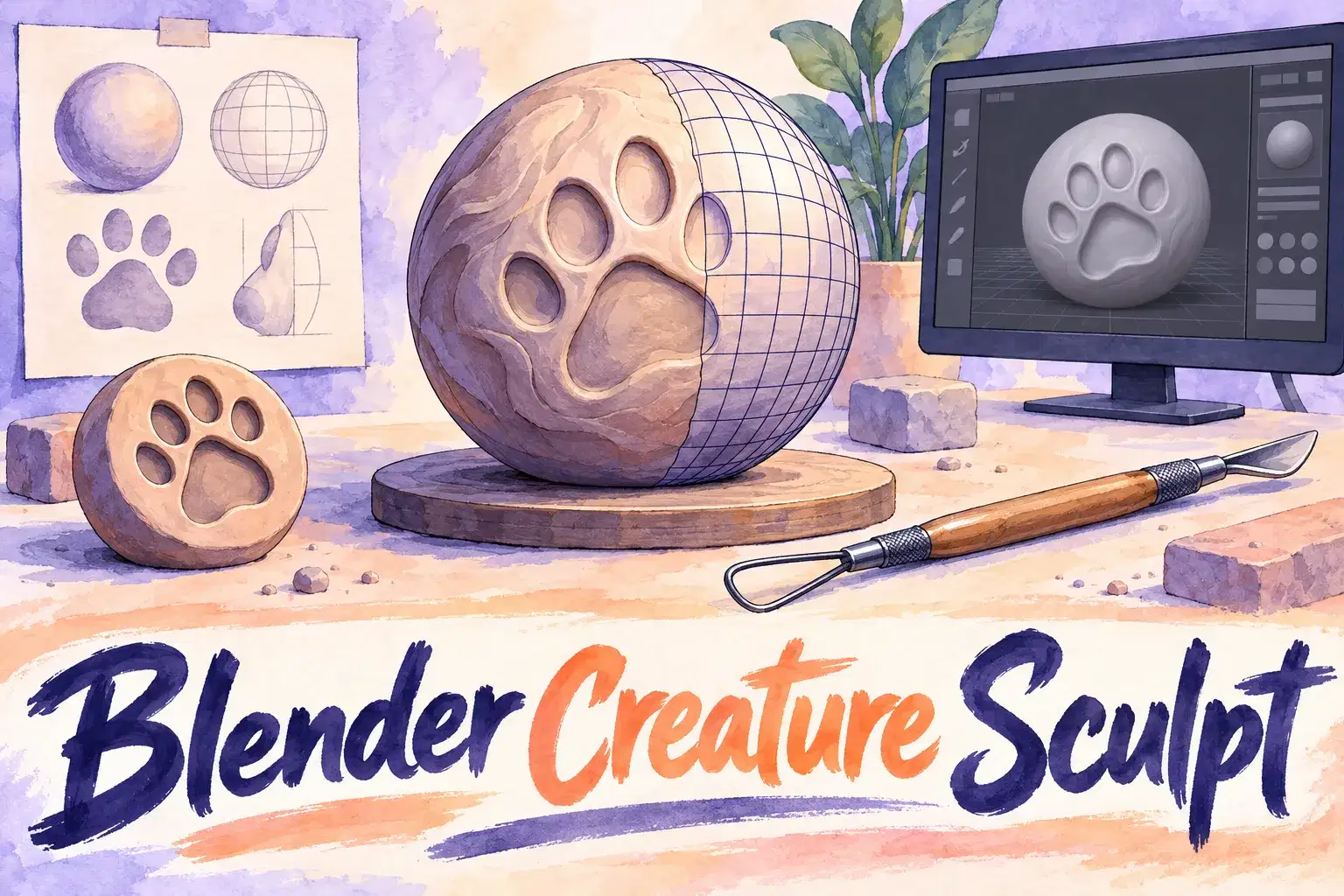
Blender Creature Sculpting: Model Your Own Animal Character
Intermediate
Level
12–17
Ages
55 min
Duration
1 / Week
Classes
6
Weeks
$20.00per class
See schedule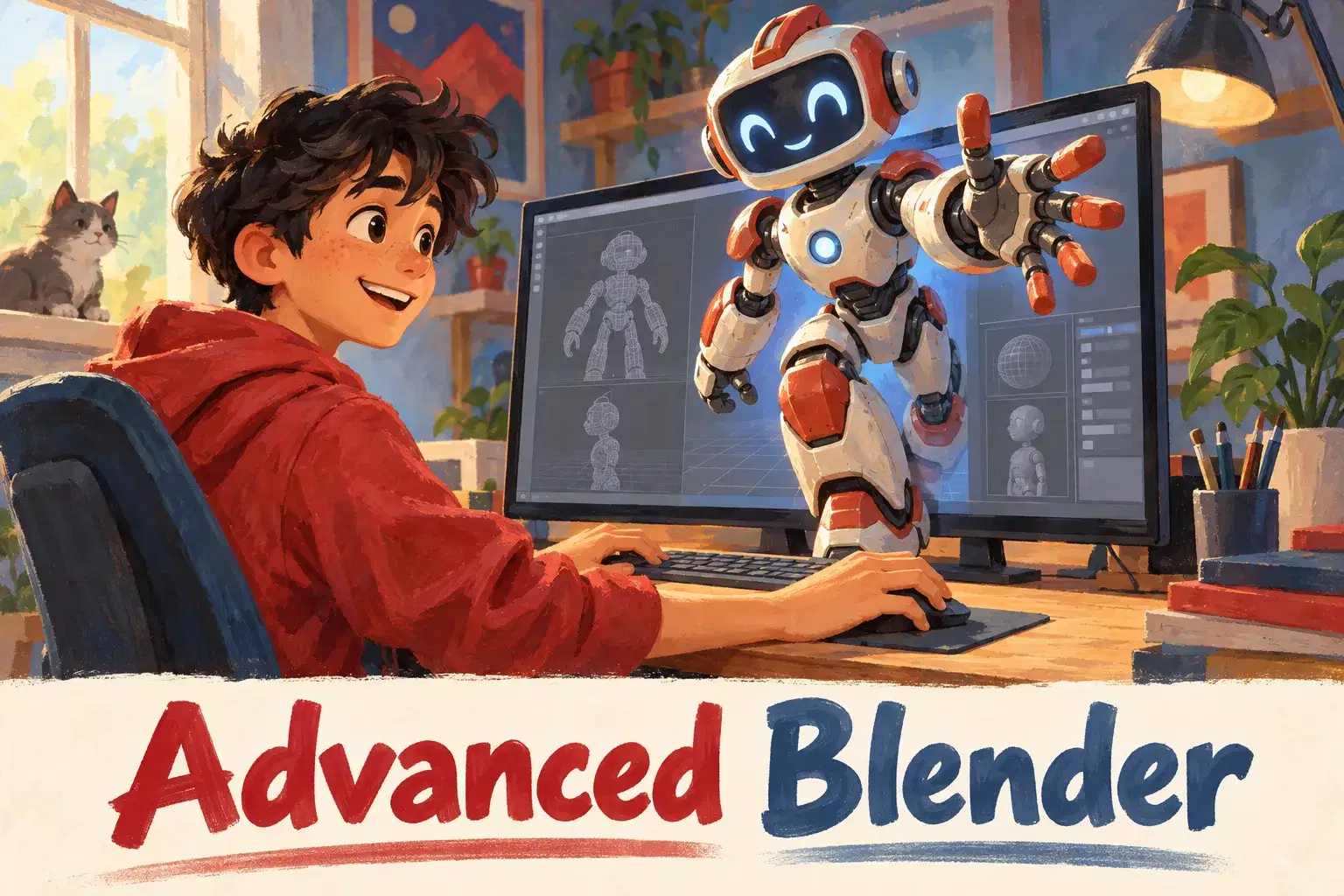
Private Blender lessons for ages 12 to 17 who know their way around the software and want cleaner models and better renders. Learners work on their own project with a tutor guiding each step.
The learner shares their Blender file and the tutor reviews it like a studio lead would: topology, scale, materials, lighting. Each session targets the weakest area with a demo and guided practice. Over several sessions the learner takes one model from rough shape to a finished, lit render.
Each 55-minute session is one learner with one teacher. There is no fixed lesson plan or set number of sessions: families book as many as they want, and the teacher sets the pace and focus around the learner's goals and gives feedback as they work.
Project Review and Plan – Review current work and choose the model to finish.
Clean Topology – Fix messy geometry and use loop cuts well.
Modifiers – Use mirror, bevel and subdivision without destroying the mesh.
Sculpting Details – Add fine detail with sculpt brushes.
Materials and Textures – Build materials with the shader editor.
Lighting the Scene – Set up three-point lighting and an environment.
Camera and Composition – Frame the shot and set depth of field.
Final Render – Render, export and review the finished piece.

Model with clean topology using modifiers
Create and apply materials and textures
Light a scene and set up a camera
Render and export a finished image or turntable
Ages 12-17. Learners should be able to navigate Blender, add objects and use edit mode. Blender installed before the first session.
Next 7 days, US Eastern Time
No. Beginners should take an introductory Blender course first.
One that runs Blender without lag. A dedicated graphics card helps with rendering but is not essential.
Yes. That is the best way to use the sessions.
The price shown is for one session. There is no fixed number of sessions: book as many as you want, and move a session to another time if a week does not work.
Yes. The first session checks what your child already knows, and the plan is adjusted from there.
New class, no reviews yet
Be one of the first families to join. Parents can leave a review after their first class.
Not satisfied after the first class? Full refund.
Alok A.
Intermediate
Level
12–17
Ages
55 min
Duration
1 / Week
Classes
6
Weeks
Ankur M.
Beginner
Level
8–12
Ages
50 min
Duration
1 / Week
Classes
1
Weeks
H. G.
Intermediate
Level
10–14
Ages
55 min
Duration
1 / Week
Classes
6
Weeks

Anjali J.
Beginner
Level
9–13
Ages
45 min
Duration
1 / Week
Classes
Ongoing
Weeks
Abhay K.
Beginner
Level
10–14
Ages
55 min
Duration
1 / Week
Classes
1
Weeks
Amit M.
Beginner
Level
7–11
Ages
55 min
Duration
1 / Week
Classes
1
Weeks
Alisha V.
Beginner
Level
8–12
Ages
55 min
Duration
1 / Week
Classes
1
Weeks
Miss K.
Advanced
Level
13–18
Ages
55 min
Duration
1 / Week
Classes
Flexible
Weeks