By Isabella ·
Minecraft Classes for Kids: From Player to Creator
Help your Minecraft-loving child explore building, game design, coding logic, and creative challenges—without turning a favorite game into homework.
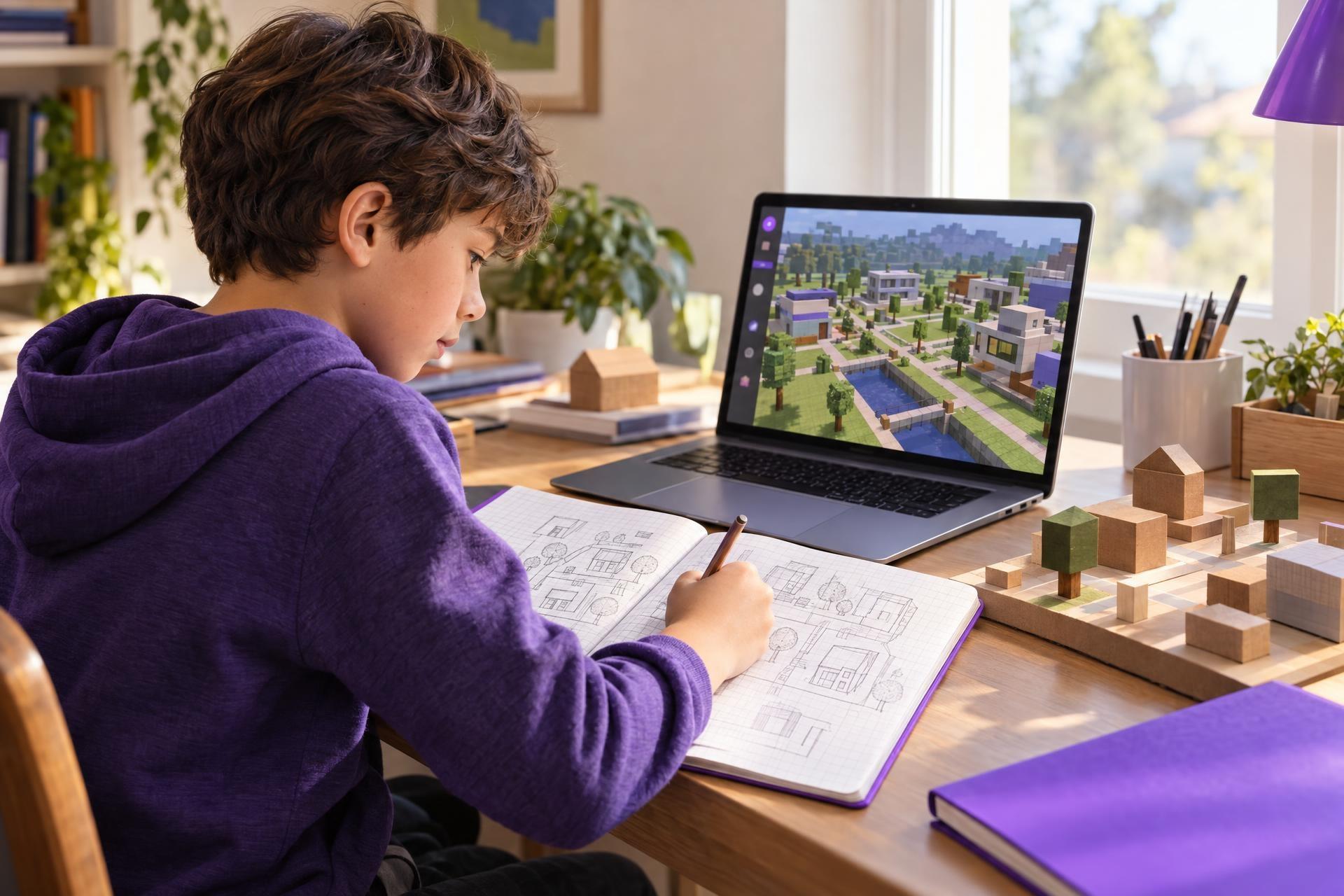
Your child may spend hours talking about a new build, showing you a clever mechanism, watching videos about faraway Minecraft worlds, or sketching ideas for a server of their own. It is natural to wonder whether that enthusiasm could lead somewhere beyond play.
It can—but it does not need to become a test-prep project or a serious career plan. A Minecraft-related class can simply be a next step for a child who wants to make something, solve a design problem, or understand how part of a game works. The familiar setting lowers the barrier: instead of starting with an abstract lesson on coding or design, your child begins with a world they already care about.
Minecraft can be an approachable starting point for a child who wants to create, not just play. The best next step depends on what already holds their attention: designing spaces, figuring out mechanisms, inventing stories, sharing ideas, or collaborating with friends. A well-matched class or project adds a meaningful prompt, a manageable challenge, and room to revise without turning a favorite hobby into homework. Start with the interest you see, choose an experience that fits your child’s readiness and your family’s comfort level, and treat the first try as an experiment.
The useful question is not, “Is Minecraft educational?” Playing a game alone does not automatically build a particular skill. A better question is: what does my child like doing in and around Minecraft, and what kind of guided challenge might help them explore that interest?
Keep the joy; add an invitation to create
Ordinary gameplay has value as play. Children do not need to justify every hobby by turning it into an accomplishment. At the same time, a well-matched class or project can offer a different experience from free play: a prompt to respond to, a design constraint to work around, time to revise an idea, and a chance to explain choices to other people.
The goal is not to make Minecraft “productive.” It is to offer an inviting next adventure when your child is ready for one.
That shift—from consuming or exploring a world to making something purposeful within a familiar kind of world—is where Minecraft can become an approachable doorway to creative and technical learning.
For example, instead of simply building a house, a child might be asked to design a neighborhood for a particular group of residents. They may need to decide where paths go, how people move through the space, which materials fit the setting, and what features make the area welcoming. The point is not to produce the “best” build. It is to make decisions, test them, and describe the thinking behind them.
Likewise, a child interested in mechanisms might enjoy a challenge that introduces sequences, conditions, or troubleshooting through game-related logic. They do not need to commit to a full programming course on day one. A familiar theme can make it easier to find out whether they enjoy the problem-solving side of coding.
Notice the kind of Minecraft fan your child is
“Likes Minecraft” covers a lot of ground. Two children who play the same game may be excited by entirely different things. Looking for the pattern in your child’s interest is often the best way to choose a class, club, or at-home challenge.
| If your child tends to... | They may enjoy exploring... | A helpful first experience could be... |
|---|---|---|
| Recreate houses, landmarks, or interiors | Spatial design, architecture-inspired building, planning | A creative building class with a theme, blueprint, or design brief |
| Talk constantly about mechanisms and how things work | Logic, sequences, systems, troubleshooting | A beginner-friendly coding or game-systems challenge |
| Invent characters, lore, quests, or whole new worlds | Storytelling, worldbuilding, game design | A collaborative world-design or narrative-building project |
| Watch videos and imagine what they would make | Creative confidence, iteration, sharing ideas | A guided challenge with small, achievable build-and-share steps |
| Want to play with friends and lead the plan | Collaboration, communication, project planning | A structured small-group creative challenge with clear instructor guidance |
These are possibilities, not labels. A child may move among several interests—or discover that their favorite part is not the one you expected. That is a successful outcome, too. Interest-led learning is partly about giving children a safe way to try an idea and see what sticks.
How a guided Minecraft experience can differ from free play
The strongest learning experiences preserve room for choice while adding just enough structure to stretch a child’s thinking. They are less about making a game feel like school and more about giving a young creator a meaningful brief.
Depending on the class, that structure might include:
- A design prompt: Build a sustainable village, a museum, a habitat, or a setting for a story.
- A constraint: Work within a limited space, use a certain group of materials, or make a design accessible and easy to navigate.
- A process: Sketch an idea, build a first version, notice what is not working, and revise.
- A technical question: Figure out why a system does not behave as intended, then test a different approach.
- A moment to share: Explain a design choice, give a short tour, or exchange feedback with peers.
Those elements create opportunities to practice planning, communication, persistence, and problem-solving. They are opportunities—not guarantees. The experience will depend on the child, the instructor, the group, and the class design. But for many children, a project connected to a real interest feels more inviting than a skill presented in isolation.
Three ways a next step might look
The young builder
An 8-year-old loves making elaborate homes and carefully decorating each room. A build-and-design class may be a better fit than a coding-heavy course right now. They could plan a neighborhood, think about space and materials, and present why they put certain features where they did. The child is still building for fun, but now has an occasion to plan and communicate their vision.
The systems thinker
A 10-year-old is fascinated by switches, mechanisms, and what makes a game respond. Rather than assuming they need an advanced programming class, look for a beginner experience that uses commands, sequences, simple logic, or puzzle-like problem-solving. It can help them explore the underlying appeal—making systems work—at an appropriate level.
The reluctant “coder”
A 12-year-old says coding sounds boring but spends plenty of time watching Minecraft creators and inventing world ideas. A collaborative design challenge or game-design-themed class may offer a lower-pressure introduction. They might discover they enjoy building a game experience, shaping a challenge for another player, or revising an idea after feedback. Or they may decide it is not for them. Either answer is useful information.
How to choose a Minecraft class without overthinking it
A class title alone will not tell you everything. “Minecraft coding,” “game design,” and “creative building” can mean different things in different programs. Before enrolling, look at the individual class description and consider these practical questions.
- What will my child actually make or do? Look for a clear project, challenge, or activity—not only a broad promise of skills.
- Is the level right? Check whether the class expects prior game experience, reading ability, or familiarity with technical ideas. A good beginning point should feel interesting, not intimidating.
- Does the format fit my child? Some children love live group brainstorming; others do better with a smaller group, more direct instruction, or time to work independently.
- How much choice is built in? For a highly creative child, an open-ended project may be energizing. For a child who prefers clear rules, a more structured challenge may be more comfortable.
- What is the instructor’s role? Look for details about how learners receive guidance, how projects are paced, and how collaboration is managed.
- What platform or version is involved? Do not assume every class uses the same Minecraft product, game mode, or coding tool. Confirm the requirements in the listing before signing up.
It can help to frame the first class as an experiment: “Want to try this and see whether you like making worlds with a group?” That keeps the stakes low and respects your child’s ownership of the interest.
For online and multiplayer formats, review the details first
Online creative experiences can be a good fit for some families, especially when a child is excited to collaborate. They also call for a quick look at the practical setup. Read the class information to understand whether learners interact in a shared world, how the instructor guides the group, what account or device is needed, and what parents may need to set up in advance.
For Minecraft account, privacy, and multiplayer choices, use the family settings and guidance available for the version your child uses. Minecraft’s parent resources explain that available controls and multiplayer options can vary by account and platform. It is worth reviewing these settings rather than assuming that every online experience works the same way.
Most importantly, choose an experience that matches your family’s comfort level and your child’s readiness. A child does not need multiplayer play to explore building, design, or beginner coding ideas.
What parents can do next
- Notice what your child returns to most: planning builds, solving mechanisms, inventing stories, watching creators, or organizing friends.
- Choose one low-stakes challenge or class direction that matches that interest rather than trying to cover every possible skill.
- Review the individual class description for the project, expected level, format, platform or version, and instructor guidance.
- For online or multiplayer options, check the account, device, privacy, and family settings that apply to the version your child uses.
- Afterward, ask what they liked making or figuring out—not whether they are now “good at” coding or design.
You do not have to turn a child’s favorite game into a grand plan. Start with what you already see: the child who sketches builds may want a design prompt; the child who keeps asking “how did that work?” may want a systems challenge; the child with endless world ideas may want an audience for them.
When Minecraft-related learning is framed as a chance to create something of their own, it can help a child explore building, storytelling, game design, or coding logic without leaving their curiosity behind.
Helpful parent resources
Find a creative next step
Explore Minecraft-related classes and adjacent creative technology experiences based on what your child wants to try next.