




AS
Amar S.
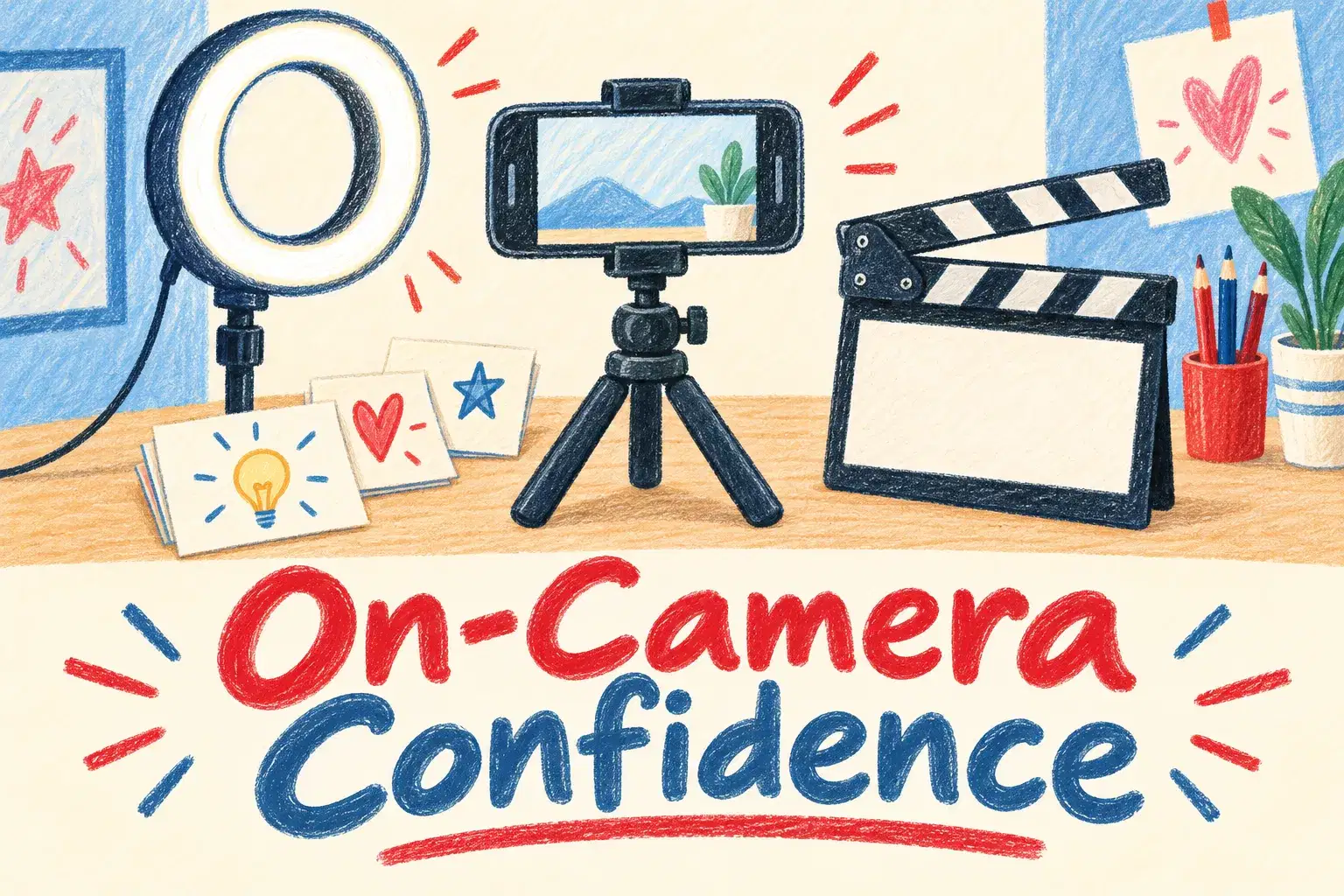
On-Camera Confidence and Scripting for Young Creators
Intermediate
Level
11–15
Ages
50 min
Duration
1 / Week
Classes
6
Weeks
$20.00per class
See schedule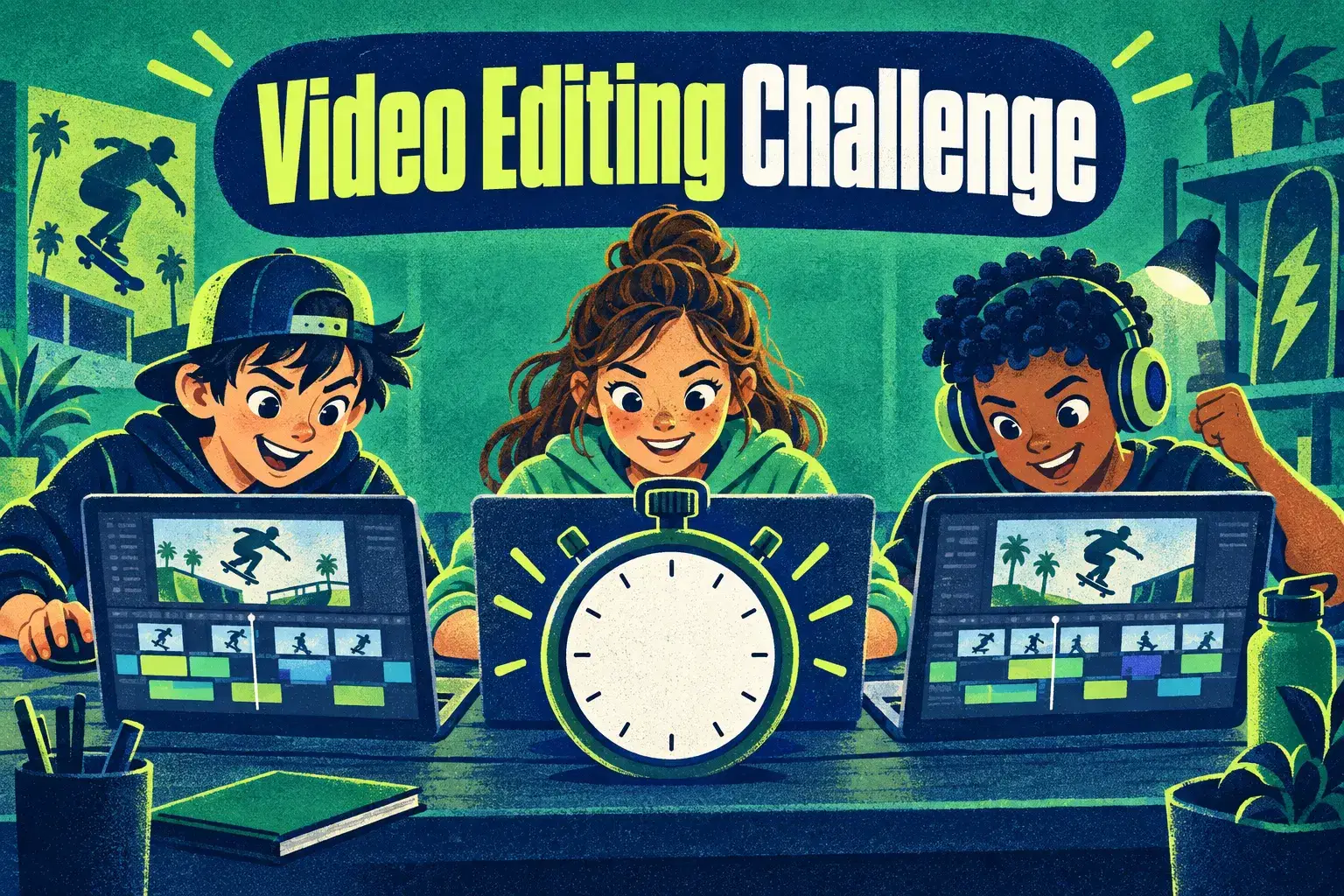
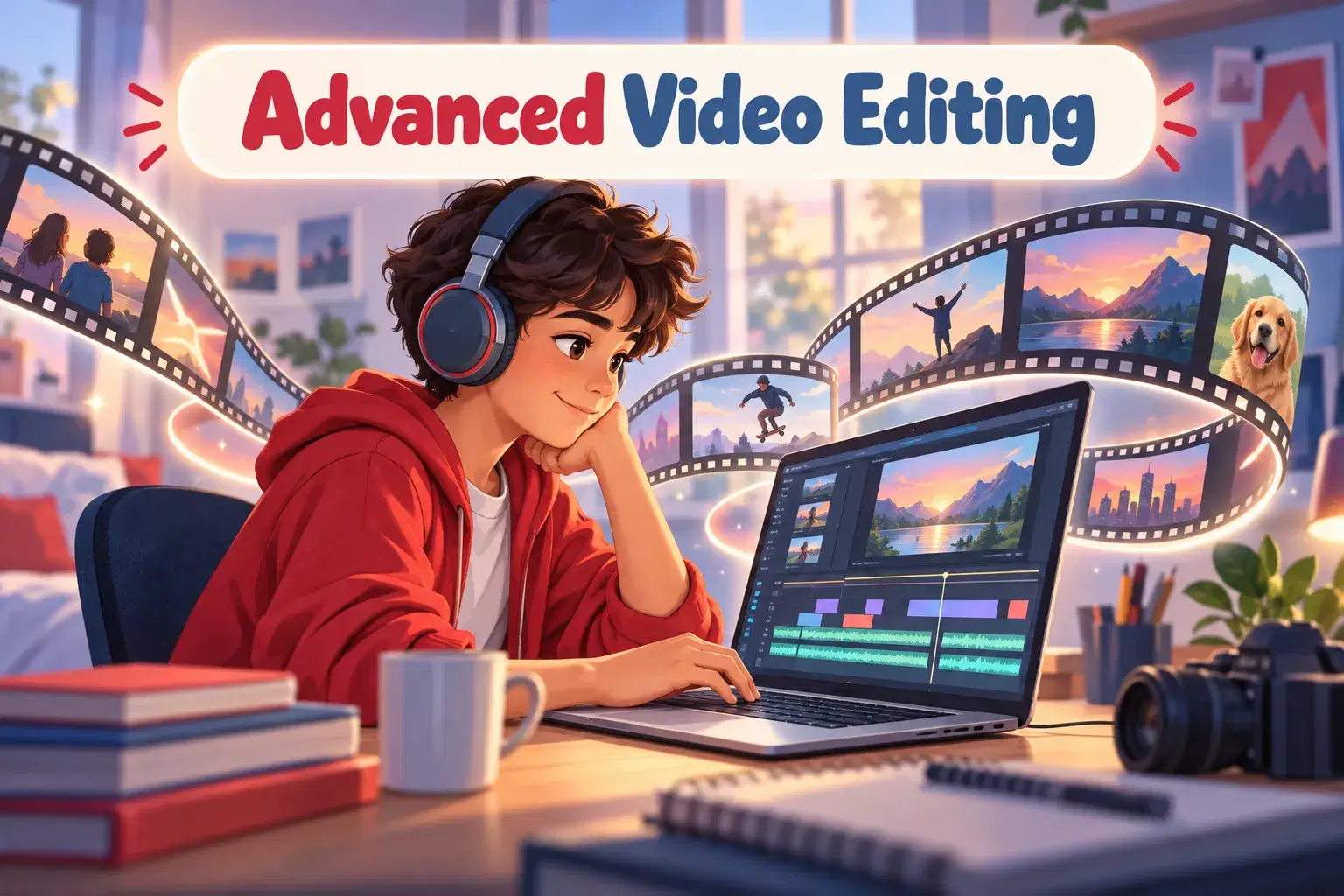
A weekly club for ages 10 to 14 who can already edit a basic video and want to get faster and better. Everyone gets the same footage and one challenge, such as 'cut it to the beat' or 'tell it in 30 seconds', then compares edits.
At the start of class the teacher shares a small pack of clips and the week's challenge, with a five-minute demo of the technique behind it. Members edit for about 25 minutes while the teacher helps one by one. In the last ten minutes, volunteers play their edit and the group points out what worked. Because everyone starts from the same clips, members see how many ways one story can be cut. Classes stand alone, so members can join any week.
The club meets every week for 45 minutes with up to 8 learners. There is no last class: each meeting stands on its own, so learners can join in any week and stay as long as they like.
Cut It to the Beat – Edit a set of clips so every cut lands on the music.
Tell It in 30 Seconds – Turn two minutes of footage into a clear 30-second story.
Speed Ramps and Slow Motion – Use speed changes to make one moment stand out.
Sound Effects Only – Rebuild the sound of a silent clip using effects and no music.
Same Clips, New Mood – Edit the same footage twice, once as funny and once as dramatic.
The Perfect Hook – Make the first three seconds impossible to skip.

Edit faster using keyboard shortcuts and a tidy timeline
Cut to music and control pace
Use transitions, speed changes and effects with a purpose
Tell a clear story in 30 to 60 seconds
Explain editing choices and learn from other people's edits
Ages 10-14. Members should already be able to trim clips, add music and export a video in CapCut, Clipchamp or DaVinci Resolve.
Clips for each challenge are shared in class.
Next 7 days, US Eastern Time
They should be able to trim clips, add music and export a video without help. The club builds speed and skill from there.
The teacher shares a small pack of clips at the start of each class, so everyone edits the same material.
CapCut, Clipchamp or DaVinci Resolve. Members use whichever they already know, and the challenges work in all three.
It is friendly. Members compare edits to see different ways of solving the same challenge, and no one is ranked.
Yes. Each class has a new challenge and new clips.
New class, no reviews yet
Be one of the first families to join. Parents can leave a review after their first class.
Not satisfied after the first class? Full refund.
Amar S.
Intermediate
Level
11–15
Ages
50 min
Duration
1 / Week
Classes
6
Weeks
Aarav P.
Advanced
Level
13–17
Ages
55 min
Duration
1 / Week
Classes
Ongoing
Weeks
Mrs. B.
Beginner
Level
8–12
Ages
45 min
Duration
1 / Week
Classes
Ongoing
Weeks
Mrs. B.
Beginner
Level
9–13
Ages
45 min
Duration
1 / Week
Classes
Ongoing
Weeks
Vinay R.
Advanced
Level
13–17
Ages
55 min
Duration
1 / Week
Classes
Flexible
Weeks
Vandana S.
Intermediate
Level
9–15
Ages
45 min
Duration
1 / Week
Classes
Flexible
Weeks
Vinay R.
Advanced
Level
11–17
Ages
55 min
Duration
1 / Week
Classes
Flexible
Weeks
Vandana S.
Intermediate
Level
10–16
Ages
45 min
Duration
1 / Week
Classes
Flexible
Weeks