




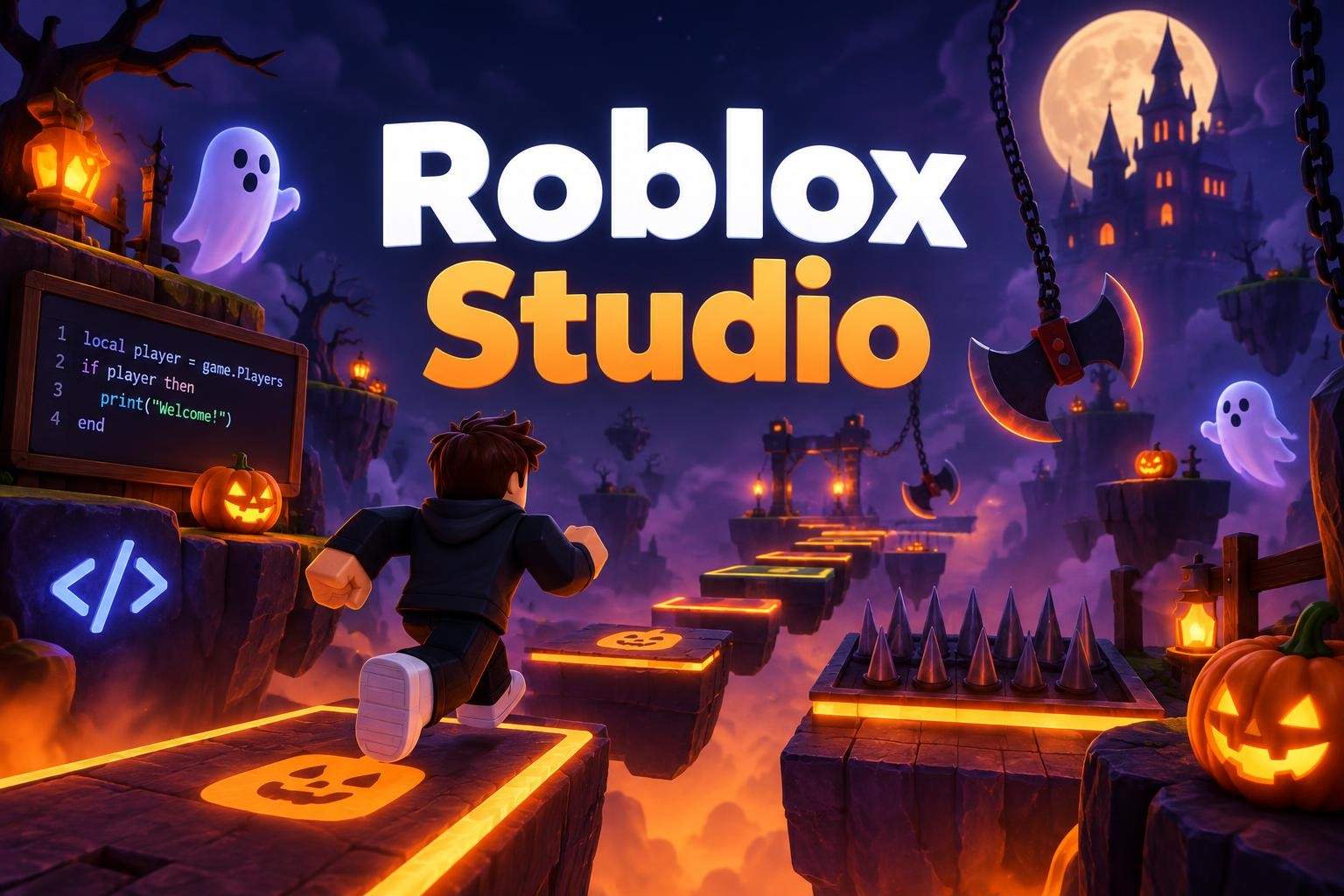
Roblox Studio: Haunted Obby Design & Code
Sakshi Gupta
Ages 12–15 · 55 min · 2 / Week
$13.00per classSee schedule
This hands-on, four-class course guides beginners through creating a Halloween-themed obby in Roblox Studio. Instead of only following step-by-step tutorials, learners make creative choices at every stage, turning a blank workspace into a complete, playable 3D obstacle course. Across four sessions, the instructor demonstrates each new tool and technique, then supports learners as they apply those skills to their own projects. Students build platforms, jumps, and obstacle layouts using Roblox Studio’s object and terrain tools. They design a Halloween atmosphere with decorations, lighting, and environment details that set mood and theme. Coding is introduced in context using beginner-friendly Lua. Learners script interactive elements such as moving obstacles, disappearing platforms, teleport triggers, and checkpoints so players can progress through the level. Emphasis is on readable, testable scripts that change gameplay in visible ways, helping students connect code to immediate results. The final session focuses on testing, debugging, and polishing: adding checkpoint and finish logic, adjusting difficulty, and fixing bugs for smoother play. By course end, each learner will have a Halloween obby they designed, coded, tested, and refined themselves. No prior Roblox Studio or coding experience is required. The course is paced for new programmers and young game designers who want a project-based introduction to game design and Lua scripting in Roblox Studio.
Paid once.
Four live classes combine instructor demos with guided build time. Students follow step-by-step instruction, make individual design choices, and get real-time help while scripting, testing, and refining their obbys. The final class centers on debugging and playtesting.
Build a playable 3D obby using Roblox Studio tools
Design a Halloween-themed environment with decorations and lighting
Write beginner Lua scripts for interactive obstacles and triggers
Add checkpoints, test gameplay, and debug for smoother play
None. No prior Roblox Studio or coding experience required.
Choose a time that works best for you. All times are shown in Coordinated Universal Time.
Sneha is a game development educator who blends playful creativity with technical fundamentals to help children build and publish real games on Roblox. Over six years she has designed hands-on curricula that guide learners from simple part-based modeling to full scene composition…
Sakshi Gupta
Ages 12–15 · 55 min · 2 / Week
$13.00per classSee schedule
Sakshi Gupta
Ages 9–11 · 55 min · 2 / Week
$15.00per classSee schedule
Sakshi Gupta
Ages 12–15 · 55 min · 1 / Week
$18.00per classSee schedule
Nikhil Kapoor4.4
Ages 7–12 · 55 min · 1 / Week
$10.00per classSee schedule
Bhavya Sharma3.8
Ages 14–18 · 55 min · 1 / Week
$25.00per classSee schedule
Bhavya Sharma4.3
Ages 8–13 · 55 min · 1 / Week
$23.00per classSee schedule
Bhavya Sharma4.5
Ages 7–12 · 55 min · 1 / Week
$20.00per classSee schedule
Bhavya Sharma4.5
Ages 8–12 · 55 min · 1 / Week
$12.00per classSee schedule
Sakshi Gupta
Beginner
Level
12–15
Ages
55 min
Duration
2 / Week
Classes
2
Weeks
Sakshi Gupta
Beginner
Level
9–11
Ages
55 min
Duration
2 / Week
Classes
2
Weeks
Sakshi Gupta
Beginner
Level
12–15
Ages
55 min
Duration
1 / Week
Classes
1
Weeks
Nikhil Kapoor
Mixed Level
Level
7–12
Ages
55 min
Duration
1 / Week
Classes
12
Weeks
Bhavya Sharma
Mixed Level
Level
14–18
Ages
55 min
Duration
1 / Week
Classes
12
Weeks
Bhavya Sharma
All Levels
Level
8–13
Ages
55 min
Duration
1 / Week
Classes
12
Weeks
Bhavya Sharma
Beginner
Level
7–12
Ages
55 min
Duration
1 / Week
Classes
12
Weeks
Bhavya Sharma
Beginner
Level
8–12
Ages
55 min
Duration
1 / Week
Classes
8
Weeks