




1-on-1 History Presentation Coach
Tanvi Banerjee
Ages 11–15 · 45 min · 1 / Week
$20.25per classSee schedule
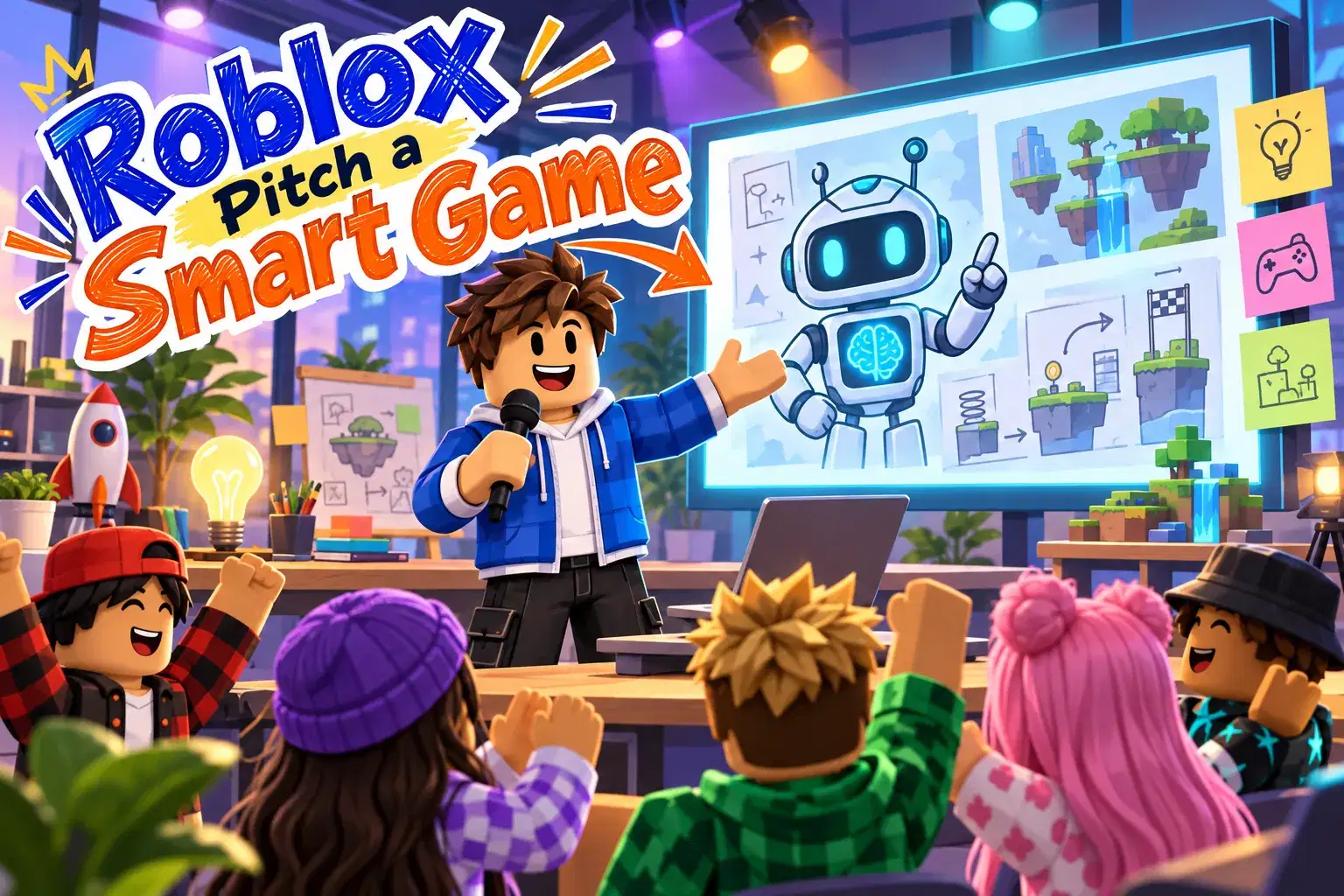
A four-week design course where learners invent a Roblox game that uses AI in a meaningful way. They research AI ideas, design mechanics, build a mockup and pitch the concept.
Paid once.
What would a truly smart Roblox game look like? In this four-week course learners become game designers and invent a concept for a game that uses AI in a creative, meaningful and responsible way.
In week one learners explore how AI is already used in games, such as enemies that adapt, characters that respond to dialogue and worlds that generate themselves. They discuss what makes AI fun rather than frustrating. Week two is about ideas. Learners brainstorm game concepts, choose one and write a one-page design with the game's goal, players, core mechanic and how AI improves the experience. They also consider responsible design, such as fairness, privacy and safety for young players. In week three learners build a mockup scene in Roblox Studio that shows what their game would look like, including key characters and one mechanic. The final week is pitch day. Learners present their concept, answer questions from classmates and receive feedback.
The teacher shares real examples, guides the design process and helps learners keep their ideas realistic. No coding or AI tools are required, though learners who code can prototype a mechanic.
By the end learners will have a clear AI game concept, a mockup scene and practice presenting ideas with confidence.
Each class covers one stage of game design with examples and a hands-on task. Learners present their concept in a final pitch.
Week 1: AI in Games Today – Explore adaptive enemies and generated worlds.
Week 2: Concept and Design Doc – Write a one-page design with responsible choices.
Week 3: Mockup Scene – Build a scene that shows the concept.
Week 4: Pitch Day – Present the concept and take questions.
Describe ways AI is used in games
Write a one-page game design document
Consider fairness privacy and safety in design
Build a mockup scene that shows a concept
Pitch an idea and respond to feedback
Basic Roblox Studio navigation. No coding needed.
Nisha designs a 24-class semester that guides students through Python fundamentals with hands-on projects in game development, chatbot construction, and basic computer vision using webcam tools. Her lessons blend live coding demonstrations with scaffolded exercises so beginners s…
Tanvi Banerjee
Ages 11–15 · 45 min · 1 / Week
$20.25per classSee schedule
Sharda Kumar
Ages 10–13 · 30 min · 1 / Week
$19.00per classSee schedule
Aarohi Desai
Ages 12–15 · 50 min · 1 / Week
$19.75per classSee schedule
Aarohi Desai
Ages 11–14 · 55 min · 4 / Week
$19.50per classSee schedule
Ananya Sinha
Ages 11–14 · 55 min · 1 / Week
$19.75per classSee schedule
Neha Sharma
Ages 9–11 · 50 min · 4 / Week
$15.00per classSee schedule
Tanvi Banerjee
Beginner
Level
11–15
Ages
45 min
Duration
1 / Week
Classes
4
Weeks
Sharda Kumar
Beginner
Level
10–13
Ages
30 min
Duration
1 / Week
Classes
1
Weeks
Aarohi Desai
Beginner
Level
12–15
Ages
50 min
Duration
1 / Week
Classes
4
Weeks
Aarohi Desai
Beginner
Level
11–14
Ages
55 min
Duration
4 / Week
Classes
1
Weeks
Ananya Sinha
Intermediate
Level
11–14
Ages
55 min
Duration
1 / Week
Classes
8
Weeks
Neha Sharma
Beginner
Level
9–11
Ages
50 min
Duration
4 / Week
Classes
1
Weeks
Sanya Patel
Beginner
Level
6–8
Ages
45 min
Duration
4 / Week
Classes
1
Weeks
Pooja Bose
Beginner
Level
4–5
Ages
40 min
Duration
4 / Week
Classes
1
Weeks