




AS
Amar S.
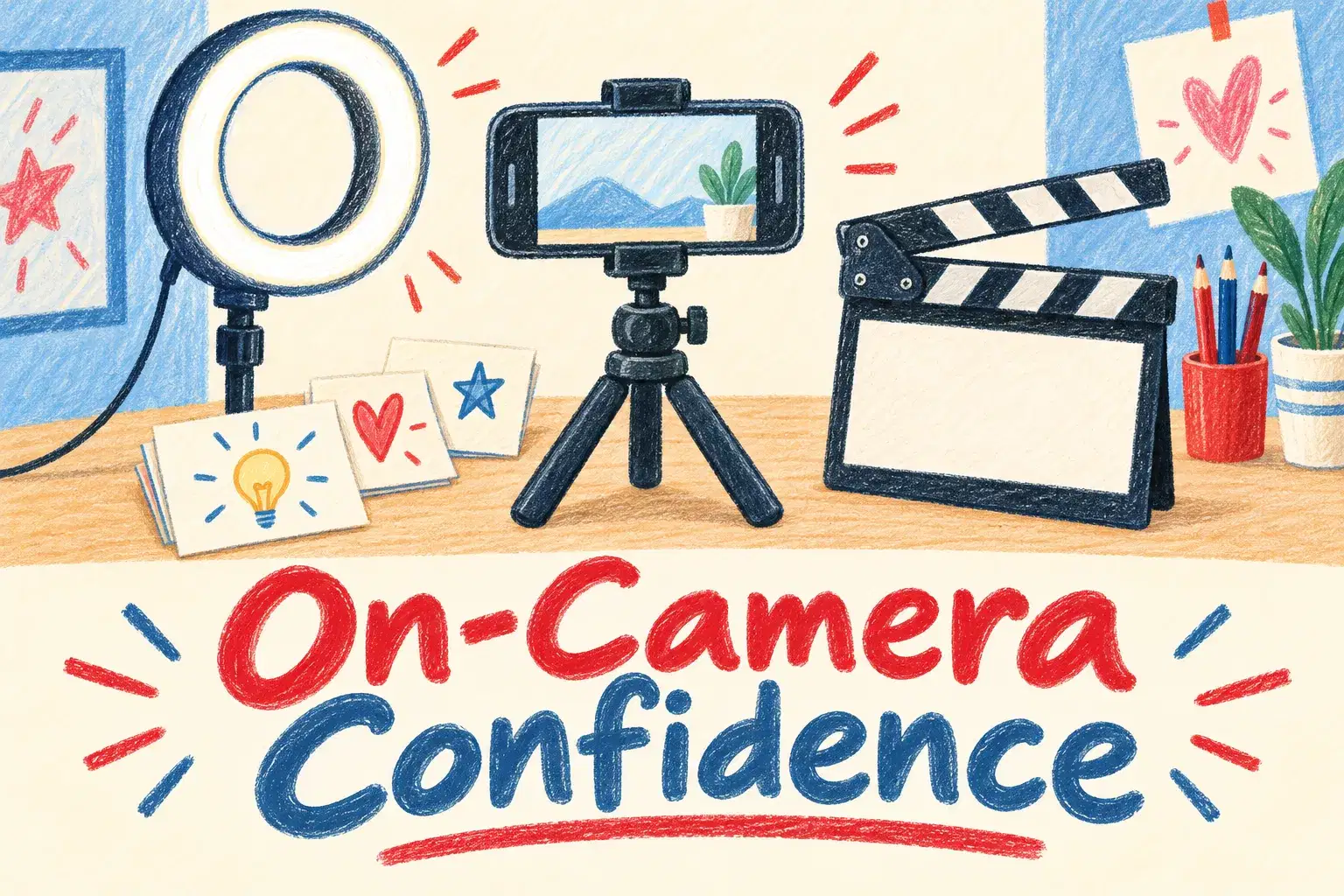
On-Camera Confidence and Scripting for Young Creators
Intermediate
Level
11–15
Ages
50 min
Duration
1 / Week
Classes
6
Weeks
$20.00per class
See schedule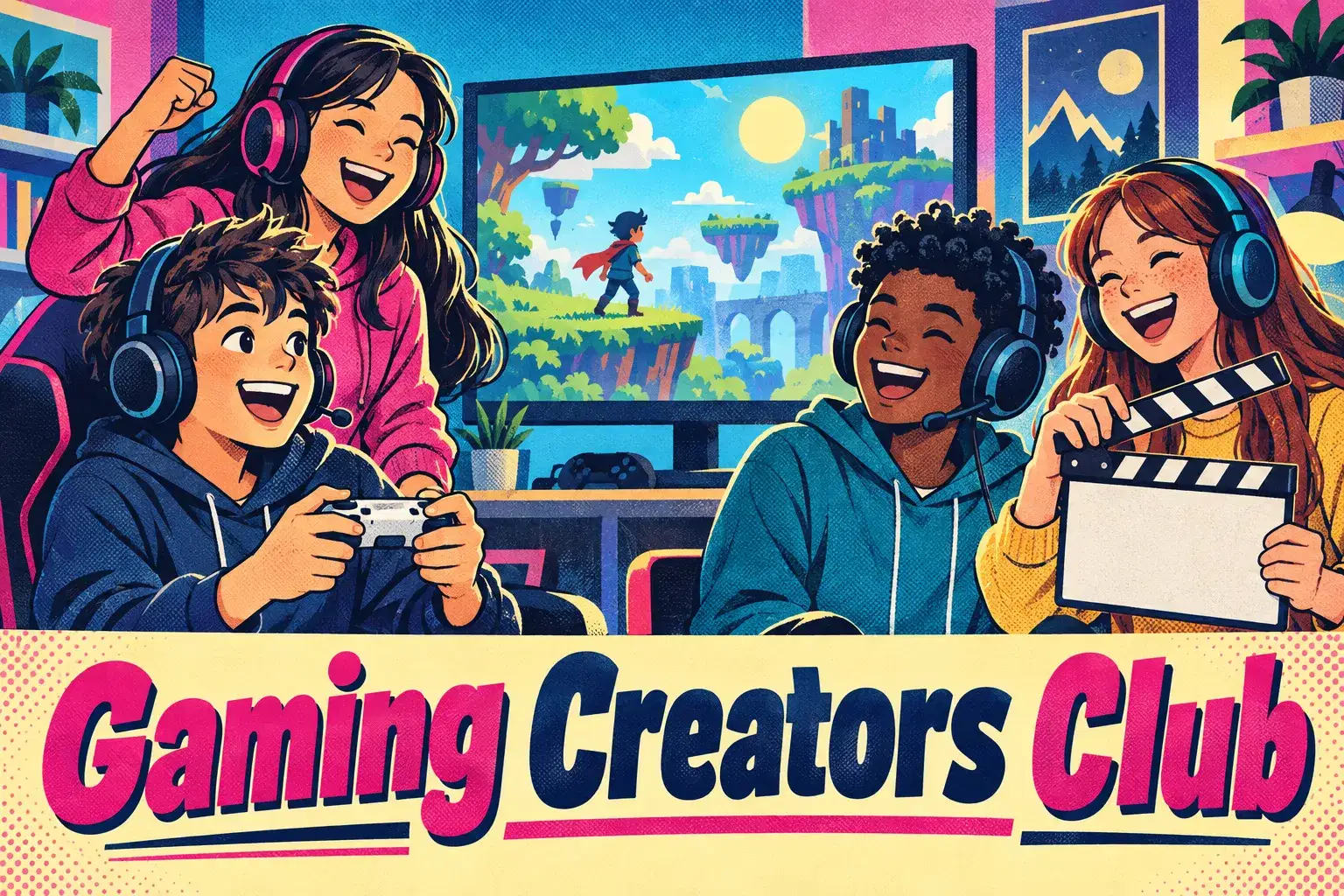
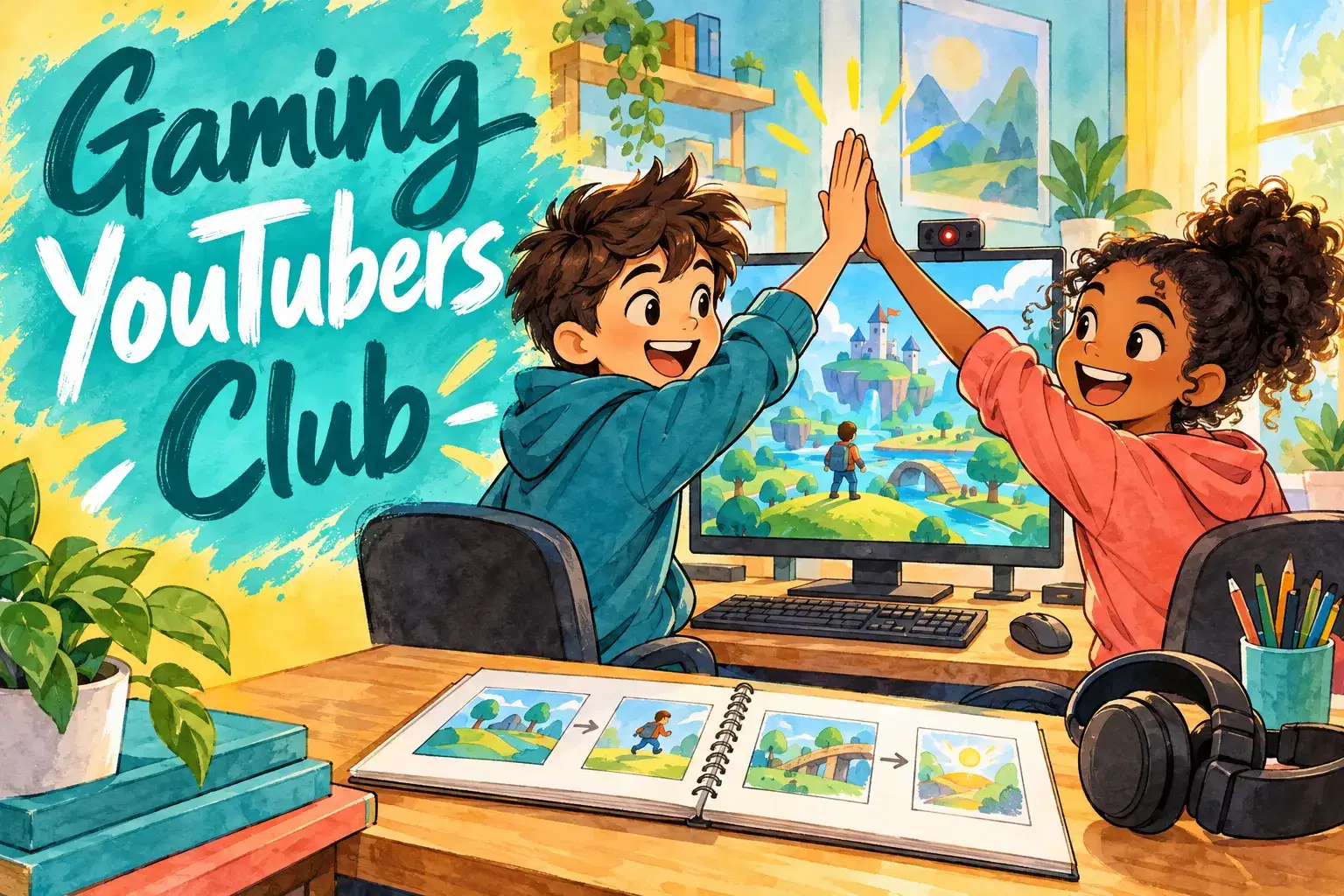
A weekly club for ages 9 to 13 who love gaming videos and want to make their own. Each week has a new mini-project, from a 60-second highlight reel to a funny-moments montage, and members share what they made.
Each class opens with two or three members showing last week's video. The teacher then introduces the week's project and one skill to go with it, such as recording clean audio, adding captions or cutting to the beat. Members start their project in class with help, and finish it at home if they want to. Classes stand alone, so children can join any week. Videos are shared inside the class only; nothing needs to be posted online.
The club meets every week for 45 minutes with up to 8 learners. There is no last class: each meeting stands on its own, so learners can join in any week and stay as long as they like.
60-Second Highlight Reel – Pick the best moments from a gaming session and cut them into one minute.
Funny Moments Montage – Collect funny clips and add captions, zooms and sound effects.
Let's Play with Commentary – Record a short let's play and practice talking while playing.
Top Five Countdown – Plan and edit a top five video with titles and a countdown.
Challenge Video – Set a challenge, record the attempt and edit it to build suspense.
Trailer for Your Favorite Game – Cut a 30-second trailer with music and title cards.

Record gameplay clips ready for editing
Make short gaming videos in different styles let's play, montage, top five and challenge
Use captions, music, zooms and sound effects
Give and receive friendly feedback on videos
Stay safe online when making and sharing videos
Ages 9-13. No editing experience needed. Members need a way to record gameplay and a free editing app such as CapCut or Clipchamp.
Next 7 days, US Eastern Time
Yes. Each class is a separate mini-project, so there is nothing to catch up on.
No. Each week teaches one editing skill from the start, and the teacher helps during class.
No. Videos are shown inside the class only. Nothing needs to be uploaded anywhere.
No. Members record gameplay in their own time or bring clips they already have. Class time is for planning, editing and sharing.
A device that can record gameplay, a free editing app such as CapCut or Clipchamp, and a headset or microphone.
New class, no reviews yet
Be one of the first families to join. Parents can leave a review after their first class.
Not satisfied after the first class? Full refund.
Amar S.
Intermediate
Level
11–15
Ages
50 min
Duration
1 / Week
Classes
6
Weeks
Aarav P.
Advanced
Level
13–17
Ages
55 min
Duration
1 / Week
Classes
Ongoing
Weeks
Mrs. B.
Intermediate
Level
10–14
Ages
45 min
Duration
1 / Week
Classes
Ongoing
Weeks
Mrs. B.
Beginner
Level
8–12
Ages
45 min
Duration
1 / Week
Classes
Ongoing
Weeks
Vinay R.
Advanced
Level
13–17
Ages
55 min
Duration
1 / Week
Classes
Flexible
Weeks
Vandana S.
Intermediate
Level
9–15
Ages
45 min
Duration
1 / Week
Classes
Flexible
Weeks
Vinay R.
Advanced
Level
11–17
Ages
55 min
Duration
1 / Week
Classes
Flexible
Weeks
Vandana S.
Intermediate
Level
10–16
Ages
45 min
Duration
1 / Week
Classes
Flexible
Weeks