


Blender Creature Sculpting: Model Your Own Animal Character

Blender Creature Sculpting: Model Your Own Animal Character

Blender Creature Sculpting: Model Your Own Animal Character

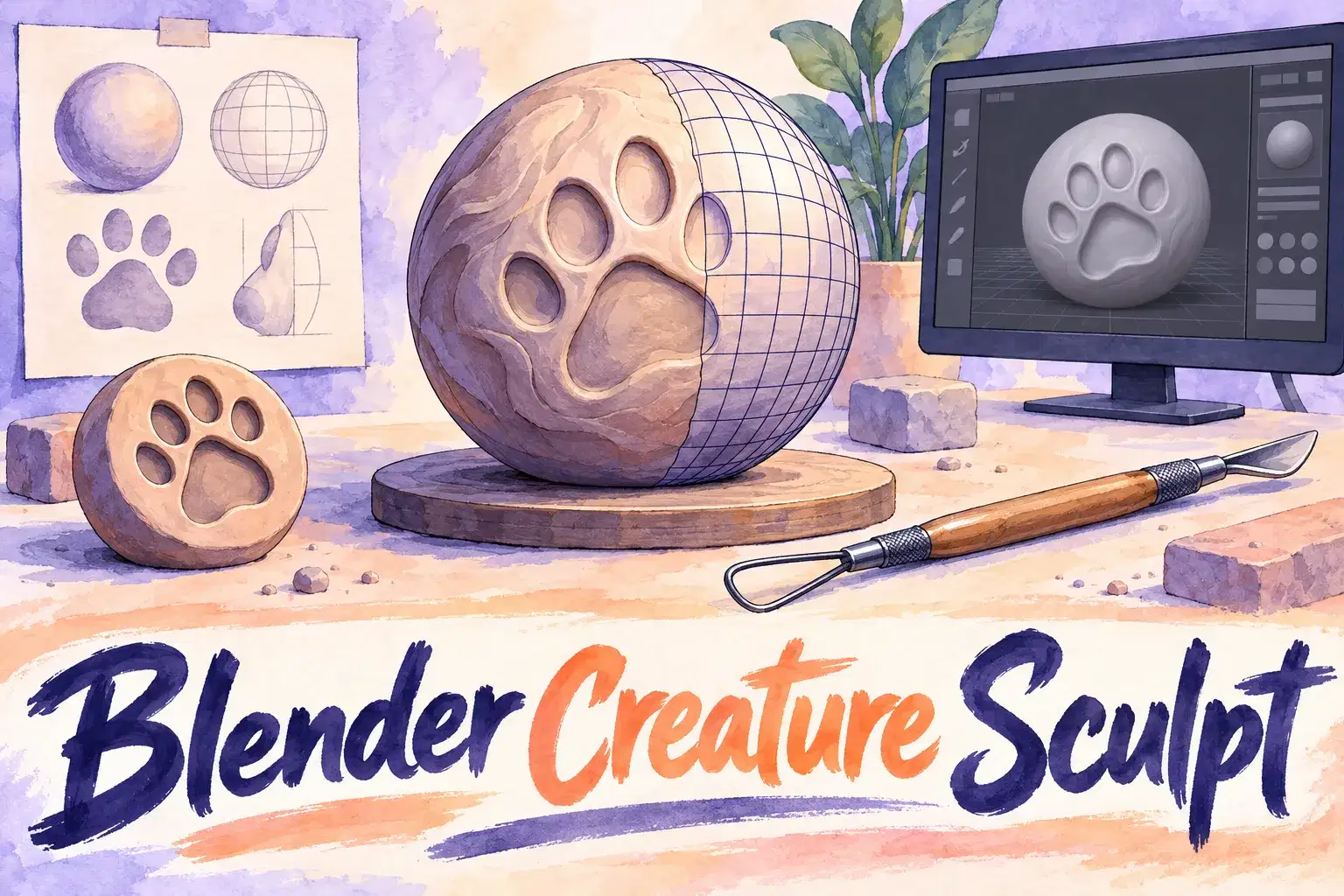
A six-week course for ages 12 to 17 who know the Blender basics. Learners sculpt an original animal character, add colour and render a finished image.

Class Experience

The teacher sculpts live and explains each brush and why it is used. Learners work on their own creature and share screens for feedback. The course moves from blocking out big forms to details, colour and a simple lit render.

How classes work

The course meets once a week for 6 weeks, 55 minutes a class, with up to 5 learners. Each class builds on the last.

What we'll cover

  • Week 1: Concept and Blockout – Sketch an idea and build big forms.

  • Week 2: Sculpting Basics – Grab, clay and smooth brushes.

  • Week 3: Head and Face – Eyes, snout and ears.

  • Week 4: Body and Limbs – Legs, tail and pose.

  • Week 5: Colour and Materials – Paint the creature.

  • Week 6: Lighting and Render – Set up lights and export an image.

Learning Outcomes

  • Bullet point

    Block out a creature with basic forms

  • Bullet point

    Use sculpting brushes to shape and refine

  • Bullet point

    Add colour with vertex paint or simple materials

  • Bullet point

    Light and render a final image

Prerequisites

Ages 12-17. Learners should know how to move around the Blender viewport and edit simple objects. Blender installed on a Windows or Mac computer with a three-button mouse.

What You'll Need

Device and internet
Laptop or desktop computer with a mousestable internet connection

Syllabus

6 Lessons

A step-by-step plan of what your child learns, class by class. · 6 Weeks

Concept and Blockout

Sketch an idea and build big forms.
Sculpting Basics

Grab, clay and smooth brushes.

Head and Face

Eyes, snout and ears.

Body and Limbs

Legs, tail and pose.

Colour and Materials

Paint the creature.

Lighting and Render

Set up lights and export an image.

Available Times

Next 7 days, US Eastern Time

  • Tue, Nov 17 · 5:30 PM
  • Wed, Nov 18 · 1:30 PM
  • Thu, Nov 19 · 11:00 AM
  • Fri, Nov 20 · 11:00 AM

Parents Often Ask

No. A beginner Blender class should come first.

No. A mouse works; a tablet is optional.

A Windows or Mac computer from the last five or six years is usually enough.

6 weeks, with one 55-minute class a week.

Up to 5, so the teacher can give each child feedback.

Meet your Instructor

Joined August, 2026

4.4

34

Reviews

30+

Years

3,200+

Students

With 30 years of theatre teaching and directing experience across public and private programs, this director has led many productions of Alice in Wonderland and similar ensemble works. Instruction focuses on acting, storytelling, collaboration, and performance skills. Workshops blend character work, movement, and voice with clear direction and supportive rehearsal practices. Students benefit from practical stagecraft, confidence-building exercises, and guidance toward a polished group performance in a positive, creative environment.

Reviews

New class, no reviews yet

Be one of the first families to join. Parents can leave a review after their first class.

Not satisfied after the first class? Full refund.
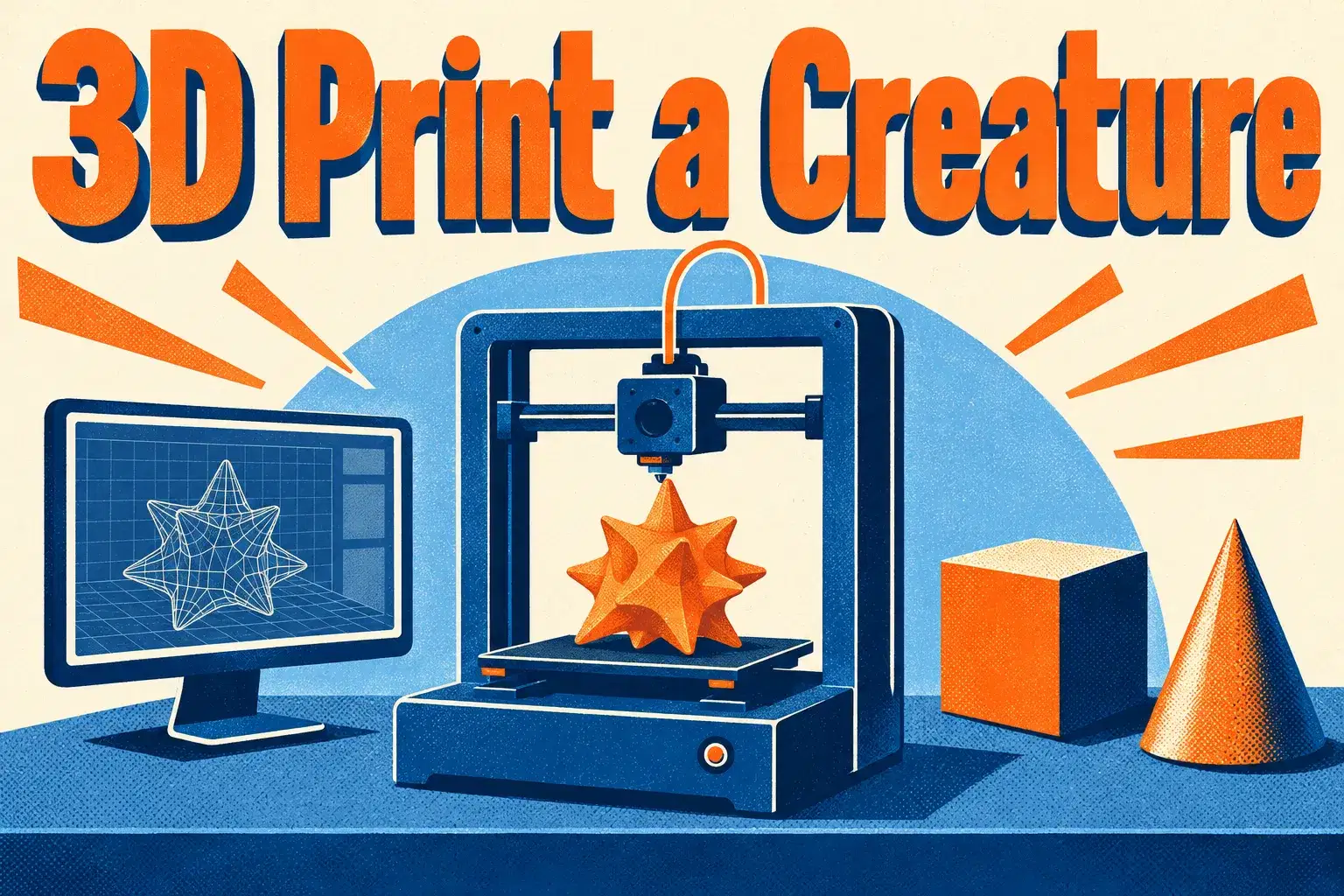
3D Print a Creature: Design a Printable Monster in Tinkercad (One Class)
AM

Ankur M.

3D Print a Creature: Design a Printable Monster in Tinkercad (One Class)

Beginner

Level

8–12

Ages

50 min

Duration

1 / Week

Classes

1

Weeks
$19.00per class
See schedule
Engineering Challenge Lab Level 2: Test, Measure and Improve
HG

H. G.

Engineering Challenge Lab Level 2: Test, Measure and Improve

Intermediate

Level

10–14

Ages

55 min

Duration

1 / Week

Classes

6

Weeks
$20.00per class
See schedule
3D Print Design Club: A New Printable Project Every Week
Club
AJ

Anjali J.

3D Print Design Club: A New Printable Project Every Week

Beginner

Level

9–13

Ages

45 min

Duration

1 / Week

Classes

Ongoing

Weeks
$16.00per class
See schedule
SketchUp: Design Your Dream Bedroom in One Class
AK

Abhay K.

SketchUp: Design Your Dream Bedroom in One Class

Beginner

Level

10–14

Ages

55 min

Duration

1 / Week

Classes

1

Weeks
$19.00per class
See schedule
Tinkercad in an Hour: Build a Rocket (One-Time Class)
AM

Amit M.

Tinkercad in an Hour: Build a Rocket (One-Time Class)

Beginner

Level

7–11

Ages

55 min

Duration

1 / Week

Classes

1

Weeks
$19.00per class
See schedule
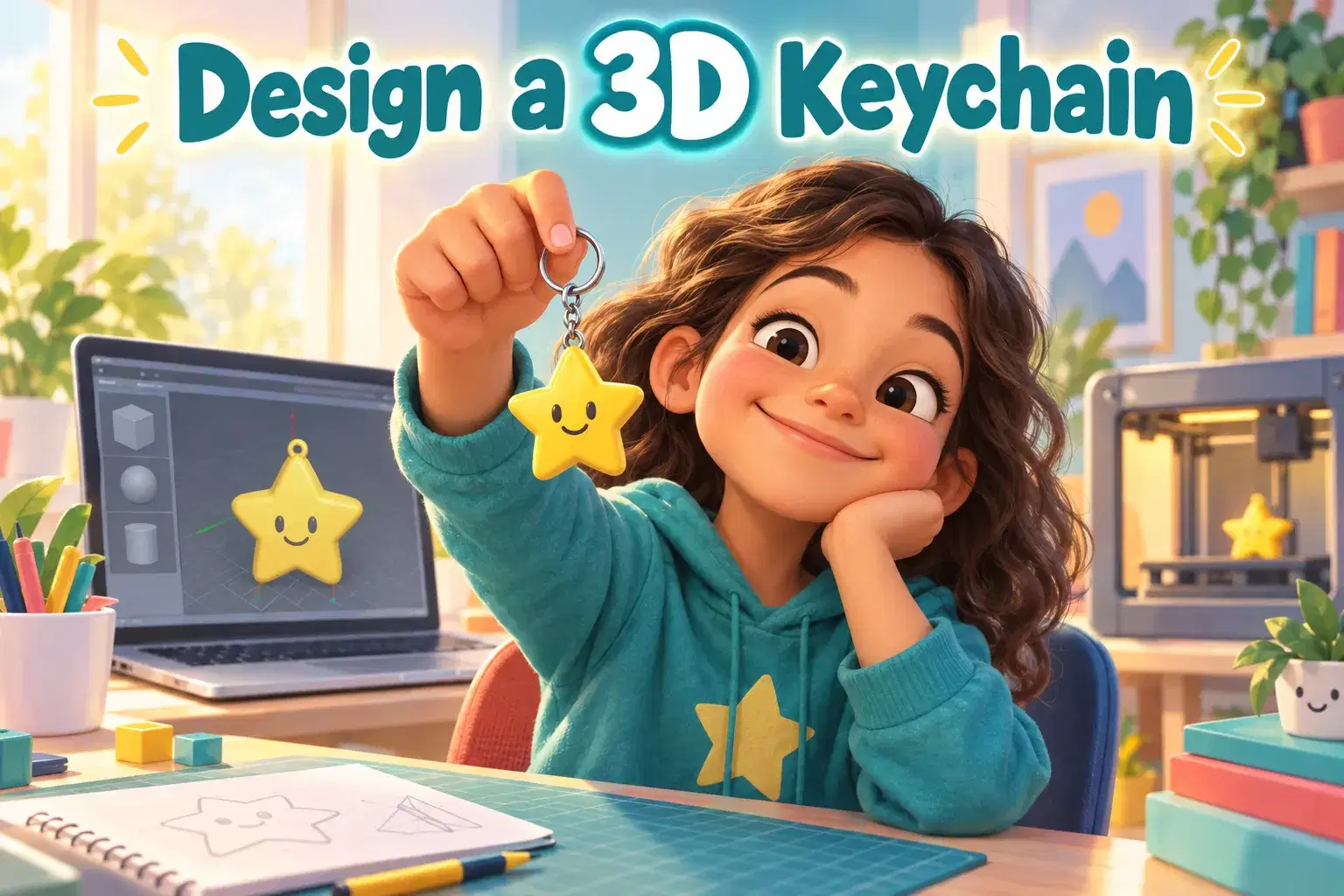
Design a Keychain for 3D Printing in One Class
AV

Alisha V.

Design a Keychain for 3D Printing in One Class

Beginner

Level

8–12

Ages

55 min

Duration

1 / Week

Classes

1

Weeks
$19.00per class
See schedule
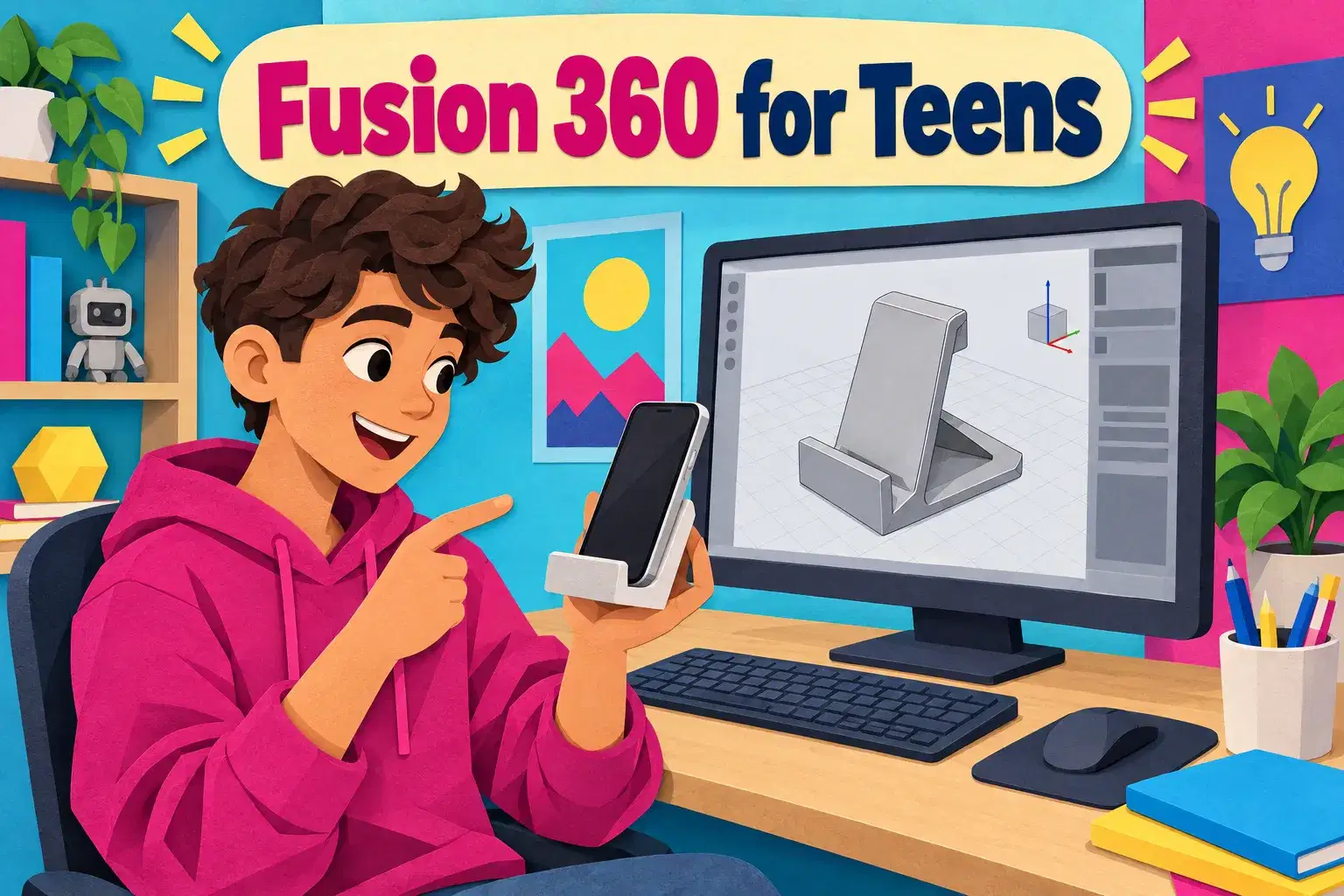
1-on-1 Fusion 360 for Teens: Advanced CAD and Product Design
Tutoring
MK

Miss K.

1-on-1 Fusion 360 for Teens: Advanced CAD and Product Design

Advanced

Level

13–18

Ages

55 min

Duration

1 / Week

Classes

Flexible

Weeks
$25.00per class
See schedule
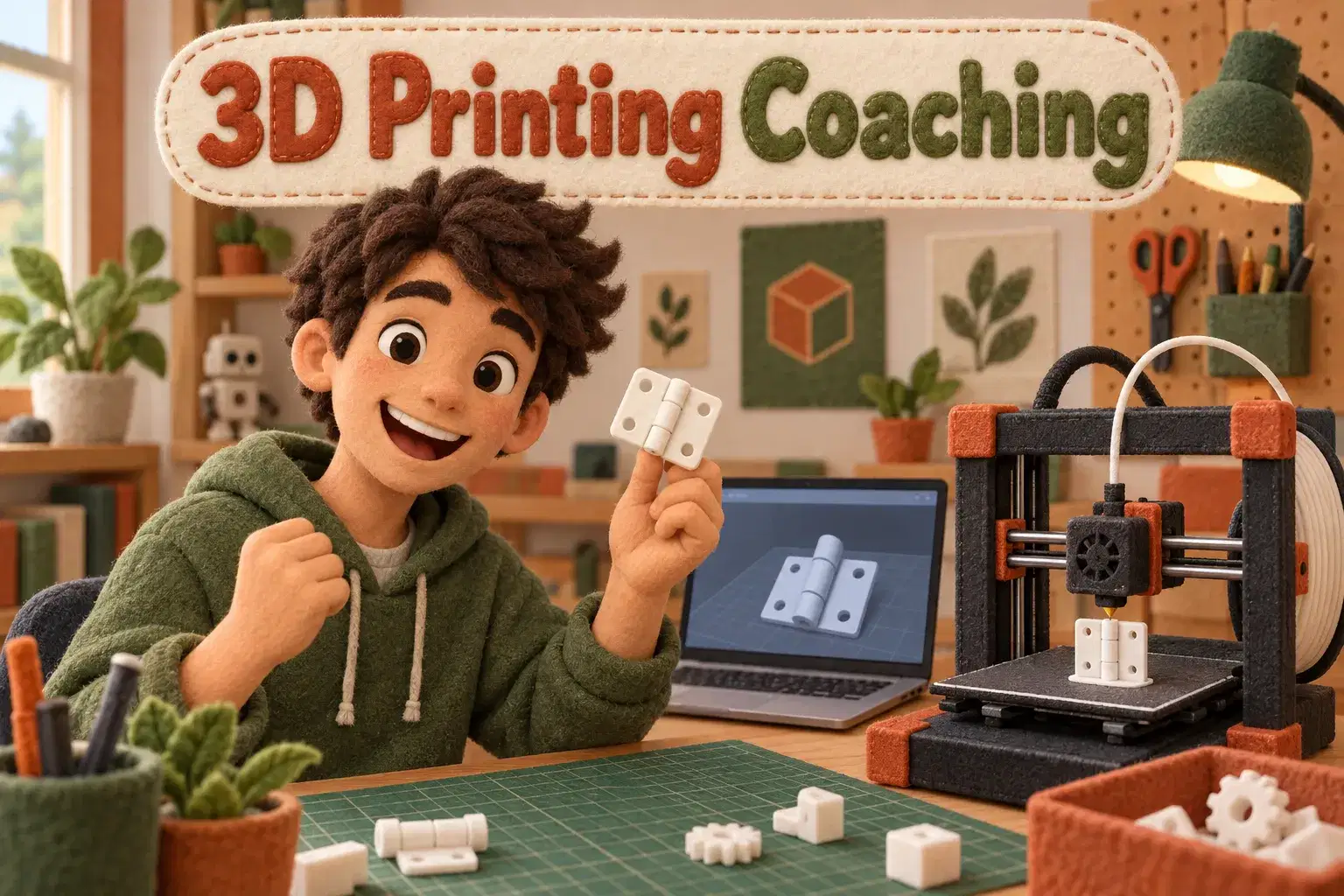
1-on-1 3D Printing Design Coaching: Advanced Parts That Print First Time
Tutoring
MK

Miss K.

1-on-1 3D Printing Design Coaching: Advanced Parts That Print First Time

Advanced

Level

12–17

Ages

55 min

Duration

1 / Week

Classes

Flexible

Weeks

$25.00per class
See schedule