


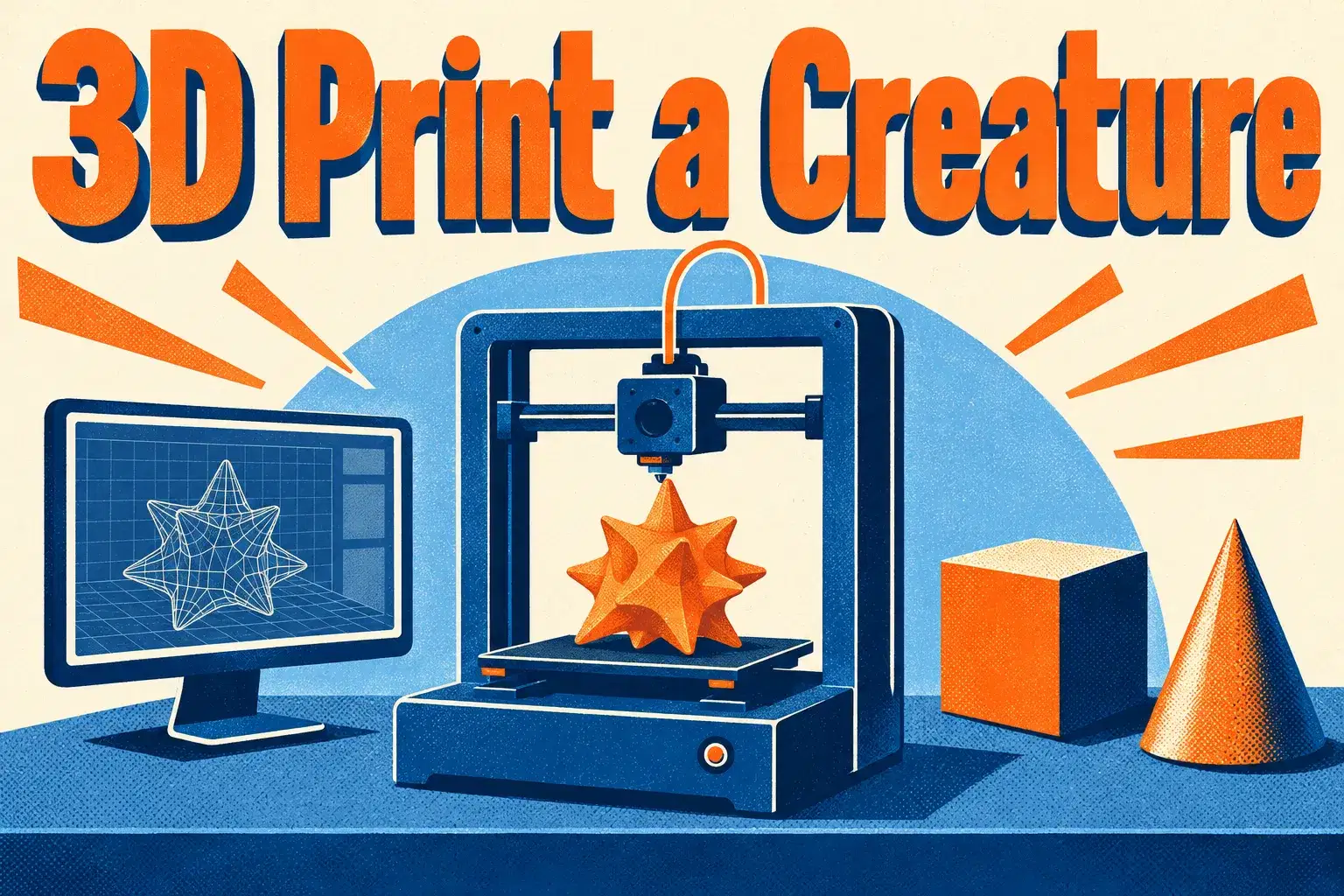
3D Print a Creature: Design a Printable Monster in Tinkercad (One Class)

3D Print a Creature: Design a Printable Monster in Tinkercad (One Class)

3D Print a Creature: Design a Printable Monster in Tinkercad (One Class)

A single class for ages 8 to 12. Learners design a small monster in Tinkercad and learn three rules that help a model print cleanly.

Class Experience

The teacher builds a sample creature from basic shapes while learners make their own. Along the way they learn why a flat base, thick limbs and no floating parts matter for printing. Learners leave with a file that is ready to print at home, at a library or through a print service.

How classes work

This is a single 50-minute live class with up to 5 learners. The teacher demonstrates, learners take part, and everyone shares at the end.

What we'll cover

  • Design a Printable Monster – Build, check and export a creature.

Learning Outcomes

  • Bullet point

    Combine and group shapes into a creature

  • Bullet point

    Design with a flat base and sturdy parts

  • Bullet point

    Check a model for floating pieces

  • Bullet point

    Export a file for 3D printing

Prerequisites

Ages 8-12. No experience needed. A computer with a mouse and a free Tinkercad account set up by a parent. A 3D printer is not required.

What You'll Need

Device and internet
Laptop or desktop computer with a mousestable internet connection

Syllabus

1 Lessons

A step-by-step plan of what your child learns, class by class. · 1 Week

Design a Printable Monster

Build, check and export a creature.
Available Times

Next 7 days, US Eastern Time

  • Mon, Nov 16 · 5:00 PM
  • Mon, Nov 16 · 7:30 PM
  • Tue, Nov 17 · 10:30 AM
  • Tue, Nov 17 · 4:00 PM
  • Wed, Nov 18 · 11:00 AM
  • Wed, Nov 18 · 4:00 PM
  • Thu, Nov 19 · 5:00 PM
  • Thu, Nov 19 · 7:30 PM
  • Fri, Nov 20 · 4:00 PM
  • Fri, Nov 20 · 6:30 PM

Parents Often Ask

No. Your child leaves with a printable file; printing is optional.

No. It is free and runs in a web browser.

A computer with a mouse is strongly recommended.

Yes. It is one 50-minute class, with nothing to prepare beyond the materials listed.

The teacher can point you to a club or course on the same topic.

Meet your Instructor

Joined August, 2026

4.5

116

Reviews

5+

Years

50+

Students

An instructor focused on BlocksCAD and block-based 3D modeling for children ages 8–11, this educator helps learners translate coding logic into tangible 3D designs. Lessons combine stepwise programming instruction with visual modeling exercises to build spatial reasoning and foundational coding skills. Classes emphasize playful exploration, iterative problem solving, and project completion so students gain confidence in computational thinking and see immediate, visual results from code-driven creativity.

Reviews

New class, no reviews yet

Be one of the first families to join. Parents can leave a review after their first class.

Not satisfied after the first class? Full refund.
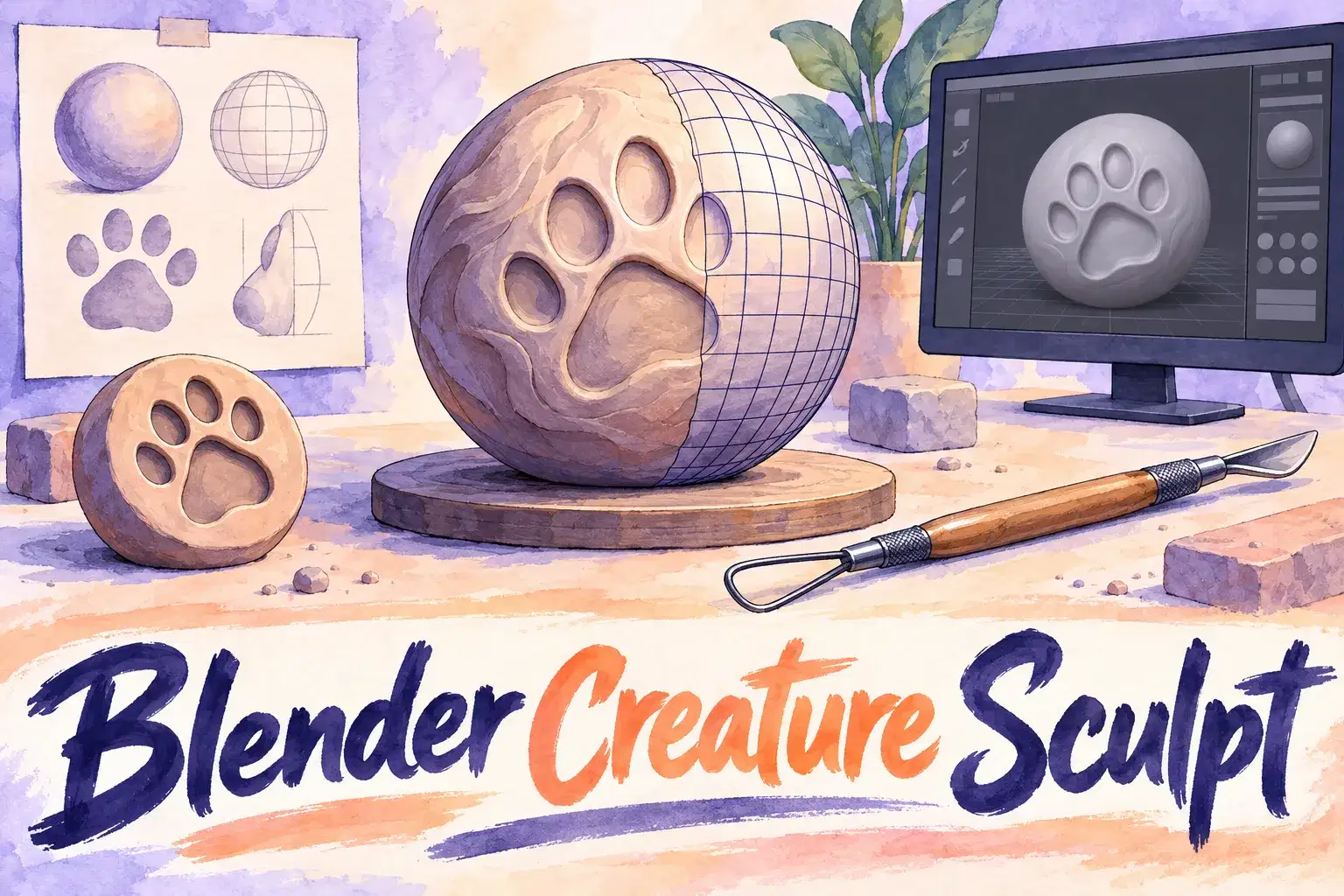
Blender Creature Sculpting: Model Your Own Animal Character
AA

Alok A.

Blender Creature Sculpting: Model Your Own Animal Character

Intermediate

Level

12–17

Ages

55 min

Duration

1 / Week

Classes

6

Weeks
$20.00per class
See schedule
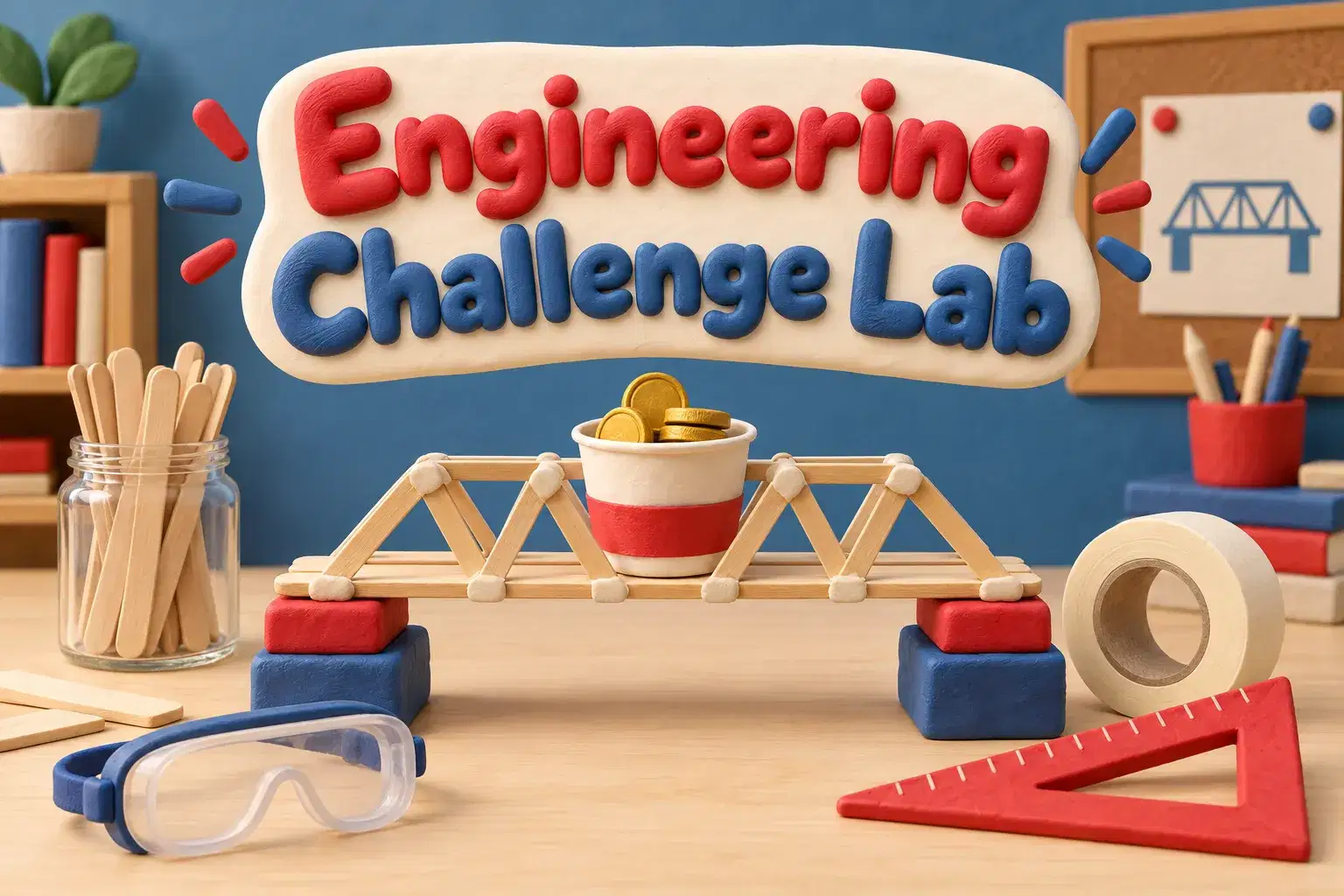
Engineering Challenge Lab Level 2: Test, Measure and Improve
HG

H. G.

Engineering Challenge Lab Level 2: Test, Measure and Improve

Intermediate

Level

10–14

Ages

55 min

Duration

1 / Week

Classes

6

Weeks
$20.00per class
See schedule
3D Print Design Club: A New Printable Project Every Week
Club
AJ

Anjali J.

3D Print Design Club: A New Printable Project Every Week

Beginner

Level

9–13

Ages

45 min

Duration

1 / Week

Classes

Ongoing

Weeks
$16.00per class
See schedule
SketchUp: Design Your Dream Bedroom in One Class
AK

Abhay K.

SketchUp: Design Your Dream Bedroom in One Class

Beginner

Level

10–14

Ages

55 min

Duration

1 / Week

Classes

1

Weeks
$19.00per class
See schedule
Tinkercad in an Hour: Build a Rocket (One-Time Class)
AM

Amit M.

Tinkercad in an Hour: Build a Rocket (One-Time Class)

Beginner

Level

7–11

Ages

55 min

Duration

1 / Week

Classes

1

Weeks
$19.00per class
See schedule
Design a Keychain for 3D Printing in One Class
AV

Alisha V.

Design a Keychain for 3D Printing in One Class

Beginner

Level

8–12

Ages

55 min

Duration

1 / Week

Classes

1

Weeks
$19.00per class
See schedule
1-on-1 Fusion 360 for Teens: Advanced CAD and Product Design
Tutoring
MK

Miss K.

1-on-1 Fusion 360 for Teens: Advanced CAD and Product Design

Advanced

Level

13–18

Ages

55 min

Duration

1 / Week

Classes

Flexible

Weeks
$25.00per class
See schedule
1-on-1 3D Printing Design Coaching: Advanced Parts That Print First Time
Tutoring
MK

Miss K.

1-on-1 3D Printing Design Coaching: Advanced Parts That Print First Time

Advanced

Level

12–17

Ages

55 min

Duration

1 / Week

Classes

Flexible

Weeks

$25.00per class
See schedule