

AA
Alok A.
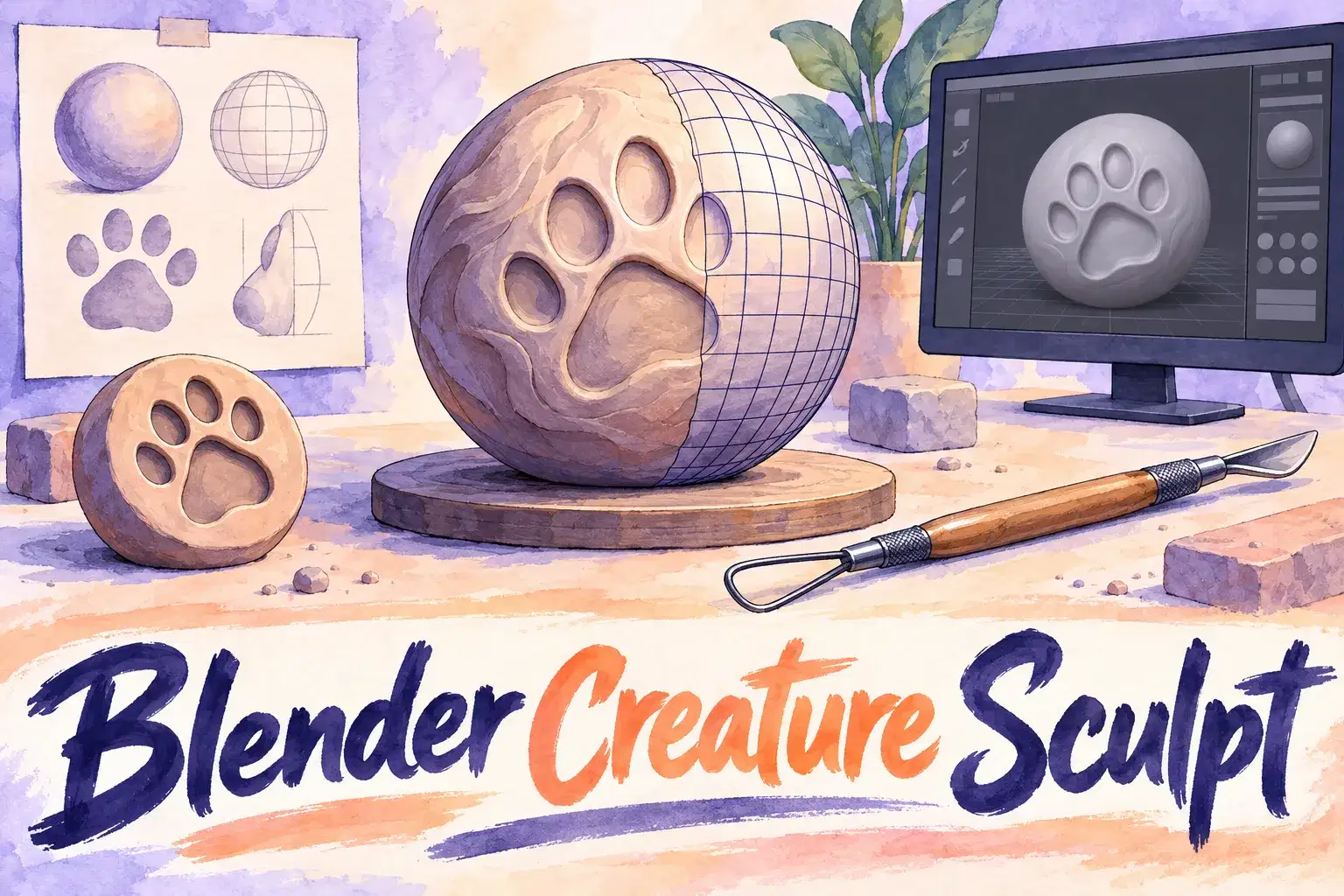
Blender Creature Sculpting: Model Your Own Animal Character
Intermediate
Level
12–17
Ages
55 min
Duration
1 / Week
Classes
6
Weeks
$20.00per class
See schedule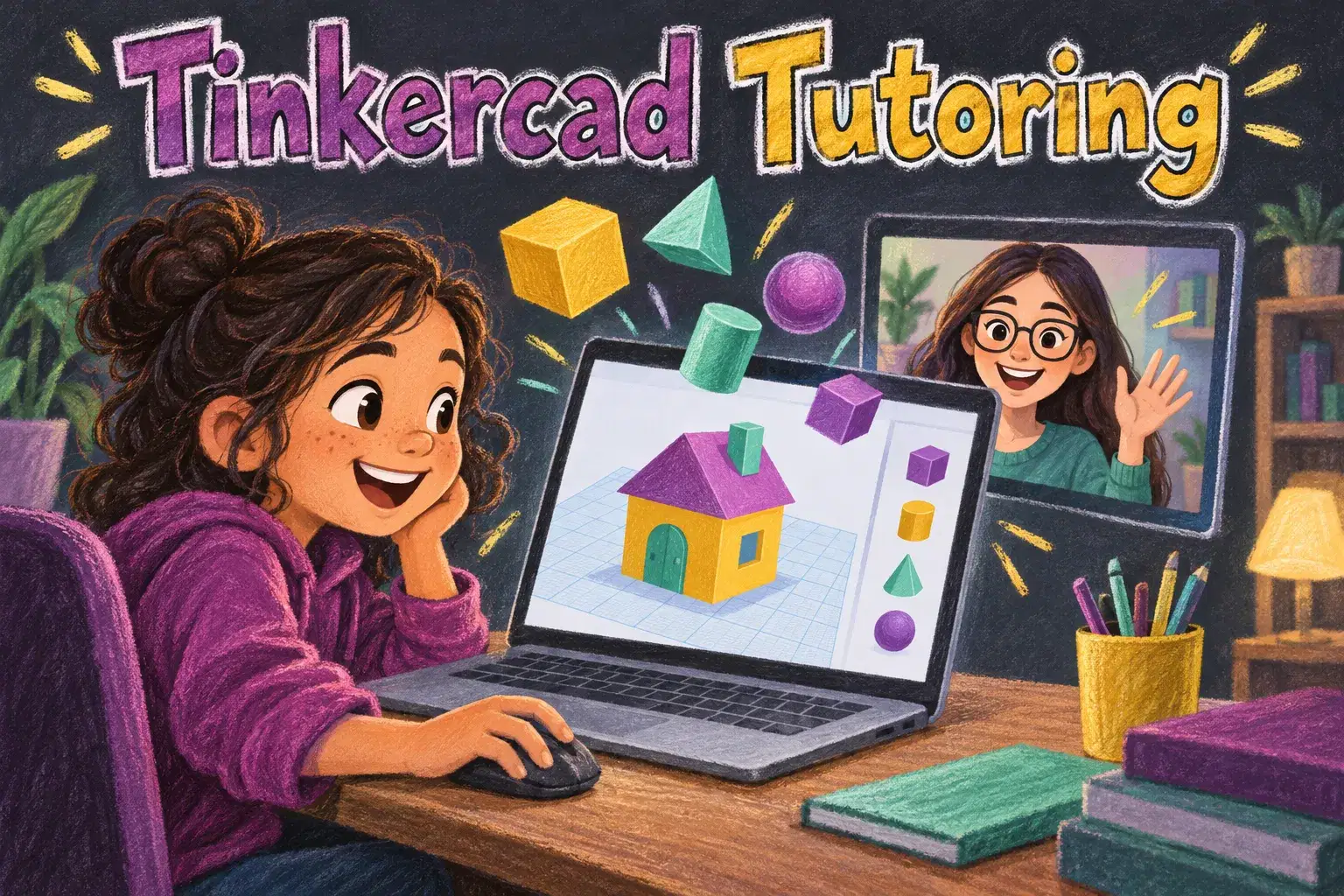
Private lessons for ages 7 to 12 who are new to 3D design. Learners build a new model each session in Tinkercad, starting with simple shapes and working up to a design of their own.
The tutor shares their screen for a short demo, then the learner builds while sharing theirs. Each session ends with a finished model, such as a name tag, a rocket or a tiny house. The pace follows the child, and the last sessions are spent on a project they choose.
Each 45-minute session is one learner with one teacher. There is no fixed lesson plan or set number of sessions: families book as many as they want, and the teacher sets the pace and focus around the learner's goals and gives feedback as they work.
Moving Around in 3D – Learn the workplane, camera and basic shapes by building a name tag.
Combining Shapes – Group shapes to build a rocket.
Holes and Cutting – Use hole shapes to make windows, doors and hollow parts.
Aligning and Measuring – Use the align tool and ruler to build a tidy house.
Copy, Mirror and Patterns – Duplicate parts to make wheels, legs and fences.
Planning Your Own Design – Sketch an idea and break it into shapes.
Building Your Design – Build the model with help where needed.
Finishing and Sharing – Add details, take screenshots and present the model.

Move, rotate and resize shapes in 3D space
Combine and cut shapes to make new ones
Line up and measure parts accurately
Plan and build an original model
Ages 7-12. No experience needed. A free Tinkercad account set up by a parent, and a mouse.
Next 7 days, US Eastern Time
No. Everything is designed on screen. Models can be printed later if you have access to a printer.
A laptop or desktop with a mouse works much better for moving around in 3D.
Yes. A parent sets up the free account before the first session.
The price shown is for one session. There is no fixed number of sessions: book as many as you want, and move a session to another time if a week does not work.
Yes. The first session checks what your child already knows, and the plan is adjusted from there.
New class, no reviews yet
Be one of the first families to join. Parents can leave a review after their first class.
Not satisfied after the first class? Full refund.
Alok A.
Intermediate
Level
12–17
Ages
55 min
Duration
1 / Week
Classes
6
Weeks
Ankur M.
Beginner
Level
8–12
Ages
50 min
Duration
1 / Week
Classes
1
Weeks
H. G.
Intermediate
Level
10–14
Ages
55 min
Duration
1 / Week
Classes
6
Weeks
Anjali J.
Beginner
Level
9–13
Ages
45 min
Duration
1 / Week
Classes
Ongoing
Weeks
Abhay K.
Beginner
Level
10–14
Ages
55 min
Duration
1 / Week
Classes
1
Weeks
Amit M.
Beginner
Level
7–11
Ages
55 min
Duration
1 / Week
Classes
1
Weeks
Alisha V.
Beginner
Level
8–12
Ages
55 min
Duration
1 / Week
Classes
1
Weeks
Miss K.
Advanced
Level
13–18
Ages
55 min
Duration
1 / Week
Classes
Flexible
Weeks