



AS
Amar S.
On-Camera Confidence and Scripting for Young Creators
Intermediate
Level
11–15
Ages
50 min
Duration
1 / Week
Classes
6
Weeks
$20.00per class
See schedule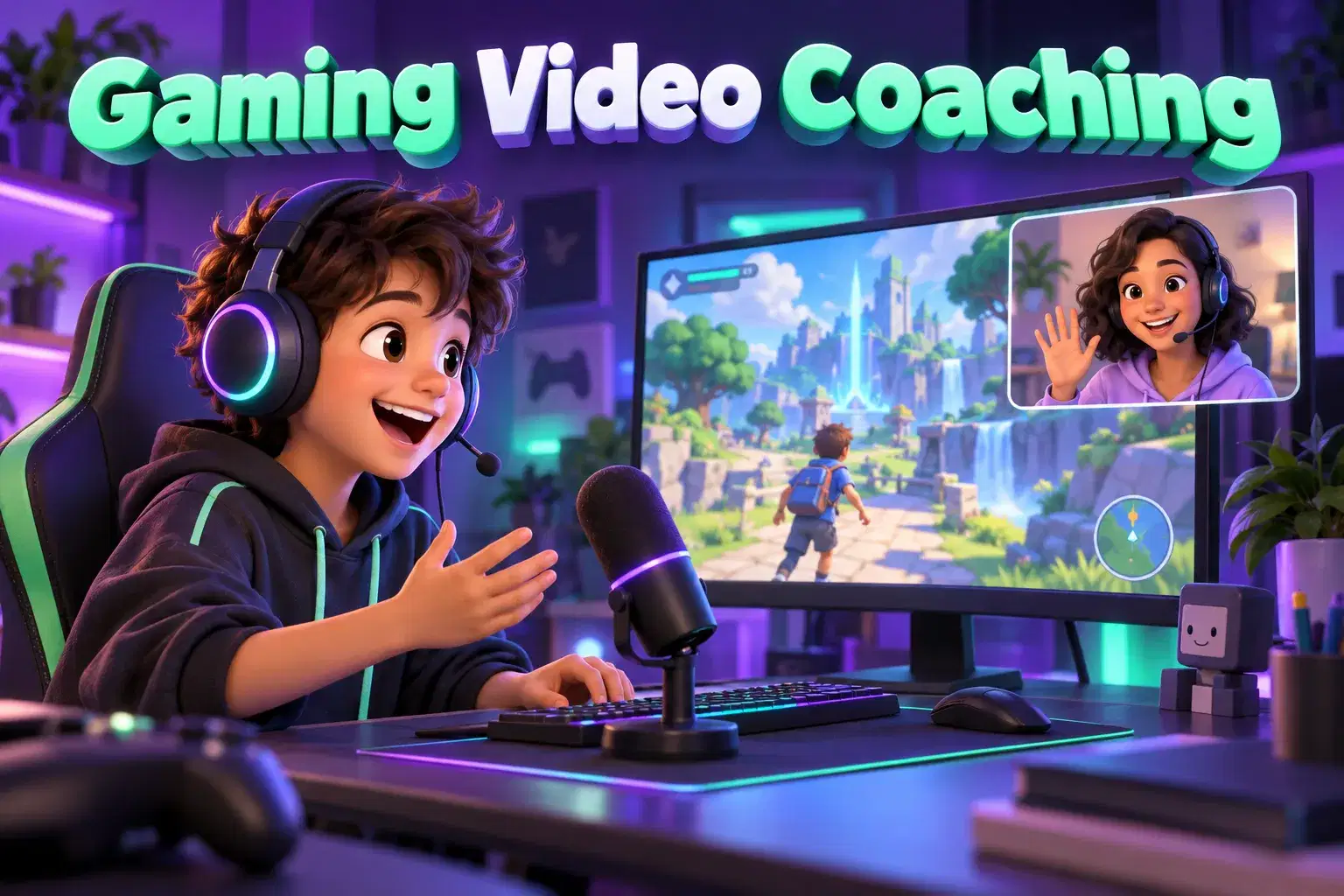
Private coaching for ages 9 to 15 who want to turn the games they play into videos worth watching. Learners record their own gameplay, practice commentary and edit highlights into a finished gaming video.
The tutor starts by watching a short clip of the learner's gameplay and asking what kind of gaming videos they like. Sessions then cover one step at a time: recording clean gameplay and voice, speaking with energy and without filler, choosing the best moments, and editing them with music, captions and zooms. The learner shares their screen while they edit, and the tutor coaches them through it. Videos can stay private or be shared by a parent.
Each 45-minute session is one learner with one teacher. There is no fixed lesson plan or set number of sessions: families book as many as they want, and the teacher sets the pace and focus around the learner's goals and gives feedback as they work.
Gameplay Review and Video Idea – Watch a clip of the learner's gameplay and choose the idea for their video.
Recording Clean Gameplay and Voice – Set up screen recording and a microphone so both game and voice are clear.
Commentary Skills – Practice speaking with energy, explaining what is happening and cutting filler words.
Picking Highlights – Go through recordings and mark the moments worth keeping.
Editing the Rough Cut – Put the highlights in order and trim them into a first version.
Captions, Zooms and Sound Effects – Add captions, zooms on key moments, music and sound effects.
Thumbnail and Title – Design a thumbnail from a game screenshot and write a title that is honest and clear.
Final Video and Safe Sharing – Finish the video and talk through private, unlisted and public sharing with a parent.

Record gameplay and voice clearly on their own device
Plan a gaming video around one idea, such as a challenge or a top five
Speak commentary with energy and a clear structure
Pick highlights and cut out the slow parts
Edit a finished gaming video with captions, music and effects
Ages 9-15. Learners should be able to record a screen or gameplay clip and have used an editing app at least once. Any game the family is happy with can be used.
A headset with a microphone is enough. No capture card is needed.
Next 7 days, US Eastern Time
Any game you are happy with that can be recorded on their device. Minecraft, Roblox and Fortnite are common choices.
No. Videos can stay on the device or be shared privately with family. Posting is the parent's decision, and children under 13 need a parent-managed account.
No. Built-in screen recording and a headset with a microphone are enough.
No. Commentary is practiced in small steps, and it is only the tutor listening. A video can also use captions in place of voice.
It changes what the screen time is for. Your child plans, records, speaks and edits to finish a project, with a tutor guiding them.
New class, no reviews yet
Be one of the first families to join. Parents can leave a review after their first class.
Not satisfied after the first class? Full refund.
Amar S.
Intermediate
Level
11–15
Ages
50 min
Duration
1 / Week
Classes
6
Weeks
Aarav P.
Advanced
Level
13–17
Ages
55 min
Duration
1 / Week
Classes
Ongoing
Weeks
Mrs. B.
Intermediate
Level
10–14
Ages
45 min
Duration
1 / Week
Classes
Ongoing
Weeks
Mrs. B.
Beginner
Level
8–12
Ages
45 min
Duration
1 / Week
Classes
Ongoing
Weeks
Mrs. B.
Beginner
Level
9–13
Ages
45 min
Duration
1 / Week
Classes
Ongoing
Weeks
Vinay R.
Advanced
Level
13–17
Ages
55 min
Duration
1 / Week
Classes
Flexible
Weeks
Vinay R.
Advanced
Level
11–17
Ages
55 min
Duration
1 / Week
Classes
Flexible
Weeks
Vandana S.
Intermediate
Level
10–16
Ages
45 min
Duration
1 / Week
Classes
Flexible
Weeks