



AA
Alok A.
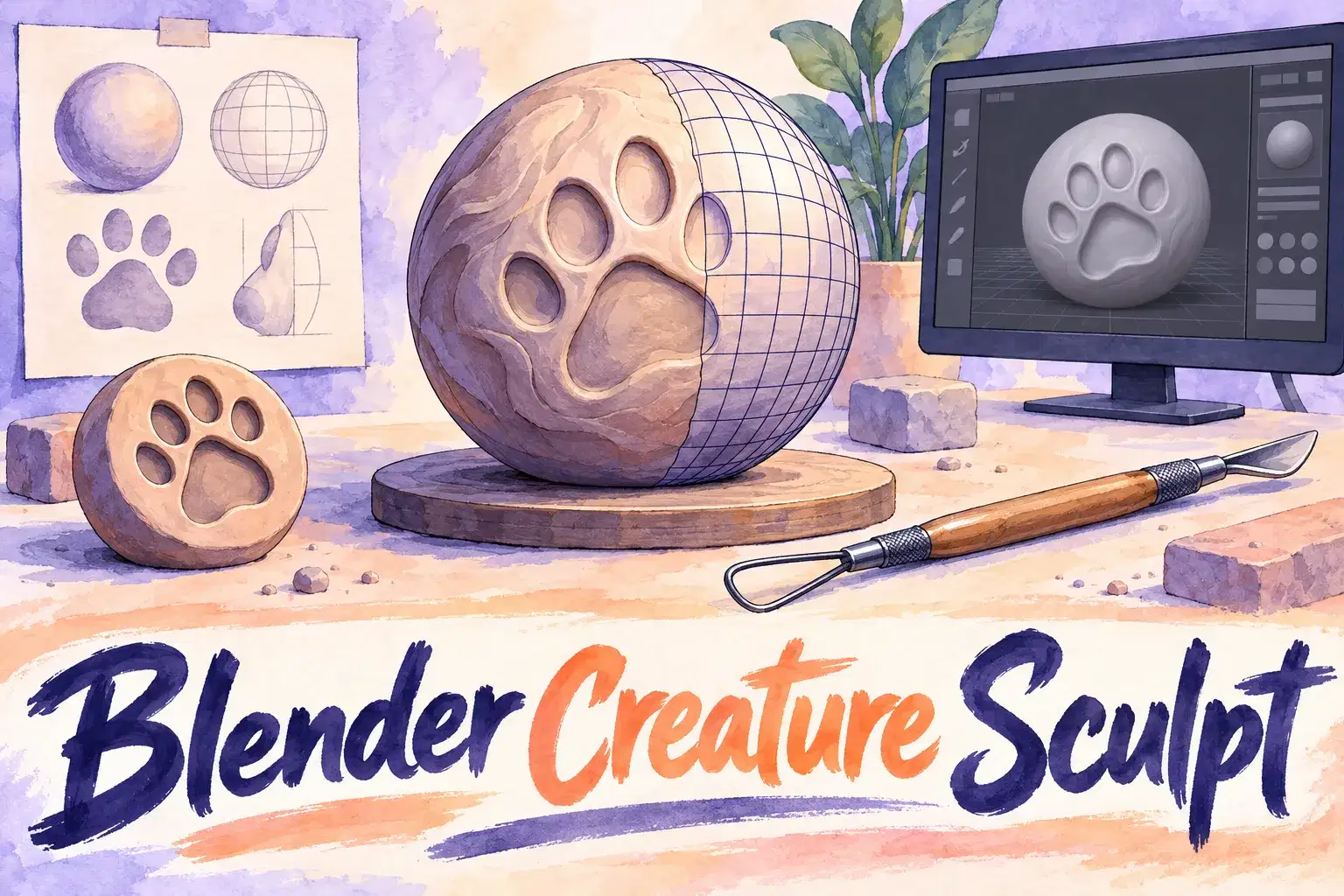
Blender Creature Sculpting: Model Your Own Animal Character
Intermediate
Level
12–17
Ages
55 min
Duration
1 / Week
Classes
6
Weeks
$20.00per class
See schedule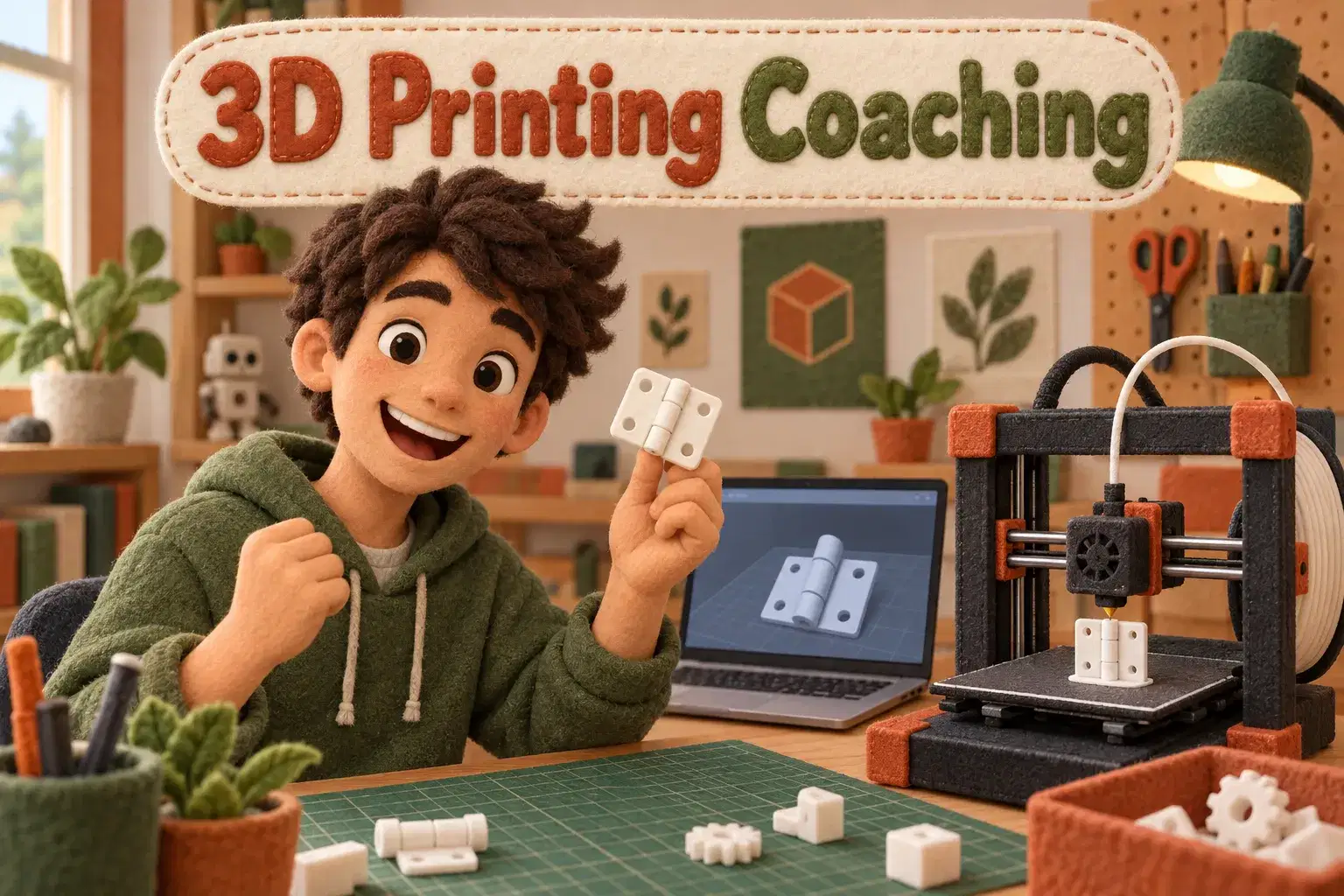
Private coaching for ages 12 to 17 who have a 3D printer, or access to one, and want their designs to print cleanly. Learners design functional parts with the right tolerances, supports and orientation.
Each session the learner brings a design or a failed print. The tutor helps diagnose it and teaches the rule behind the fix: wall thickness, overhangs, tolerances for moving parts, or how orientation affects strength. The learner prints between sessions and reports back.
Each 55-minute session is one learner with one teacher. There is no fixed lesson plan or set number of sessions: families book as many as they want, and the teacher sets the pace and focus around the learner's goals and gives feedback as they work.
Design and Printer Review – Look at past prints and set a project goal.
Walls, Overhangs and Bridges – Learn the limits of a printer and design within them.
Tolerances and Fit – Design two parts that slot together.
Moving Parts – Make a hinge or print-in-place joint.
Orientation and Strength – See how print direction changes strength.
Supports and Finish – Decide when supports are needed and how to avoid them.
Slicer Settings – Understand layer height, infill and speed.
Final Functional Part – Design, print and test a useful object.

Design parts with printable walls, overhangs and bridges
Set tolerances so parts fit and move
Choose orientation and supports for strength and finish
Diagnose common print failures
Ages 12-17. Learners should already model in Tinkercad or Fusion 360 and have access to a 3D printer at home, school or a library.
Next 7 days, US Eastern Time
Access to one is needed, whether at home, school or a library, since printing between sessions is part of the learning.
Whichever the learner already uses. Tinkercad and Fusion 360 are both fine.
Basic troubleshooting, yes. Hardware repairs are outside the course.
The price shown is for one session. There is no fixed number of sessions: book as many as you want, and move a session to another time if a week does not work.
Yes. The first session checks what your child already knows, and the plan is adjusted from there.
New class, no reviews yet
Be one of the first families to join. Parents can leave a review after their first class.
Not satisfied after the first class? Full refund.
Alok A.
Intermediate
Level
12–17
Ages
55 min
Duration
1 / Week
Classes
6
Weeks
Ankur M.
Beginner
Level
8–12
Ages
50 min
Duration
1 / Week
Classes
1
Weeks
H. G.
Intermediate
Level
10–14
Ages
55 min
Duration
1 / Week
Classes
6
Weeks

Anjali J.
Beginner
Level
9–13
Ages
45 min
Duration
1 / Week
Classes
Ongoing
Weeks
Abhay K.
Beginner
Level
10–14
Ages
55 min
Duration
1 / Week
Classes
1
Weeks
Amit M.
Beginner
Level
7–11
Ages
55 min
Duration
1 / Week
Classes
1
Weeks
Alisha V.
Beginner
Level
8–12
Ages
55 min
Duration
1 / Week
Classes
1
Weeks
Miss K.
Advanced
Level
13–18
Ages
55 min
Duration
1 / Week
Classes
Flexible
Weeks