Art, music & makingAges 9–154 min read
By Olivia ·
Video Editing Apps for Kids: CapCut, iMovie, Clipchamp or DaVinci Resolve?
CapCut, iMovie, Clipchamp or DaVinci Resolve? How the four editors compare for kids aged 9 to 15, by device, difficulty and what your child wants to make.

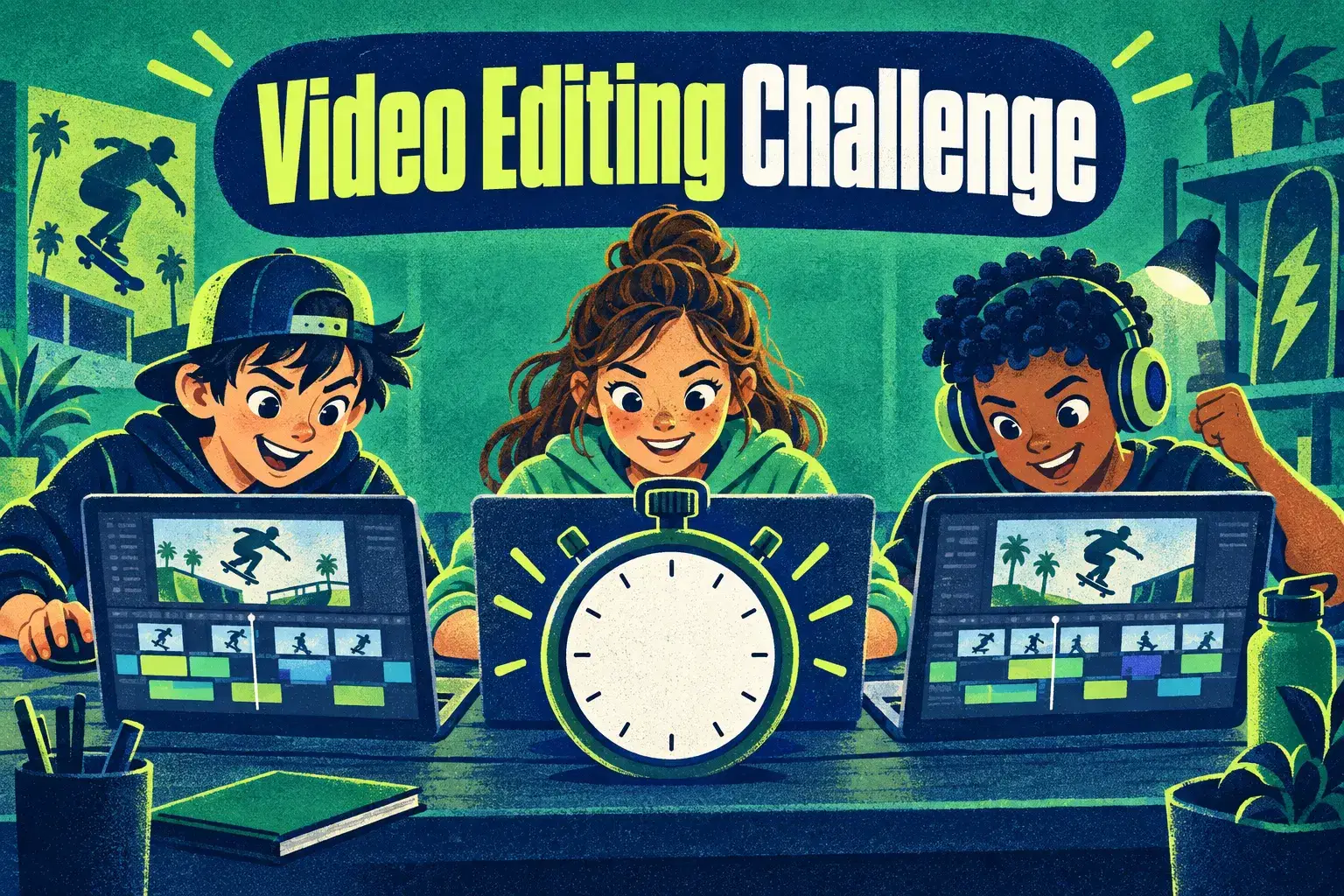
Your child has filmed twenty clips of a skateboard trick and wants to turn them into a video. The editing app you choose decides whether that takes one happy afternoon or ends in frustration.
Start with the simplest editor that runs on the device you already own. iMovie suits Apple families, Clipchamp suits Windows and Chromebooks, CapCut suits phone-first teens, and DaVinci Resolve is for confident editors with a strong computer.
What kids actually need from an editor
Every beginner project uses the same handful of tools: trim a clip, put clips in order, add music, add a title and export. Any of the four apps here does all of that. The differences are in the device they need, how cluttered the screen is and how far they can grow.
Phone, tablet, Chromebook or computer? This rules apps in or out before anything else.
Fewer buttons means faster first wins for ages 9 to 11.
Teens who edit weekly will want colour, sound and effects tools.
Some apps ask for an account and set a minimum age in their terms.
The four apps at a glance
| App | Runs on | Best for | Watch out for |
|---|---|---|---|
| iMovie | iPhone, iPad, Mac | First projects, ages 9 and up | Apple devices only |
| Clipchamp | Web browser, Windows | School laptops and Chromebooks | Needs a Microsoft account and a steady connection |
| CapCut | Phone, tablet, computer | Short vertical videos with effects | Check the minimum age in its terms; some features are paid |
| DaVinci Resolve | Windows, Mac, Linux | Teens ready for professional tools | Needs a fairly powerful computer and patience |
All four have a free version at the time of writing. Features and terms change, so check each app's own website before you install it.
 A live class on this1-on-1 Gaming Video Coaching: Record, Commentate and Edit GameplayAges 9–15
Which app fits which age?
Ages 9 to 11
Choose iMovie or Clipchamp. Both keep the timeline simple and have templates, so a child can finish a one-minute video in a single sitting. Finishing matters more than features at this age.
Ages 12 to 14
CapCut becomes attractive because it is built for the short, fast videos this age group watches. If you would rather avoid a phone-based app, Clipchamp covers the same basics on a laptop.
Ages 14 and up
A teen who edits every week and talks about colour grading or sound design is ready to try DaVinci Resolve. Expect a slow first month. The skills carry over to film and media courses later.
Let your child master one app for three or four projects before switching. Skills such as pacing and cutting to music move with them to any editor.
Safety and setup before the first edit
Editing does not require posting. Videos can stay on the device or be shared with family. If your child wants an audience, read our guide to safe first steps for a child who wants to be a YouTuber first.
- Create any account yourself, with your email, for children under the app's minimum age.
- Turn off in-app purchases on the device.
- Use the app's built-in music, or music your child has made, to avoid copyright problems.
- Agree where finished videos may be shared before the first one is exported.
Template and effect packs that require a subscription. Show your child which items are free so they do not build a project around something locked.
When a class helps
Apps teach which button to press. They do not teach why one cut feels sharp and another drags. A live class gives your child a teacher who watches their edit and suggests the one change that will help most, along with a small group to share work with.
Look for a class that names the app it uses, keeps videos inside the class and ends with a finished project.
What parents can do next
- Check which device your child will edit on, then pick the matching app from the table.
- Set up the account and purchase settings yourself.
- Give a small first brief: a 30-second video with three clips, music and a title.
- After three projects, ask what they wish the app could do. That tells you when to move up.
Frequently asked questions
Is CapCut safe for a ten-year-old?
Check the minimum age in CapCut's terms and your own comfort with its social features. For under-13s, many families choose iMovie or Clipchamp, or use an account a parent owns and supervises.
Does my child need a computer to edit video?
No. A phone or tablet is enough for short projects. A laptop with a larger screen and a mouse becomes helpful once videos pass a few minutes.
Is DaVinci Resolve too hard for kids?
For most children under 13, yes. It is professional software. Motivated teens who already edit confidently can learn it with guidance.
How long should a first video be?
Thirty to sixty seconds. Short projects get finished, and finishing is what builds skill and confidence.
Find a video editing class
Live classes pair an editing app with a teacher who gives feedback on your child's own footage.